Affinity Designer Merge Layers How to merge layers? [Solved] - Affinity on iPad Questions - Affinity | Forum Why Merging Layers In Affinity Designer Is So Complicated - Logos By Nick Why Merging Layers In Affinity Designer Is So Complicated - Logos By Nick Why Merging Layers In Affinity Designer Is So Complicated - Logos By Nick Merging a few shapes into a single shape/object (not grouping)? - Affinity on Desktop Questions (macOS and Windows) - Affinity | Forum 1 Select each of the layers you want merged in the Layers panel 2 Choose Layers Merge
5 Once you ve selected your layers click on Layer Panel Options and choose Merge Selected Merge Selected layers Adobe Illustrator And Combining different images into one in Affinity Photo can be fun In this tutorial you will learn a
Merging a few shapes into a single shape/object (not grouping)? - Affinity on Desktop Questions (macOS and Windows) - Affinity | Forum Why Merging Layers In Affinity Designer Is So Complicated - Logos By Nick Help merging layers? I cannot find an option to merge them... : r/Affinity Flatten or merge layers? - Affinity on Desktop Questions (macOS and Windows) - Affinity | Forum Not able to Merge Layers - Affinity on Desktop Questions (macOS and Windows) - Affinity | Forum Issues with merge selected and merge down not properly merging layers and more - [ARCHIVE] Photo V1 beta on macOS threads - Affinity | Forum Affinity Designer tutorial : Grouping layers how to - YouTube How to Combine Photos In Affinity Photo Tutorial - YouTube How to Use Adobe Illustrator Merge Layers
Affinity Designer Merge Layers
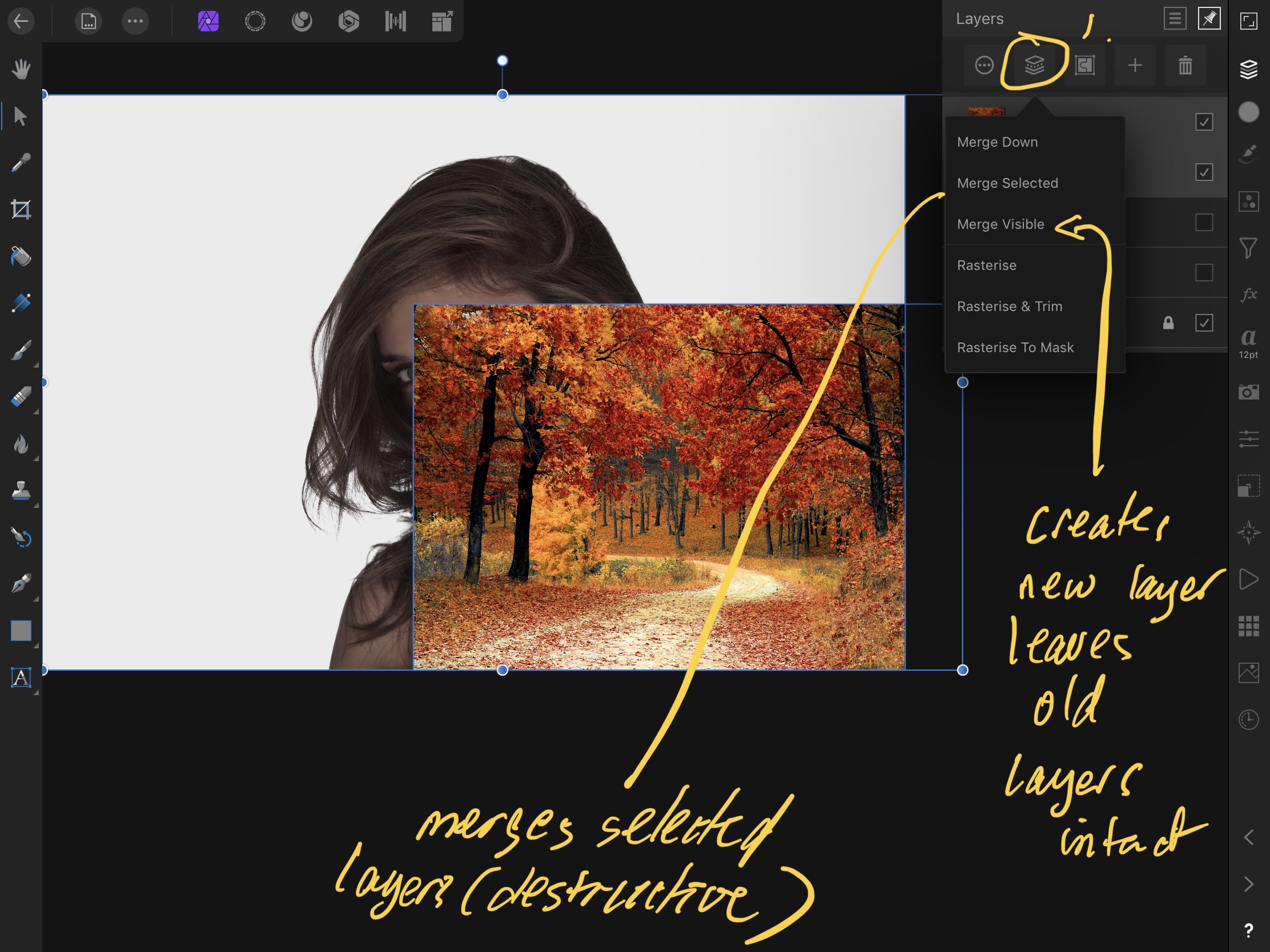 Affinity Designer Merge Layers
https://forum.affinity.serif.com/uploads/monthly_2019_06/4932289E-D52C-4B07-86F8-7E3FE01AF3DA.jpeg.84c07fe28b182aa3418aeb3042b0b488.jpeg
There isn t a merge command like in Photoshop but as a workaround you can create a new empty layer drag everything else to inside that layer and then go
Pre-crafted templates use a time-saving solution for creating a diverse variety of documents and files. These pre-designed formats and layouts can be utilized for numerous personal and expert tasks, including resumes, invitations, flyers, newsletters, reports, discussions, and more, enhancing the material creation procedure.
Affinity Designer Merge Layers
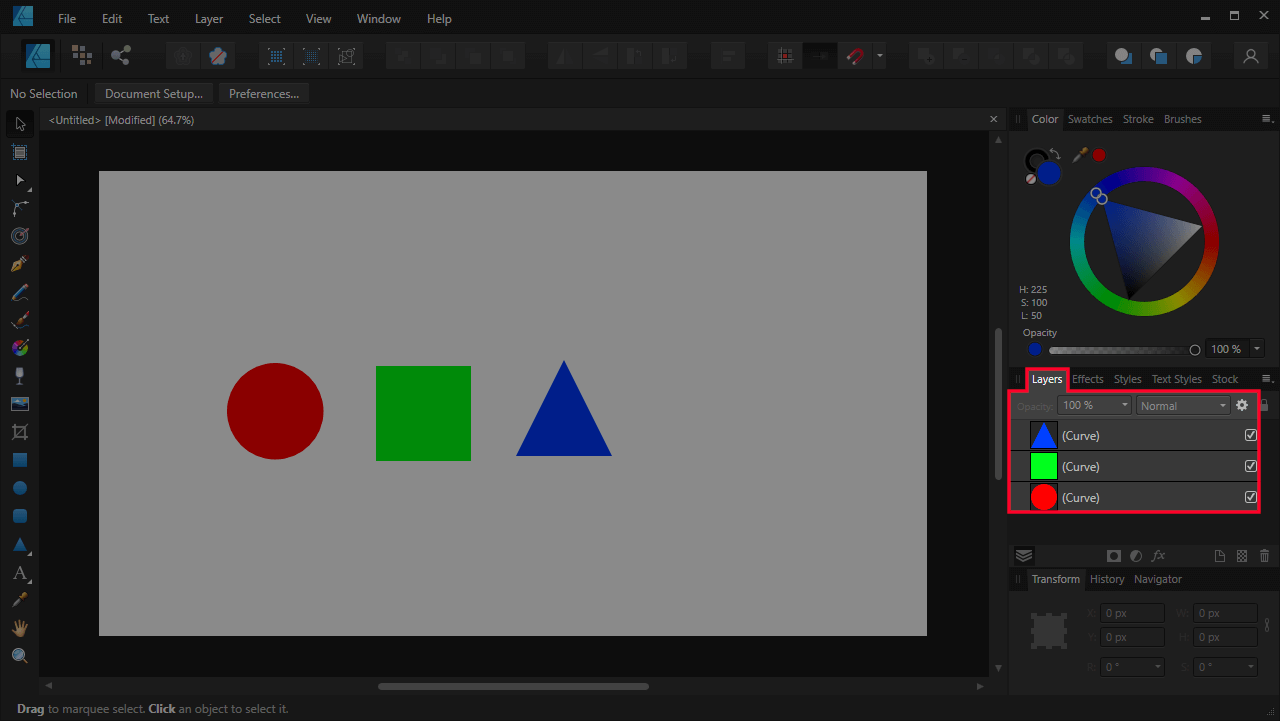
Why Merging Layers In Affinity Designer Is So Complicated - Logos By Nick
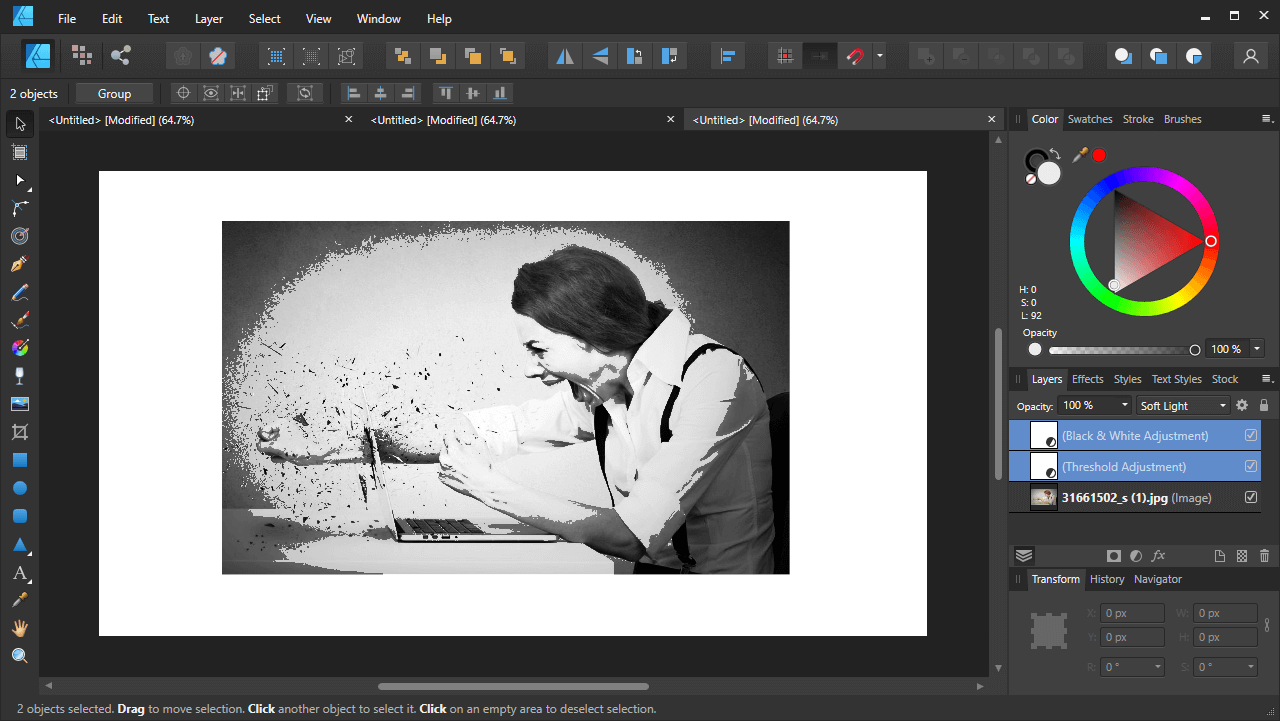
Why Merging Layers In Affinity Designer Is So Complicated - Logos By Nick

Help merging layers? I cannot find an option to merge them... : r/Affinity
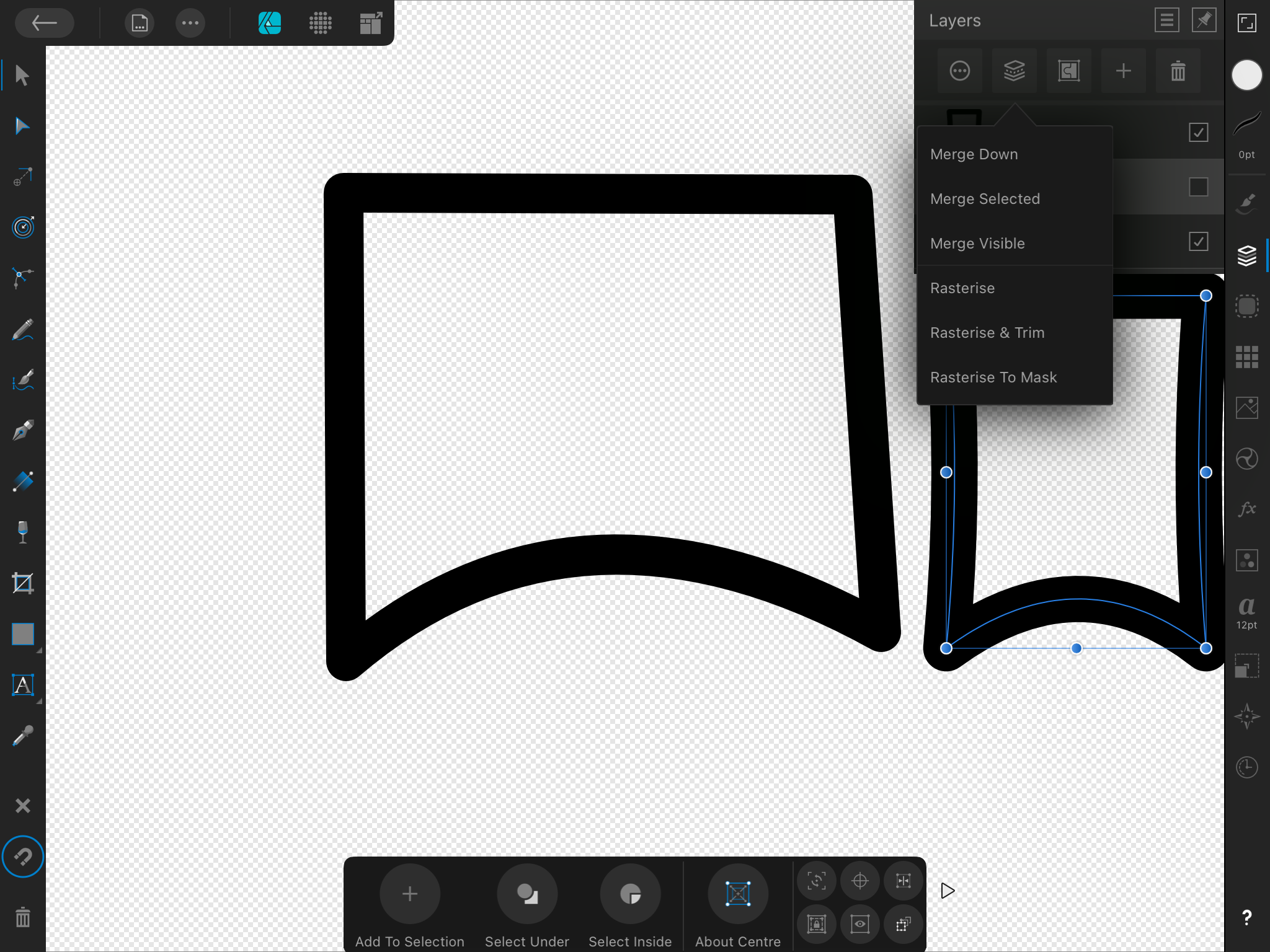
Flatten or merge layers? - Affinity on Desktop Questions (macOS and Windows) - Affinity | Forum

Issues with merge selected and merge down not properly merging layers and more - [ARCHIVE] Photo V1 beta on macOS threads - Affinity | Forum

Affinity Designer tutorial : Grouping layers how to - YouTube
How to rasterise multiple vector layers brush layers into a single pixel layer in Affinity
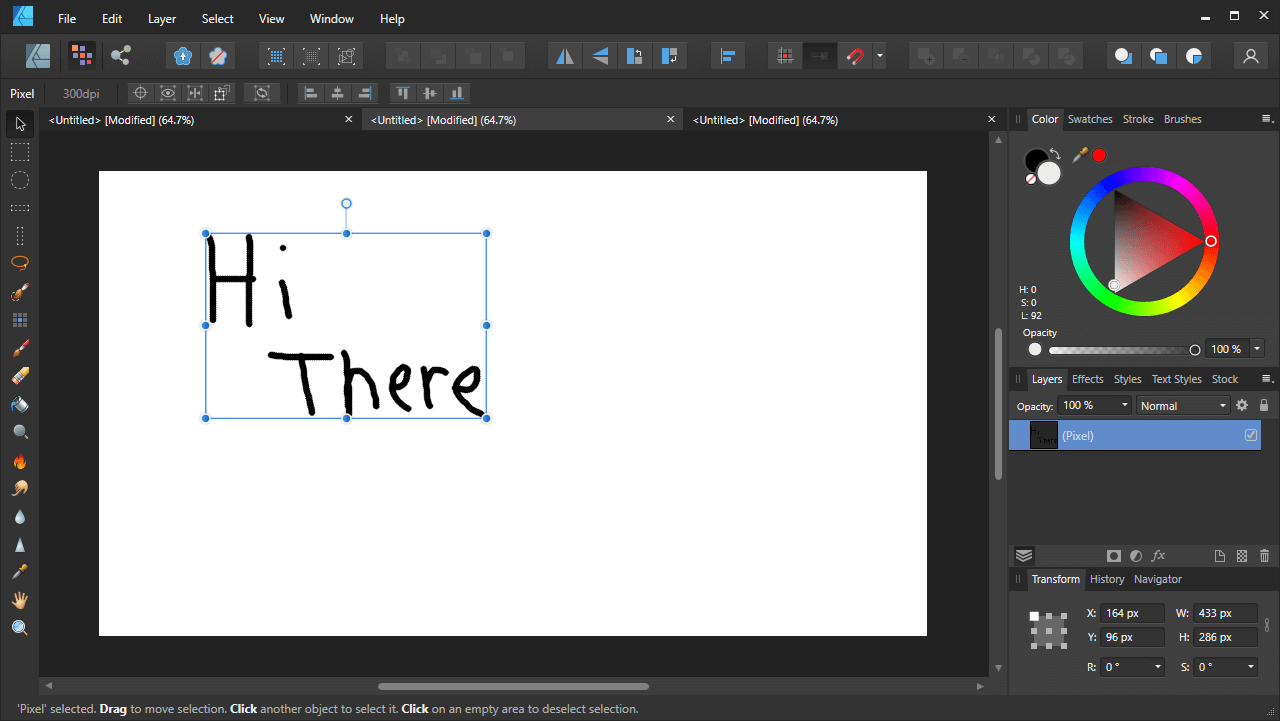
In today s video I m gonna show you all you need to know about how merging flattening
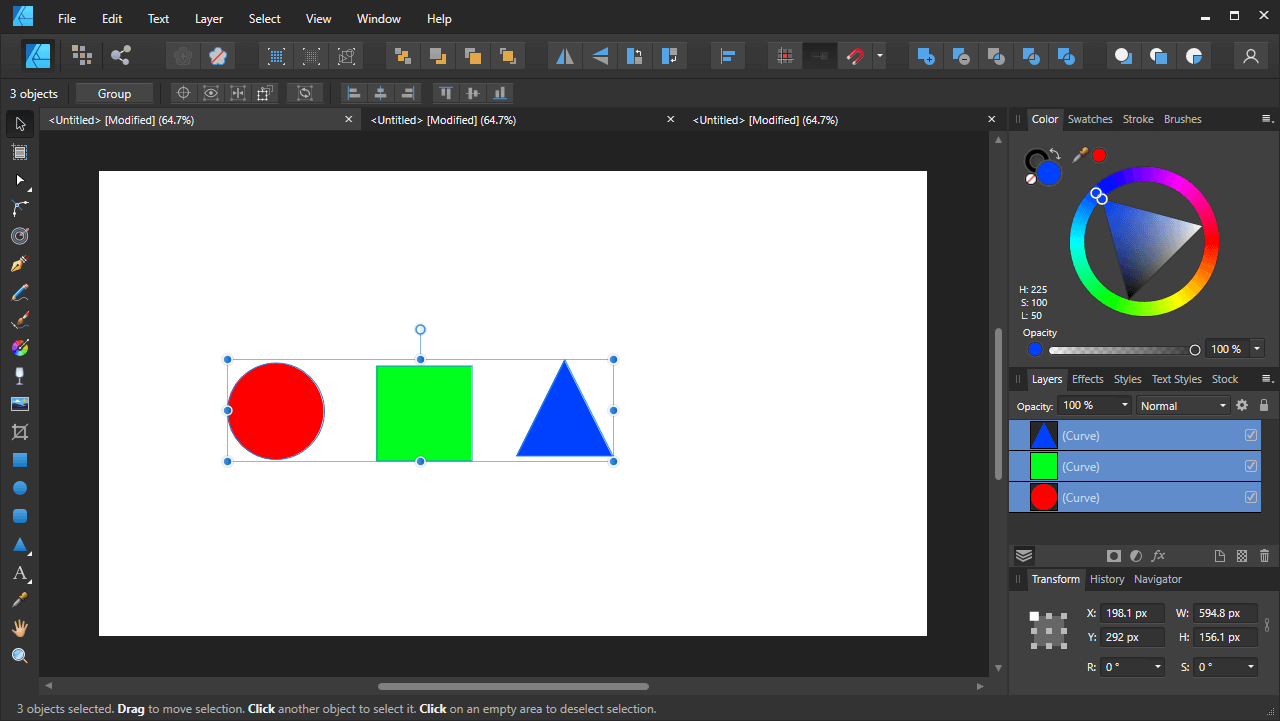
What I do in Affinity Designer is to select all the objects from the multiple layers I want to combine Hide all layers I m not interested
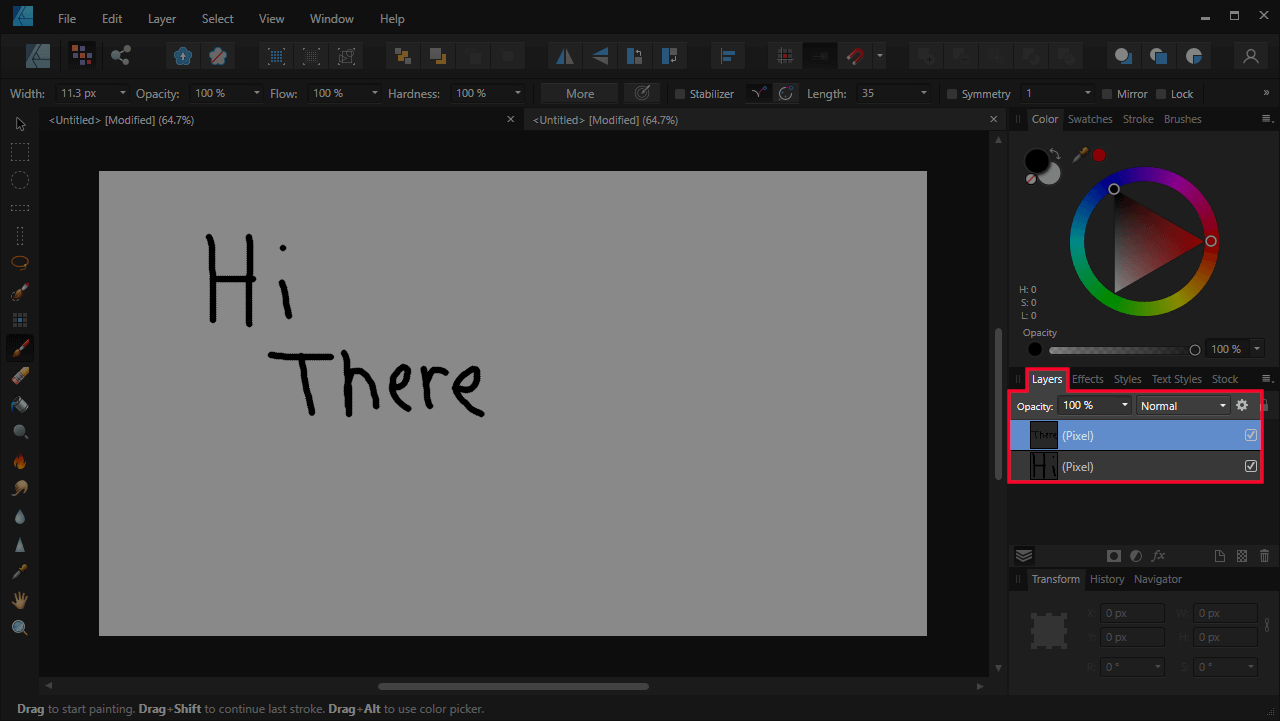
In Affinity Designer there is no option to merge layers In the Designer Persona you are working with vector layers Usually merging these
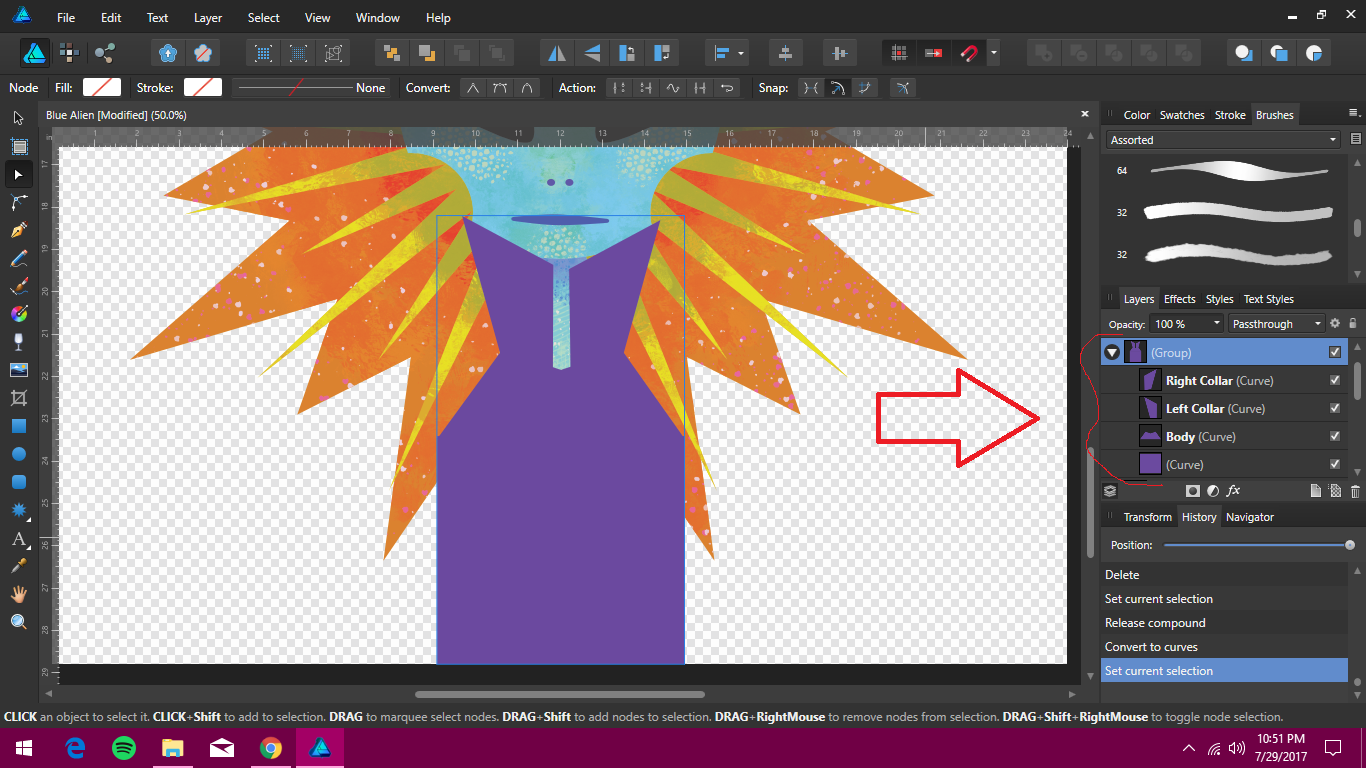
Sometimes you ll see the Merge Down command in that same context menu and that just combines the selected layer with the one directly below
This can be done by clicking one by one on each of the layers you want to merge in the Layers Window whilst holding the Ctrl Win Cmd Mac Affinity Designer Training Course Introduction Great Training Great Prices Expert Training in Adobe Microsoft Google In2 Training Products
The problem with merging layers is that you cannot unmerge layers Merging layers destroys the original layers So it is not a non destructive approach to photo