Affinity Designer Merge Vector Layers Merge Vector Layers In QGIS YouTube Affinity Designer Merge Layers Bluetooth and vb and tutorial Affinity Designer Merge Layers Bettinaniedermaier Qgis How To Merge Features While Keeping The Originals Geographic Merge Vector Layers With QGIS Geographic Information Systems Stack How To Combine Vectors In Affinity Designer Tutorial Graphicxtras 13 5K subscribers Subscribe 27 Share 2 2K views 1 year ago Affinity Designer Tutorials How to Guides How to rasterise
To merge selected layers On the Layers panel Select multiple layers by swiping right on each layer entry you wish to select Tap Merge and Rasterize and then tap Merge Selected The selected layers merge down into the lowest layer in the selection The Affinity Designer Layers panel gives you an overview of where all of the design elements on your workspace are positioned and it allows you to reposition them if you d like To move a layer simply click and drag it beneath another layer
Merge Vector Layers With QGIS Geographic Information Systems Stack Affinity Designer Merge Layers Bettinaniedermaier Affinity Designer For IPad Is Here Podfeet Podcasts OSM QGIS osm mathyrs CSDN Merge Vector Layers With QGIS Geographic Information Systems Stack Affinity Designer Merge Layers Design Talk Affinity Designer Merge Layers Bluetooth and vb and tutorial Designer Merge Curves And Then Fill Does Not Work Affinity On Qgis Fusi n Y Ajuste De Archivos Shape I Ciencias
Affinity Designer Merge Vector Layers
 Affinity Designer Merge Vector Layers
https://i.ytimg.com/vi/kgesE9Ilgyw/maxresdefault.jpg
To merge selected layers In the Layers Studio Select multiple layers by swiping right on each layer entry you wish to select Select Merge Selected The selected layers merge down into the lowest layer in the selection To flatten all layers From the Document Menu select Flatten The document will then contain a single flattened layer
Templates are pre-designed files or files that can be used for various purposes. They can save time and effort by offering a ready-made format and design for creating different type of content. Templates can be used for individual or expert jobs, such as resumes, invitations, leaflets, newsletters, reports, presentations, and more.
Affinity Designer Merge Vector Layers

Merge Vector Layers With QGIS Geographic Information Systems Stack
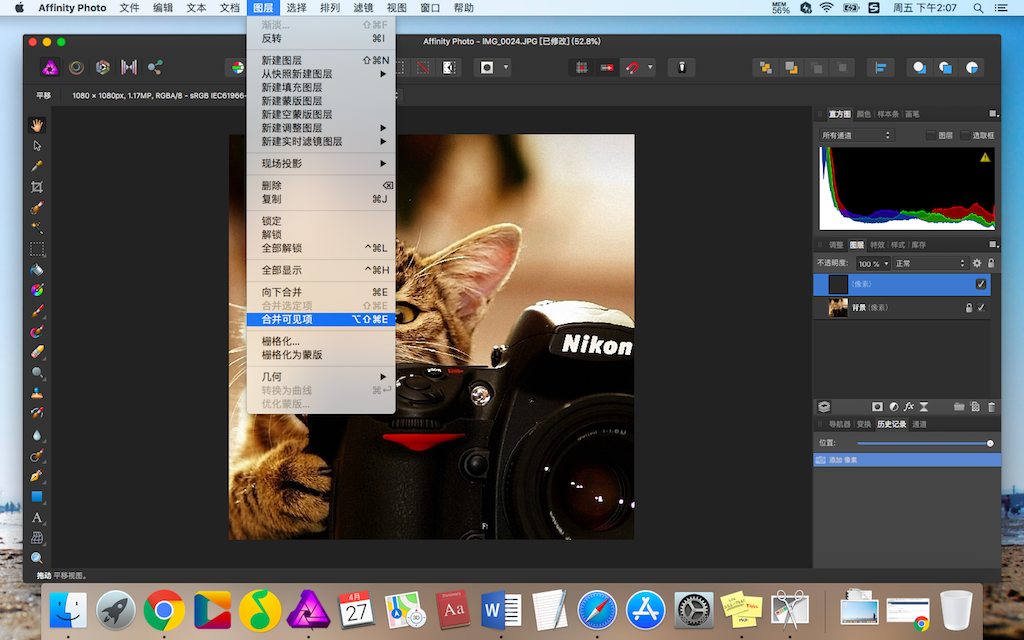
Affinity Designer Merge Layers Bettinaniedermaier
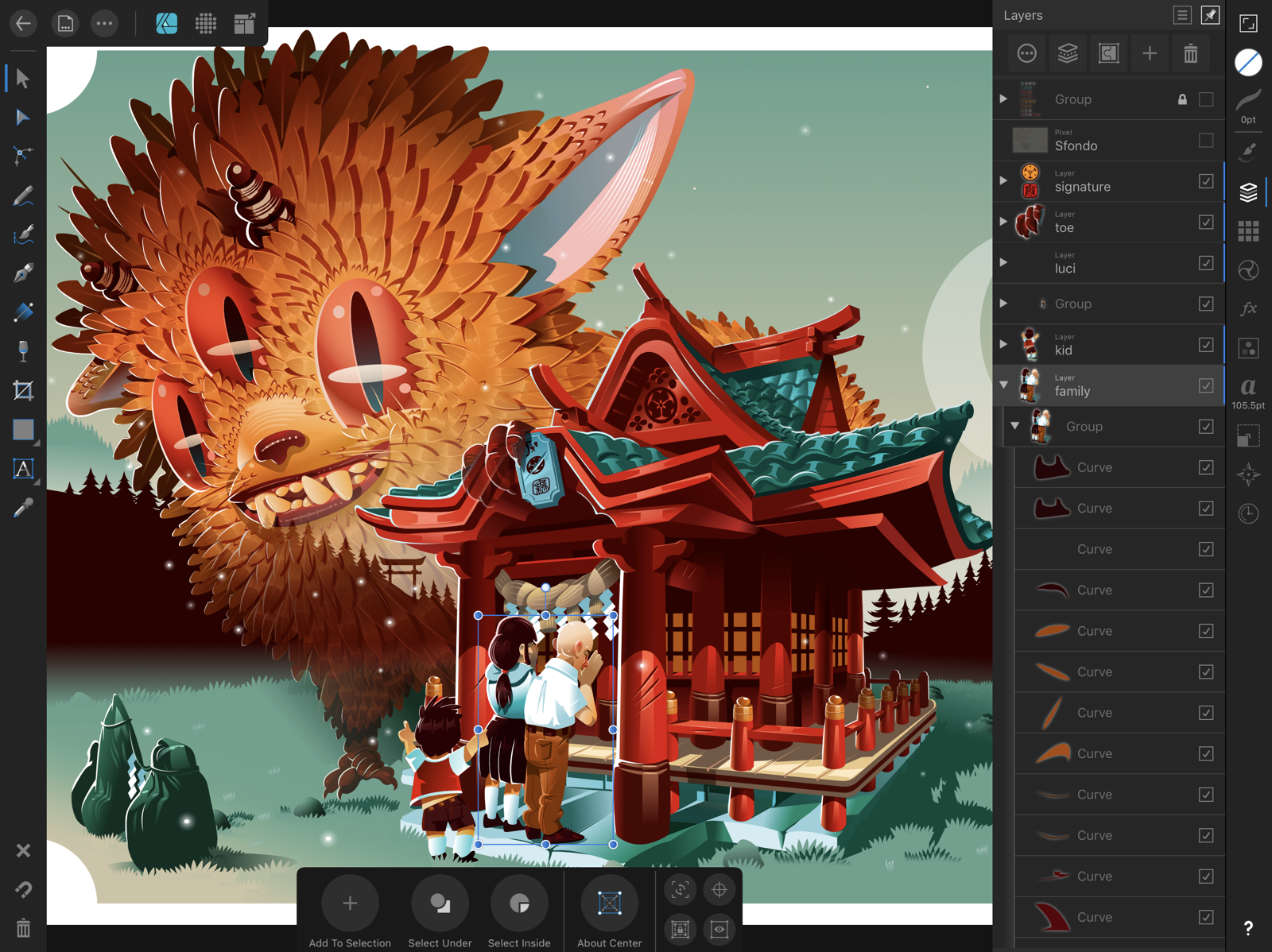
Affinity Designer For IPad Is Here Podfeet Podcasts
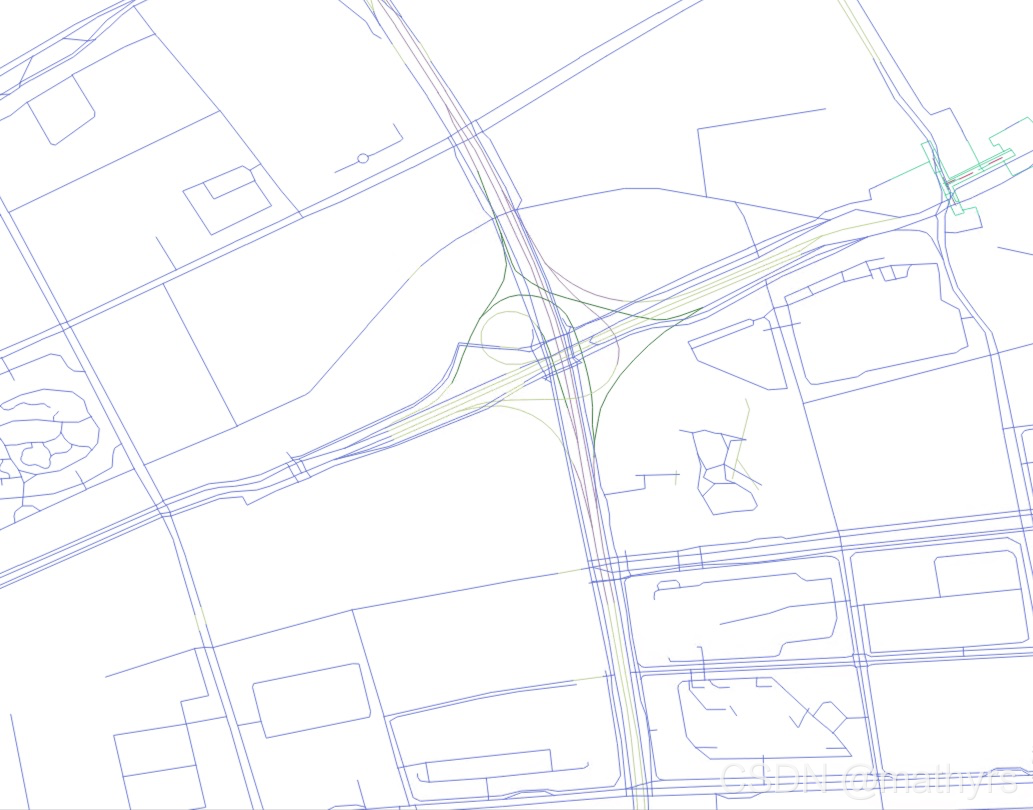
OSM QGIS osm mathyrs CSDN
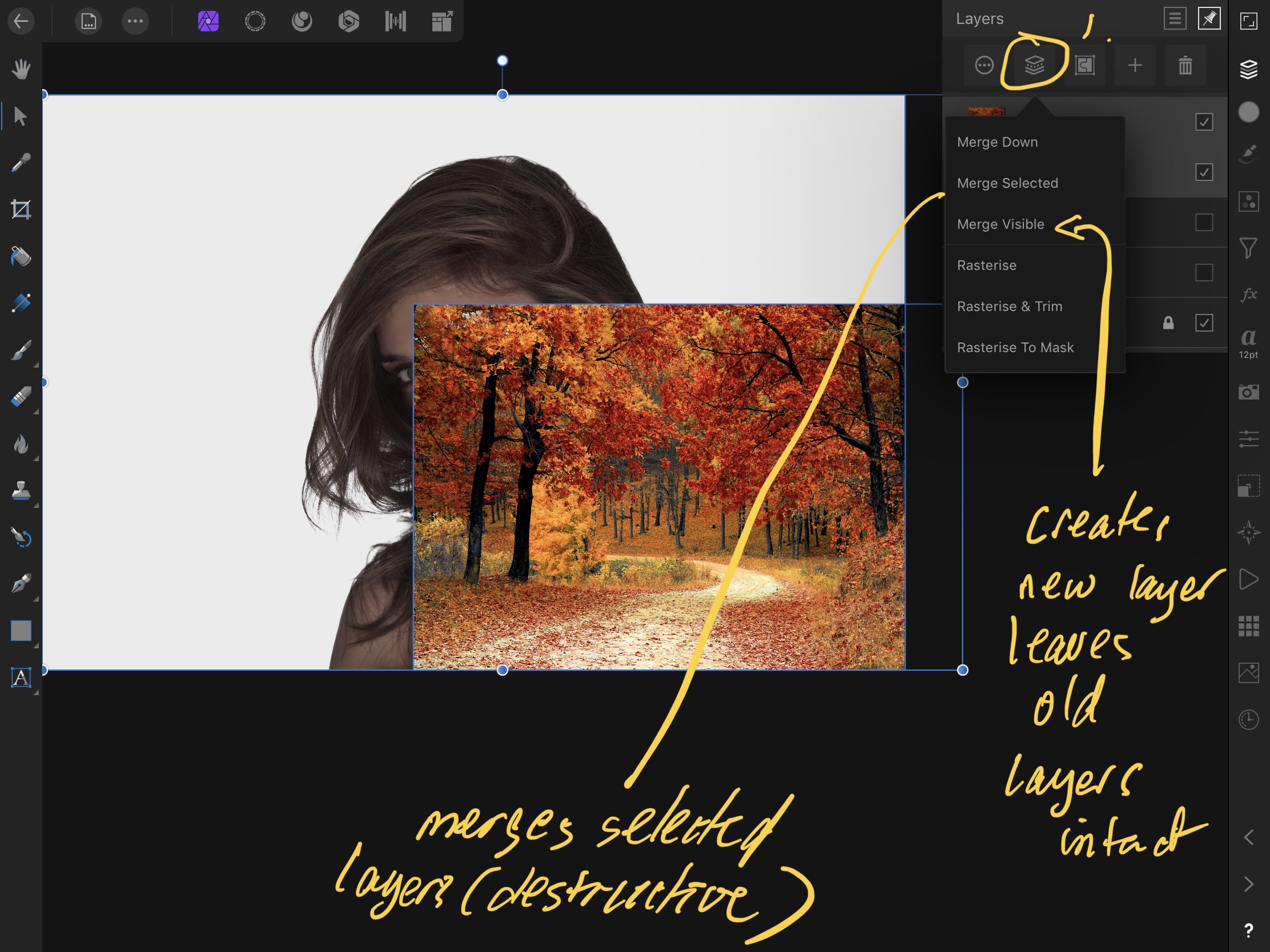
Affinity Designer Merge Layers Design Talk

Affinity Designer Merge Layers Bluetooth and vb and tutorial

To merge selected layers On the Layerspanel select multiple layers using click or click From the Layermenu select Merge Selected The selected layers merge down into the lowest layer in the selection To merge a layer with a pixel layer below On the Layerspanel click a layer and select Merge Down

First of all Affinity Designer uses two types of layers vector layers and pixel layers Vector layers go hand in hand with the Designer Persona Vector shapes text and curves can be added as standalone objects in the Layers studio Window Layers or stored inside a vector layer
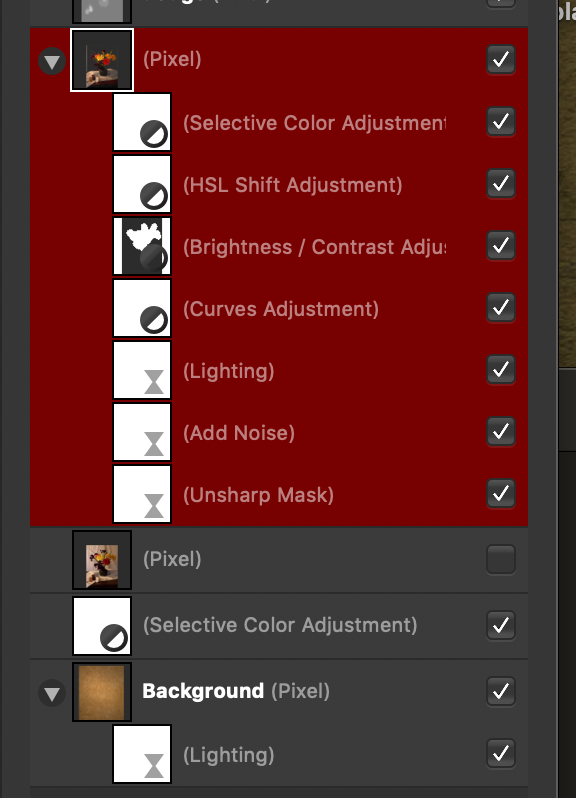
Keithrt Members 13 Posted November 17 2022 It appears the knife tool will not slice through multiple layers but only the topmost layer or a selected layer Since I need to slice an illustration consisting of multiple layers I thought I d have better luck by flattening or merging all the layers into a single layer

Joining objects Objects can be joined together to create an unlimited variety of shapes using Boolean operations There are various operations available creates a new object from the sum of the selected objects Objects before and after operation removes overlapped areas of the lowest object All other selected objects are discarded

In this is new tutorial you will learn the 3 Methods to Merge vector A very easy step by step for very beginners to understand how Affinity Designer works Y
4 Answers Sorted by 23 You can indeed join two separate nodes from unrelated vector lines Do this by Select both lines using the Move Tool Using the Node Tool select both end nodes you want to join hold down Shift to select them both Affinity Designer lets you create and manage layers using the Layers panel Both vector and pixel layers can be created in the Layers panel that can be used to place objects or lay down pixels in your design Multiple stacked layers present layer objects or pixels in a logical ordered and managed manner
Multiple layers can be shifted at once Hold Shift and click on the layers to select then click and drag to rearrange the layers Grouping Layers in Affinity Designer In Affinity Designer there is no option to merge layers In the Designer Persona you are working with vector layers Usually merging these means merging all the shapes together