Zebra Printer Won T Save Settings Anyway To Prevent This Popular pics Viewer For Reddit My Wireless Printer Won t Print Fastech Solutions Explore Scientific BRESSER EXOS 2 Won t Save Settings Mounts Zebra Printer Zebra ZD220 Barcode Bonanza 171 Go BackInformation
Jun 6 2025 nbsp 0183 32 This guide provides step by step instructions for installing the Zebra ZP505 or ZP506 printer driver on a Windows 10 or Windows 11 PC Feb 12 2025 nbsp 0183 32 Zebra Printers using Windows OS resolution answer When the printer is connected to a Window s device via USB before the Zebra driver is installed Windows may
Zebra ZD220 Barcode Bonanza How To Fix NVIDIA Control Panel Not Saving Settings In Windows 11 PPT What To Do If HP Printer Won t Scan In Windows 10 11 PowerPoint Printer Won t Turn On Replacing Blown Power Supply Fuse Doesn t Help Brother Printer Won t Connect To WiFi Step By Step Troubleshooting Where To Change The Loading Image In Flippingbook Publisher Leadsubtitle How To Fix Brother Printer Won t Turn On Cellular Mobile Data Screen Won t Save Settings Can t Toggle Safari Canon Printer Won t Print Black 5 Methods To Resolve The Issue
Zebra Printer Won T Save Settings
 Zebra Printer Won T Save Settings
https://preview.redd.it/9q632ieb0h061.jpg?auto=webp&v=enabled&s=be0e669b884d8beb6af3ee7ceb0fbf26e6ead002
Contact Us Zebra s Support Teams are ready to assist you with your inquiry Please select one of the following options below to access and submit an online support request form Upon
Pre-crafted templates provide a time-saving solution for producing a varied series of files and files. These pre-designed formats and designs can be made use of for different personal and professional jobs, including resumes, invites, flyers, newsletters, reports, presentations, and more, streamlining the material production process.
Zebra Printer Won T Save Settings

Printer Won t Feed Inkjet Printable Vinyl HP Support Community 7169503
How To Fix NVIDIA Control Panel Not Saving Settings In Windows 11

PPT What To Do If HP Printer Won t Scan In Windows 10 11 PowerPoint

Printer Won t Turn On Replacing Blown Power Supply Fuse Doesn t Help

Where To Change The Loading Image In Flippingbook Publisher Leadsubtitle
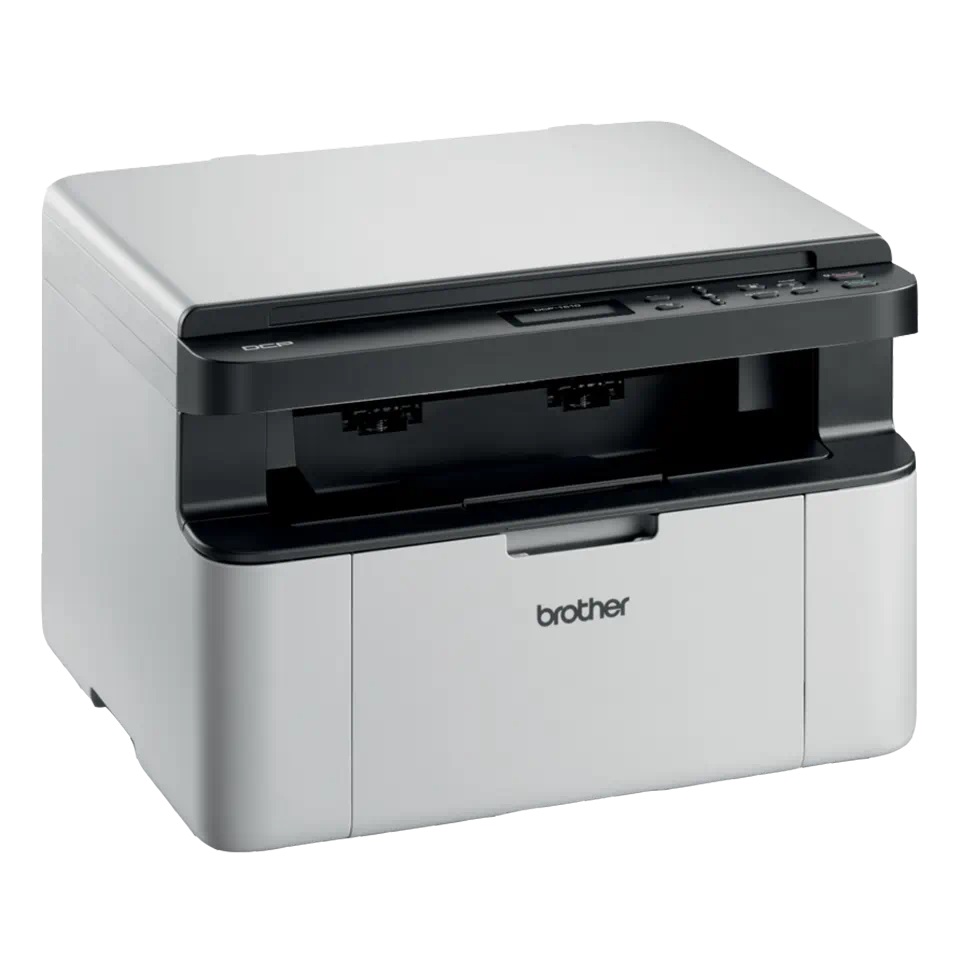
How To Fix Brother Printer Won t Turn On

Identifying Your Printer s IP Address on a Printer Without an LCD Control Panel

May 16 2025 nbsp 0183 32 This article demonstrates how to install the Zebra ZP230D Printer on a Windows Computer

Sep 21 2024 nbsp 0183 32 This article describes how to enable a carriage return line feed Enter Key suffix after every scan with the laser scanners when attached via USB or Keyboard Wedge

171 Go BackInformation

Jan 23 2025 nbsp 0183 32 This article outlines the steps to print a test page from the Zebra Browser Print web interface
[desc-11] [desc-12]
[desc-13]