Zebra Printer Settings Not Saving Admin Dealer Setting Up A Zebra Pass Printer Admin Dealer Setting Up A Zebra Pass Printer Accessing Zebra Printer Settings Via Web Browser Stuga ZEBRA Configure Printer Settings YouTube How Do I Change The Label Size Settings For My Zebra Printer Freman Help VIEW AND MODIFY PRINTER SETTINGS 1 From the printer home page click on the VIEW AND MODIFY PRINTER SETTINGS link The hyperlink will bring up a page with
Settings Restore Defaults to see the available options See System Settings Restore Defaults for additional ways to restore these values Diagnostics and Troubleshooting Printer web page View and Modify Printer Settings Network Communications Setup TCP IP Settings 6XEQHW 0DVN 9LHZ RU 6HW WKH 6XEQHW 0DVN View and if
How Do I Change The Label Size Settings For My Zebra Printer Freman Help The Best Thermal Printer Settings For Zebra On Windows 10 Barcode TJS Software Knowledgebase Setup Guide For Zebra GX430t On Windows Accessing Zebra Printer Settings Via Web Browser Stuga SOLVED Zebra ZQ520 Printer Does Not Honor Print Server Driver Settings Connecting A Printer Wirelessly Using Zebra Setup Utility Zebra Accessing Zebra Printer Settings Via Web Browser Stuga Jolt App Zebra Printer Setup Setup Of Zebra ZD420 For Label Printing Design Manager
Zebra Printer Settings Not Saving
Zebra Printer Settings Not Saving
https://kb.frontsteps.com/servlet/rtaImage?eid=ka03x000000ZpON&feoid=00N2T000004sei2&refid=0EM2T000000Vj8P
To clean your Zebra label printer follow these instructions provided by Zebra Printhead Cleaning Procedure Open the Printhead by moving the Printhead
Templates are pre-designed files or files that can be used for various purposes. They can save time and effort by offering a ready-made format and design for developing different kinds of material. Templates can be used for individual or expert projects, such as resumes, invites, leaflets, newsletters, reports, discussions, and more.
Zebra Printer Settings Not Saving
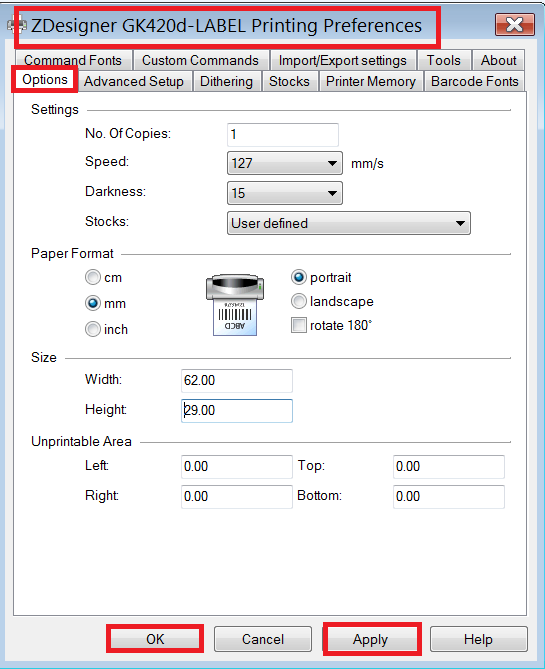
How Do I Setup A Zebra Label Printer Animana Help Hub

The Best Thermal Printer Settings For Zebra On Windows 10 Barcode

TJS Software Knowledgebase Setup Guide For Zebra GX430t On Windows
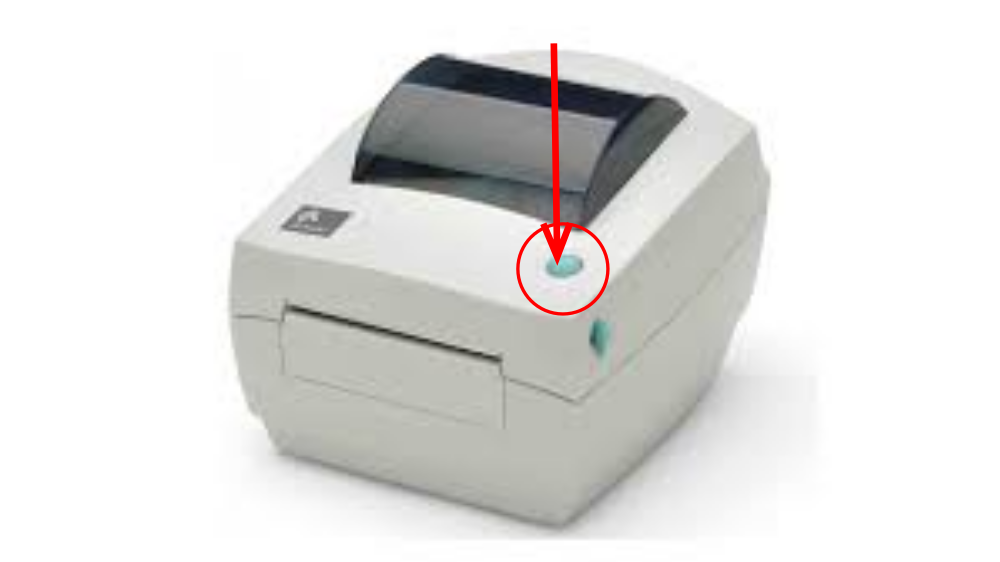
Accessing Zebra Printer Settings Via Web Browser Stuga

Connecting A Printer Wirelessly Using Zebra Setup Utility Zebra
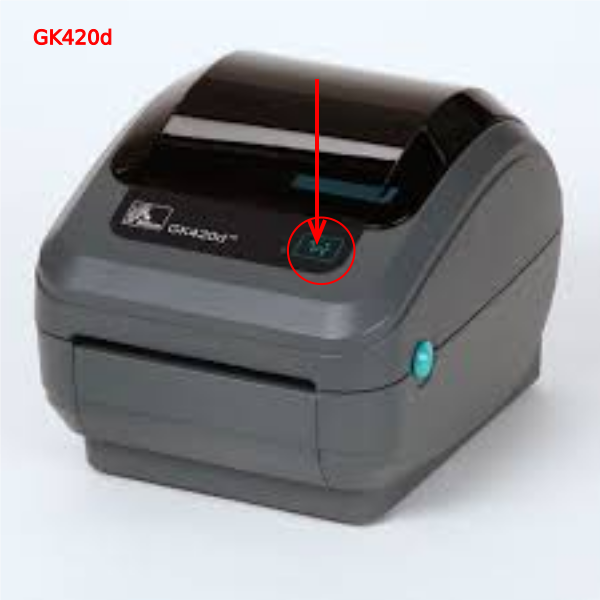
Accessing Zebra Printer Settings Via Web Browser Stuga
HI all I am having an issue with printer settings under printing preferences I change the Width to 100mm and height to 150mm I then change the printing to thermal transfer
Resolving Printer Settings Not Saved on ZebraDesigner 3 Article ID 000022250 May 24 2022 This article explains the differences between label file s properties and print option s printer settings then
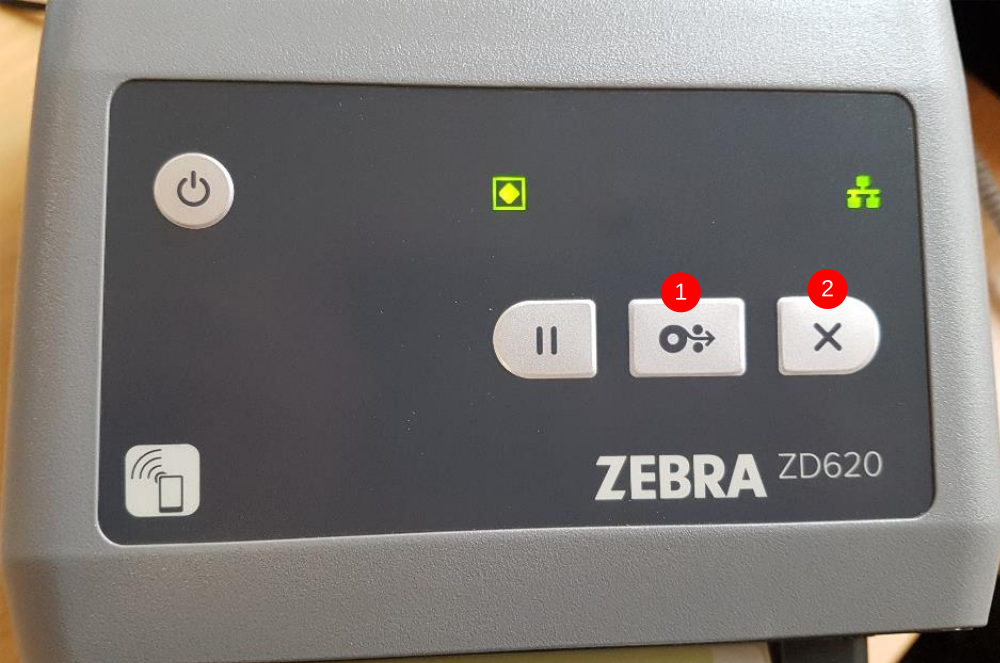
To keep settings after a power cycle or printer reset a JUS can be sent to the printer to save all current persistent settings The values are recalled with a JUR command to
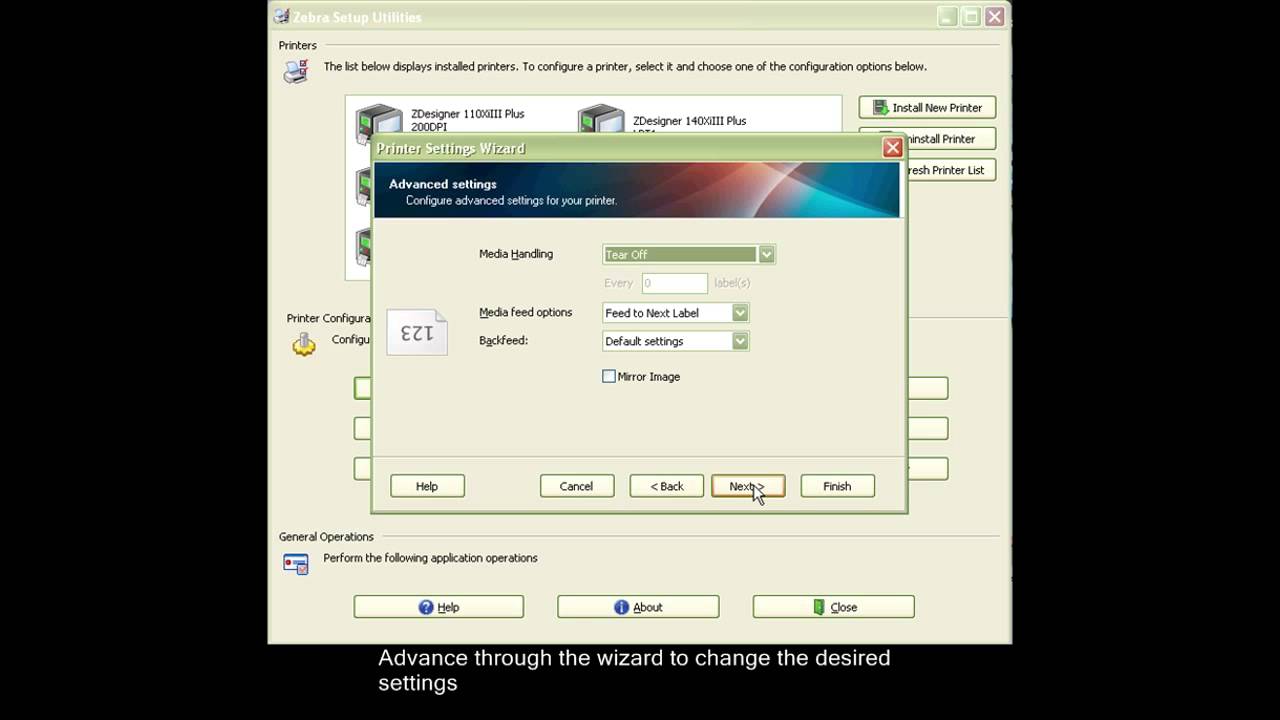
Article ID 000019972 February 1 2021 This article discusses on how to save the network settings of the ZT600 series printer issue question Unable to save the network settings on the ZT600
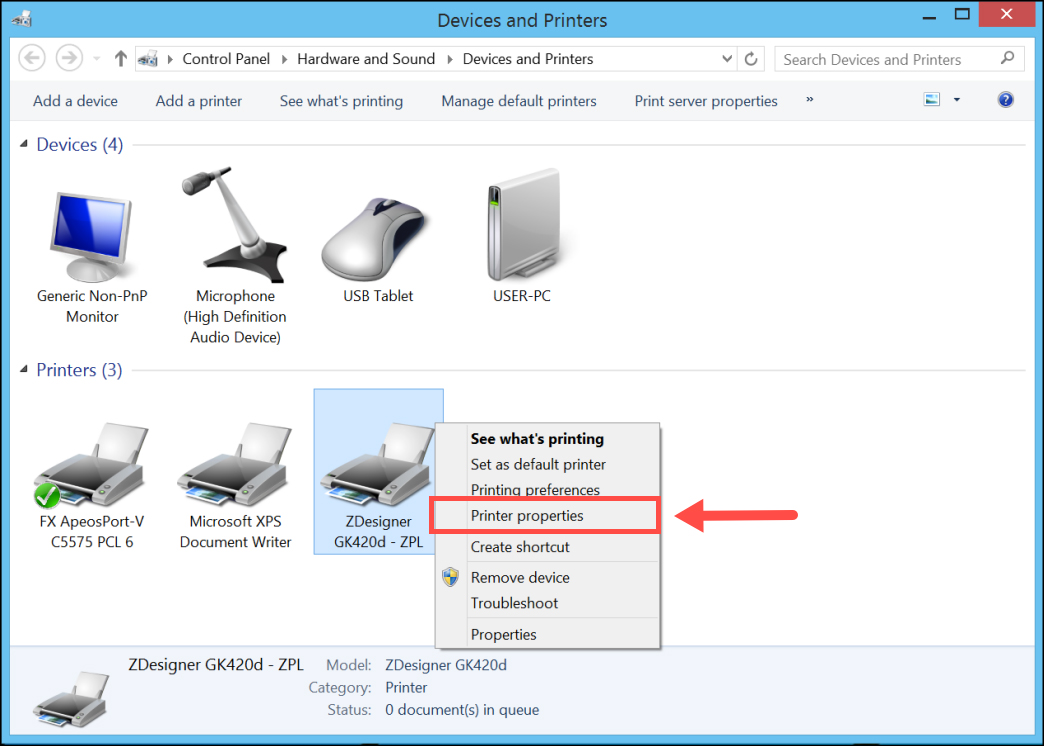
To do this turn the printer off hold in the pause button and turn the printer back on Keep the pause button pressed until all the lights flash once This will load 9999
Go into your printers find your zebra printer and right click on it select Printer Properties then I believe under the general tab near the bottom put a CHECK Changing Printer Settings Changing Printer Settings through the Windows Driver Other Ways to Change Printer Settings Print Settings Calibration and Diagnostic Tools
Community Printing Thermal Printer Settings Always Reverts Back To Direct Follow Legacy Poster 11 years ago We use Bartender to print thermal labels on a Zebra printer