Zebra Printer Not Printing Properly 3 Common Reasons Why Images Won t Print Correctly And How To Fix Them How To Troubleshoot For The Zebra Label Printer ShippingEasy Zebra Printer Not Printing Entire Label Solved Hp Printer Not Printing Properly Even After Ink Change HP Zebra Printer Not Printing Lifehack Troubleshooting This section provides information about printer error reporting that you might need for printer troubleshooting Assorted diagnostic tests are included Status Light Descriptions Status Light Error Resolutions Print Quality Problems Manual Calibration Troubleshooting Tests Resetting the Factory Default Values
Resolve Print Issues Use this information to identify issues with printing or print quality the possible causes and the recommended solutions Troubleshooting Use a cleaning swab 99 7 isopropyl alcohol and wipe the print elements from end to end The print elements are the grayish black strip just behind the chrome strip on the underside of the Printhead Allow a few seconds for the solvent to evaporate Rotate the Platen Roller and clean thoroughly with a cleaning swab
Zebra Printer Not Printing Lifehack 4 Formas De Imprimir Una P gina Entera Windows 11 Central Why Is My Zebra Printer Printing Code Solved Zebra Printer Not Printing Special Characters Despite Image Epson L3150 Maintenance Black Ink Not Printing Print Not Coming Epson Printer Not Printing Properly Printing Blank YouTube How To Fix Epson Printer Not Printing Properly On Windows PC Why Is My Zebra Printer Not Printing Why Is My Printer Not Printing In Color 5 Reasons How To Fix
Zebra Printer Not Printing Properly
 Zebra Printer Not Printing Properly
https://cdn.picozu.com/1663163450539.jpg
This solution is useful for Adjusting the quality of the printed image Setting the print darkness Setting the print speed Symptoms addressed by this solution include Light print Faded image Partially missing print or blank labels Broken bars or lines in a barcode applicable to ZD500 Series Printers resolution answer
Pre-crafted templates offer a time-saving option for producing a varied range of documents and files. These pre-designed formats and layouts can be made use of for different individual and expert tasks, including resumes, invitations, flyers, newsletters, reports, discussions, and more, improving the content creation process.
Zebra Printer Not Printing Properly
How To FIX EPSON L3110 Ink PROBLEM Colors Missing In PRINT YouTube
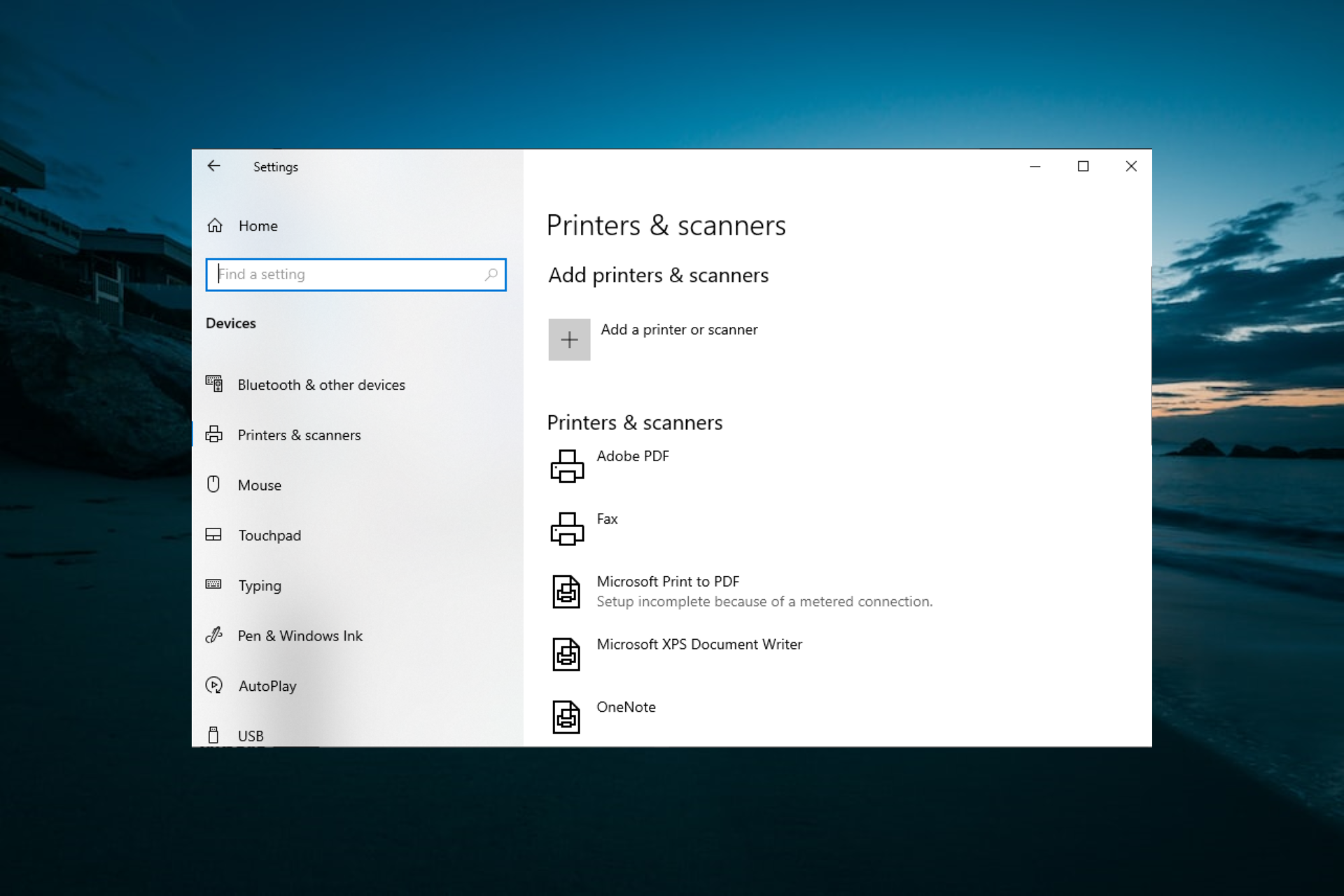
4 Formas De Imprimir Una P gina Entera Windows 11 Central

Why Is My Zebra Printer Printing Code

Solved Zebra Printer Not Printing Special Characters Despite Image

Epson Printer Not Printing Properly Printing Blank YouTube
How To Fix Epson Printer Not Printing Properly On Windows PC

Troubleshooting Issue General Print Quality Issues Issue No Print on the Label Issue Labels Are Distorted in Size or Print Area Start Position Varies This section helps you identify issues with printing or print quality the possible causes and

Verify the PRINT WIDTH is set correctly in the LCD and in the driver or application configurations If using ribbon ensure the ribbon is wider than the labels Verify that no debris or label is stuck to the printhead covering the print elements
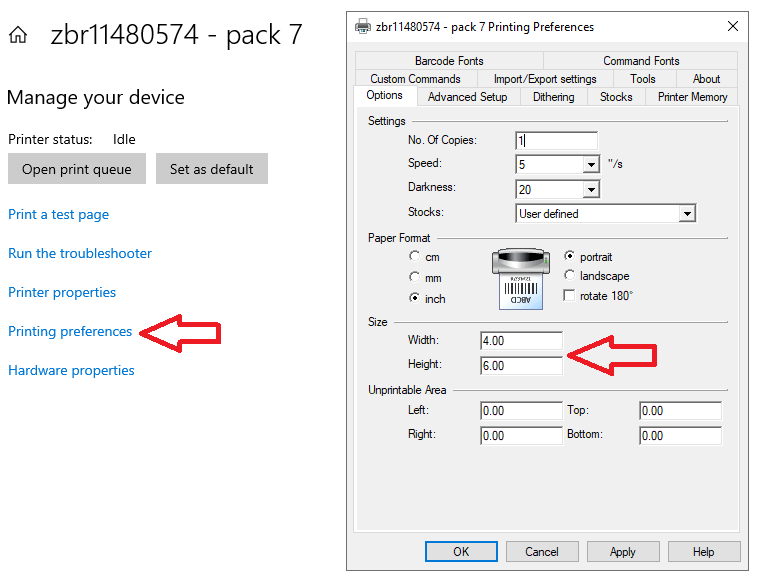
Issue question How do I solve print quality issues for G Series Printers GX GK and GC Series Printers Light print or faded image Partially missing print or cut off Broken bars or lines in a barcode Poor or low barcode ANSI grade White lines in the print applicable to G Series Printers GX GK and GC Series Printers

Ensure the media type or tracking mode is set properly gap notch or web sensing as an incorrect setting of continuous can cause drifting of the print on the label Ensure the application sending the job or the label format is properly set for the label sizing and needed label specifications
Printhead Maintenance Failure to properly clean the printhead elements can result in an insulating build up that prevents heat transfer This can also lead to printhead element failure The Print Width value determines the
[desc-11] [desc-12]
[desc-13]