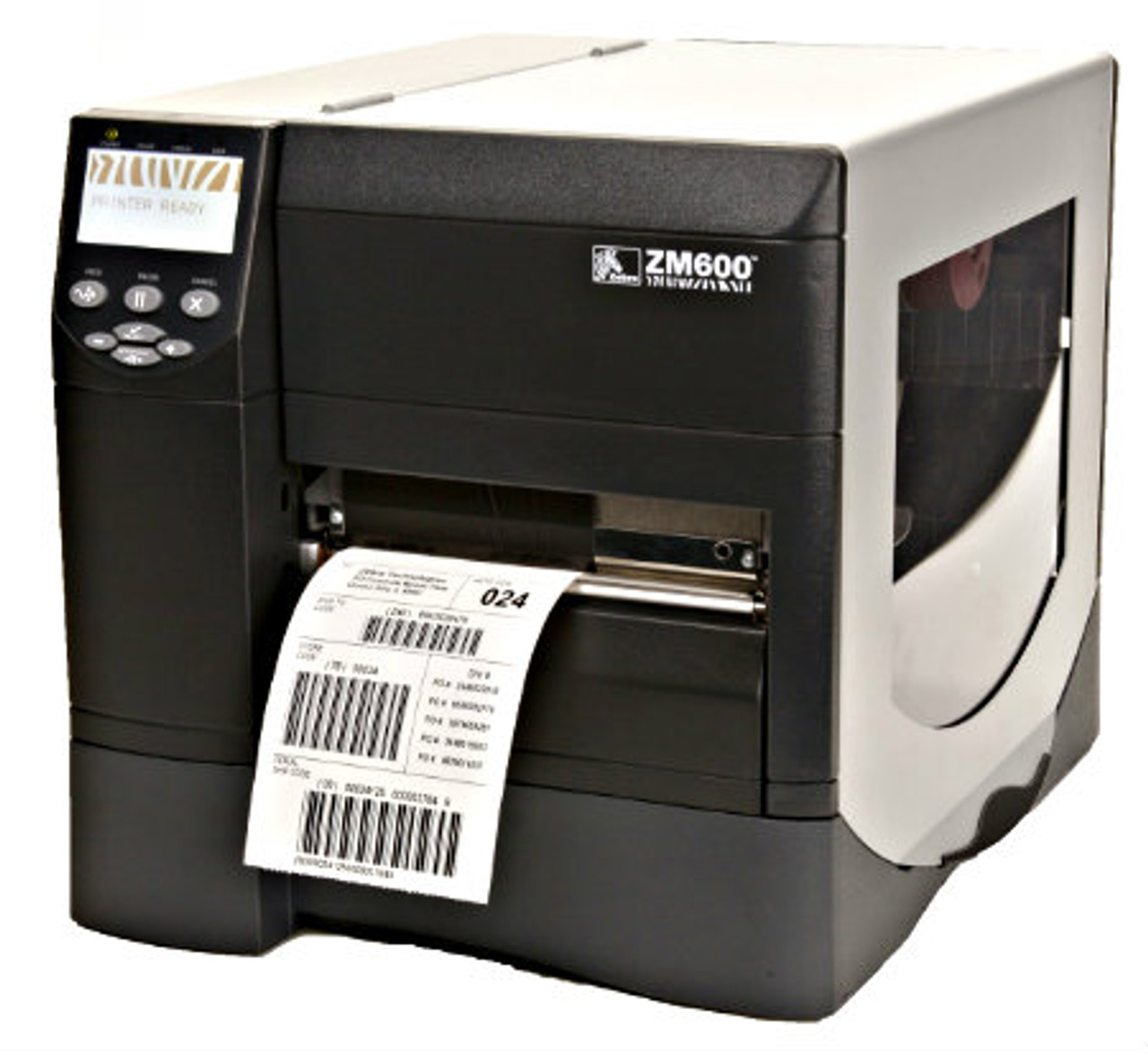
Zebra Printer Not Printing Clearly Best Zebra ZT230 Printer Prices In Australia GetPrice Zebra Label Printer Not Printing Correctly 8 Easy Fixes Why Is My Zebra Printer Not Printing Samsung Monochrome Laser Printer Not Printing Clearly Siliconsenturin Zebra ZM600 Label Printer Thermal Printers Barcodes au Look at the label on the power supply and verify the following For the 2824 Plus printers Auto detectable PFC Compliant 100 240VAC 50 60Hz Output 20
Media Print quality is a product of proper printer setup and use of compatible media for the application When the ribbon is used for Thermal Transfer Use a cleaning swab 99 7 isopropyl alcohol and wipe the print elements from end to end The print elements are the grayish black strip just behind the chrome
Zebra ZM600 Label Printer Thermal Printers Barcodes au 33 Zebra Printer Not Printing Full Label Labels Design Ideas 2020 Samsung Monochrome Laser Printer Not Printing Clearly Siliconsenturin Samsung Monochrome Laser Printer Not Printing Clearly Lemonsenturin Why Is My Zebra Printer Printing Code Vanaf Daar Reparatie Weglaten How To Print Barcode Labels Using Zebra Zebra Label Printer Not Printing Lable Printer Here s Everything You Need To Know To Magic Pau Zebra Printer Printing Half Label Lederhosroegner 99
Zebra Printer Not Printing Clearly
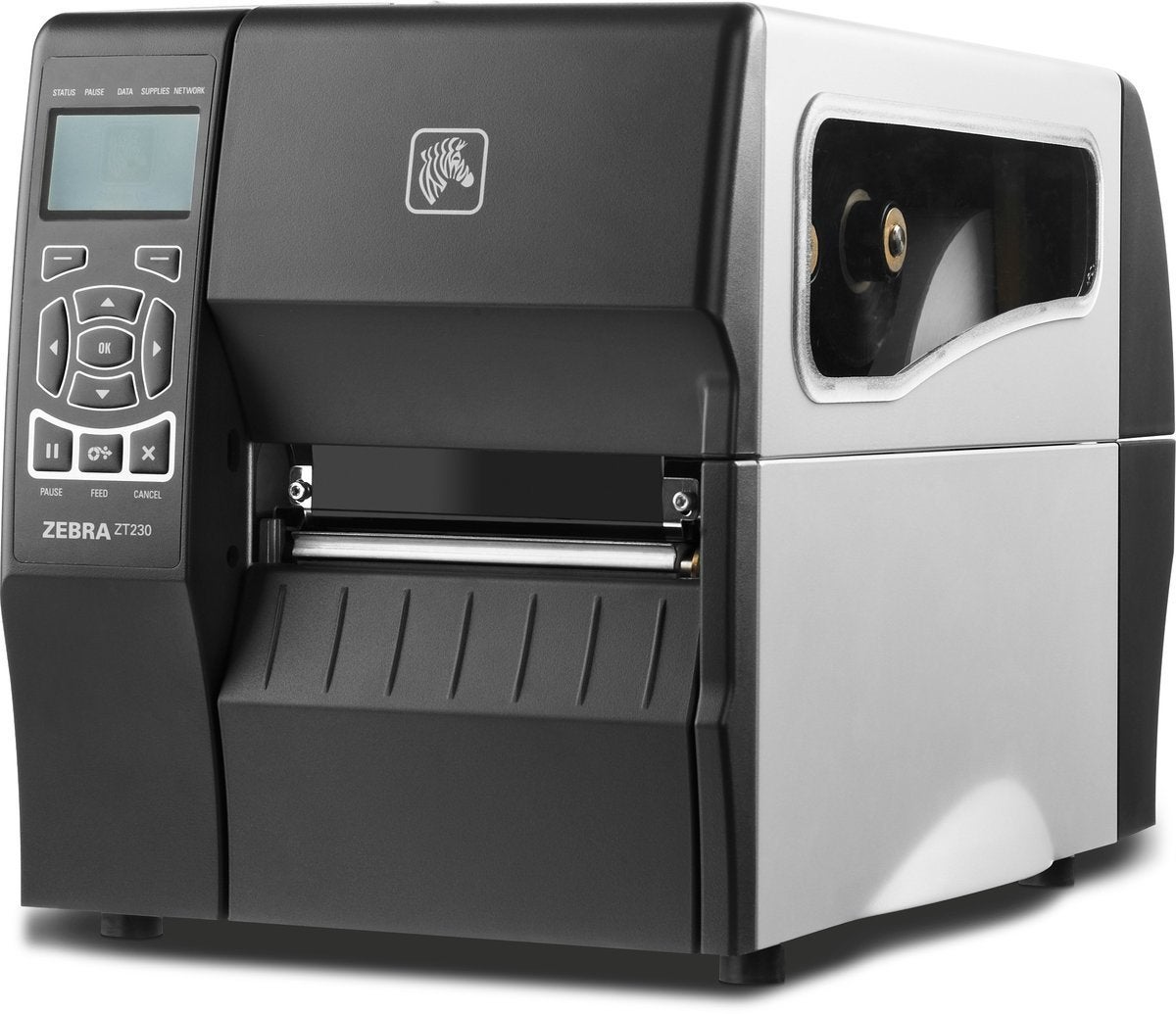 Zebra Printer Not Printing Clearly
http://images.getprice.com.au/products/ZebraZT230.jpg
Procedure Print Quality Adjustments and Configurations This solution is useful for Adjusting the quality of the printed image Setting the print darkness
Pre-crafted templates offer a time-saving option for creating a diverse range of documents and files. These pre-designed formats and layouts can be made use of for different individual and expert projects, including resumes, invites, flyers, newsletters, reports, discussions, and more, simplifying the content creation procedure.
Zebra Printer Not Printing Clearly

How To Troubleshoot For The Zebra Label Printer ShippingEasy

33 Zebra Printer Not Printing Full Label Labels Design Ideas 2020
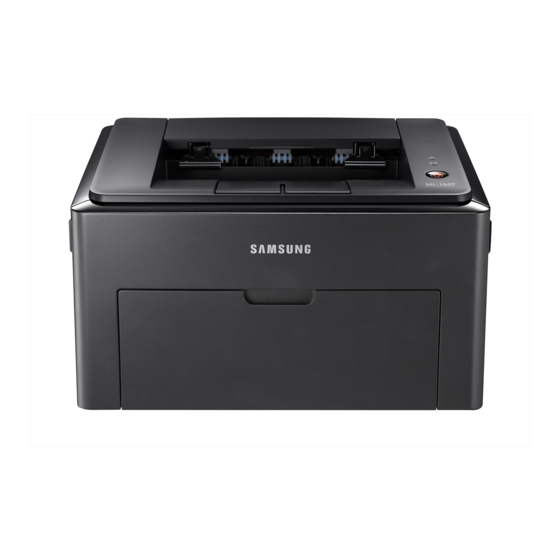
Samsung Monochrome Laser Printer Not Printing Clearly Siliconsenturin
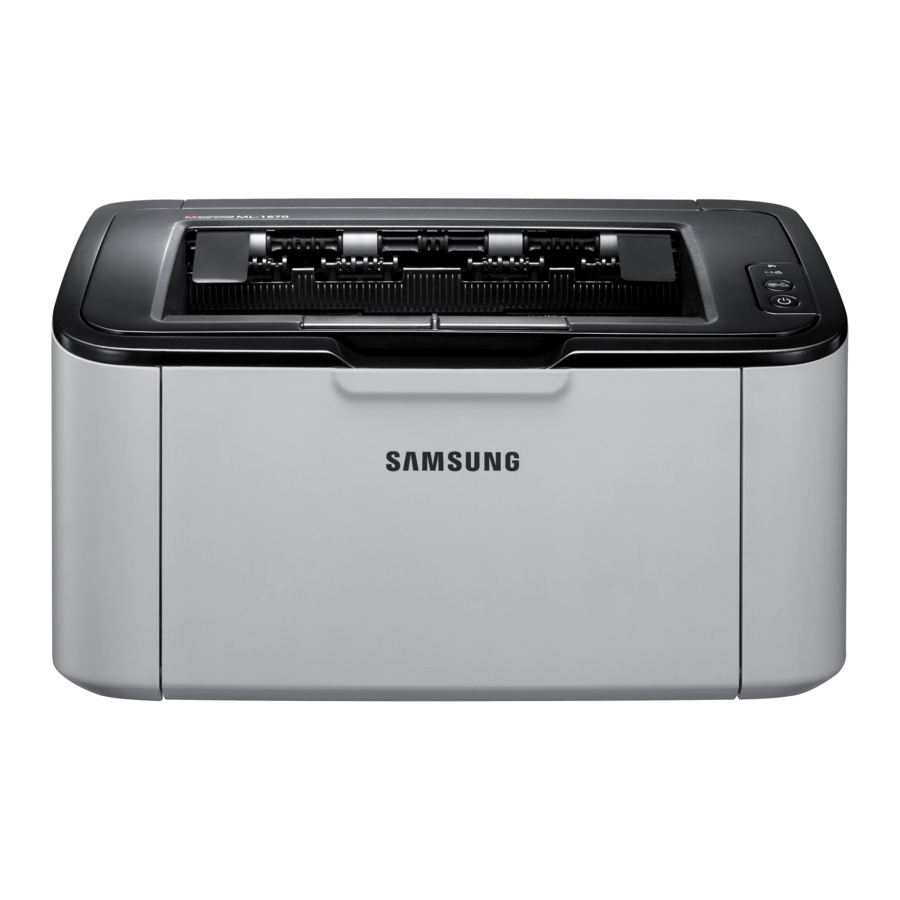
Samsung Monochrome Laser Printer Not Printing Clearly Lemonsenturin
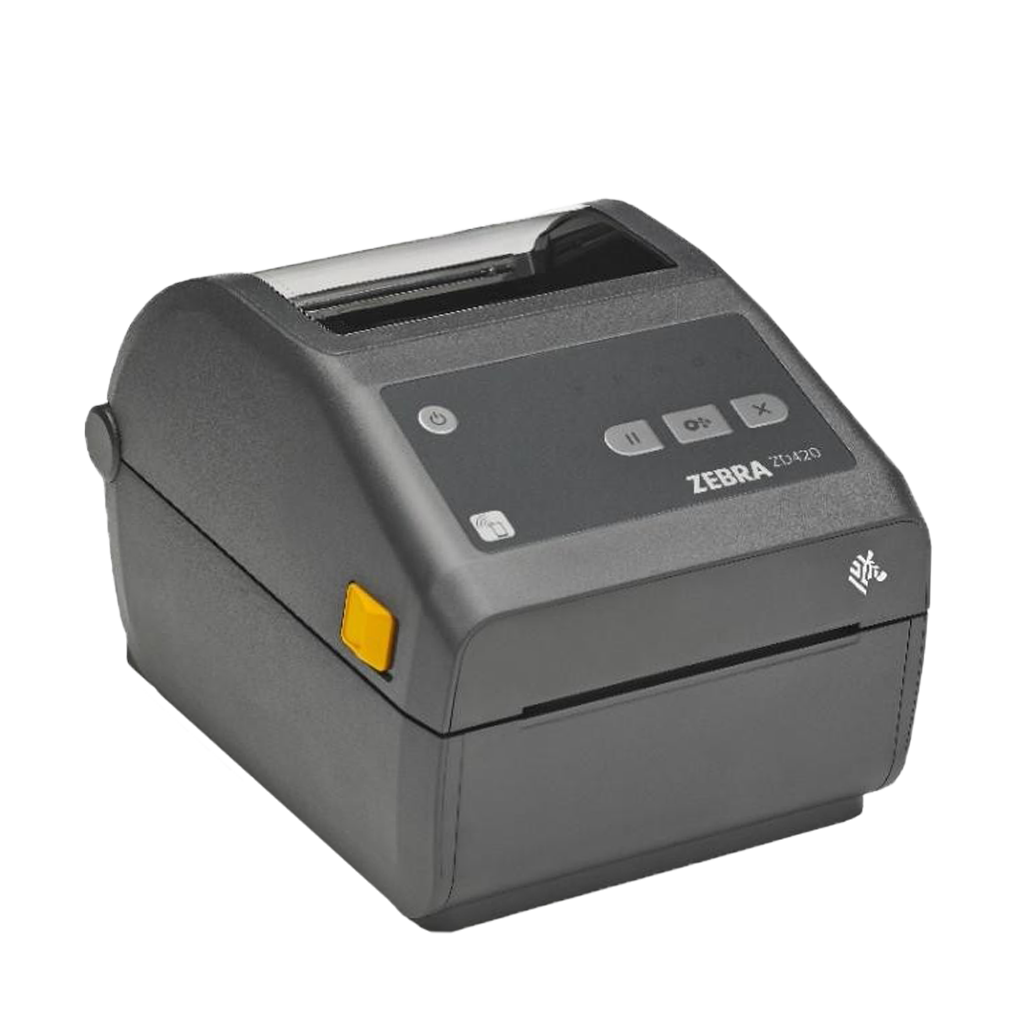
Vanaf Daar Reparatie Weglaten How To Print Barcode Labels Using Zebra
Zebra Label Printer Not Printing
This is not a problem unless one attempts to print outside the previously restricted area Check the LCD if this occurs to see if the Print Width was changed NOTE Use the printer Pause Test Label
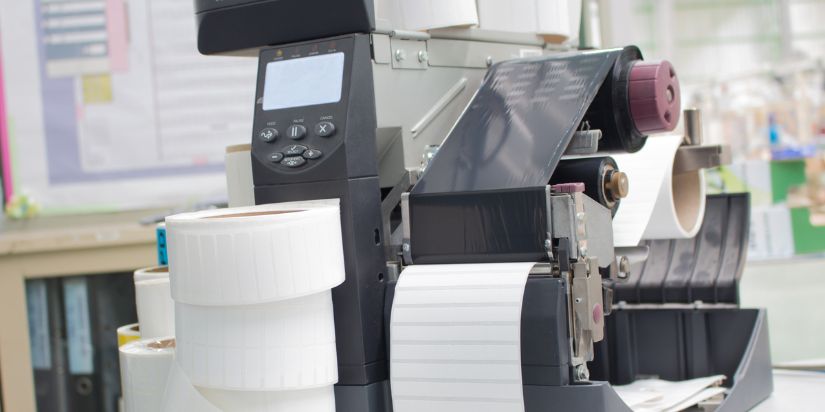
The platen or the retaining bearings may be worn resulting in reduced printhead pressure Consider your service options for platen and bearing replacement

A printer self test label can determine if the print quality issue is seen from the printer itself and test any changes made on the printer as you are troubleshooting

If you set the darkness too high the label image may print unclearly barcodes may not scan correctly the ribbon may burn through or the printhead may wear prematurely
Set the print darkness to the lowest setting that provides good print quality If you set the darkness too high the label image may print unclearly barcodes may not scan
Resolution answer Troubleshooting Zebra Printer Printing Issues Using ZPL Printing too high on the label Remove any ZPL commands conflicting with printer 1 Open Zebra 2 Click the printer in question click configure printer setting 3 Width 2 20 Height 2 98 4 Speed 4 0 Darkness 23 5 Click Finish
If your Zebra ZT230 won t print these are the 7 most common reasons why 1 Wrong Media or Ribbon Installing the wrong media or wrong ribbon type will result