Zebra Printer Connect To Computer How To Connect The Scanner To Computer 5 Ways To Connect Two How To Connect Canon Ip3000 Printer To Computer Nsainformation Can I Connect Iphone To Hp Laptop Indivsa HP OFFICEJET 8014 LEARN HOW TO CONNECT PRINTER WITH USB SCAN YOUR How To Connect Epson Printer To Mac 171 Go BackInformation
Jan 23 2025 nbsp 0183 32 This article outlines the steps to print a test page from the Zebra Browser Print web interface Zebra Setup Utilities Downloading Fonts to a Printer 171 Go Back
How To Connect Epson Printer To Mac Canon Knowledge Base Connecting The To SELPHY ES1 ES2 To The Computer HP Envy 5540 Connect To Computer Print And Scan Computer Printer Print Assist Setup Your Canon Printer To Print Using Wi Fi Canon Baum Mehrzweck Mover Epson Printer Connect To Pc Bereit Essen Monitor Install Network Scanner Jordxtra Comment Configurer Une Imprimante Canon Sur Un PC IPhone Forum Zebra ZT610 Industrial Printer Overview YouTube
Zebra Printer Connect To Computer
 Zebra Printer Connect To Computer
http://www.wikihow.com/images/6/66/Set-up-Your-Laptop-to-Print-Wirelessly-Step-17.jpg
Sep 21 2024 nbsp 0183 32 Refer to the article Troubleshooting Zebra Printer Printing Issues Using ZPL Using Printer Configurations and Settings If you use printer settings ensure no driver or application
Templates are pre-designed documents or files that can be used for different functions. They can conserve time and effort by offering a ready-made format and design for producing different sort of material. Templates can be utilized for individual or expert tasks, such as resumes, invites, flyers, newsletters, reports, discussions, and more.
Zebra Printer Connect To Computer

Epson Printer PC USB Cable Setup EcoTank ET 2720 ET 2750 ET 2760

Canon Knowledge Base Connecting The To SELPHY ES1 ES2 To The Computer

HP Envy 5540 Connect To Computer Print And Scan Computer Printer
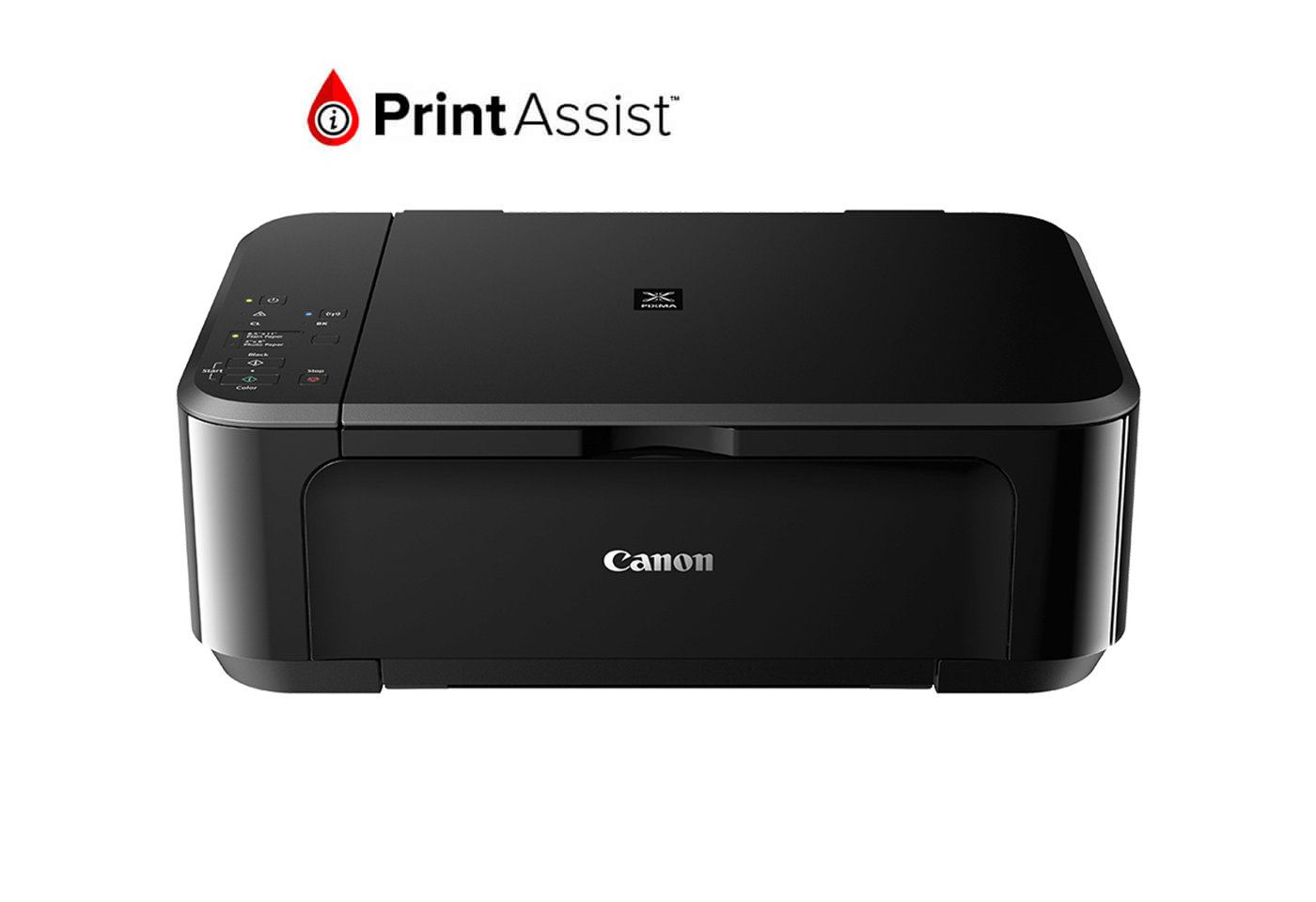
Print Assist Setup Your Canon Printer To Print Using Wi Fi Canon


Install Network Scanner Jordxtra

Sep 17 2025 nbsp 0183 32 This article explains how to clear print queue and troubleshoot spooler issues on Zebra printers by using services and commands
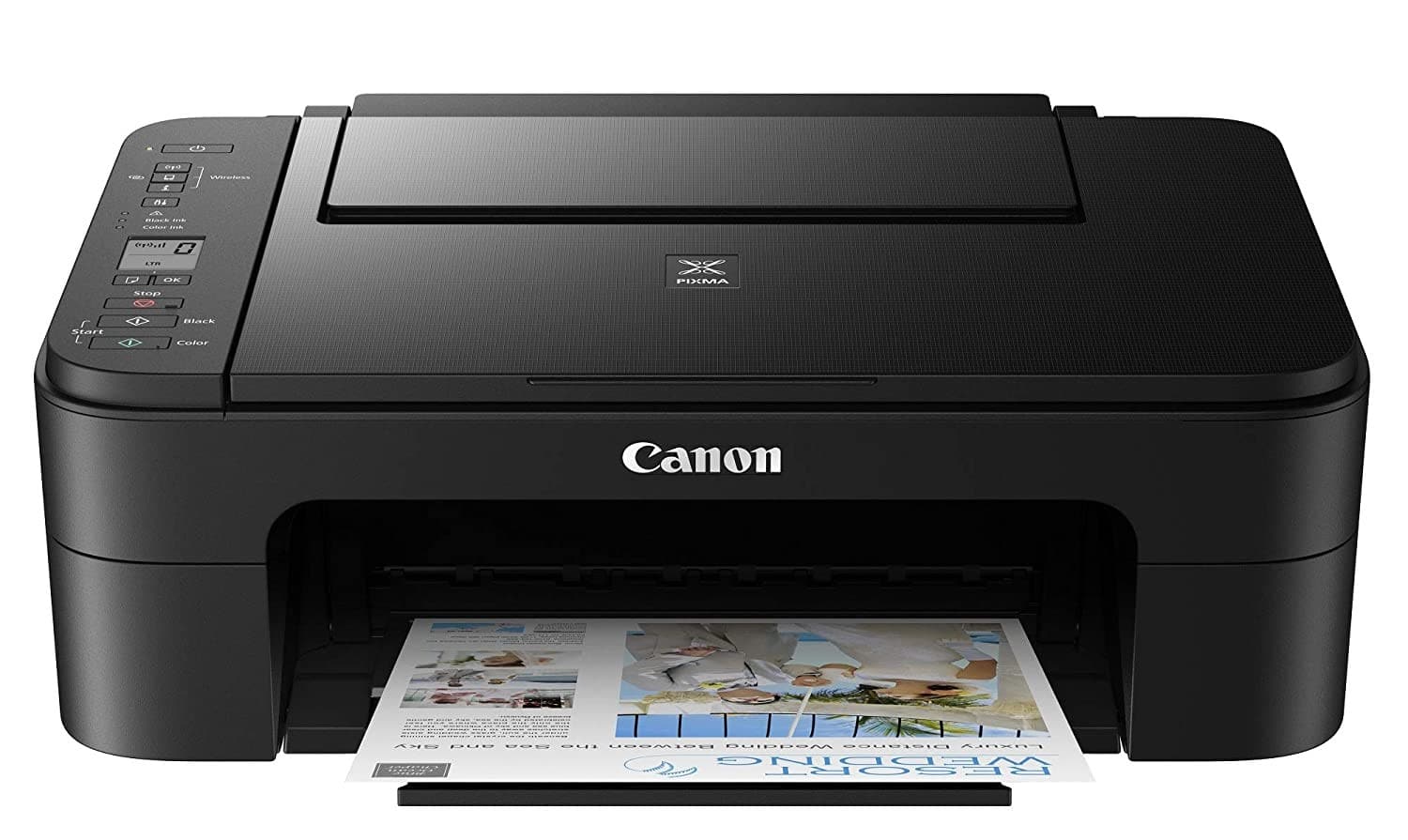
May 16 2025 nbsp 0183 32 This article demonstrates how to install the Zebra ZP230D Printer on a Windows Computer

Sep 21 2024 nbsp 0183 32 This article describes how to enable a carriage return line feed Enter Key suffix after every scan with the laser scanners when attached via USB or Keyboard Wedge

171 Go BackInformation

Jun 6 2025 nbsp 0183 32 This guide provides step by step instructions for installing the Zebra ZP505 or ZP506 printer driver on a Windows 10 or Windows 11 PC
[desc-11] [desc-12]
[desc-13]