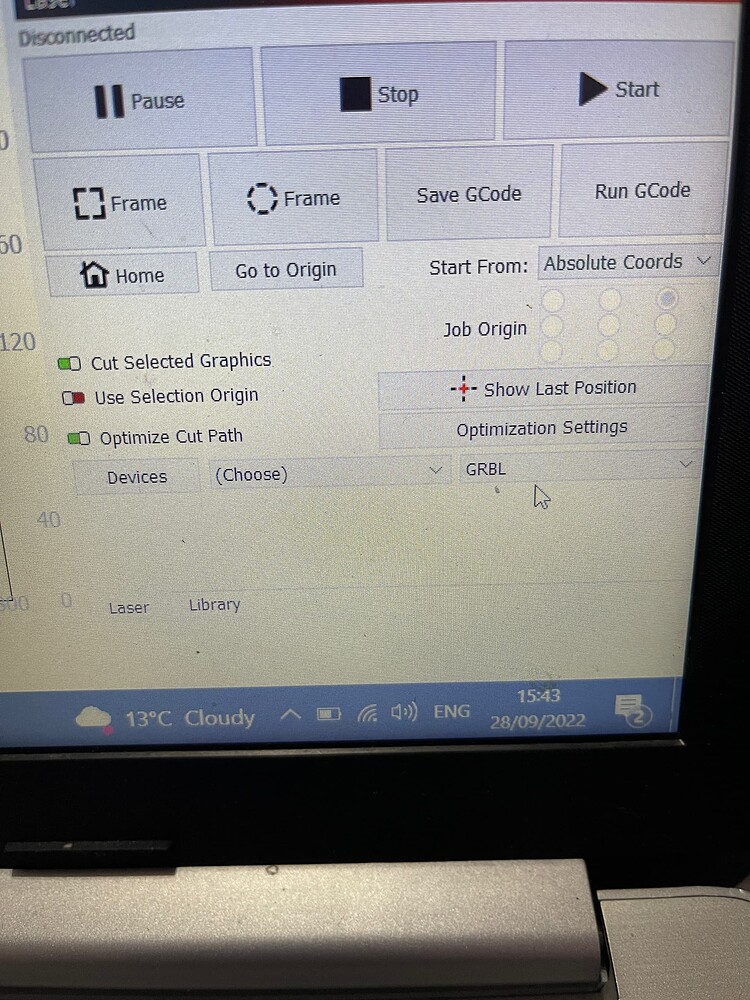
Zebra Printer Won T Connect To Computer IMPRESORAS Y ESC NERES Archives Emotiva Tienda En L nea PPT Epson Printer Won t Connect To Wi Fi PowerPoint Presentation My Laser Won t Connect To My Computer Any More GRBL LightBurn Easy Fixes For HP Printer Won t Connect To Wi fi Issue Computers Cricut Maker Won t Connect To Computer Here s How To Fix It Jan 23 2025 nbsp 0183 32 This article outlines the steps to print a test page from the Zebra Browser Print web interface
Find quick answer for Zebra products check warranty online email Zebra technical Support Software license reset join Zebra Discussion forum and Zebra accessories Jul 21 2025 nbsp 0183 32 This article outlines the configuration process for setting up Zebra desktop printers specifically the ZD411 series
Cricut Maker Won t Connect To Computer Here s How To Fix It Brother Printer Won t Connect To WiFi Step By Step Troubleshooting Transfusion Z h Alkohol Connect To Printer Sackgasse AIDS Sympton My Wireless Printer Won t Print Fastech Solutions Install Brother Printer Driver On Shared Win 10 Laptop Creativelikos Why My MX492 Printer Is Won t Connect With T Mobil Canon Community Cricut Joy Won t Connect To Computer Here s How To Fix It Your IPhone Won t Connect To Your Computer Here s The Fix Iphone FIX Canon Ts6220 Printer Won t Connect To Computer Printer
Zebra Printer Won T Connect To Computer
 Zebra Printer Won T Connect To Computer
https://store.emotiva.com.co/wp-content/uploads/2020/07/25.png
Jun 30 2025 nbsp 0183 32 This article explains how to perform factory enterprise reset on Zebra Android devices with USB port using a USB drive
Templates are pre-designed documents or files that can be utilized for different purposes. They can save effort and time by providing a ready-made format and layout for developing different kinds of content. Templates can be utilized for personal or professional projects, such as resumes, invites, flyers, newsletters, reports, discussions, and more.
Zebra Printer Won T Connect To Computer
HP Printer Won t Connect To Wifi Fix It Now YouTube
Brother Printer Won t Connect To WiFi Step By Step Troubleshooting
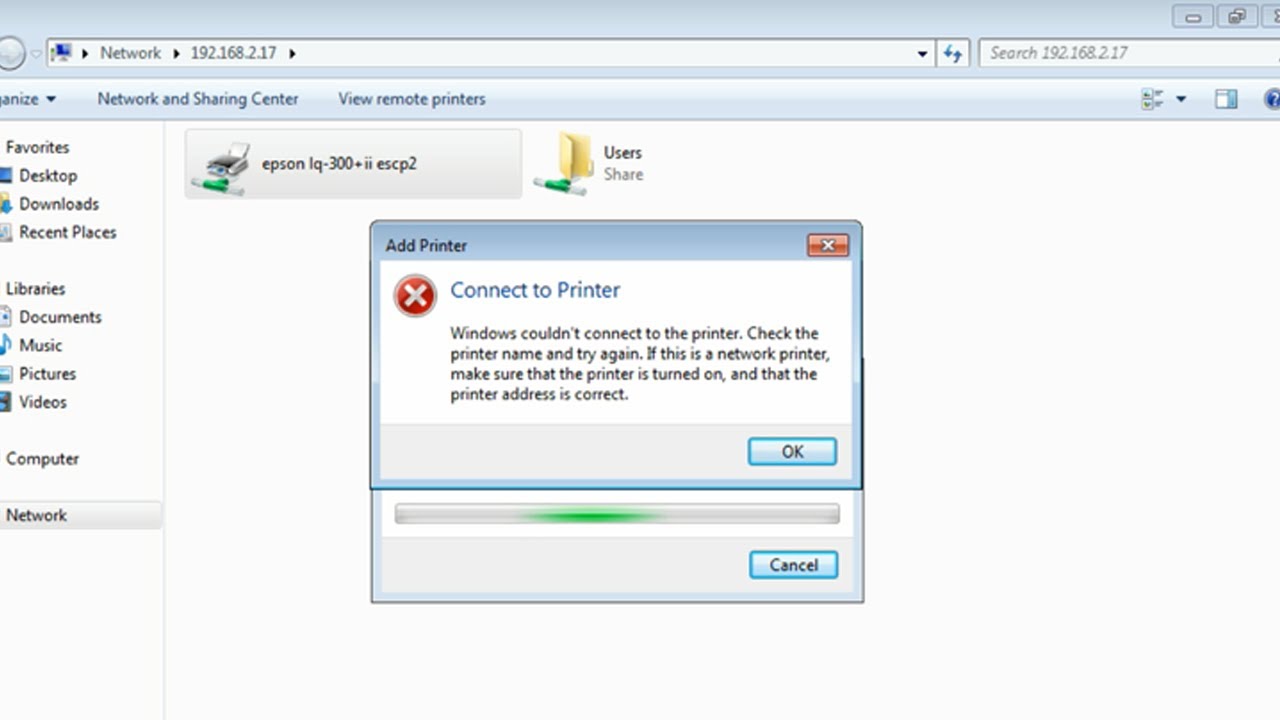
Transfusion Z h Alkohol Connect To Printer Sackgasse AIDS Sympton

My Wireless Printer Won t Print Fastech Solutions

Why My MX492 Printer Is Won t Connect With T Mobil Canon Community

Cricut Joy Won t Connect To Computer Here s How To Fix It
Sep 17 2025 nbsp 0183 32 This article explains how to clear print queue and troubleshoot spooler issues on Zebra printers by using services and commands

May 16 2025 nbsp 0183 32 This article demonstrates how to install the Zebra ZP230D Printer on a Windows Computer
Identifying Your Printer s IP Address on a Printer Without an LCD Control Panel
Jun 6 2025 nbsp 0183 32 This guide provides step by step instructions for installing the Zebra ZP505 or ZP506 printer driver on a Windows 10 or Windows 11 PC

Sep 21 2024 nbsp 0183 32 This article describes how to enable a carriage return line feed Enter Key suffix after every scan with the laser scanners when attached via USB or Keyboard Wedge
[desc-11] [desc-12]
[desc-13]