Word Replace Tab With New Line Youtube Setting Tabs In Word Leisurecoke New PermaStripe Line Marking Corners Find And Replace In Word A Microsoft Office Tutorial Riset Bug In Long Texts With New Line Issue 1470 Metasfresh metasfresh Solved Notepad Replace With Adds New line 9to5Answer Go to Home Replace Enter the word or phrase you want to replace in Find what Enter your new text in Replace with Choose Replace All to change all occurrences of the
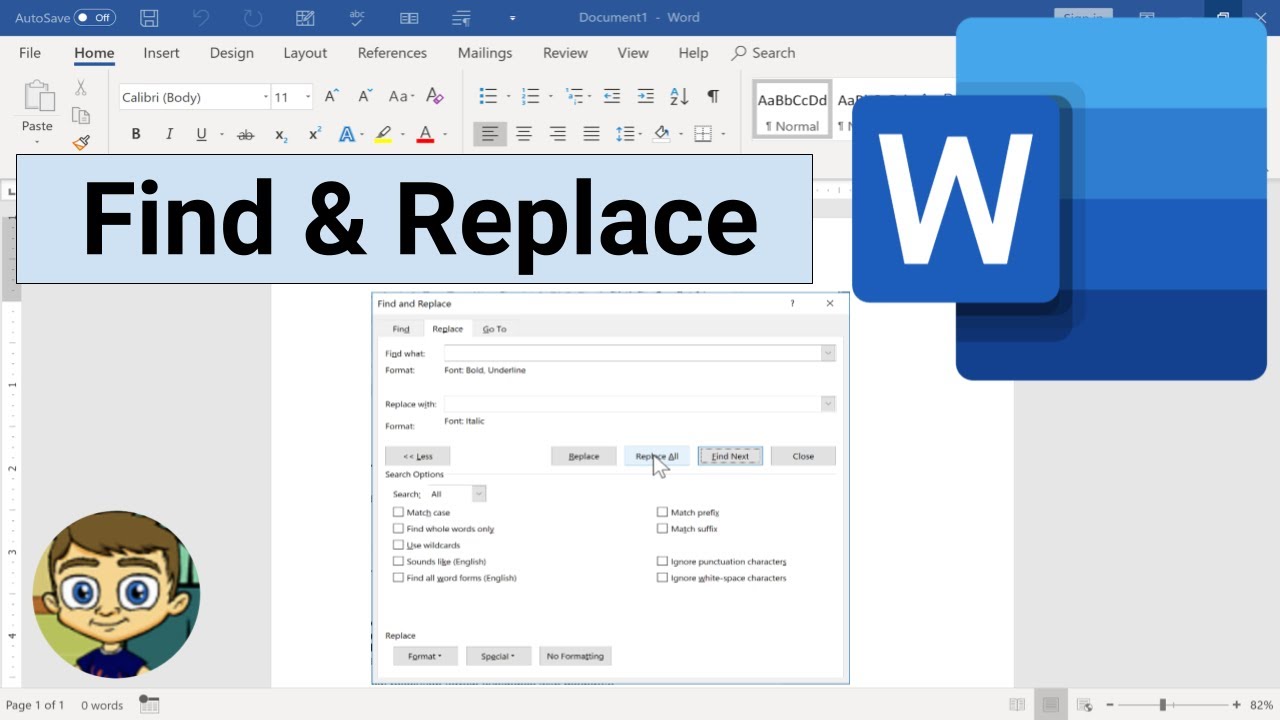
Fire up the Find and Replace dialog box by heading to Home Replace or pressing Ctrl H On the Replace tab click to place your insertion point in the Find What box Next click the Format drop You can replace any number of consecutive spaces with a single tab character by following these steps Press Ctrl H Word displays the Replace tab of the
Solved Notepad Replace With Adds New line 9to5Answer Tabs For Word Replace With New Line In Wordpad Printable Templates Free Adding Line Items During Approval Certify Help Center How To Set Tab Stops In Word YouTube Premier Graduate Malfunction System Settings Ink Receiver Bathtub Blank Guitar Tab Word Template Mailermopla Replace Tab Replace Tab With Comma Bojler Microsoft Word Find And Replace Newline Gagasset
Word Replace Tab With New Line
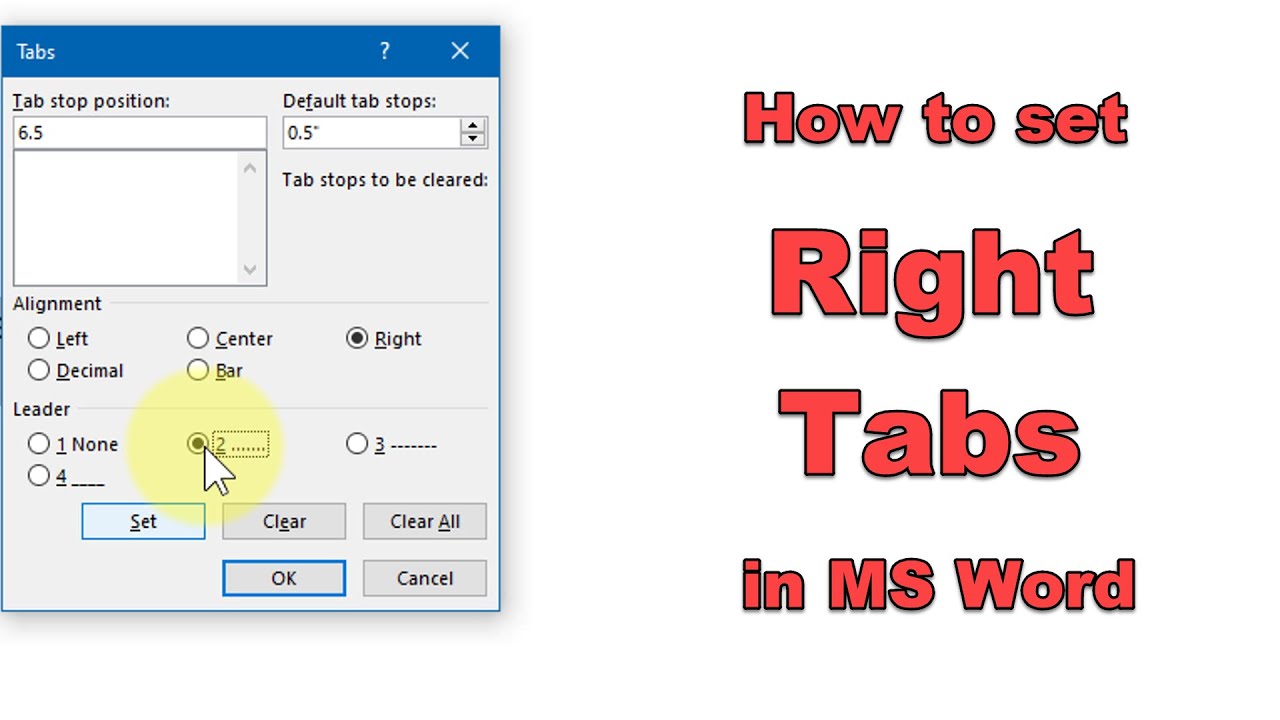 Word Replace Tab With New Line
https://i.ytimg.com/vi/O6V5bF3ZUE4/maxresdefault.jpg
You can find and replace text in Word by pressing Ctrl H then enter the word or phrase you find to find or replace Use the Match Case option to find and
Pre-crafted templates offer a time-saving option for creating a diverse range of files and files. These pre-designed formats and layouts can be made use of for numerous personal and expert tasks, consisting of resumes, invites, leaflets, newsletters, reports, discussions, and more, streamlining the content production procedure.
Word Replace Tab With New Line

App Store Repeat Text
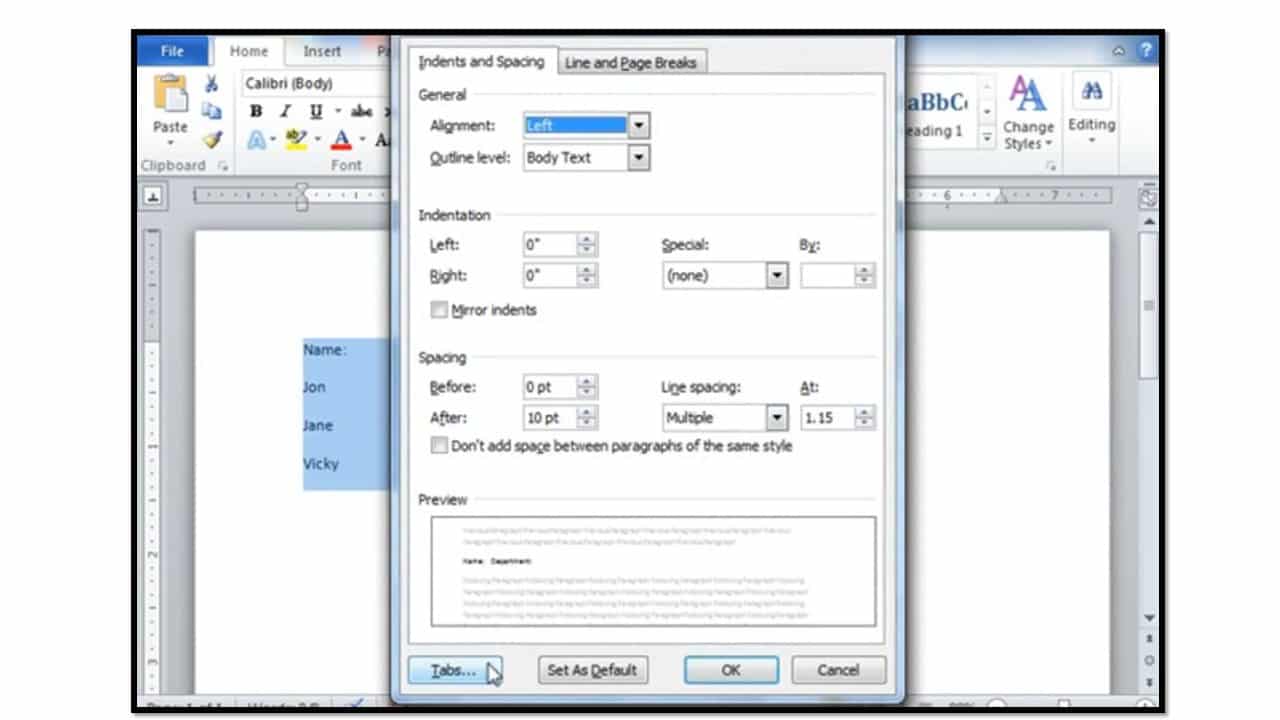
Tabs For Word

Replace With New Line In Wordpad Printable Templates Free
Adding Line Items During Approval Certify Help Center
Premier Graduate Malfunction System Settings Ink Receiver Bathtub
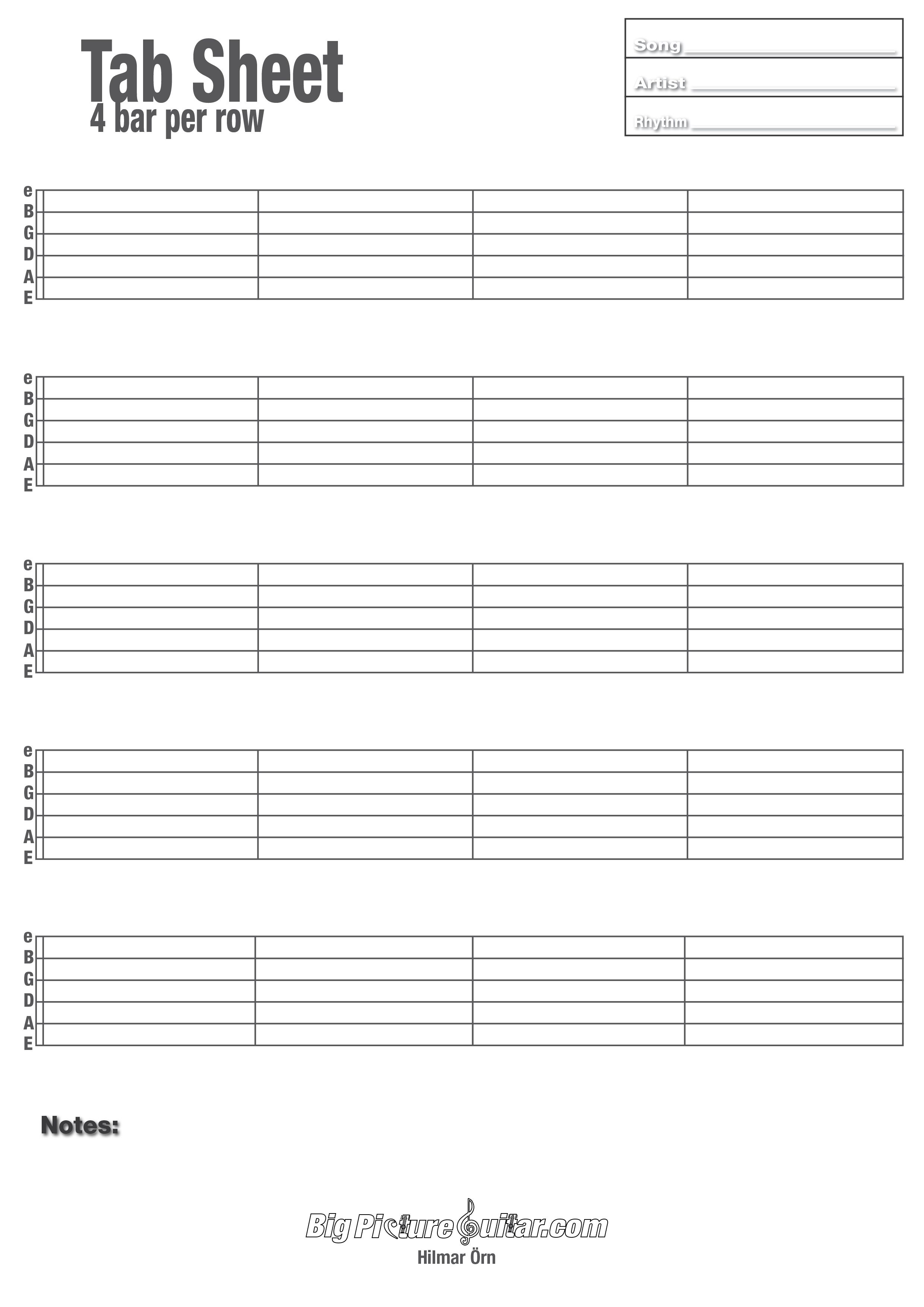
Blank Guitar Tab Word Template Mailermopla
Created on February 17 2016 Tab takes me to a new line instead of tabbing over and backspace won t return to last line the cursor just stays at the end of the line As the

Click Replace in the Editing section of the Home tab to open the Find and Replace dialogue box to the Replace tab Ctrl H also serves as a shortcut to open the box
I tried typing in p and I tried shift right arrow to copy one and paste in the box Both were a no go The Manual Line Break selection l does not affect the
3 Answers Sorted by 3 On OS X you have to use to insert t or n and escape n in the replace pattern echo 1 t2 n3 t4 sed s t n g But don t linefeeds already separate lines in TSV files You

Press CTRL H to bring up the Find and Replace box In the Find what box type p this upward arrow character is called caret and is usually available on a
On the Home tab click Editing and then choose Replace or click Ctrl G Click the Replace tab if necessary Click More if necessary to expose more options 1 Position the cursor in front of the word you want to move to a new line 2 Do one of the following On the Layout tab in the Page Setup group click Breaks and then click Text
For instance if you wanted to search for a word with a tab character in front of it you could use tWord or something similar Here s a few of the entries from the