Windows Remove File Extension Command Line RECURSIVE Change File Extension Command Line Linuxmint YouTube Create Empty File At Windows Command Line Top 8 Methods To Fix OpenAL32 dll Missing Error In Windows 10 Data Linux Command Line 11 Delete Files And Directories M o Hay 365 How To Create And Delete Files Directories From Windows Command Prompt Web How do I hide file extensions in a command prompt dir output Ask Question Asked 13 years 2 months ago Modified 9 years 4 months ago Viewed 24k times 9 What I want to do seems very simple I have a folder in Windows containing items of various types including PDF files TXT files and subdirectories
Web Sep 11 2020 nbsp 0183 32 The del command is a Command Prompt command used to delete files Various command options are available so that you can remove files that have a certain file extension delete every file in a folder get rid of only the files with certain file attributes and more Web Search for Command Prompt Click on the Run as administrator option Use the cd C path to folder to navigate to the folder Run the del filename ext command to delete the file Replace filename ext with the actual file name and extension
How To Create And Delete Files Directories From Windows Command Prompt Find Files In Linux Using The Command Line Linode How To Delete Files Folders And Subfolders In Command Prompt Using cmd How To Copy Command Prompt Output In Windows Vrogue Remove File Extension From Filename Excel Formula Exceljet How To Open A Text File In Command Line Linux Systran Box How To Create And Delete Files And Directories From Windows Command Prompt How To Download A File From The Command Line Www vrogue co Commonly Used Linux Commands
Windows Remove File Extension Command Line
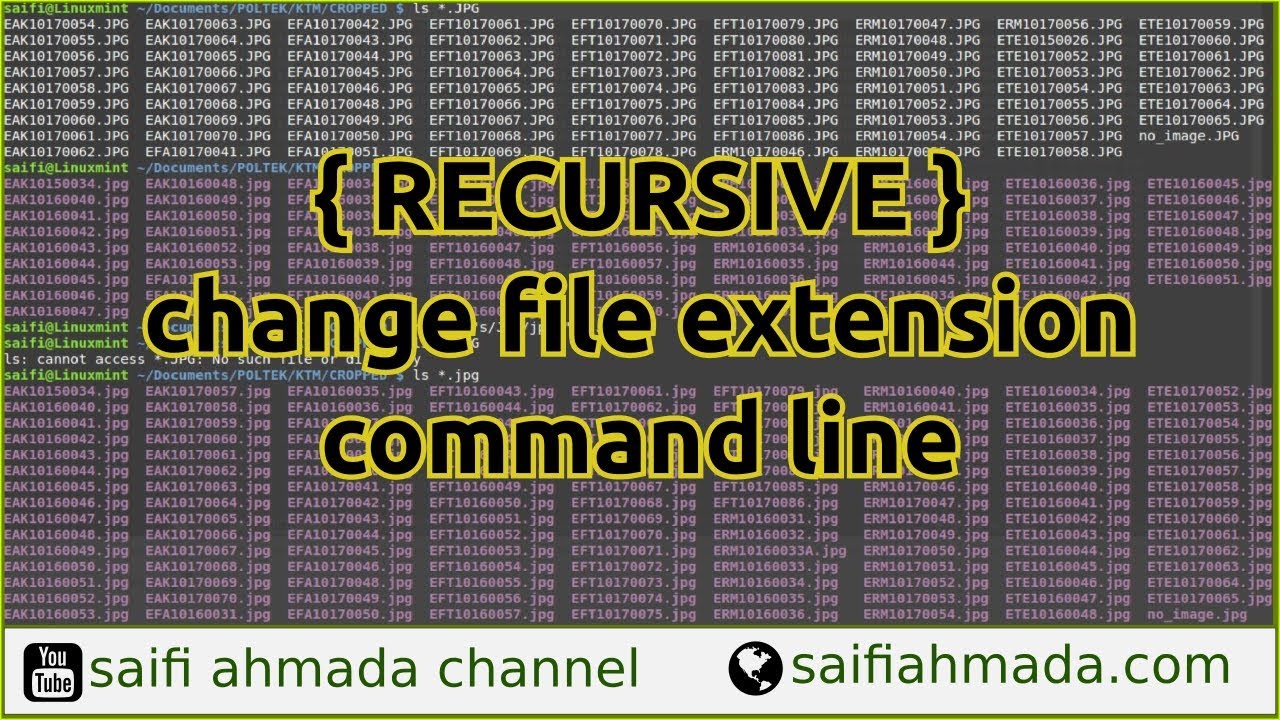 Windows Remove File Extension Command Line
https://i.ytimg.com/vi/p4jTRRGkHKY/maxresdefault.jpg
Web I excluded directories and ignored case YMMV Also B seems like the most reasonable DIR option for filtering D and W being inappropriate for the task and the long formats N default and X containing in some cases additional text after the filename for symlinks Check it out on the command line DOSKEY FIR DIR B A D FINDSTR
Templates are pre-designed documents or files that can be utilized for various purposes. They can conserve time and effort by offering a ready-made format and design for producing different sort of material. Templates can be used for individual or expert jobs, such as resumes, invitations, leaflets, newsletters, reports, discussions, and more.
Windows Remove File Extension Command Line

Windows Remove File Locked By Another Process YouTube

Find Files In Linux Using The Command Line Linode
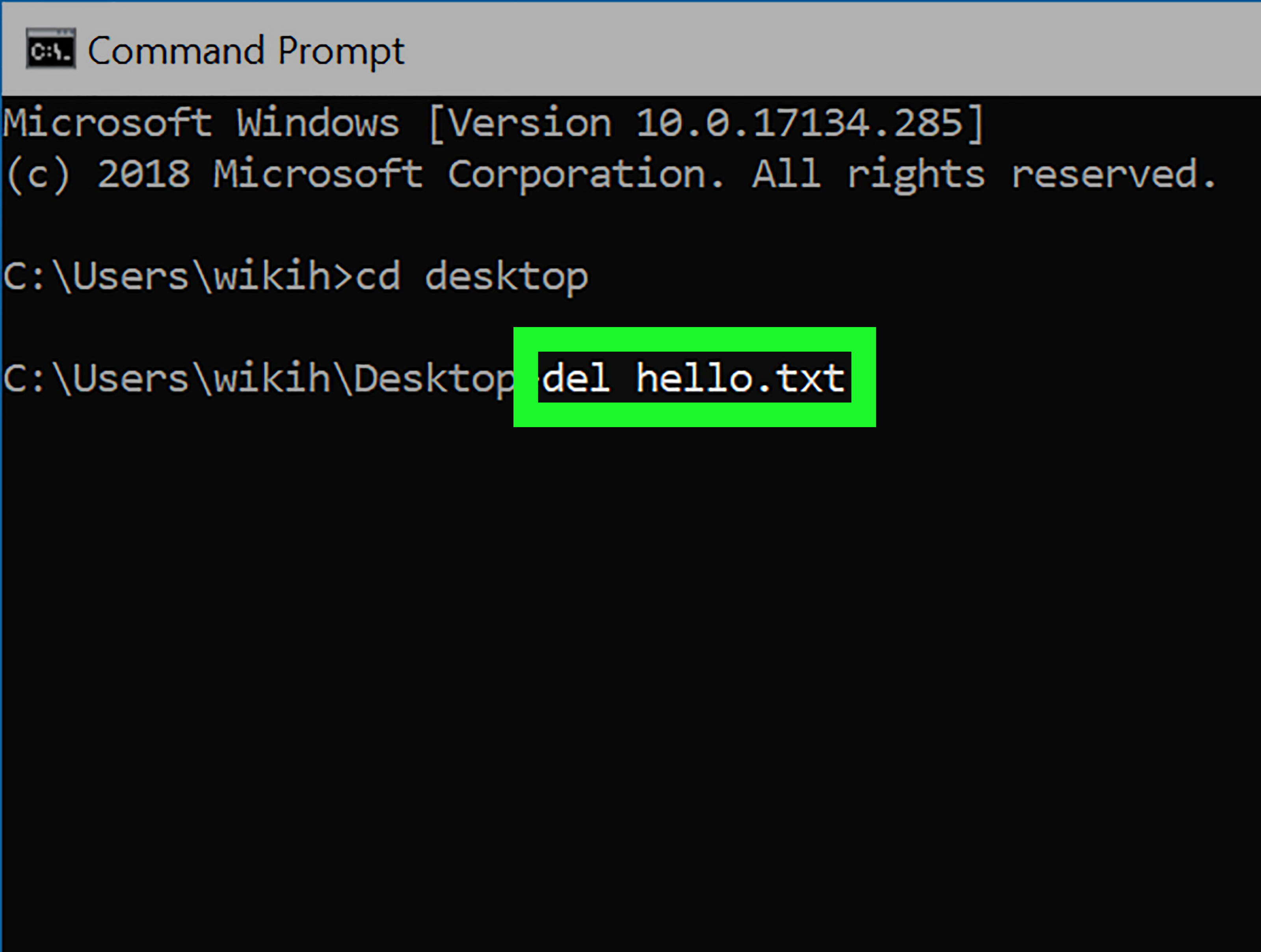
How To Delete Files Folders And Subfolders In Command Prompt Using cmd

How To Copy Command Prompt Output In Windows Vrogue

How To Open A Text File In Command Line Linux Systran Box

How To Create And Delete Files And Directories From Windows Command Prompt
Web 7 Answers Sorted by 386 You can use nf to get the filename only as described in the reference for for echo off for R quot C Users Admin Ordner quot f in flv do echo nf pause The following options are available Variable with modifier Description I Expands I which removes any surrounding quotation marks quot quot
Web Mar 12 2016 nbsp 0183 32 Using the find command will do the job efficiently Inside the folder find name quot ext quot type f delete Use this first to know what you are going to delete recursively find name quot bak quot type f Also refer to the

Web Oct 24 2018 nbsp 0183 32 Simply save the below Reg File to a reg extension named text file and then run the elevated command of ASSOC resource Afterwards double click the Reg File to remove that registry key and its content from the registry to fully disassociate the file extension from opening with any apps Reg File

Web Use these commands copy quot c path to some files quot c backup rename C backup del c backup txt Save and close the file From the command line type quot backup bat quot and the batch
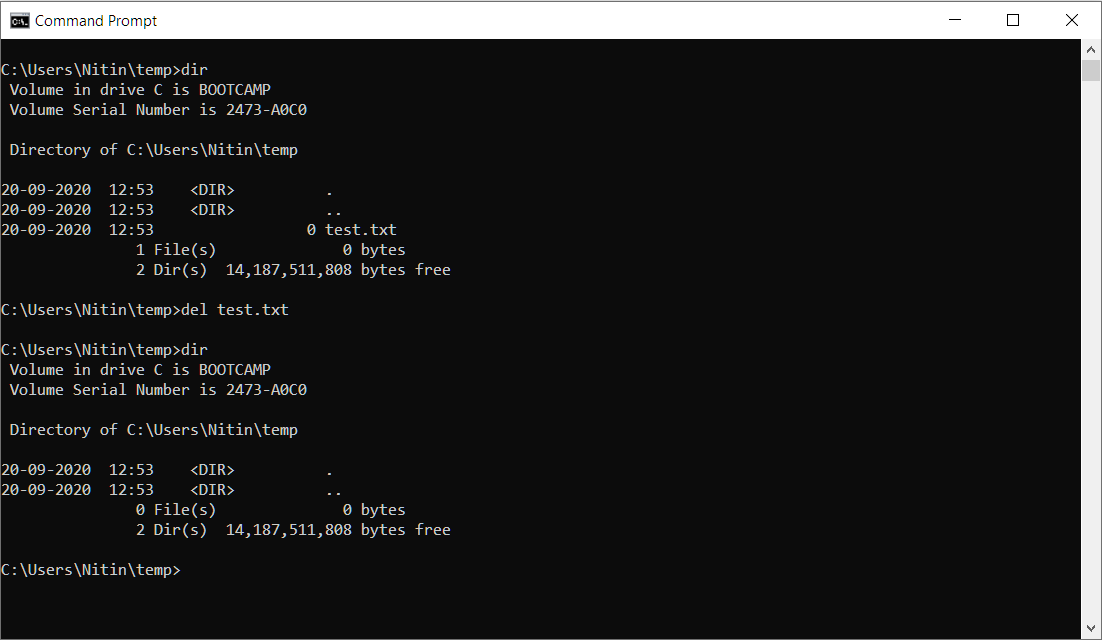
Web You can use this to delete ALL Files Inside a Folder and Subfolders DEL quot C Folder quot S Q Or use this to Delete Certain File Types Only DEL quot C Folder mp4 quot S Q DEL quot C Folder dat quot S Q
Web Jul 3 2012 nbsp 0183 32 Remove file extensions in batch The below command would remove extension for the specified file types forfiles S M ext C quot cmd c rename file fname quot If you want a batch file script it can be downloaded from the below link Batch file script for renaming file extensions in bulk Web Oct 13 2023 nbsp 0183 32 Type quot Command Prompt quot into the Start menu search bar for Windows 8 hover your mouse in the top right corner of the screen and click the magnifying glass then click the quot Command Prompt quot icon when it appears Open the quot Run quot app from the Start menu type in quot cmd quot and click OK 2 Type in cd desktop and press Enter
Web Jun 15 2015 nbsp 0183 32 Viewed 46k times 34 Using a batch file is there a way that I can strip off the deploy extension from all files in a directory For example 1 txt deploy gt 1 txt 2 txt deploy gt 2 txt etc batch file rename