Windows Open Command Prompt In Specific Directory Open Command Prompt As Administrator In Windows 7 How To Restart Shutdown Using CMD The DIR Command Is A Powerful Windows Command Prompt Function That Open Command Prompt Fullscreen In Windows 10 Command Prompt Pop Up Arabiaroc On Windows you can press the Shift key and right click on a folder to open a PowerShell window directly to that folder Or you can add the
This video will show you how to open the Windows command prompt in the current folder in By typing cmd and hitting Enter you ll open up the command prompt at that location This will also work if you type powershell instead of
Command Prompt Pop Up Arabiaroc How To Reset A Domain Administrator Password IT LinesIT Lines Open A Command Prompt Or Terminal To A Specific Folder In Windows Mac Podporova Monot nna P I Can T Open Explorer Via Cmd N tierka Cie Open Command Prompt In Specific Folder Windows 10 Tutorial Jinni How To Open Command Prompt In Windows 10 Different Ways PDF Python Import Class From File In Another Directory PDF T l charger Windows Open File Cmd Windows Gambaran How To Open Command Prompt Or PowerShell From A Specific Directory
Windows Open Command Prompt In Specific Directory
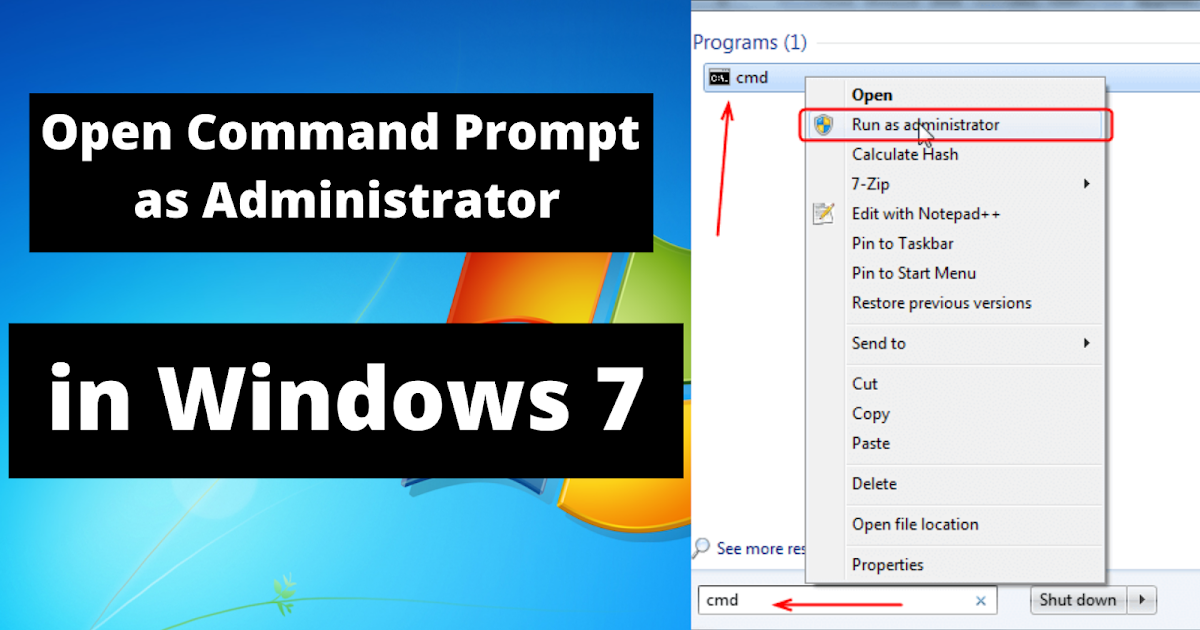 Windows Open Command Prompt In Specific Directory
https://1.bp.blogspot.com/-rRHULU49FC8/X-wyu_f7_4I/AAAAAAAABL0/nLI5xE9MgAkPfA92IlFbVUYEfJgizRcQQCLcBGAsYHQ/w1200-h630-p-k-no-nu/Windows-7-Opening-the-Command-Prompt-as-Administrator.png
This is the easier one to set up Right click the Command Prompt shortcut and select Properties from the context menu On the Properties window
Templates are pre-designed files or files that can be utilized for different functions. They can save time and effort by offering a ready-made format and layout for producing various sort of content. Templates can be used for personal or professional tasks, such as resumes, invitations, leaflets, newsletters, reports, presentations, and more.
Windows Open Command Prompt In Specific Directory
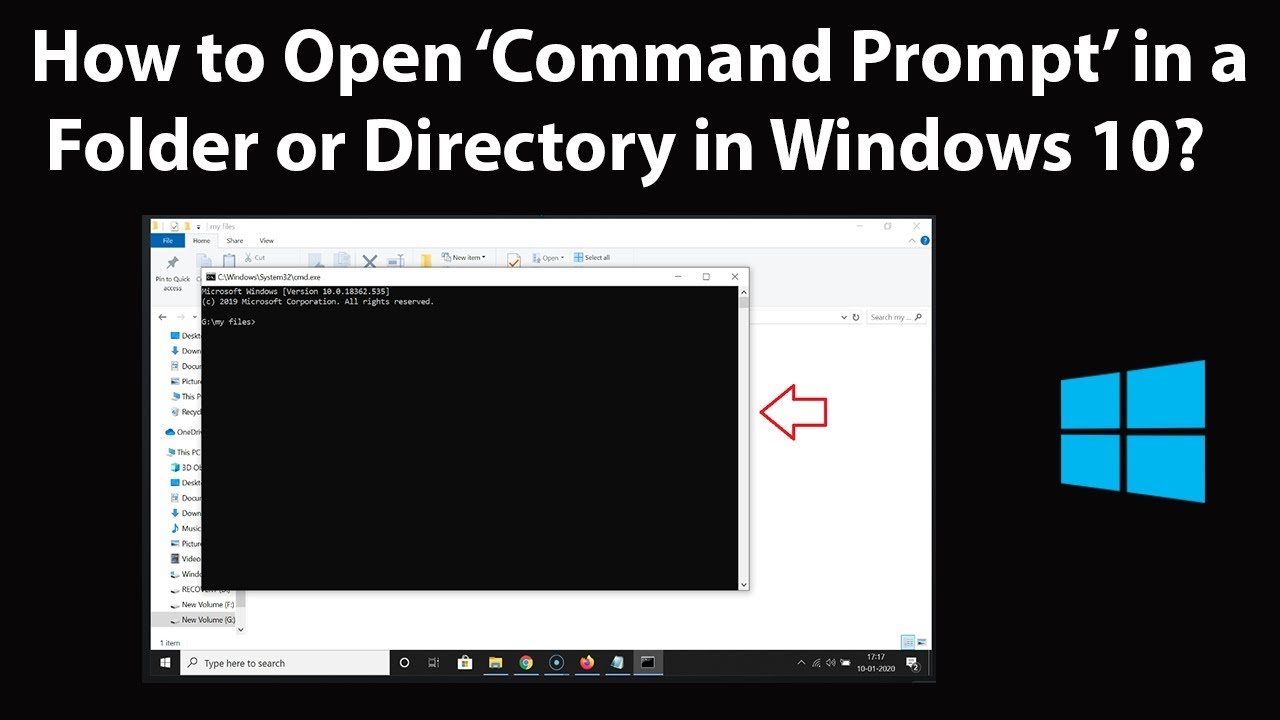
How To Open Command Prompt In A Folder Or Directory In Windows 10

How To Reset A Domain Administrator Password IT LinesIT Lines
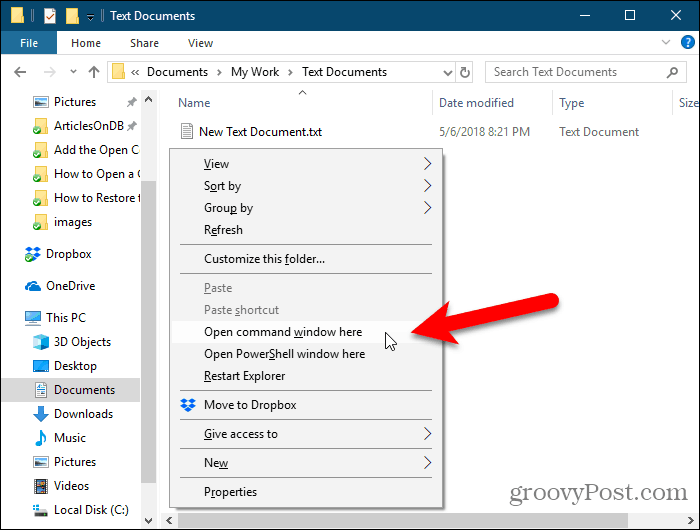
Open A Command Prompt Or Terminal To A Specific Folder In Windows Mac
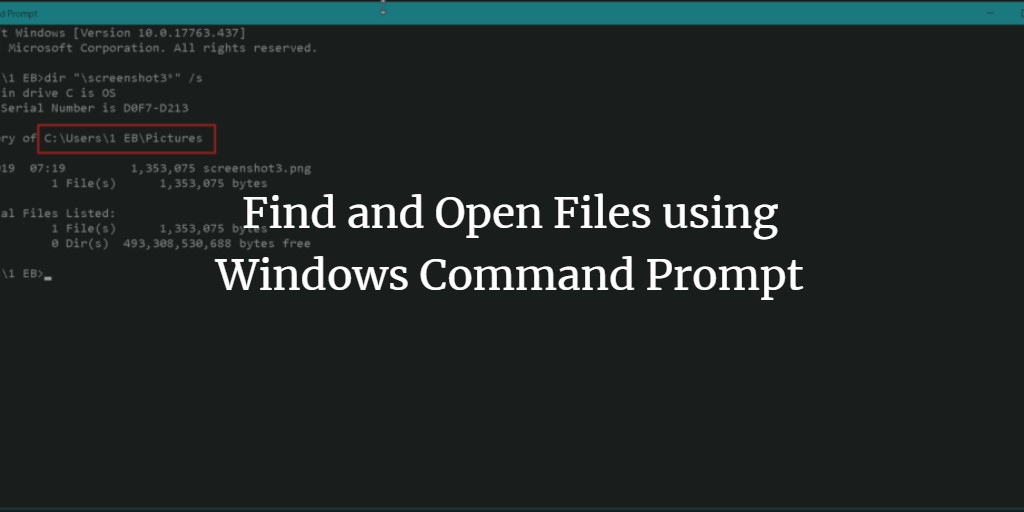
Podporova Monot nna P I Can T Open Explorer Via Cmd N tierka Cie
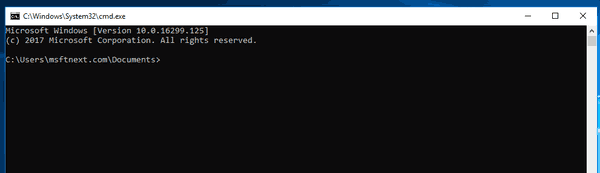
How To Open Command Prompt In Windows 10 Different Ways
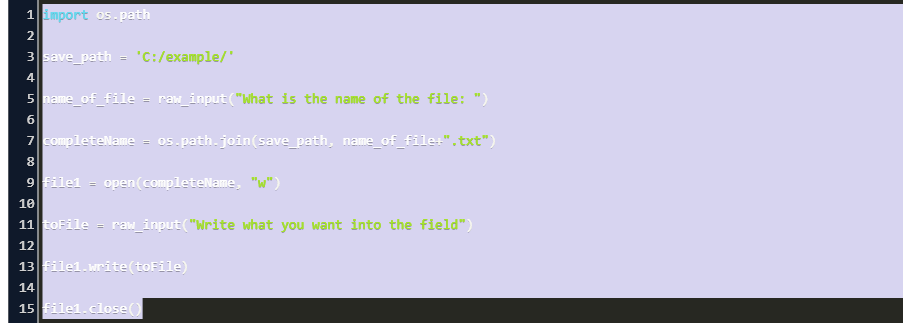
PDF Python Import Class From File In Another Directory PDF T l charger

Go to your desired folder and click on the location bar of Windows Explorer Then type cmd and press Enter key The command prompt will be opened in the folder
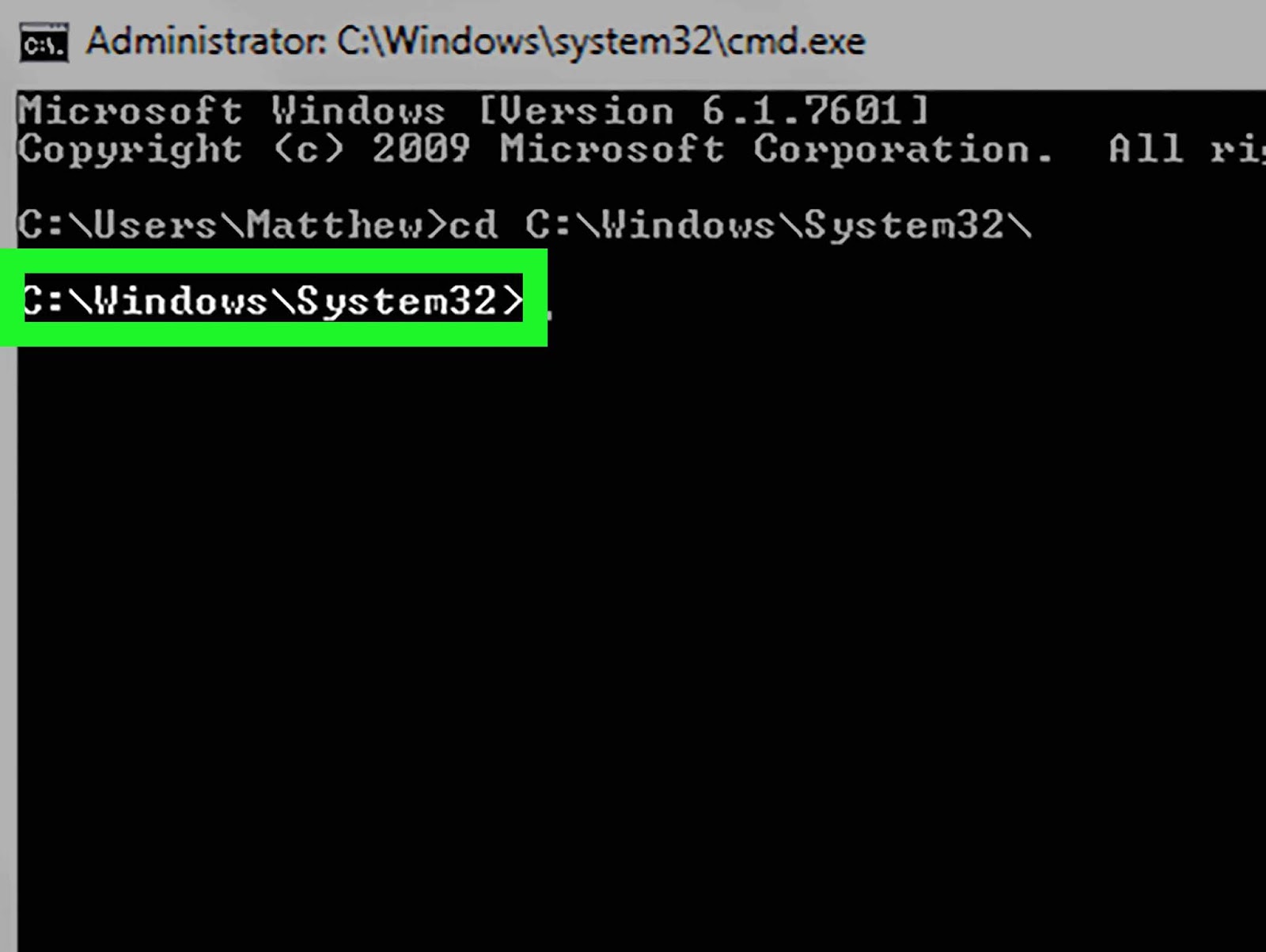
To open a command prompt window in any folder simply hold down the Shift key and right click on the desktop In the context menu

Right click the cmd shortcut select properties and modify the start in directory to be whatever you like Now when you start a command prompt
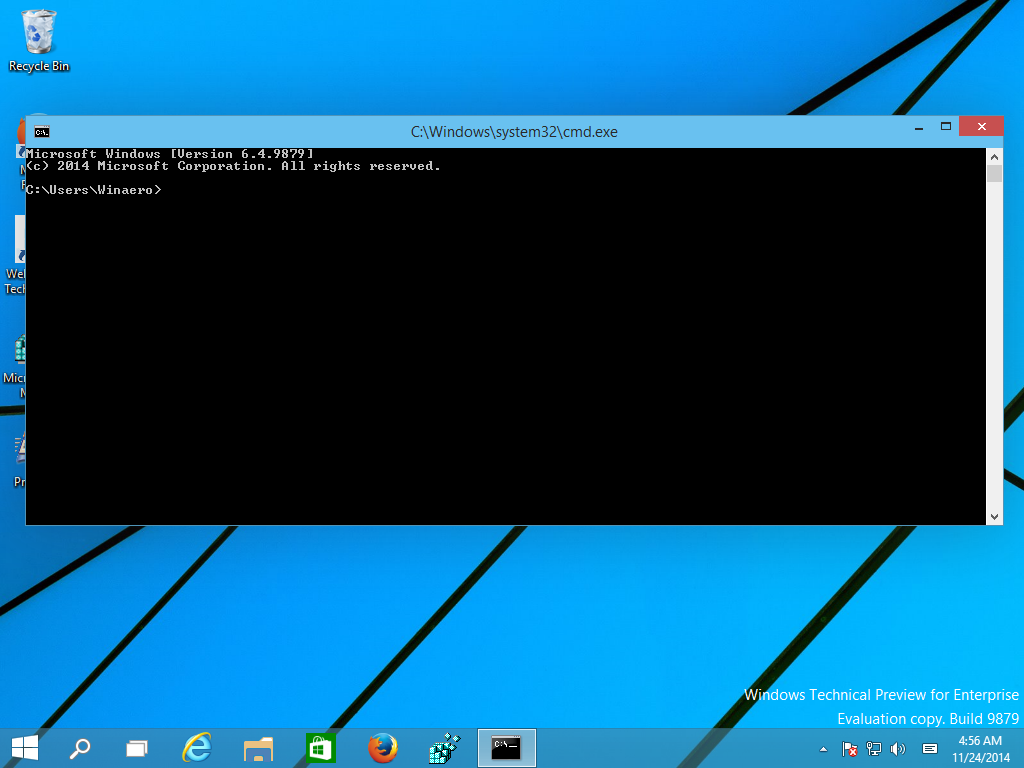
Go to the folder Click on the Windows Explorer s location bar Type cmd Hit Enter Command Prompt will open in the folder

Windows 10 lets you launch Command Prompt in a folder through the File Explorer s address bar Type cmd in the address bar and then hit Enter
To open an administrative Command Prompt window in the current folder use this hidden Windows 10 feature Navigate to the folder you want Step 2 Open Files from Command Prompt You can use the cd command to move to the exact folder the file lies in For instance cd C Users mini
I need to open one command prompt window on windows 10 change directory to a specific folder on that same cmd window and get python prompt on that same