Windows Open Command Prompt In Directory How To Open CMD Command Prompt In Windows 10 YouTube Top 10 Hidden Command Prompt Tricks For Windows 10 Cmd Windows 10 How To Open Command Prompt On Current Folder Directory Open Cmd Prompt Keyboard Maestro Prompt Drop Down Menu Holoserga Windows 10 lets you launch Command Prompt in a folder through the File Explorer s address bar Type cmd in the address bar and then hit
In this video we are going to see How to Open Command Prompt in Current Folder or Go ahead and open up a Command Prompt window by hitting Windows X and selecting Command Prompt from the Power Users menu Note If you see
Keyboard Maestro Prompt Drop Down Menu Holoserga How To Open Command Prompt In Windows 10 Different Ways How To Open A Command Prompt On Windows With Administrator Rights How To Open Command Prompt In A Folder Or Directory In Windows 10 Find And Open Files Using Windows Command Prompt Command Prompt Pop Up Arabiaroc Open Command Prompt In Specific Folder Windows 10 Tutorial Jinni How To Reset A Domain Administrator Password IT LinesIT Lines How To Open Command Prompt In Current Folder Or Directory On Windows 10
Windows Open Command Prompt In Directory
 Windows Open Command Prompt In Directory
https://i.ytimg.com/vi/VyiGZW0fTxk/maxres2.jpg
To find Command Prompt s exe file open File Explorer and go to your System Folder Windows System32 Here scroll down until you find the
Pre-crafted templates provide a time-saving option for developing a varied variety of files and files. These pre-designed formats and designs can be made use of for various individual and expert tasks, consisting of resumes, invites, flyers, newsletters, reports, discussions, and more, streamlining the material development process.
Windows Open Command Prompt In Directory
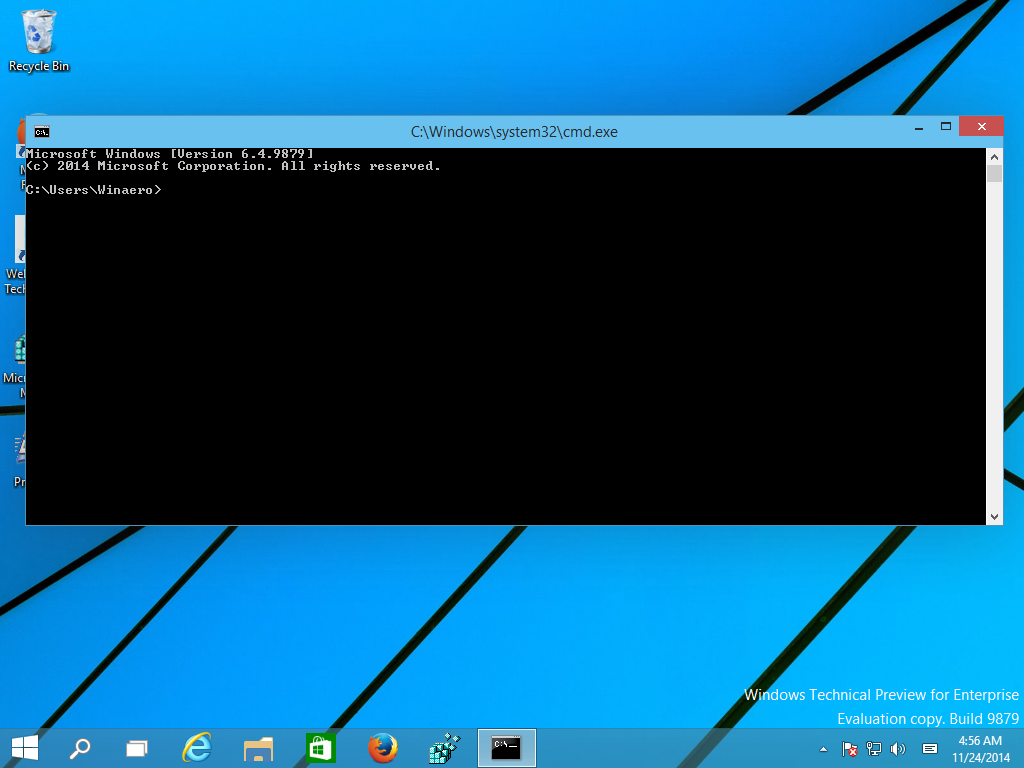
Open Command Prompt Fullscreen In Windows 10
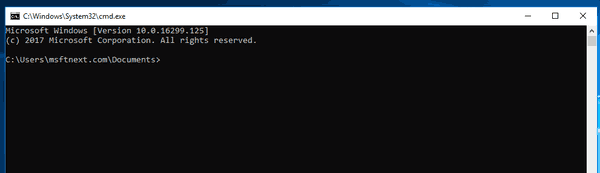
How To Open Command Prompt In Windows 10 Different Ways

How To Open A Command Prompt On Windows With Administrator Rights
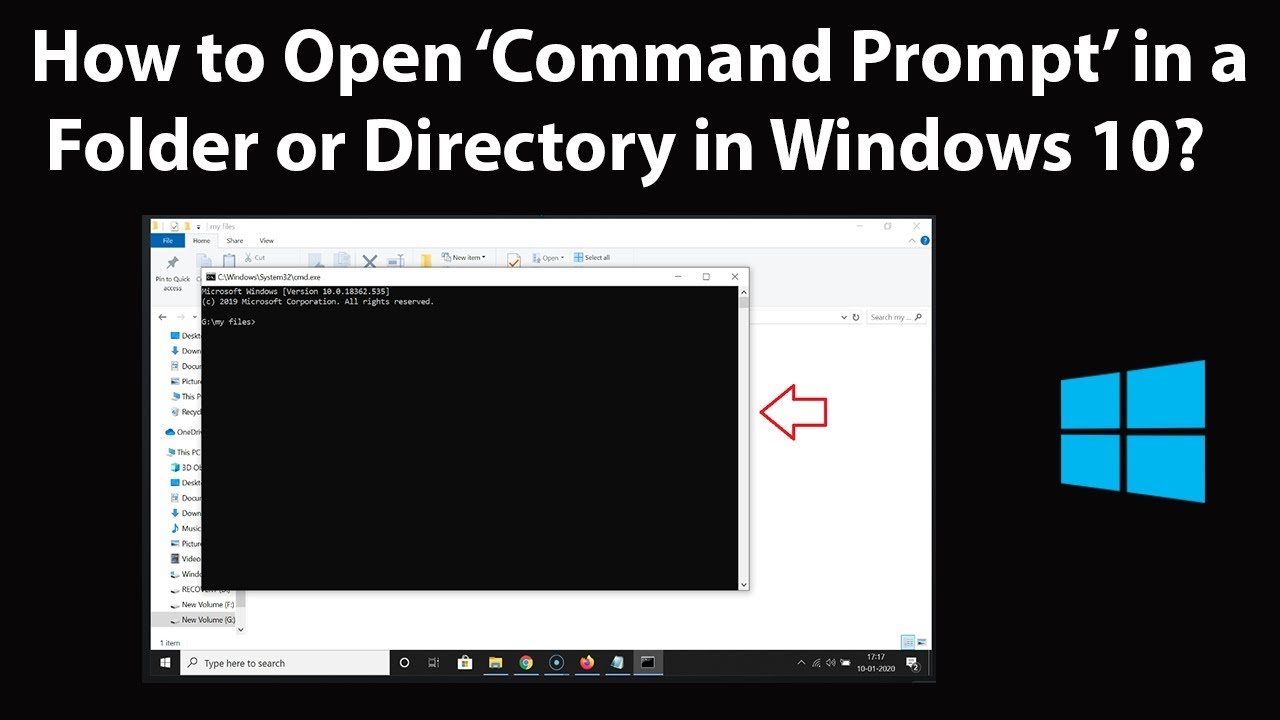
How To Open Command Prompt In A Folder Or Directory In Windows 10

Command Prompt Pop Up Arabiaroc
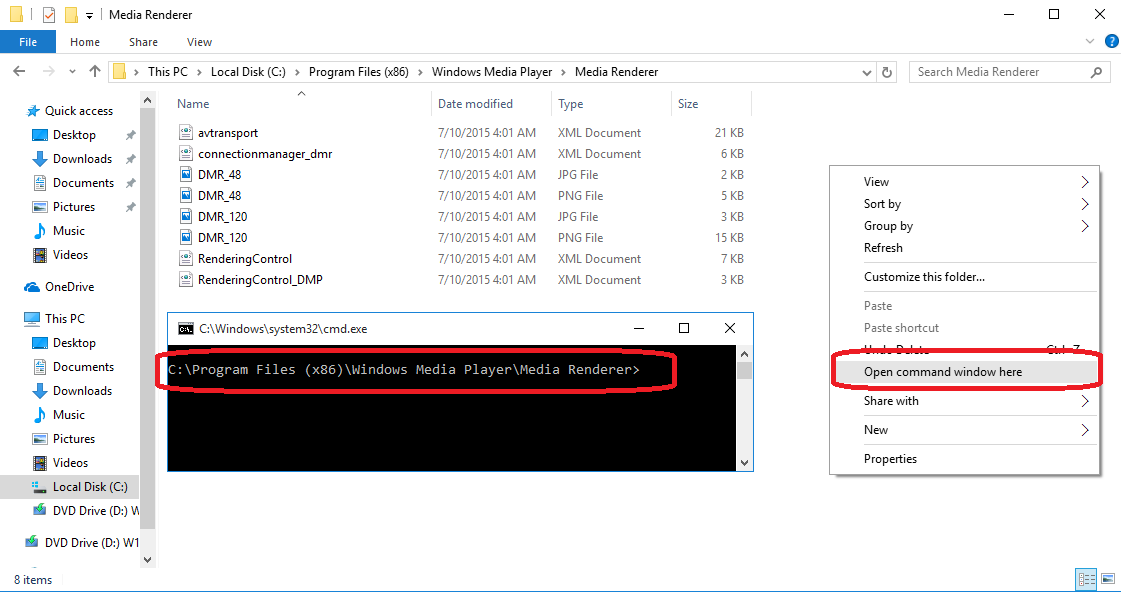
Open Command Prompt In Specific Folder Windows 10 Tutorial Jinni
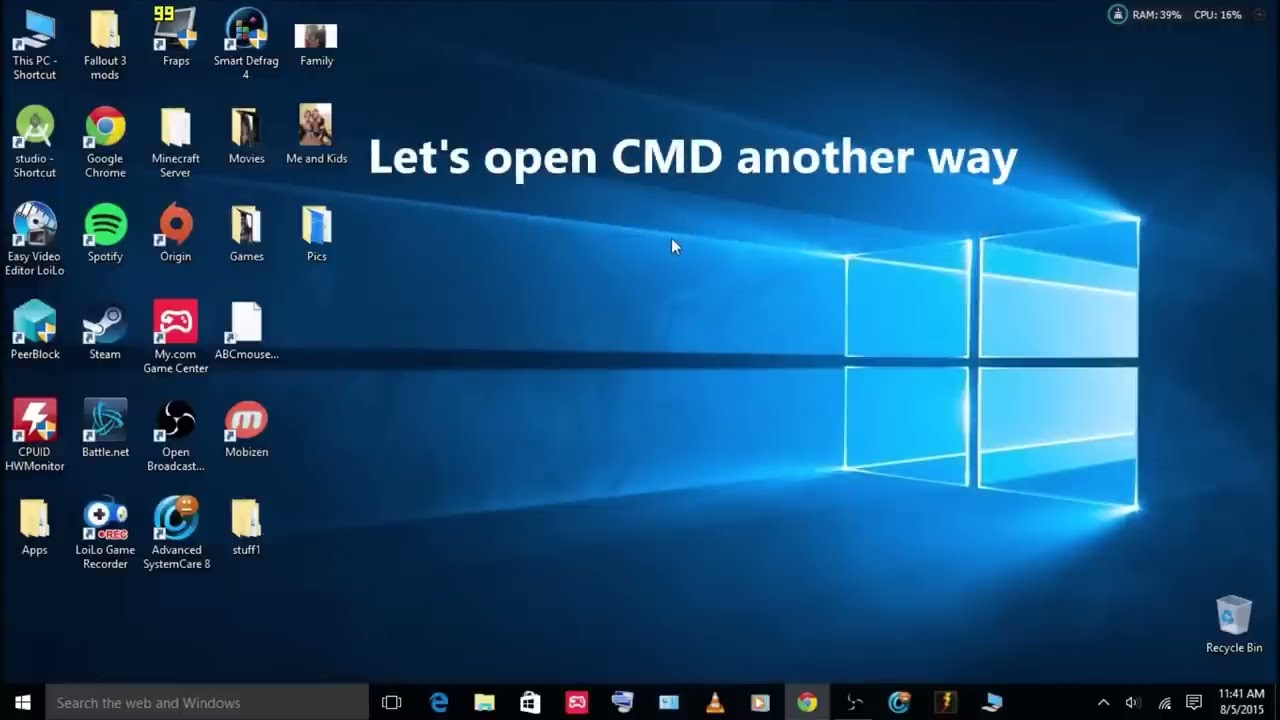
To open a command prompt window in any folder simply hold down the Shift key and right click on the desktop In the context menu

In File Explorer press and hold the Shift key then right click or press and hold on a folder or drive that you want to open the command prompt at that
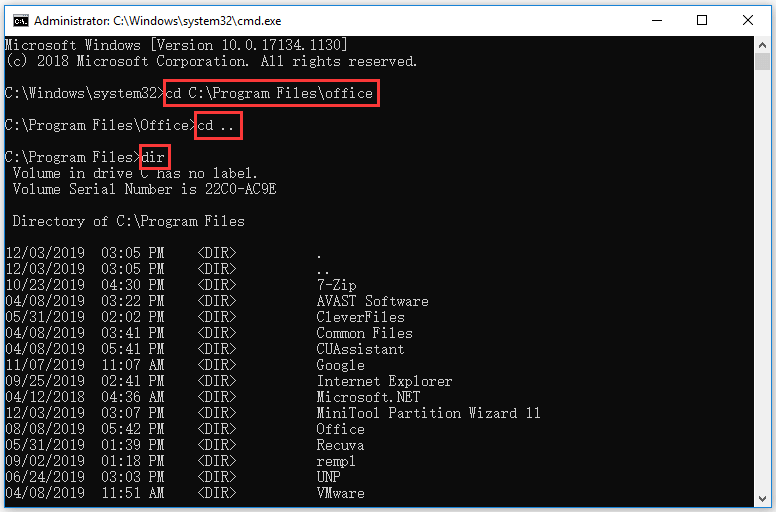
Go to your desired folder and click on the location bar of Windows Explorer Then type cmd and press Enter key The command prompt will be opened in the folder

This video will show you how to open the Windows command prompt in the current folder in

How to Open Command Prompt in a Folder or Directory in Windows 10 1st Method Step 1
Open File Explorer and navigate to the folder you need to open the Command Prompt Click By typing cmd and hitting Enter you ll open up the command prompt at that location This will also work if you type powershell instead of
If you use the Command Prompt to manage files you can add the Open command window here back to the folder context menu in File Explorer