Windows 10 Get Serial Key Command Line Linux Academy Learn New Things How To Check Laptop Or PC Serial Number Or Product ID Command Prompt Command Prompt Windows Wikihow FileGets CryptArchiver Screenshot A Powerful Shareware Encryption When Does Gang Beasts Online Come To Steam Nasveeast To check the device serial number using a Command Prompt command use these steps Open Start Search for PowerShell right click the top result and select the Run as administrator option
The most direct method for finding your Windows 10 product key is from the command line 1 Type cmd into the Windows 10 desktop search box 2 Then right click the command line Users can find a Windows 10 product key by issuing a command from the command prompt Press Windows key X Click Command Prompt Admin At the command prompt type the following to reveal the
When Does Gang Beasts Online Come To Steam Nasveeast Get Product Key Windows 7 Command Line How To Change Windows 7 How To Find Windows 10 Product Key Through Command Prompt Fab Academy 2016 HENDRA FileGets Enkodr Screenshot JitBit Enkodr Is The World s Easiest on Vise Introduction Vise Isomorphic SSR Framework Based On Vite js How To Get Serial Key Free YouTube Windows 10 Serial Key Using Scribt Lasopatherapy Vise Introduction Vise Isomorphic SSR Framework Based On Vite js
Windows 10 Get Serial Key Command Line
 Windows 10 Get Serial Key Command Line
https://www.linuxacademy.ca/assets/images/code-bg.png
Click HKEY LOCAL MACHINE so it s selected Click File Load Hive and navigate to the SOFTWARE file in Windows System32 Config on your other drive Enter a name for this external hive file The
Pre-crafted templates use a time-saving option for creating a varied series of files and files. These pre-designed formats and designs can be made use of for numerous individual and expert jobs, consisting of resumes, invites, leaflets, newsletters, reports, presentations, and more, improving the material creation process.
Windows 10 Get Serial Key Command Line

FileGets Nobox de InvisibleSecrets Screenshot Insgesamt Stehen Acht
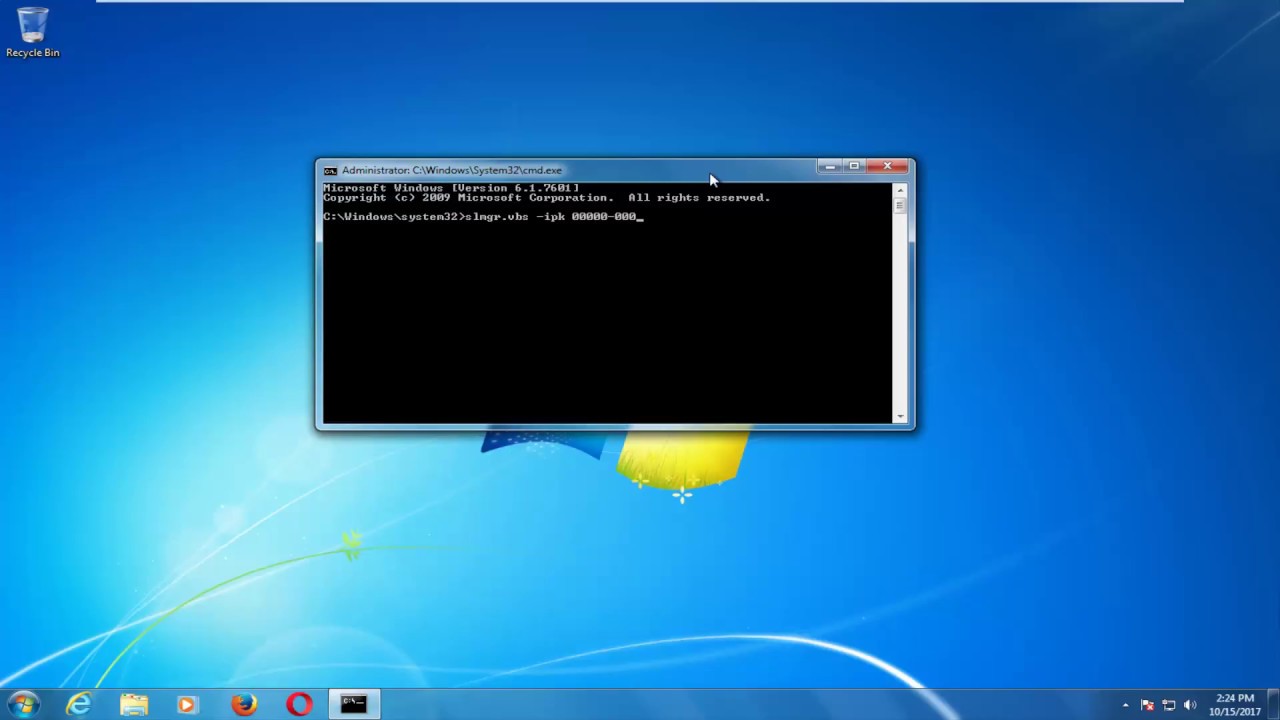
Get Product Key Windows 7 Command Line How To Change Windows 7
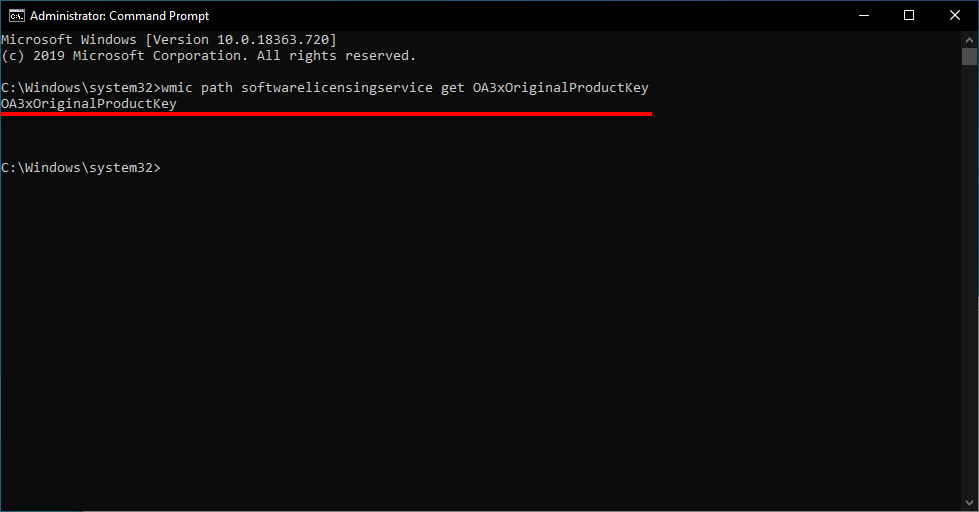
How To Find Windows 10 Product Key Through Command Prompt

Fab Academy 2016 HENDRA
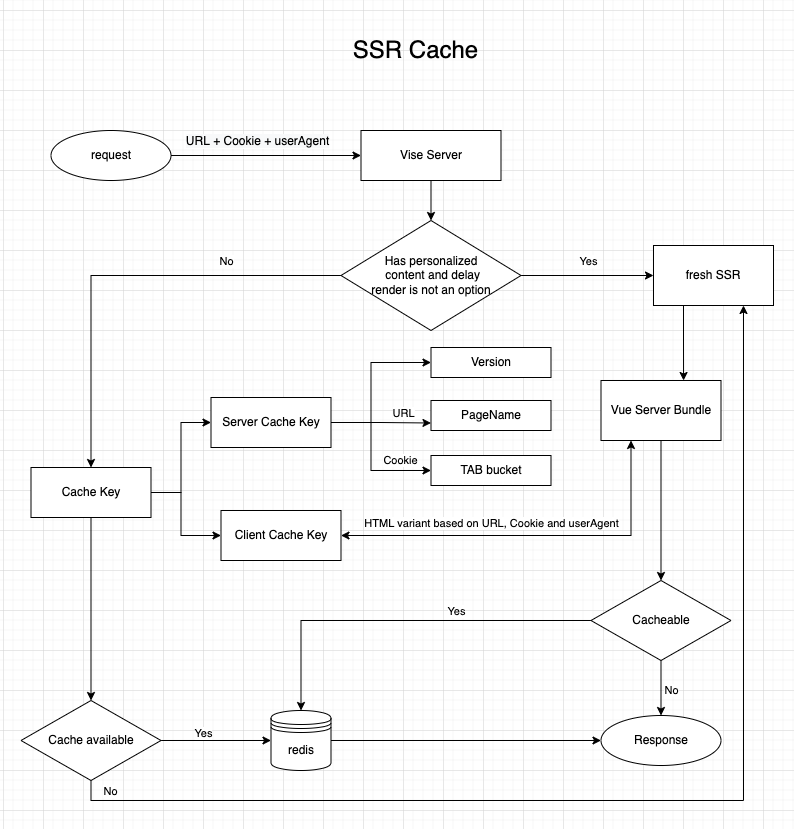
Vise Introduction Vise Isomorphic SSR Framework Based On Vite js
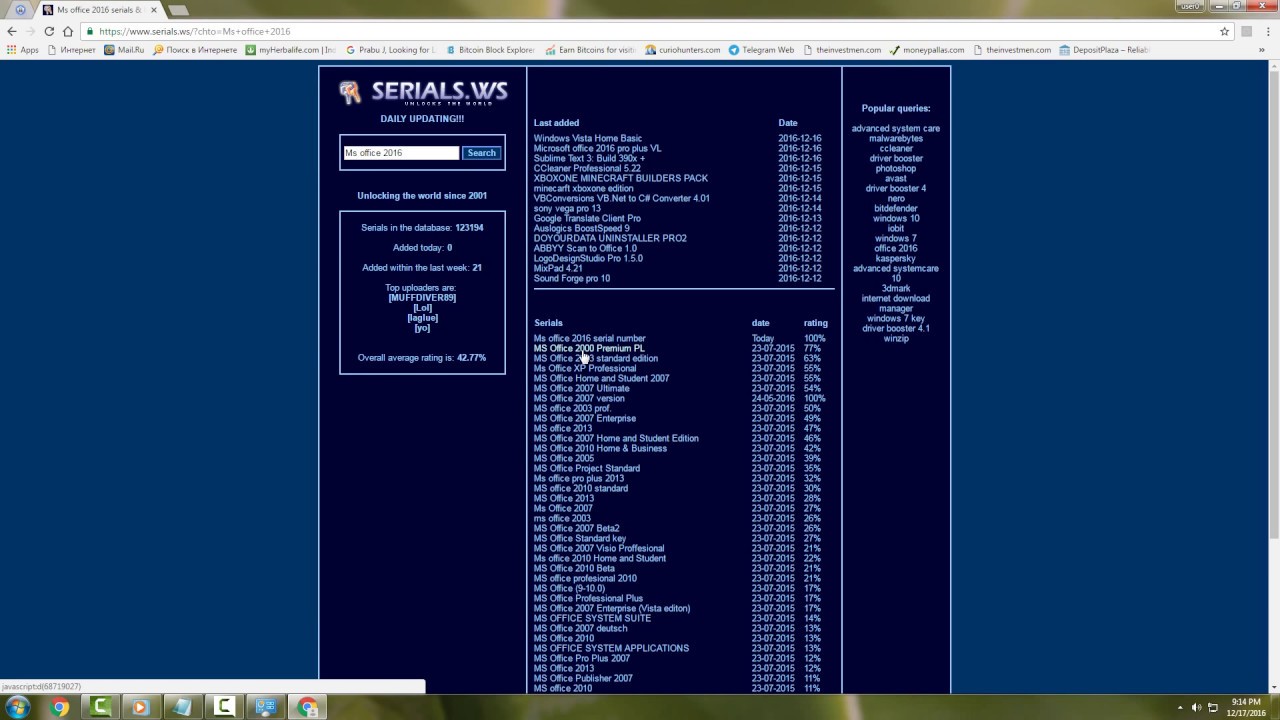
How To Get Serial Key Free YouTube

1 Download Magical JellyBean KeyFinder the free version 2 Extract keyfinder exe from the zip file to a folder on your PC You can skip the other files in the zip archive 3 Launch

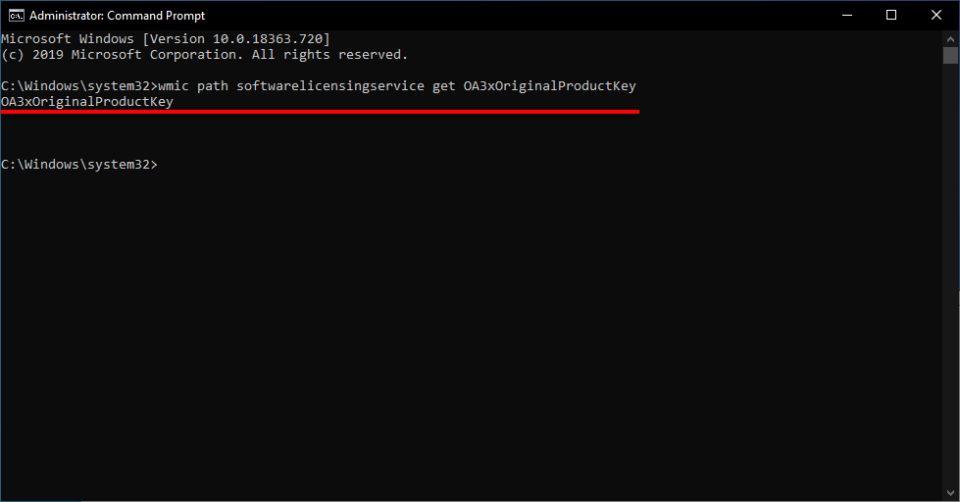
From the WinX Menu in Windows 11 10 open an elevated command prompt window type the following command and hit Enter wmicpath softwarelicensingserviceget OA3xOriginalProductKey Your
At the Command Prompt type the following command and then press Enter wmic bios get serialnumber You ll see the computer s serial number displayed beneath the text SerialNumber This command uses the Windows Management Instrumentation Command line WMIC tool to pull the system s serial number from its BIOS

1 Head over to the tool s official GitHub repository and download its zip file 2 Once the download finishes extract the contents and head over to the ShowKeyPlus folder 3 Double clicking

PowerShell has a dedicated command to find the serial key in Windows 10 Just execute the command and you will have the license key instantly These are the steps you should follow Press the Windows key to open the Start menu Type PowerShell right click on it and select Run as administrator
First press the Windows key search for cmd and click on Run as administrator Then run the following command wmic path softwarelicensingservice get OA3xOriginalProductKey After that you ll see your Windows 10 product key Alternatively you can run this command in the Command Prompt terminal powershell Get WmiObject query There really is no need to know the product key since the machine has a digital entitlement Here is how you retreive it Windows 10 came preinstalled on my computer how do I find the product key Press Windows key X Click Command Prompt admin Enter the following command wmic path SoftwareLicensingService get OA3xOriginalProductKey Hit
Find Your Product Key Using Command Prompt or PowerShell Find Your Product Key Using Notepad Do You Need a Product Key to Clean Install Windows 10 Not Sure if Your Windows Operating System Is Activated Video Showing How to Find Your Microsoft Windows and Office Product Keys Download Computer Malware Repair Tool