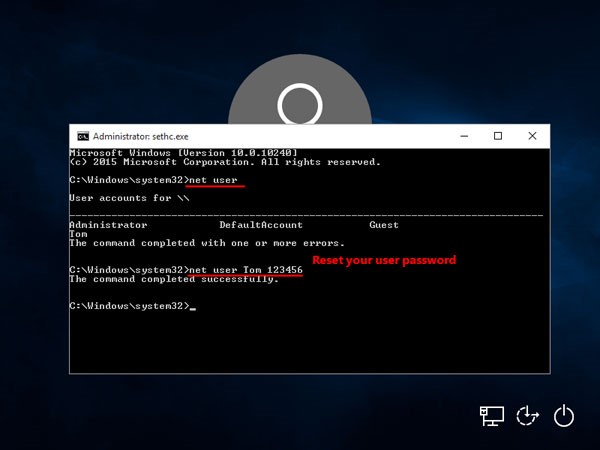
Windows 10 Change Password Cmd Change password cmd windows 10 6 Easy Ways To Change Password In Windows 10 2021 Reset Windows 10 Password Without Software Using Only Command Line Nejlep Zp sob Jak Zm nit Heslo U ivatele Syst mu Windows 10 How To Find Wifi Password On Windows 10 Using CMD Step By Step Reset steps You can reset your PC when you are signed in to Windows or from the Windows Recovery Environment Windows RE Important During the resetting process it s possible that your screen might go black for a long period of time occasionally upwards of 15 minutes and that your device might attempt to restart itself
Installation media such as a USB flash drive can be used to install a new copy of Windows perform a clean installation of Windows or reinstall Windows To create installation media go to the software download website where step by step instructions can be found Depending on how the applications are installed and registered in Windows there are different ways to configure their startup behavior Any applications that are registered in Windows with a startup task can be configured from Settings or from Task Manager Other applications can be configured using File Explorer Expand each section to learn more
How To Find Wifi Password On Windows 10 Using CMD Step By Step C Shortcut CTRL ALT DEL Change Password Stack Overflow Find Any Wi Fi Password Using CMD YouTube Technical Support And Solutions How To Change Password Using Command How To Find Your WiFi Password Using CMD YouTube Change Account Password In Windows 10 Tutorials HOW TO KNOW THE PASSWORD OF ANY WIFI USING CMD YouTube 6 Easy Ways To Change Password In Windows 10 How To Reset A Forgotten Windows XP Logon Password With Or Without Disc
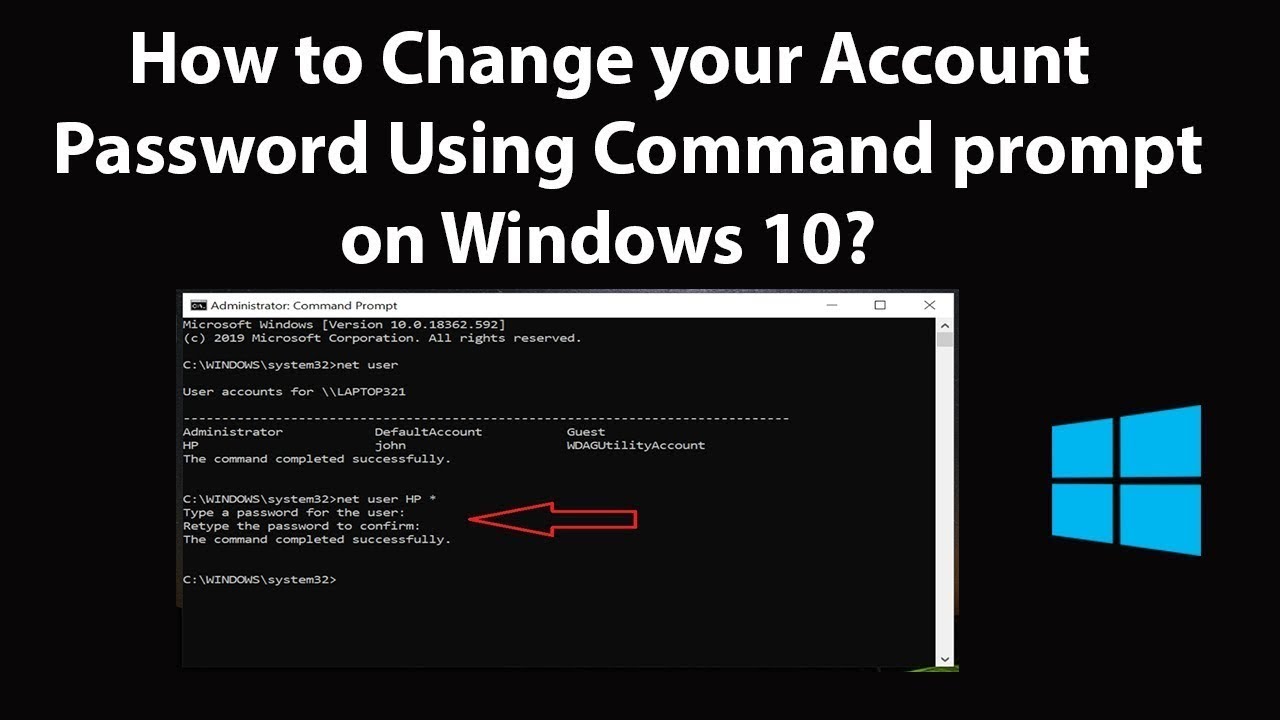
Windows 10 Change Password Cmd
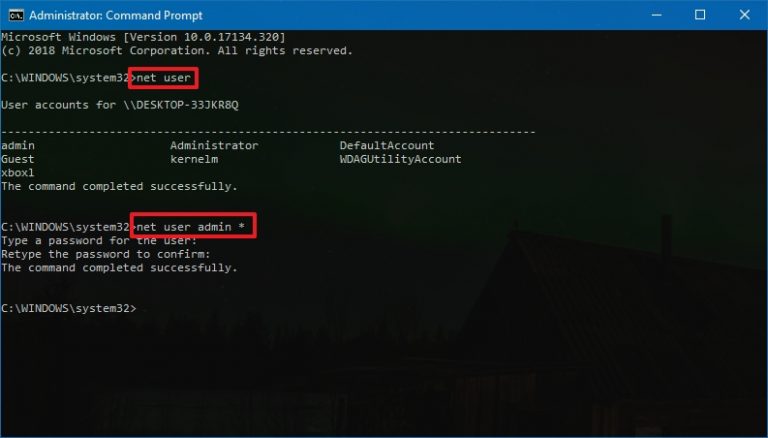 Windows 10 Change Password Cmd
https://ip-calculator.ru/blog/wp-content/uploads/2020/01/change-password-cmd-windows-10-768x438.jpg
On the device you re projecting from go to the screen mirroring settings sometimes called cast settings and select your PC to connect to it If you re projecting from a PC you can also select Windows logo key K and select the PC you d like to connect to
Pre-crafted templates offer a time-saving solution for creating a varied range of documents and files. These pre-designed formats and layouts can be used for different individual and expert tasks, consisting of resumes, invitations, flyers, newsletters, reports, presentations, and more, streamlining the content production procedure.
Windows 10 Change Password Cmd
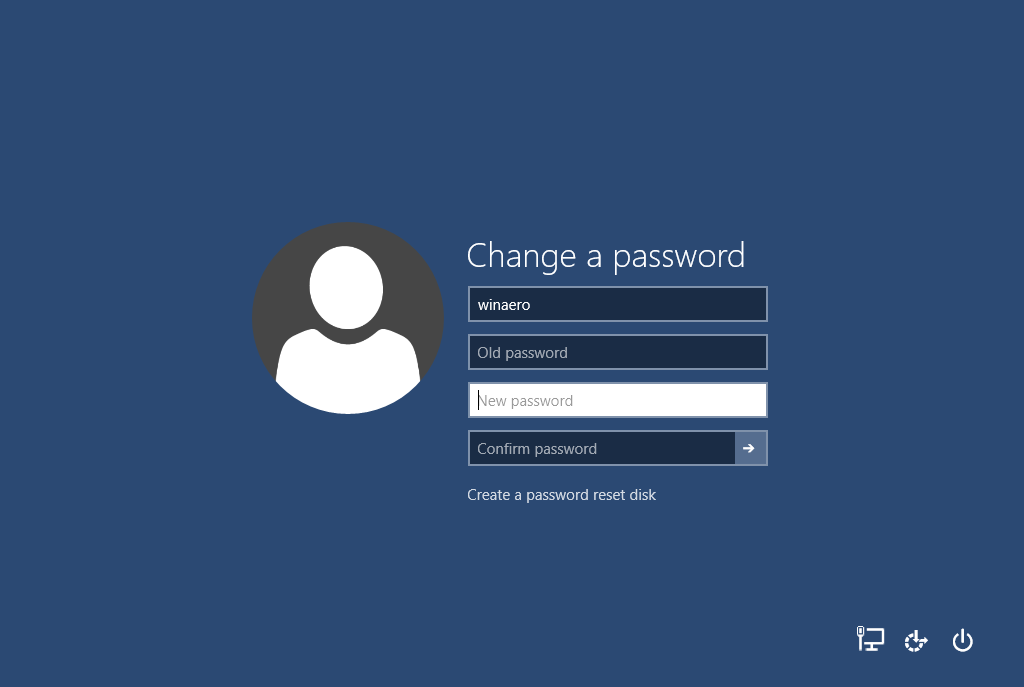
How To Change The User Password In Windows 10

C Shortcut CTRL ALT DEL Change Password Stack Overflow

Find Any Wi Fi Password Using CMD YouTube

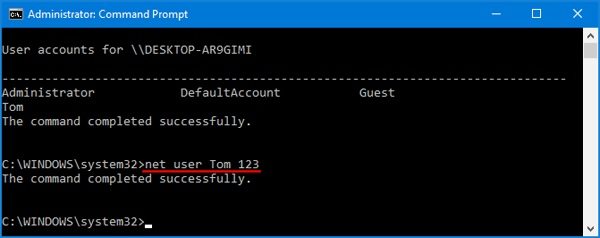
Technical Support And Solutions How To Change Password Using Command

Change Account Password In Windows 10 Tutorials

HOW TO KNOW THE PASSWORD OF ANY WIFI USING CMD YouTube
If you re warned by Windows Update that you don t have enough space on your device to install updates see Free up space for Windows updates If you experience internet connection issues while updating your device see Fix Wi Fi connection issues in Windows If you re having trouble installing updates see Troubleshoot problems updating Windows
Find help and how to articles for Windows operating systems Get support for Windows and learn about installation updates privacy security and more
Learn how to get ready for the Windows 11 upgrade from making sure your device can run Windows 11 to backing up your files and installing Windows 11
The upgrade to Windows 11 is free from Microsoft However the Windows 11 upgrade download is large in size Internet providers might charge fees for large downloads that occur over metered connections To upgrade to Windows 11 devices must meet the Windows 11 minimum system requirements Some Windows 10 features aren t available in Windows 11

Learn more The installation media for Windows is a versatile tool that serves multiple purposes including in place installations for recovery and new installations This media typically created on a USB drive or DVD contains all the necessary files to install or reinstall Windows on your device
[desc-11] [desc-12]
[desc-13]