What Is A Path In Illustrator How To Type On A Path In Illustrator YouTube How To Type On A Path In Illustrator On IPad Adobe Illustrator IPad Text On A Path In Illustrator 2 Minute Tutorial YouTube How To Create Type On A Path In Adobe Illustrator Tutorial Adobe Illustrator Part 26 Understanding Vector Paths YouTube How to Use Compound Paths in Adobe Illustrator Create a Compound Path by selecting two or multiple overlapping objects and then going over to Object Compound Path Make You can easily change their Size Shape and even their Position by selecting the center of the empty shapes using the Direct Selection Tool and then
2 69K subscribers Subscribed 41 15K views 3 years ago Learn how to easily create and manipulate lines and paths using the line and pen tools in Adobe Illustrator more Straight curves combination edit Objectives Students learn to use Pen tool and edit vectors paths Essential questions 1 What is a path 2 What are path s components 3 How do you edit paths Paths are vector based line drawings There are two types of lines straight and curved
Illustrator Part 26 Understanding Vector Paths YouTube How To Type Format Text Along A Path In Photoshop An Illustration Of A Bear And Other Animals On A Path In The Woods With How To Blend Shapes Along A Custom Path Illustrator Tips YouTube Utiliza i Type On A Path In Illustrator Pentru Text ntr un Cerc 589 How Do I Put Text On A Path In Illustrator WebsiteBuilderInsider How To Type On A Path In Photoshop LaptrinhX How To Type Text On A Path In Illustrator Artofit
What Is A Path In Illustrator
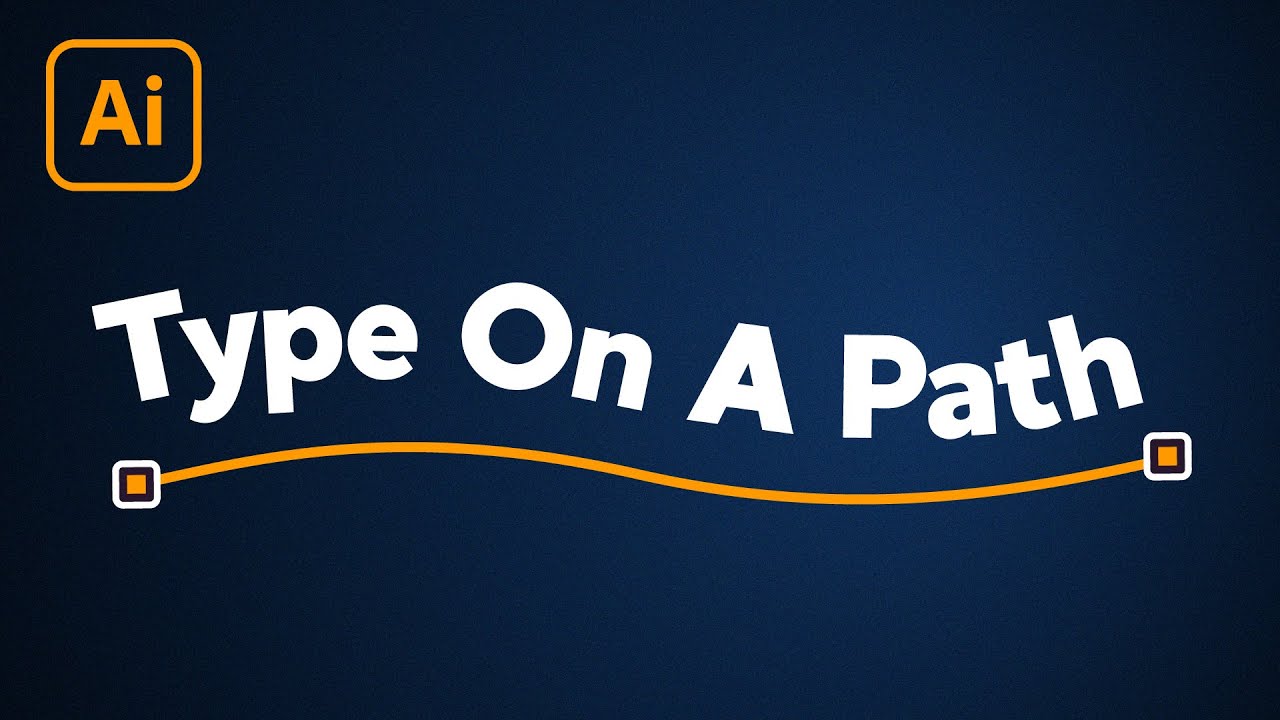 What Is A Path In Illustrator
https://i.ytimg.com/vi/Jl8NzUNQQqY/maxresdefault.jpg
207 17K views 1 year ago Illustrator IllustratorTutorials PixelAndBracket Learn how to type on a path in Illustrator in this Adobe Illustrator tutorial You can type on any path in
Pre-crafted templates provide a time-saving option for producing a varied range of documents and files. These pre-designed formats and designs can be made use of for numerous individual and expert tasks, consisting of resumes, invites, leaflets, newsletters, reports, discussions, and more, enhancing the material production process.
What Is A Path In Illustrator

How To Type On A Path In Illustrator In 2 Easy Ways
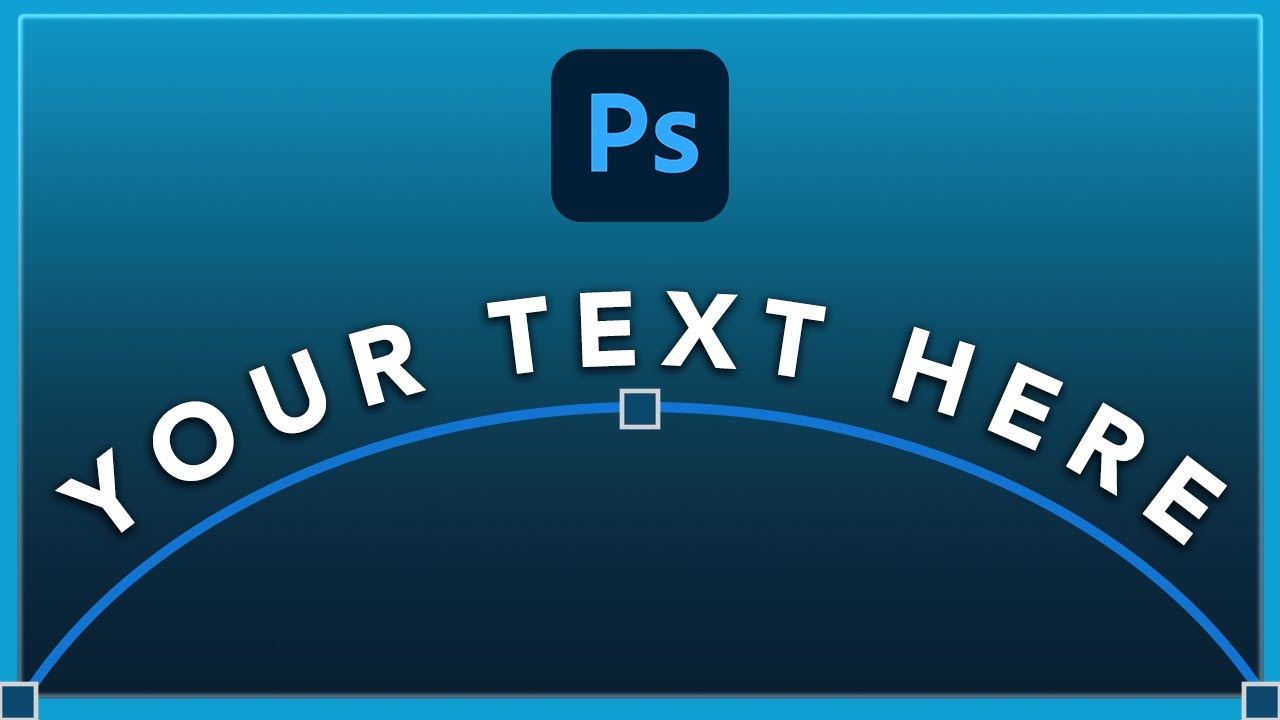
How To Type Format Text Along A Path In Photoshop

An Illustration Of A Bear And Other Animals On A Path In The Woods With
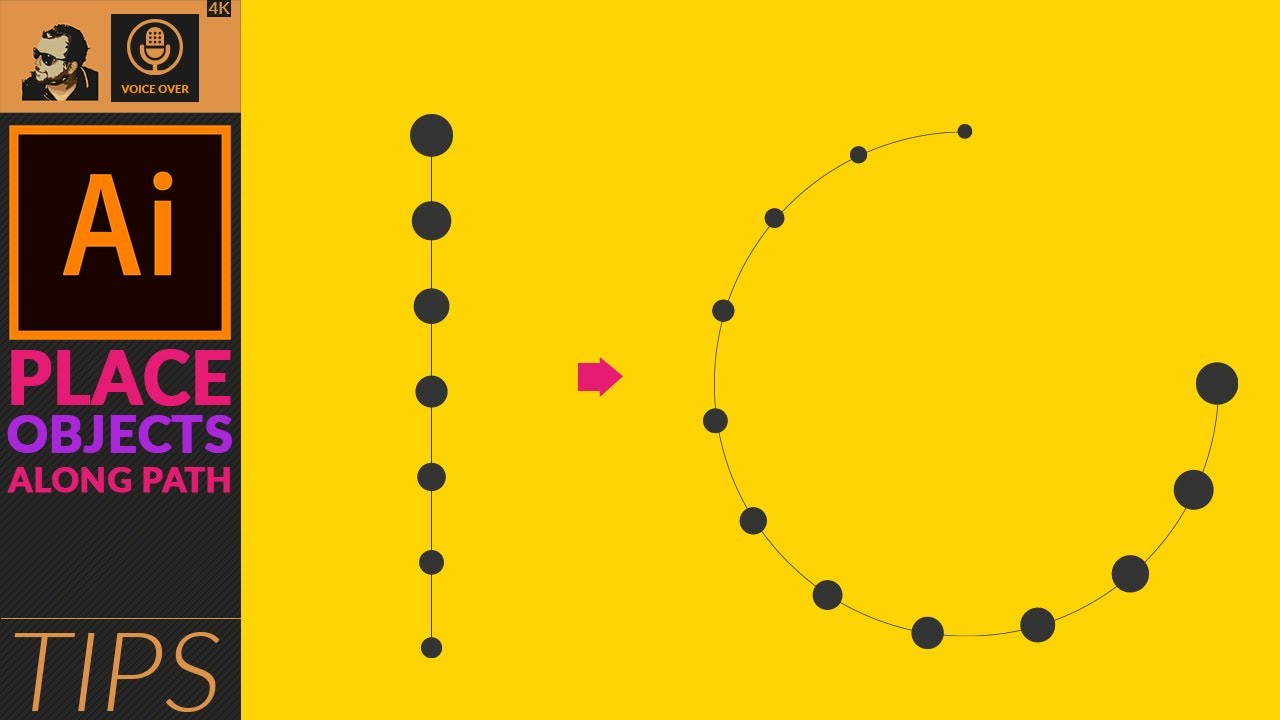
How To Blend Shapes Along A Custom Path Illustrator Tips YouTube

589
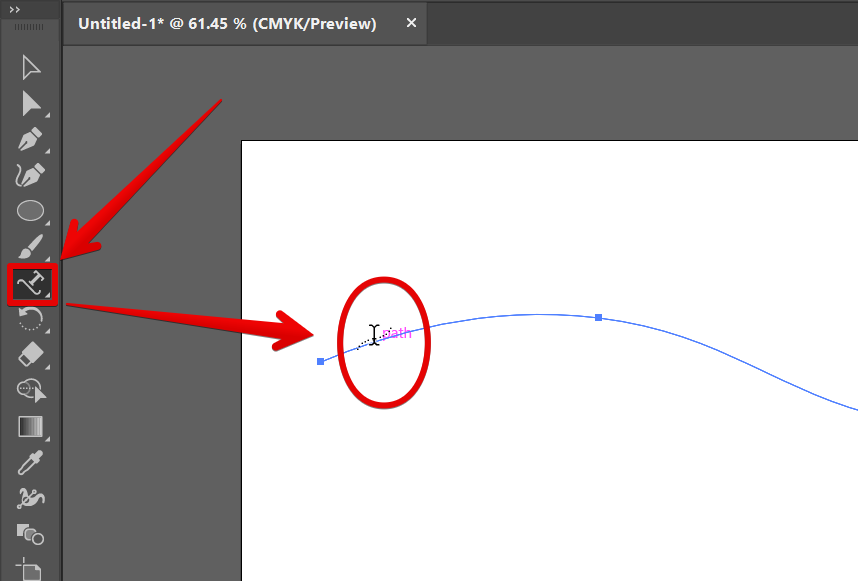
How Do I Put Text On A Path In Illustrator WebsiteBuilderInsider

Edit paths Last updated on Mar 22 2024 Illustrator Learn how to edit reshape smoothen and simplify paths using different tools available in Illustrator Select paths segments and anchor points Before you reshape or edit a path you need to select the path s anchor points segments or a combination of both Select anchor

A path is basically a line in Illustrator There are three types of paths Open paths A line with two endpoints Closed paths A closed shape with no endpoints like our circle Compound paths Two or more closed paths Compound paths are particularly important to designing SVG files and we ll be going into more detail about them in future
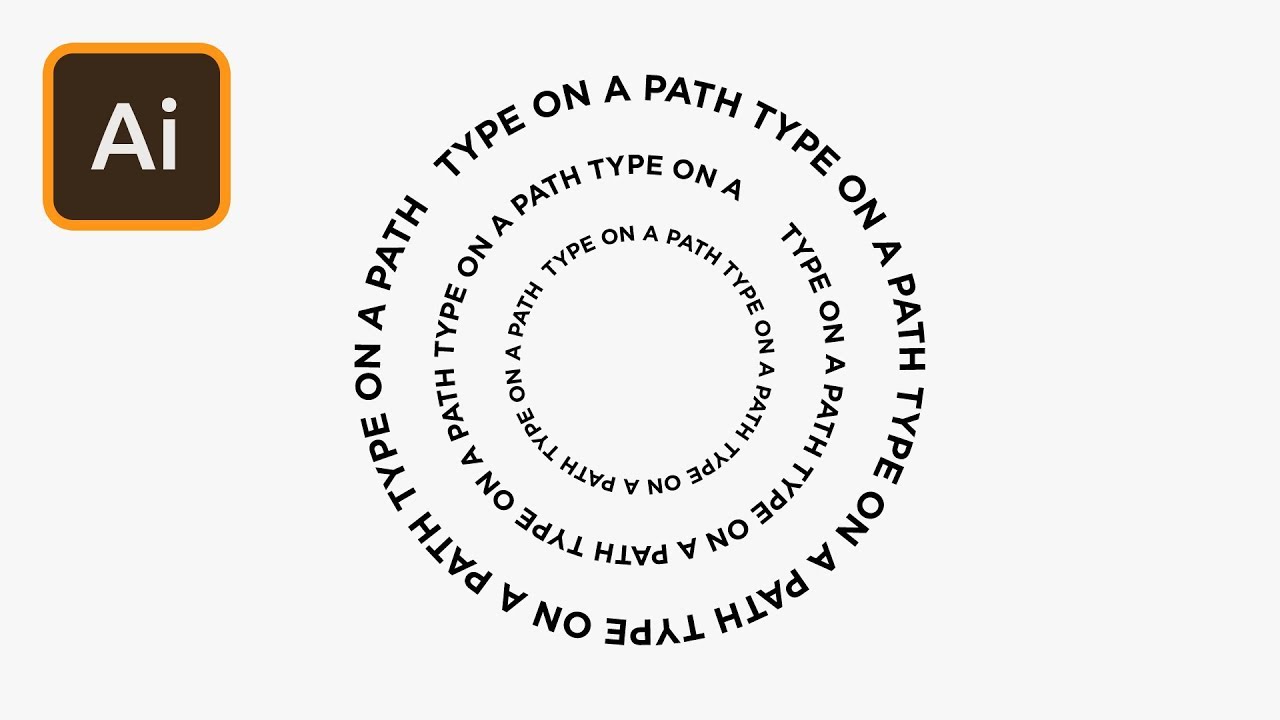
Last updated on Mar 22 2024 Illustrator Learn how to add and work with type on a path in Illustrator Use the Type on a Path tool to add text to any path or shape outline move or flip text and add effects to it

How To Offset A Path In Illustrator To offset a path in Illustrator select the path and navigate to Object Path Offset Path Use the Offset field to input the numerical value you d like to offset your path by Then use the Joins filed to determine if you want the corners to be sharp round or squared

With the Path tool you ll click and create multiple points If you hold the mouse down when you create that point you ll be able to curve the line that it draws So for example if I just move the mouse you ll see from our point Illustrator s creating a straight line
Sorted by A Path is a series of plotted points anchors points with line segments between the points connecting each point to another point A Path is made of minimally 2 anchor points and 1 line segment However there s no limit to the maximum number of points and segments a path may contain Adobe illustrator path shapes Share Improve this question edited Oct 4 2019 at 16 36 asked Oct 4 2019 at 16 11 Hassan 113 6 Add a comment You can t technically Shapes and paths are two different concepts in Illustrator and you cannot combine a square with a line for instance
A clipping mask is a shape called a clipping path that masks any object below it so only what s inside of the clipping path is visible A clipping path can only be a vector object not a photo However the object below it can be anything a raster photo vector drawing etc A few things to note about clipping masks