What Does Disk Space Full Mean What Does Low Disk Space Mean 9 Ways To Fix What Is Disk Space Meaning Explained EaseUS What Does Disk Cleanup Do On Windows EaseUS Low Disk Space Windows 10 8 7 Fixed Best How To Fix Low Disk Is GTA Cross platform In 2022 GameGrinds Disk space refers to how much space is available on your hard drive to store files When you install a new program or download a program it is stored on your hard drive The more files programs you download install or save on your hard drive the fuller it becomes However on the other hand memory is not the same as disk space
Contact Us Business Support My HP Account HP PCs Resolving low disk space issues and errors Windows 10 When too little free space is available on your computer hard drive Windows updates might not install apps and files might not download and low disk space errors or warning messages might display Free up storage space on your File History drive when it is full If File History complains that its backup drive is full and it can no longer back up your files open the Control Panel and go to System and Security File History More details about using the File History from the Control Panel can be found here Working with File History from the Control Panel What you can and can t do
Is GTA Cross platform In 2022 GameGrinds What Does Disk Active Time Mean In Task Manager YouTube Roblox Image ID Codes April 2022 Updated Decal Image IDs For Roblox How To Do Split Screen In Fortnite On PS4 And Xbox One GameGrinds Your Guide To Common Roblox Slang Meanings GameGrinds What Does Low Disk Space Mean 5 Ways To Free Disk Space What Does Disk Queue Length Mean Under Storage View Under Disk Tab In Is Splitgate Crossplay In 2022 GameGrinds Hard Drive Shows As Unallocated On Windows 10 How To Fix
What Does Disk Space Full Mean
 What Does Disk Space Full Mean
https://www.thetechwire.com/wp-content/uploads/2022/02/Table-With-a-Notebook-Computer-Screen-That-Displays-a-Symbol.jpeg
MiniTool Partition Wizard Demo Click to Download 100 Clean Safe Step 1 After launching MiniTool Partition Wizard right click on the full disk and then choose Copy Disk from the left action panel Step 2 Select the target disk to save the copy of the full hard drive to then click Next
Templates are pre-designed documents or files that can be utilized for various functions. They can save effort and time by providing a ready-made format and design for creating different sort of content. Templates can be used for personal or professional tasks, such as resumes, invitations, flyers, newsletters, reports, presentations, and more.
What Does Disk Space Full Mean
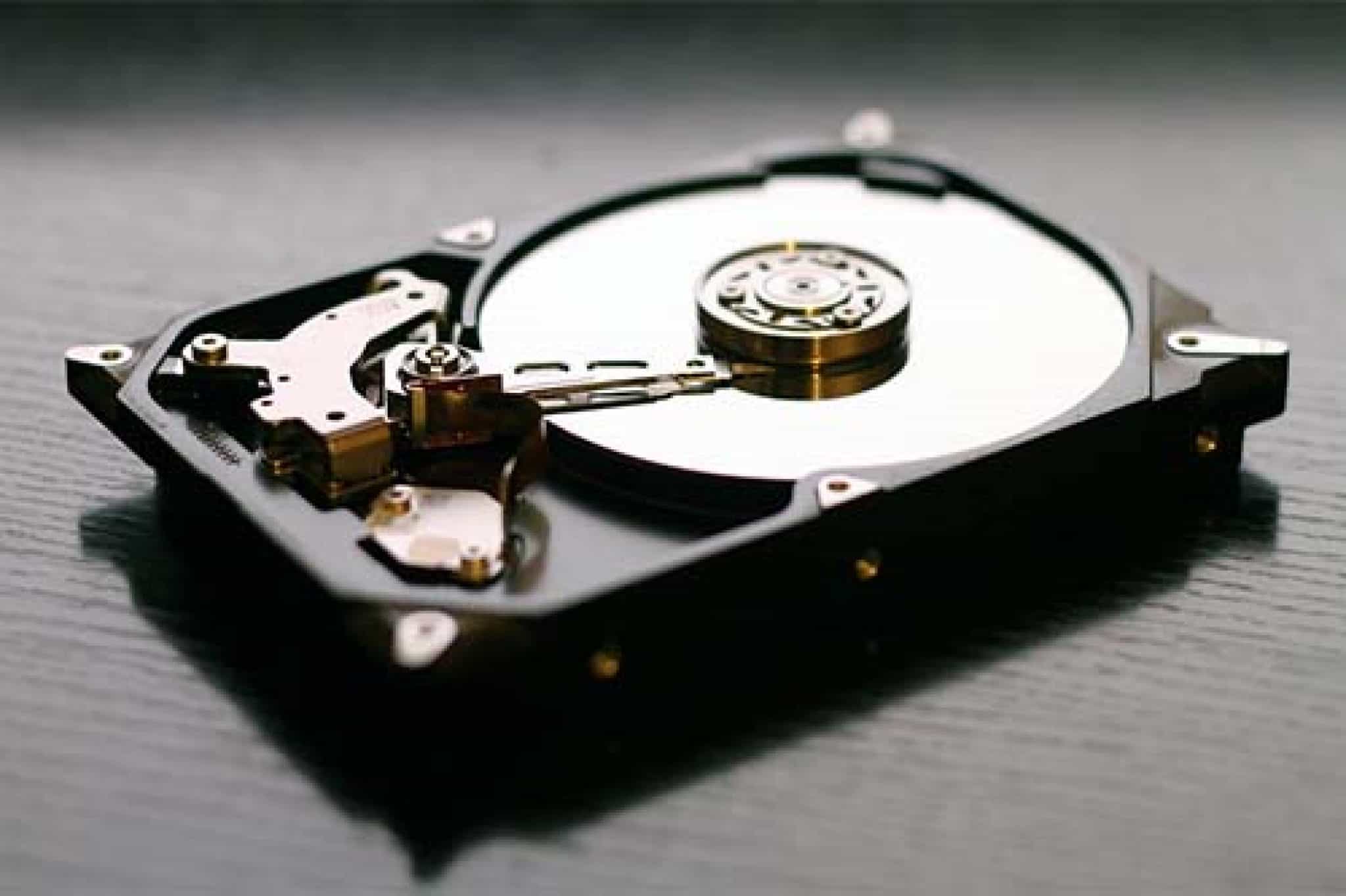
Disk Space Full On Windows 10 Here s What To Do Turbo Gadget Reviews

What Does Disk Active Time Mean In Task Manager YouTube
Roblox Image ID Codes April 2022 Updated Decal Image IDs For Roblox

How To Do Split Screen In Fortnite On PS4 And Xbox One GameGrinds
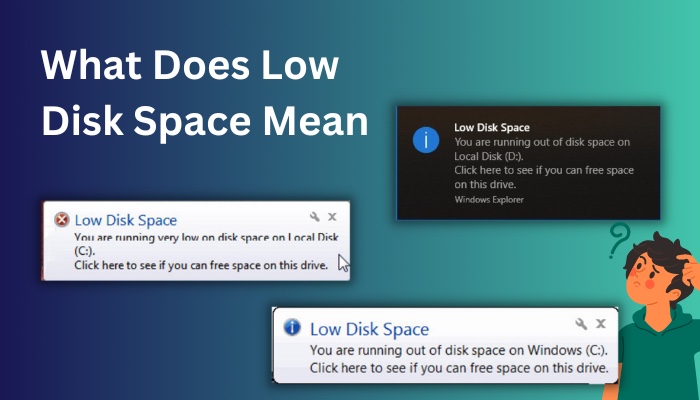
What Does Low Disk Space Mean 5 Ways To Free Disk Space

What Does Disk Queue Length Mean Under Storage View Under Disk Tab In

I recently encountered this same issue with a brand new computer It was pre loaded with Windows 10 so it did not have the typical issue of the old Windows OS being preserved for downgrade capability The interesting part was that totaling the disk space manually resulted in a value of 37 8GB used of 104GB total disk

You get a disk full message when trying to move files into OneDrive Workaround Use the Disk Clean up utility Start Disk Clean up in Windows or Optimize Storage in Mac to free up some working space for OneDrive Move your files into the OneDrive folder

Method 1 Delete Unnecessary Files and Programs Go through your device and identify files and programs that you no longer need These can include old documents duplicate files or programs you haven t used in a while Delete them to free up space on your device Method 2 Use Disk Cleanup Tools

Clean up the hard drive For the most part if your machine says you are out of disk space that is exactly the case That said what uses the space and how to free it up are not always clear The best place to start is visiting our page on regaining hard drive space How to regain computer hard drive space Hard drive is failing

Delete Temporary Files in Windows 7 Step 1 Open My Computer right click the C drive and select Properties Step 2 Click the Disk Cleanup button in the disk properties window Step 3 Select temporary files log files Recycle Bin and other useless files that you want to delete and click OK 3
These errors could be causing your hard drive space problem Press the Windows R keys to launch the Run command then type in cmd and press Ctrl Shift Enter to run as admin Type in chkdsk and the drive letter of your hard drive along with the colon symbol Disk capacity Alternatively called disk space disk storage or storage capacity disk capacity is the maximum amount of data a disc disk or drive is capable holding Disk capacity is displayed in MB megabytes GB gigabytes or TB terabytes All types of media capable of storing information have a disk capacity including a CD compact
If your OneDrive is full we will send you an email notification and you will see the following OneDrive icon in your notification or menu bar You have exceeded the storage quota for your Microsoft account Learn more If either your Outlook mailbox or your OneDrive storage is full you cannot send or receive email