What Does Scratch Disk Is Full Mean What Does Scratch Mean The Word Counter Aspettarsi Arabo Alta Esposizione How To Add A Scratch Disk To Photoshop Entusiasta Tranquillo Photoshop Scratch Disks Are Full On Mac How To Clear Photoshop Scratch Disk Is Full On A Mac Guide To Fix It How To EASILY Fix Photoshop Scratch Disk Full Errors To open Scratch Disk Preferences go to Settings and click on Scratch Disks You can also change scratch disks by holding Command Option Mac or Control Alt PC while you launch Photoshop this
The scratch disk is Photoshop s way of using your computer s virtual memory to run more memory intensive tasks The program needs RAM he amount increase each upgrade to run and when you start 1 Correct answer Test Screen Name LEGEND Feb 05 2017 Freeing up space is simple in principle often difficult in practice 1 Find the big files 2 Check whether you need them 3 Get rid of the ones you don t need Of course step 2 is the killer You can find files with Spotlight
How To EASILY Fix Photoshop Scratch Disk Full Errors Aspettarsi Arabo Alta Esposizione How To Add A Scratch Disk To Photoshop Entusiasta Tranquillo Photoshop Scratch Disk Full Agentlinda Aspettarsi Arabo Alta Esposizione How To Add A Scratch Disk To Photoshop Entusiasta Tranquillo Can T Save Photoshop Scratch Disk Full Fotolab Mar Del Plata How Do I Empty My Scratch Disk In Photoshop WebsiteBuilderInsider How Do I Clear Full Scratch Disks On Mac Scratch Disk Full What Does It Mean How To Fix It DW Photoshop Scratch Disk Cleaner Holdenluxe
What Does Scratch Disk Is Full Mean
 What Does Scratch Disk Is Full Mean
https://thewordcounter.com/wp-content/uploads/2021/09/unnamed-4-800-x-533-3-768x512.jpg
1 Make Some Room on Your Primary Hard Drive If your hard disk is full regardless of the reason the logical approach is to delete some files In fact Photoshop will often display the Scratch Disks Are Full error before the hard drive is at 100 percent capacity
Pre-crafted templates provide a time-saving solution for creating a varied series of files and files. These pre-designed formats and designs can be made use of for different individual and professional jobs, including resumes, invitations, flyers, newsletters, reports, presentations, and more, improving the content production procedure.
What Does Scratch Disk Is Full Mean

Photoshop Scratch Disk Full Exoticdop
Aspettarsi Arabo Alta Esposizione How To Add A Scratch Disk To Photoshop Entusiasta Tranquillo

Photoshop Scratch Disk Full Agentlinda
Aspettarsi Arabo Alta Esposizione How To Add A Scratch Disk To Photoshop Entusiasta Tranquillo
How Do I Empty My Scratch Disk In Photoshop WebsiteBuilderInsider

How Do I Clear Full Scratch Disks On Mac

Delete Photoshop temporary files You can safely delete temporary files associated with Photoshop to free up scratch disk space Photoshop temp files are typically named PST tmp on Windows and Temp on Mac where is a series of numbers Defragment the hard disk
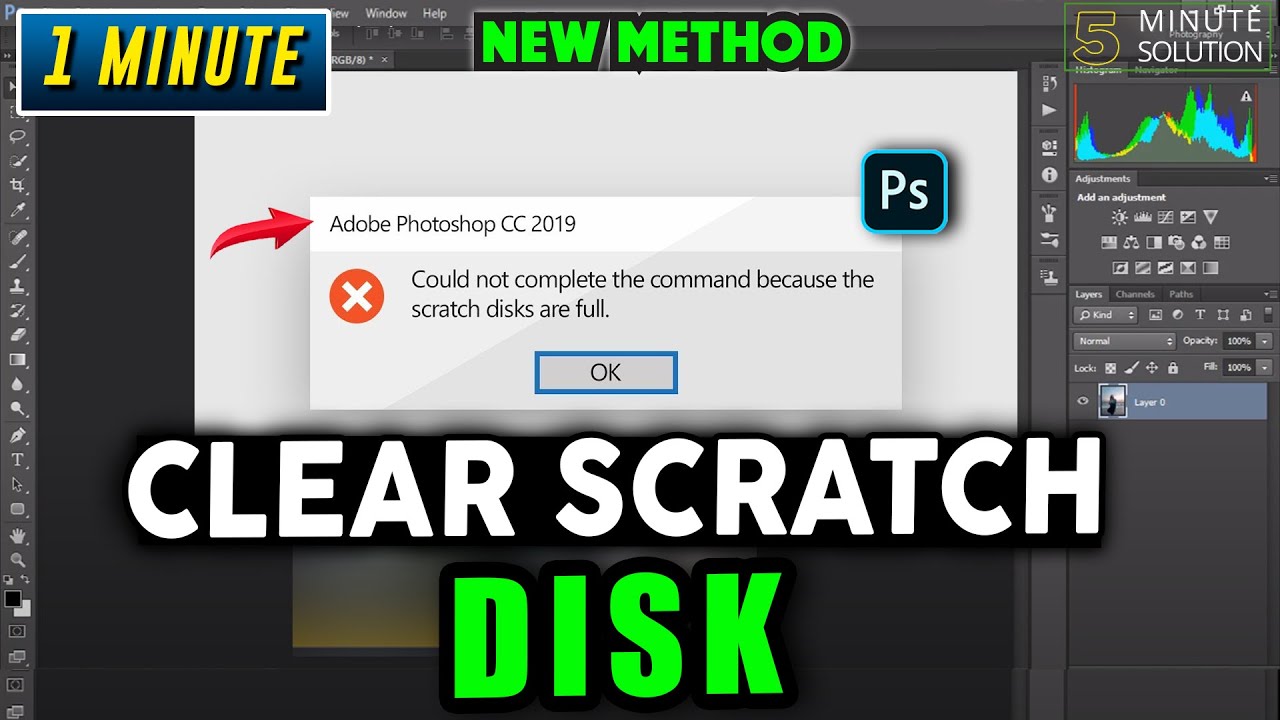
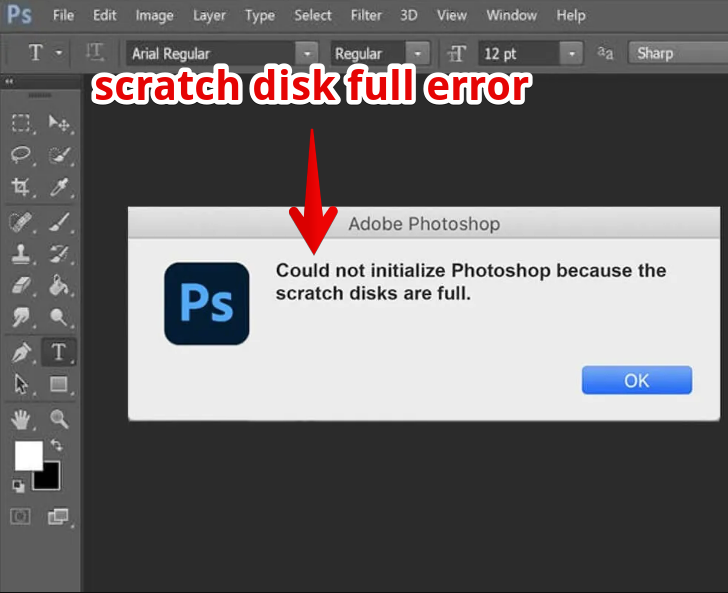
The scratch disks are full error in Photoshop usually occurs when there s no memory space available on your computer to store Photoshop s temporary files When this error comes up Photoshop either crashes or does not load at all There are a few things you can do to fix this scratch disks are full error in Photoshop
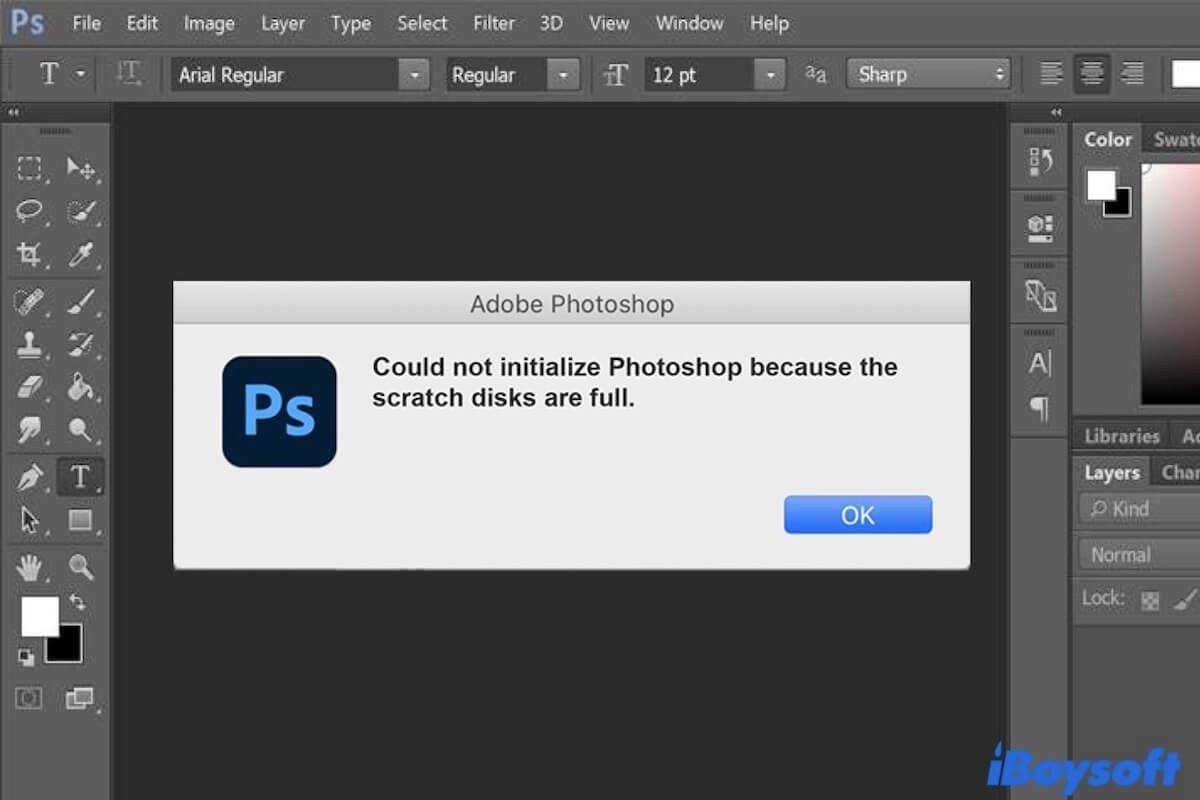
Identify your scratch disk The scratch disk can be different for everyone because you can set it up in Photoshop Preferences If you don t have a secondary hard drive or you haven t assigned anything differently by default it will use the main hard disk of your computer Free space on the scratch disk
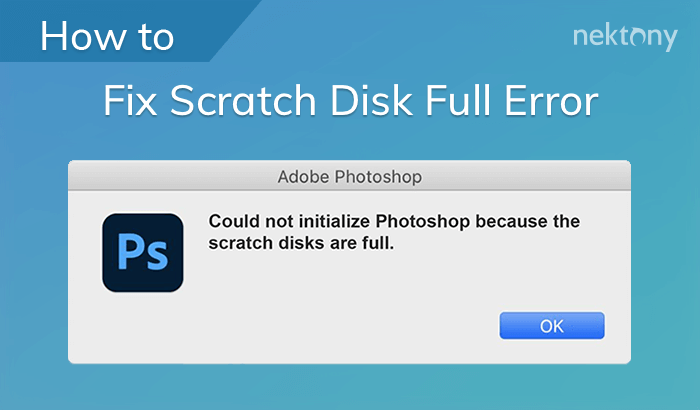
Solution 1 Free up Enough Scratch Disk Space Solution 2 Delete Your Temp Files Solution 3 Change Your Scratch Disk Location Solution 4 Allow Photoshop More RAM Memory Usage Solution 5 Disable Auto Recovery Saving Solution 6 Clear the Photoshop Caches Solution 7 Extend Your Scratch Disk Space Solution 8 Upgrade Your Hard Disk Solution 9

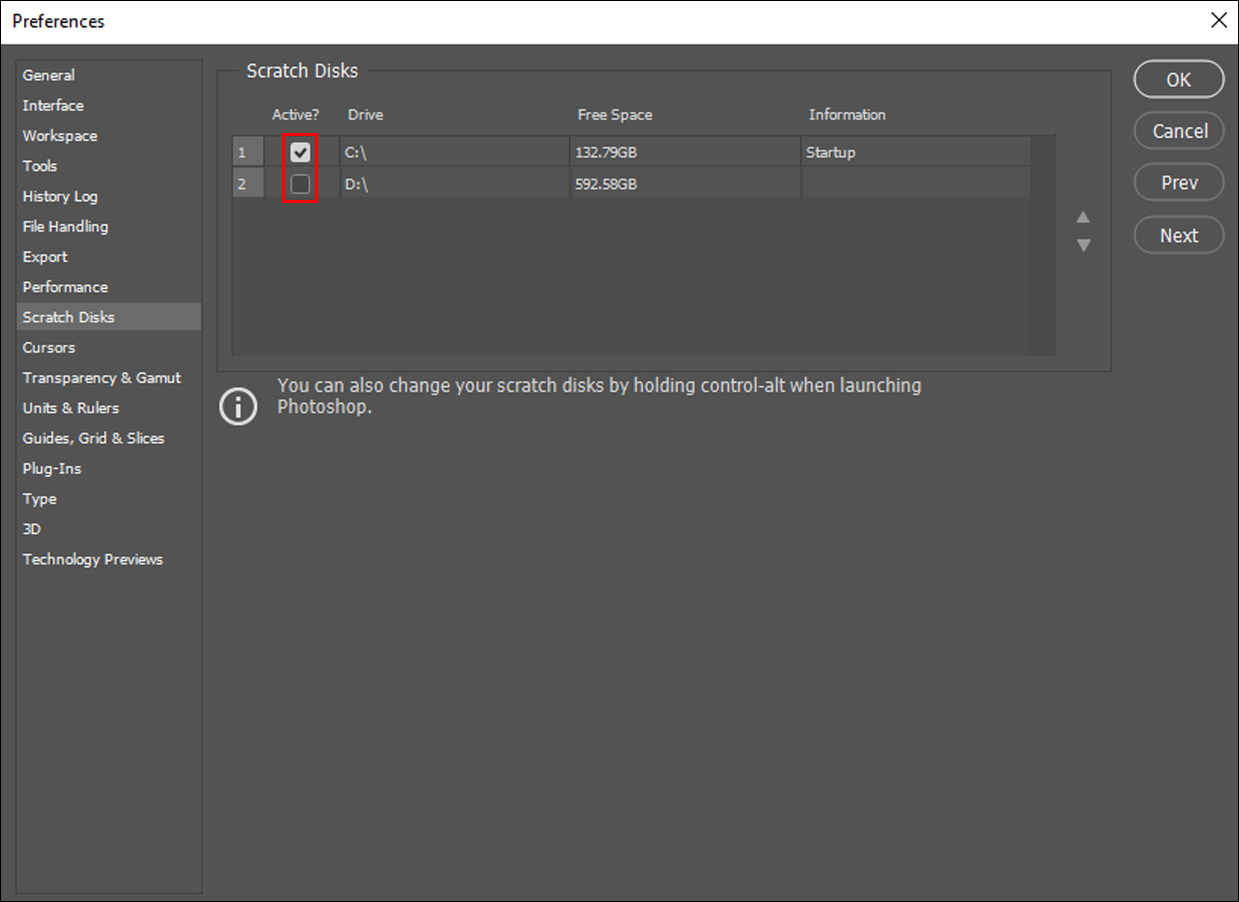
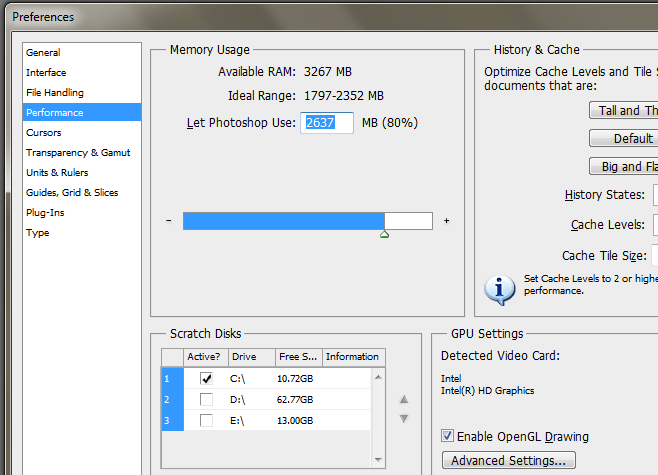
To access your Photoshop scratch disks in Windows go to Edit Preferences Scratch Disks On Mac go to Photoshop CC Preferences Scratch Disks Make note of the available free space and which hard drive is checked If you have little space left in the hard drive that s being used choose the other one
1 Free up enough disk space Before you do anything else make sure that you have enough space in the drive partition where the scratch disk is located The most common cause of the scratch disk is full error is the lack of free space in the drive that accommodates the scratch disk 1 Open Photoshop and click on Edit located on the top ribbon 2 In the drop down menu locate Preferences When you hover your mouse over it a sub menu will open up In the sub menu click on Scratch Disks 3 In the Preference Menu pop up box Scratch Disks setting will open up
To view which drive Photoshop uses as a scratch disk go to Photoshop Preferences Scratch Disks Mac or Edit Preferences Scratch Disks Win to see a list of active hard drives Any drive checked in this window will be used as a scratch disk for the program How To Clear Your Scratch Disk In Photoshop