Vscode Vscode Download Visual Studio Code OpenSUSE Vscode shortcut To Align Code In Vscode Navy Apple File vscode lint png MoodleDocs Getting VSCode Ready For PHP Development North Creation Agency Web Download and install VS Code Open the Command Palette Python IntelliSense linting debugging code formatting refactoring and more Live Preview Hosts a local server to preview your webpages Customize your editor with color themes File gt Preferences Code gt Preferences or Code gt Settings on macOS gt Theme gt Color Theme K T
Web Download the Visual Studio Code installer for Windows Once it is downloaded run the installer VSCodeUserSetup version exe This will only take a minute By default VS Code is installed under C Users Username AppData Local Programs Microsoft VS Code Alternatively you can also download a Zip archive extract it and run Code from there Web Getting Started Visual Studio Code is a lightweight but powerful source code editor which runs on your desktop and is available for Windows macOS and Linux It comes with built in support for JavaScript TypeScript and Node js and has a rich ecosystem of extensions for other languages and runtimes such as C C Java Python PHP Go NET
Getting VSCode Ready For PHP Development North Creation Agency How To Install VSCode Vscode FreeCodeCamp GitHub Be5invis vscode custom css Custom CSS Plugin For Visual Studio Code Based On Vscode icon 52 BEST VSCODE EXTENSIONS TO IMPROVE YOUR PRODUCTIVITY IN 2021 GitHub Microsoft vscode docs archive Archive For Vscode docs Snpashot On 2019 03 11 When Visual Studio ReSharper level Productivity In VSCode The UShip Blog Top 10 Best VScode Extensions 2018 Vscode icons README md At Master Vscode icons vscode icons GitHub
Vscode
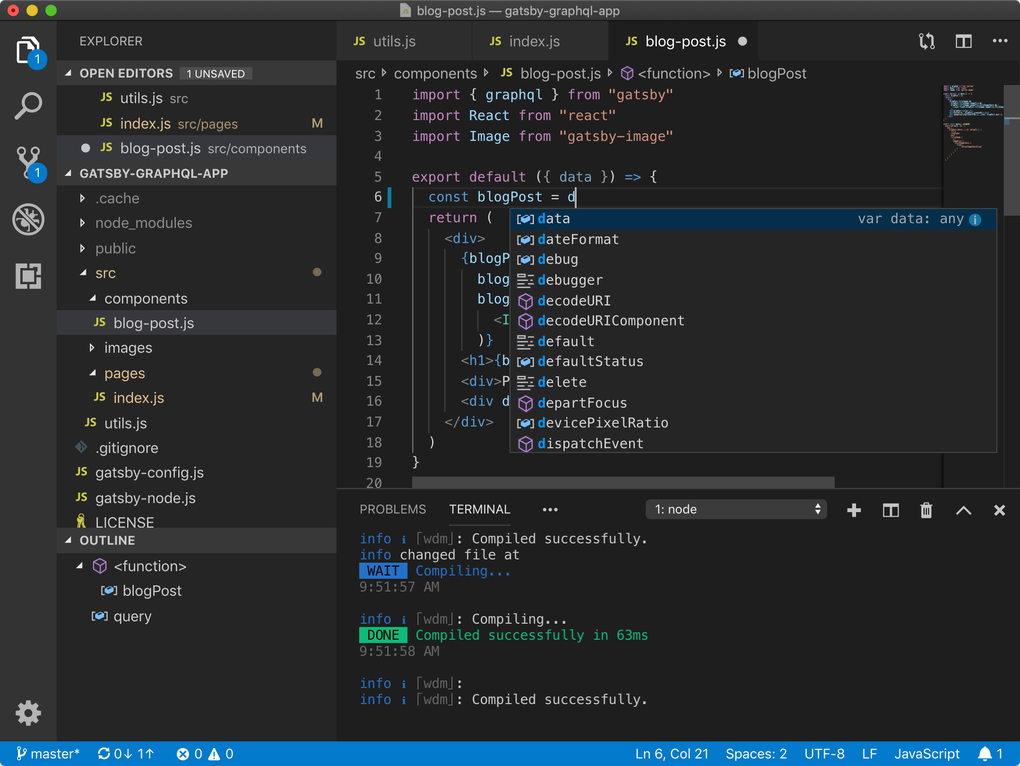 Vscode
https://images.sftcdn.net/images/t_app-cover-l,f_auto/p/a271f4d1-93d3-474d-b041-c3b1a61c3946/2334141851/vscode-1.png
Web One editor from code to cloud Spend more time coding and less time switching between tools Use features and extensions that integrate with Azure and GitHub to develop debug and deploy all from one place Provides local emulators and extensions to build run and debug cloud apps directly from the editor Imports and manages data for local
Templates are pre-designed documents or files that can be utilized for various purposes. They can save time and effort by supplying a ready-made format and design for producing various kinds of content. Templates can be used for individual or professional projects, such as resumes, invites, flyers, newsletters, reports, discussions, and more.
Vscode
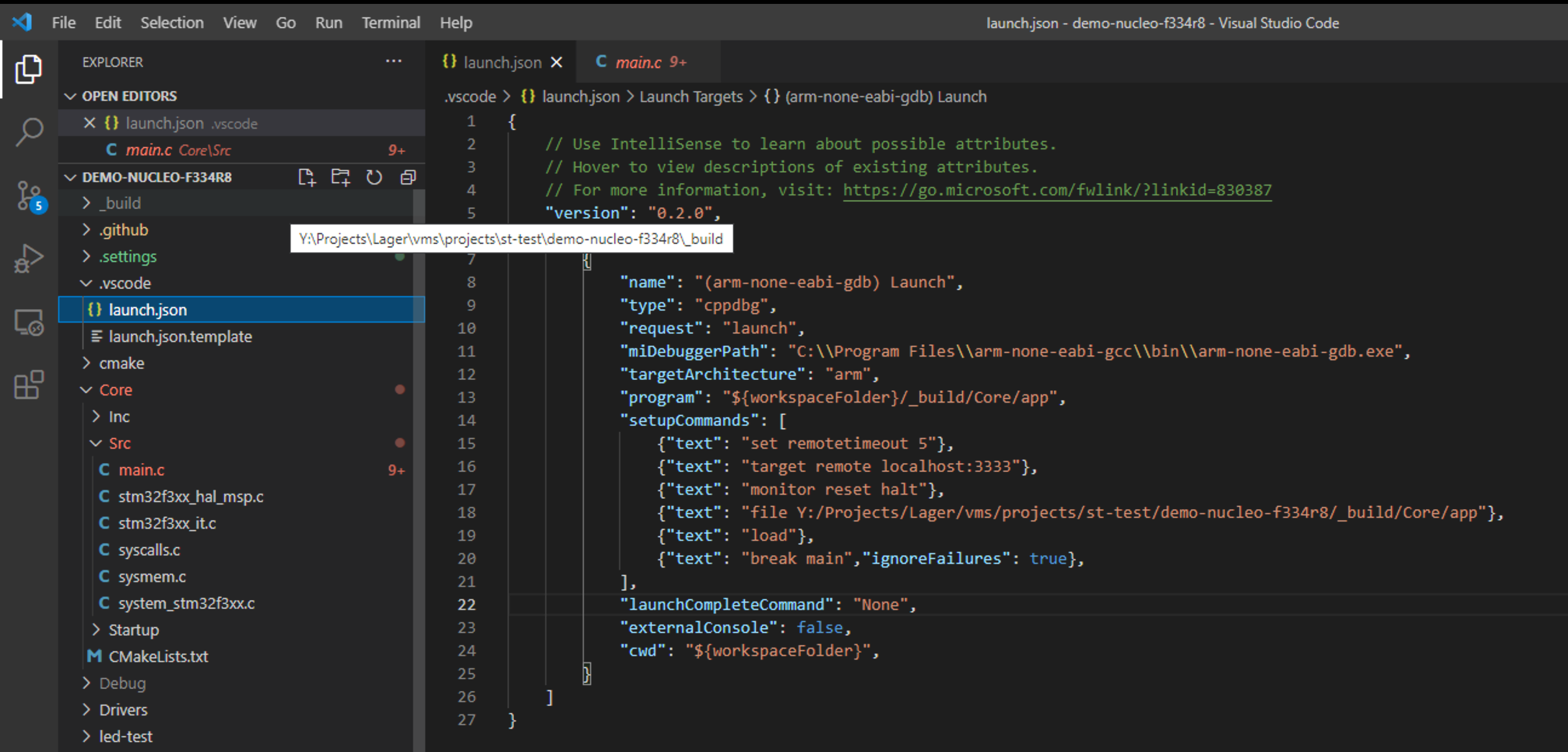
Setting Up GDB In VSCode Windows Example Lager Data Inc
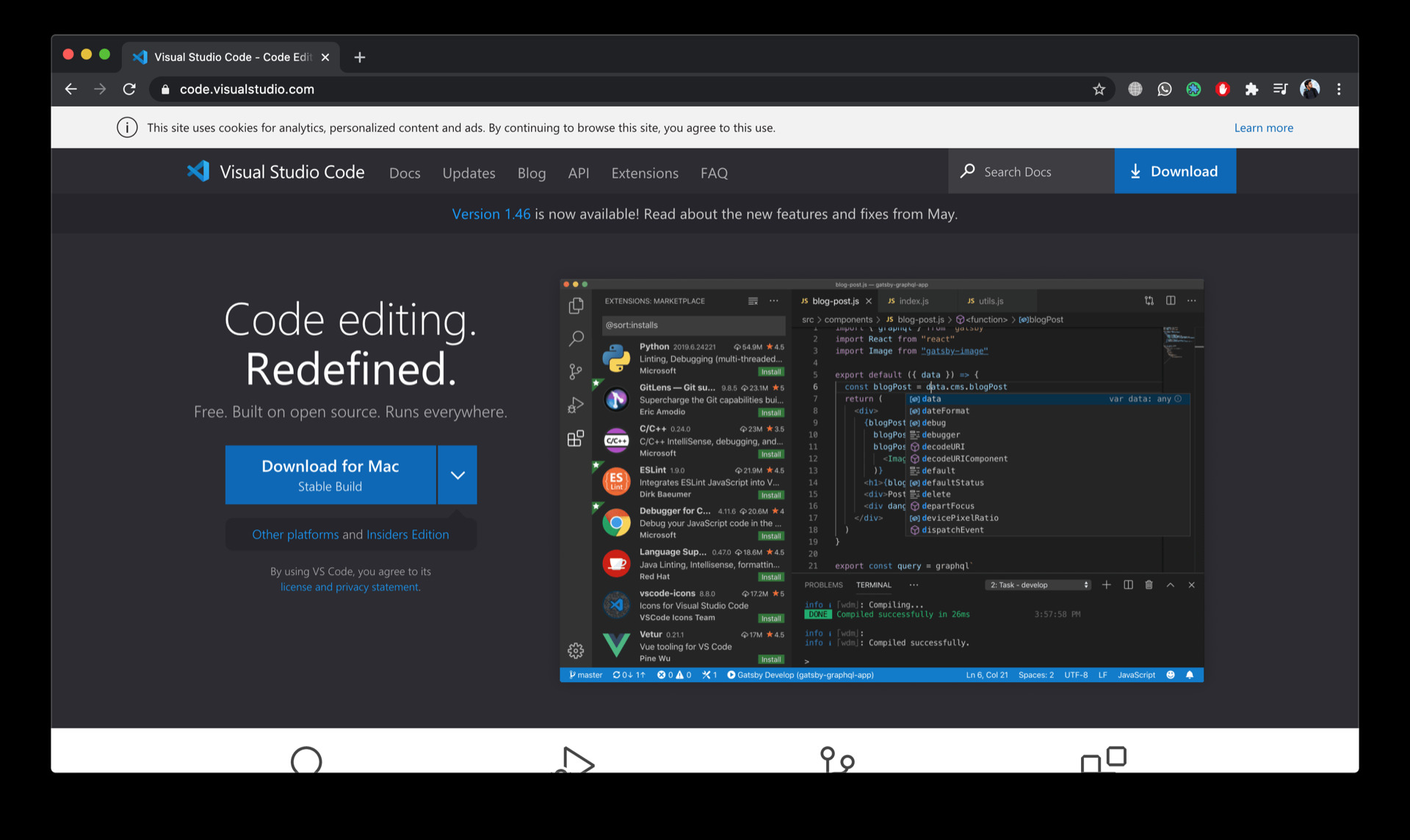
How To Install VSCode

Vscode FreeCodeCamp
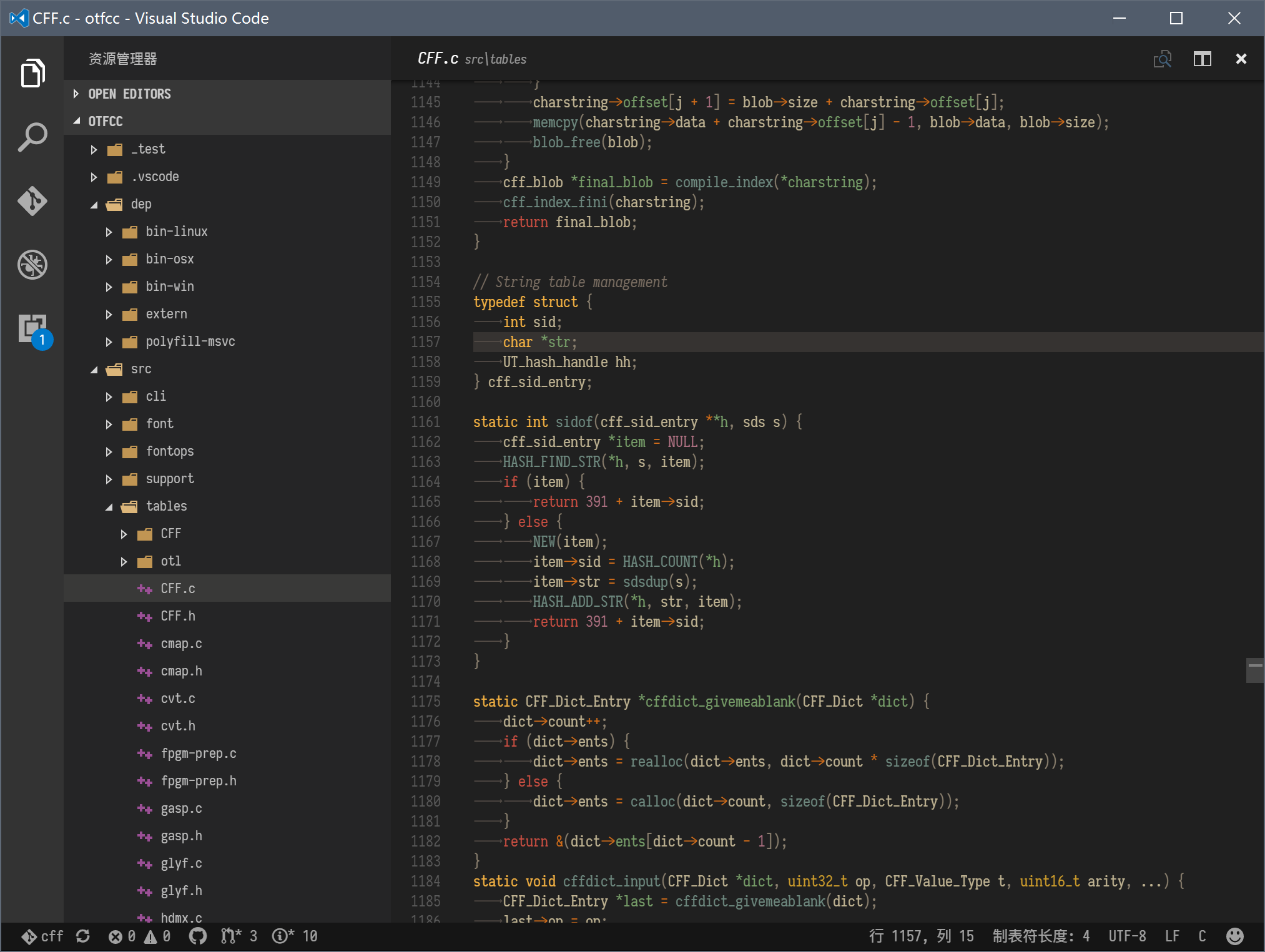
GitHub Be5invis vscode custom css Custom CSS Plugin For Visual Studio Code Based On Vscode icon
GitHub Microsoft vscode docs archive Archive For Vscode docs Snpashot On 2019 03 11 When

Visual Studio ReSharper level Productivity In VSCode The UShip Blog
Web Visual Studio Code is free and available on your favorite platform Linux macOS and Windows Download Visual Studio Code to experience a redefined code editor optimized for building and debugging modern web and cloud applications

Web Visual Studio Code for the Web Visual Studio Code for the Web provides a free zero install Microsoft Visual Studio Code experience running entirely in your browser allowing you to quickly and safely browse source code repositories and make lightweight code changes To get started go to https vscode devin your browser
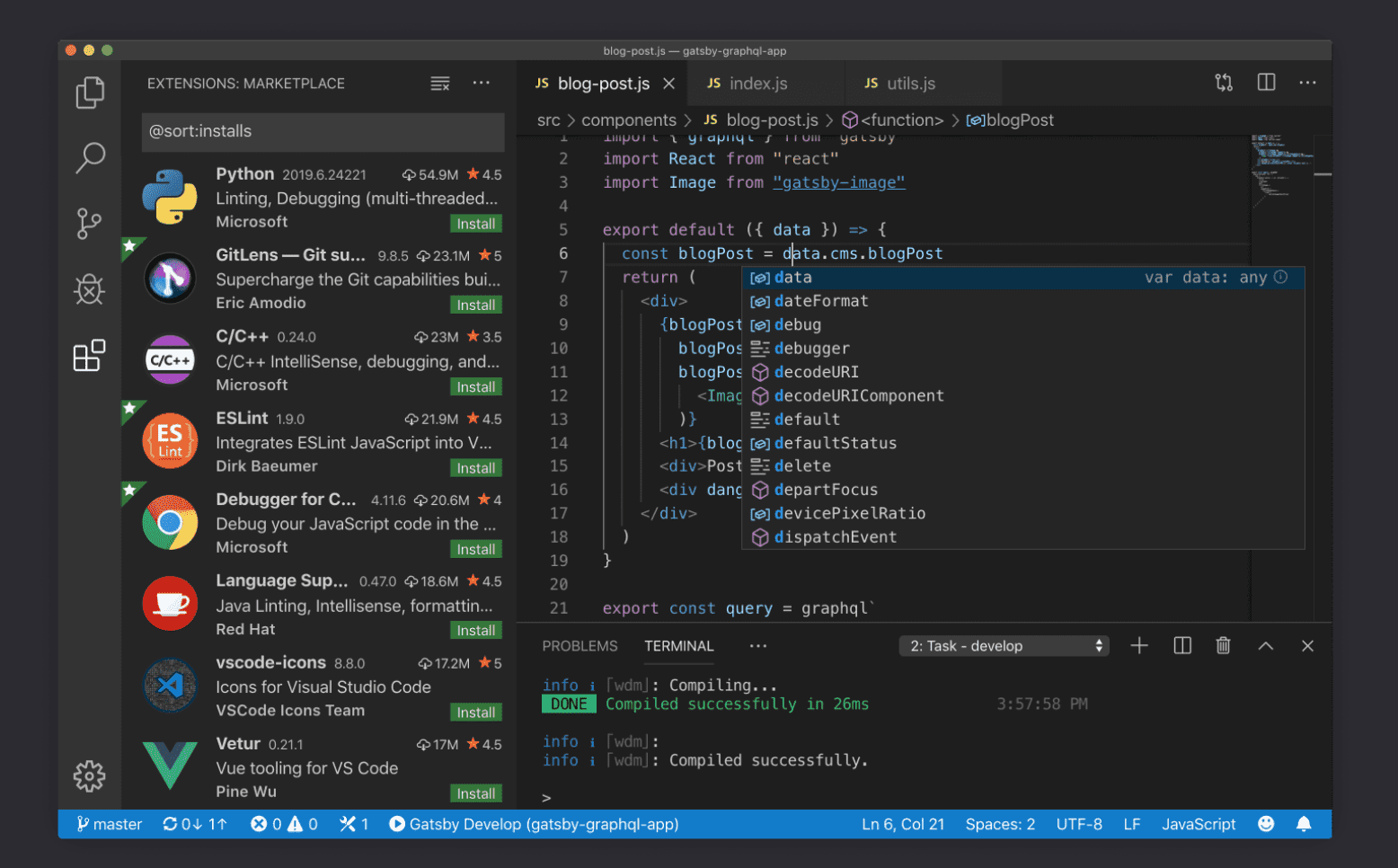
Web Download Visual Studio IDE or VS Code for free Try out Visual Studio Professional or Enterprise editions on Windows Mac

Web Download Visual Studio Code Insiders Version 1 83 is now available Read about the new features and fixes from September Download Visual Studio Code Insiders Get the latest

Web Visual Studio Code is updated monthly with new features and bug fixes You can download it for Windows macOS and Linux on Visual Studio Code s website To get the latest releases every day install the Insiders build
[desc-11] [desc-12]
[desc-13]