Vscode Format Json Formatting JSON In Visual Studio Code Gigi Labs VSCode How To Format Code VS Code Format JSON Visual Studio Code JSON Editing In Visual Studio Code How To Format JSON In VSCode LinuxPip VS Code How To Open JSON Settings With Defaults ITecNote Web This mode is used for the VS Code configuration files such as lt code gt settings json lt code gt lt code gt tasks json lt code gt or lt code gt launch json lt code gt When in the lt strong gt JSON with Comments lt strong gt mode you can use single line lt code gt lt code gt as well as block comments lt code gt lt code gt as used in JavaScript
Web Mar 18 2023 nbsp 0183 32 Right click and select the Format Document option or use the keyboard shortcuts shown below in The Solution Formatting from the clipboard Press Ctrl N or select File gt New Text File from the application menu to open a new unsaved file and paste the chunk of JSON into it Web JSON Formatting Extension for Visual Studio Code Just run Format JSON to set the language of the current file to JSON and format the content in one step Also works in new Untitled not saved files
VS Code How To Open JSON Settings With Defaults ITecNote How To Lint And Format Code With ESLint In Visual Studio Code How To Format Code In VS Code Visual Studio Code KindaCode Json Format Visual Studio Code BETTER Visual Studio Code Format Json Willgaret How To Change VSCode Default Settings UI To Settings json Techstacker Download Json Extension 2 0 2 For Visual Studio Code Vsextension Visual Studio Code Format Json Ksedisco Visual studio code VS Code So ffnen Sie JSON Einstellungen Mit
Vscode Format Json
 Vscode Format Json
https://gigi.nullneuron.net/gigilabs/wp-content/uploads/2022/12/vscode-format-json-file-before.png
Web Dec 2 2022 nbsp 0183 32 Just right click and select Format Document or press Ctrl Shift I This formats the JSON quite nicely The resulting formatted JSON Formatting JSON From Clipboard A more common scenario for me is to copy a chunk of JSON and paste it directly into VS Code without saving it first
Pre-crafted templates provide a time-saving service for creating a varied range of documents and files. These pre-designed formats and layouts can be used for different personal and expert projects, including resumes, invites, leaflets, newsletters, reports, discussions, and more, streamlining the content development procedure.
Vscode Format Json

Visual Studio Code Format Json Willgaret

How To Lint And Format Code With ESLint In Visual Studio Code
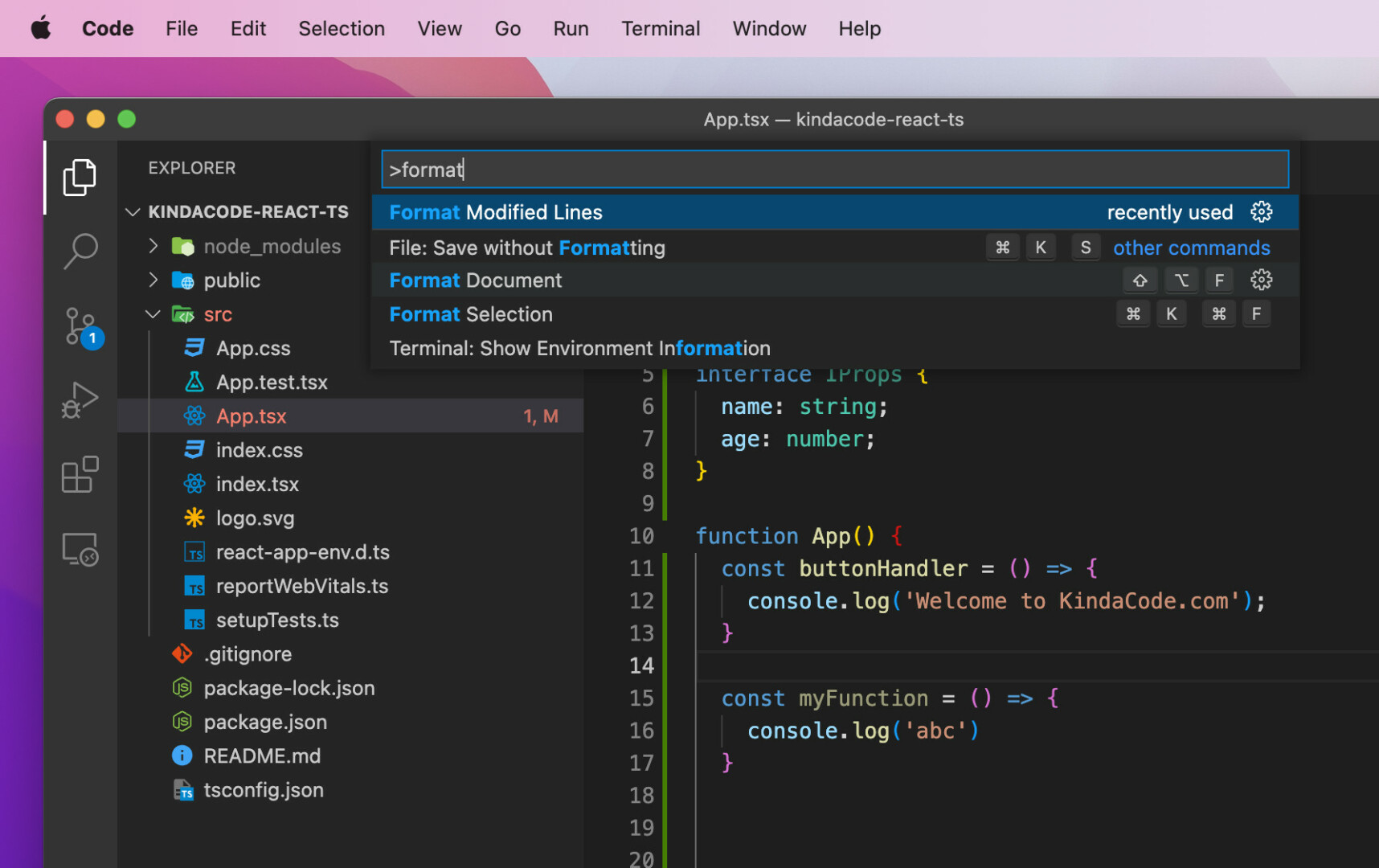
How To Format Code In VS Code Visual Studio Code KindaCode
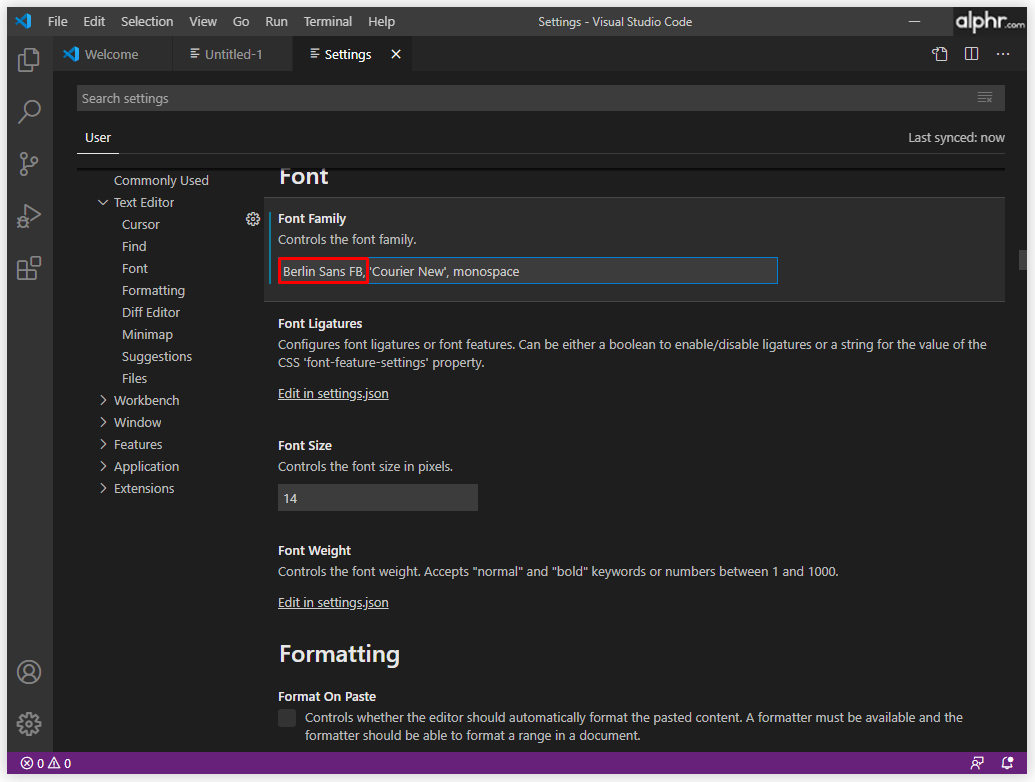
Json Format Visual Studio Code BETTER

How To Change VSCode Default Settings UI To Settings json Techstacker
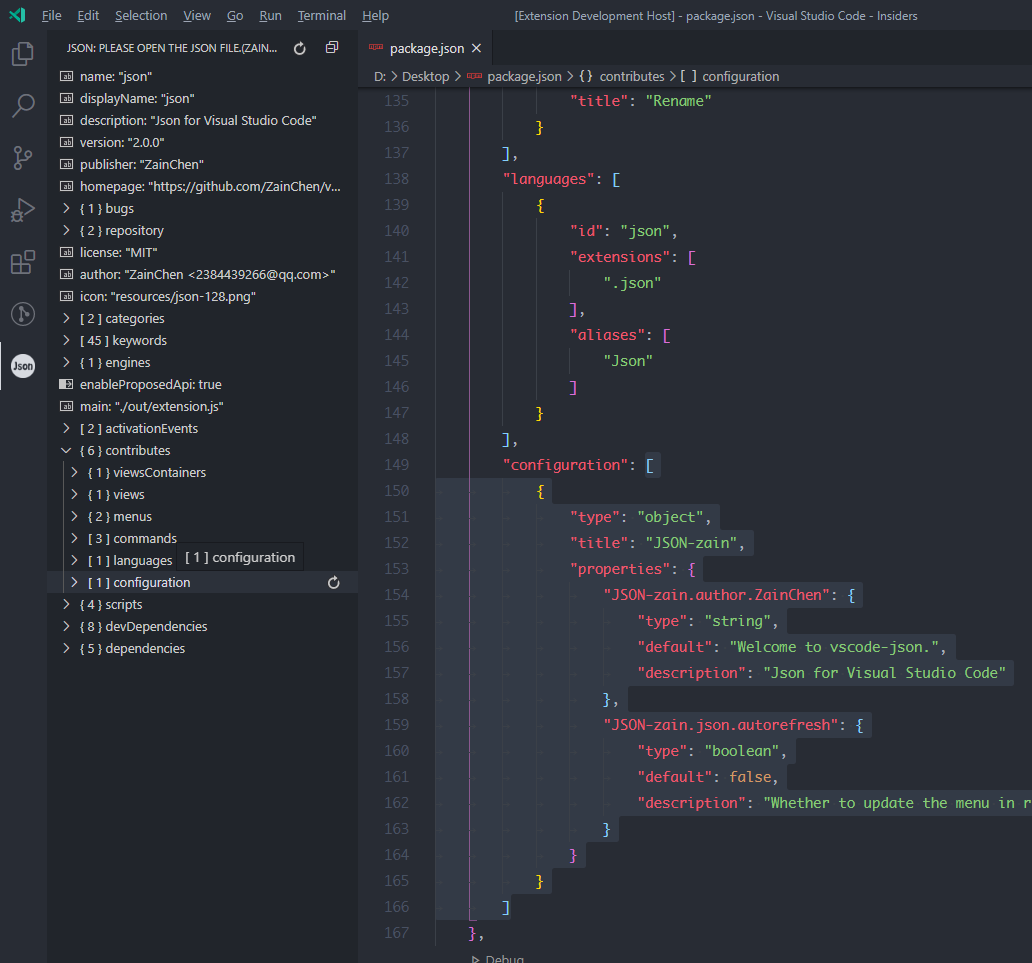
Download Json Extension 2 0 2 For Visual Studio Code Vsextension

Web To understand the structure of JSON files we use JSON schemas JSON schemas describe the shape of the JSON file as well as value sets default values and descriptions The JSON support shipped with VS Code supports all draft versions from draft 4 to draft 7 with limited support for drafts 2019 09 and 2020 12
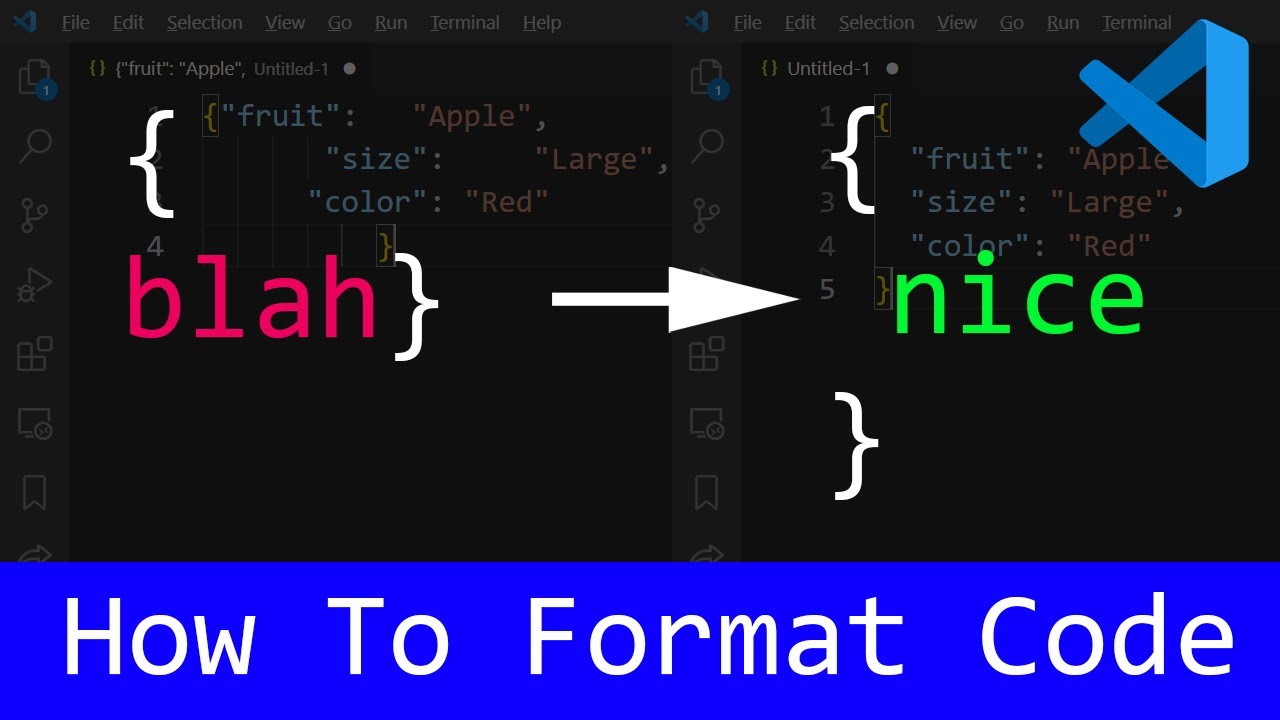
Web Jul 11 2019 nbsp 0183 32 Default formatter of JSON have only few features like changing tab size Open Preferences with File gt Preferences gt Settings Ctrl gt User Settings or Workspace Settings tab gt JSON quot Edit in settings json quot link or Command Palette Ctrl Shift P gt Preferences Configure Language Specific Settings gt JSON and add
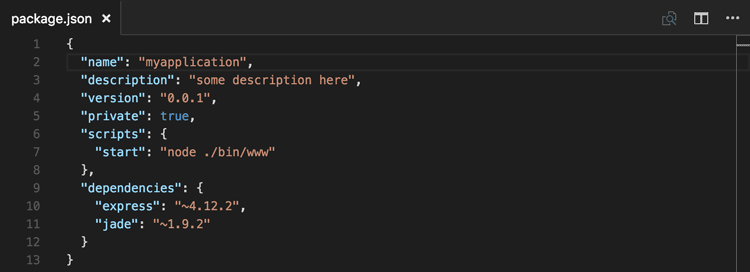
Web Oct 21 2020 nbsp 0183 32 The key map to auto format the selected JSON is ALT SHIFT F This is the same key map to auto format other languages too so I often find myself doing CTRL A for select all text followed by ALT SHIFT F to fix my messy C code after a series of cut and paste operations
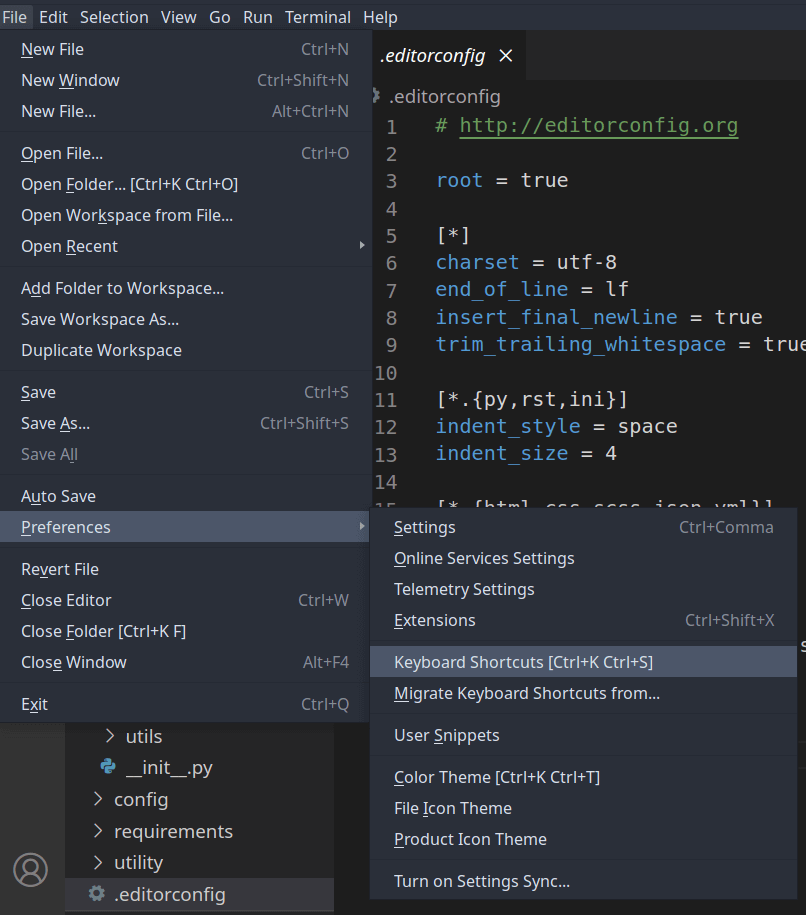
Web Apr 30 2015 nbsp 0183 32 vscode settings json is created in the project root folder How To Go to Menu File Preferences Workspace Settings Add and save quot editor formatOnType quot true to settings json which overrides default behavior for the project you work on by creating vscode settings json file User environment level Benefits Does not requires extension

Web Apr 19 2023 nbsp 0183 32 1 Here s how to find the info you re looking for Find the source code for the extension you re interested in In this case it s a builtin VS Code extension so see https github microsoft vscode tree main extensions There you ll see the json language features subdirectory Open https github dev microsoft vscode
[desc-11] [desc-12]
[desc-13]