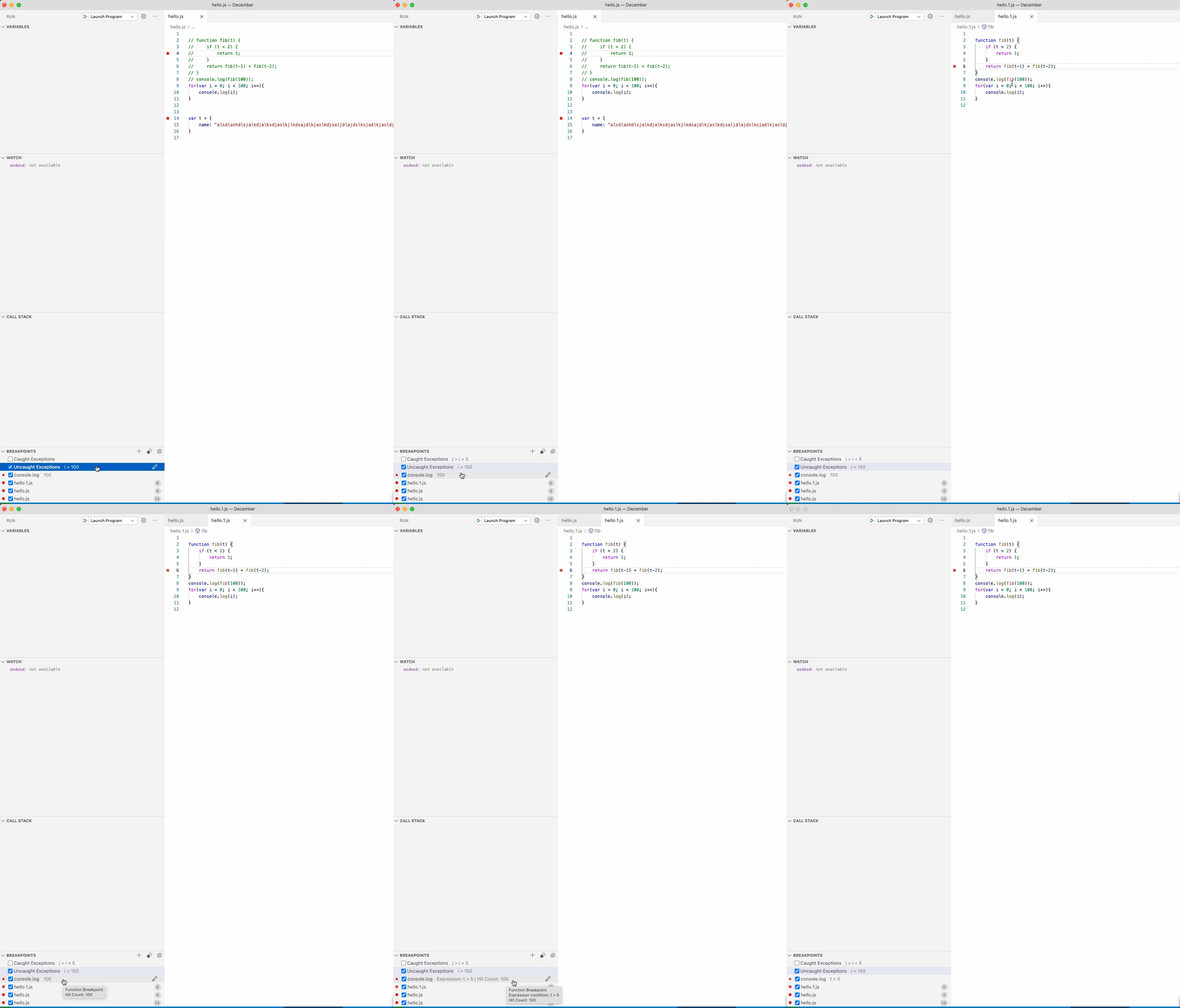
Vscode Line Height Visual Studio Code VSCode Change Font Size Of Menu Bars Stack Javascript How To See Codes In Full Width In Vscode Stack Overflow Nh ng o n Code T y Bi n Cho VSCode C c p B i Evondev Evondev Blog Visual Studio Code VSCode Debugger Conditional Breakpoints Stack 6 VSCode Extensions That You Are Not Using AntStack Set up Copilot in VS CodeSet up Visual Studio Code with Copilot Welcome to AI powered development with Visual Studio Code Follow the steps in this guide to get started in minutes
The VS Code Commander extension vscode extension ms vscode vscode commander acts as your personal assistant within VS Code This powerful tool enables you to configure your VS Learn how to personalize VS Code to your likings with themes icons keyboard shortcuts display language and settings
6 VSCode Extensions That You Are Not Using AntStack VSCode TechMemo Vscode shortcut To Align Code In Vscode Navy Apple Vscode RobinAge Pywal Vscode Wenyanet Bq Extension Vscode VsCode Sorting Lines Of Text NetSuite Experiences Vscode positions ts At Main Microsoft vscode GitHub Pywal Vscode Wenyanet
Vscode Line Height
 Vscode Line Height
https://i.stack.imgur.com/EIUBs.png
Find out how to set up and get the most from Visual Studio Code Optimized for building and debugging modern web and cloud applications Visual Studio Code is free and available on
Templates are pre-designed files or files that can be used for various functions. They can save time and effort by providing a ready-made format and layout for producing different type of material. Templates can be used for personal or professional jobs, such as resumes, invites, flyers, newsletters, reports, discussions, and more.
Vscode Line Height

Javascript Vscode Line Breaking When Typing Stack Overflow

VSCode TechMemo
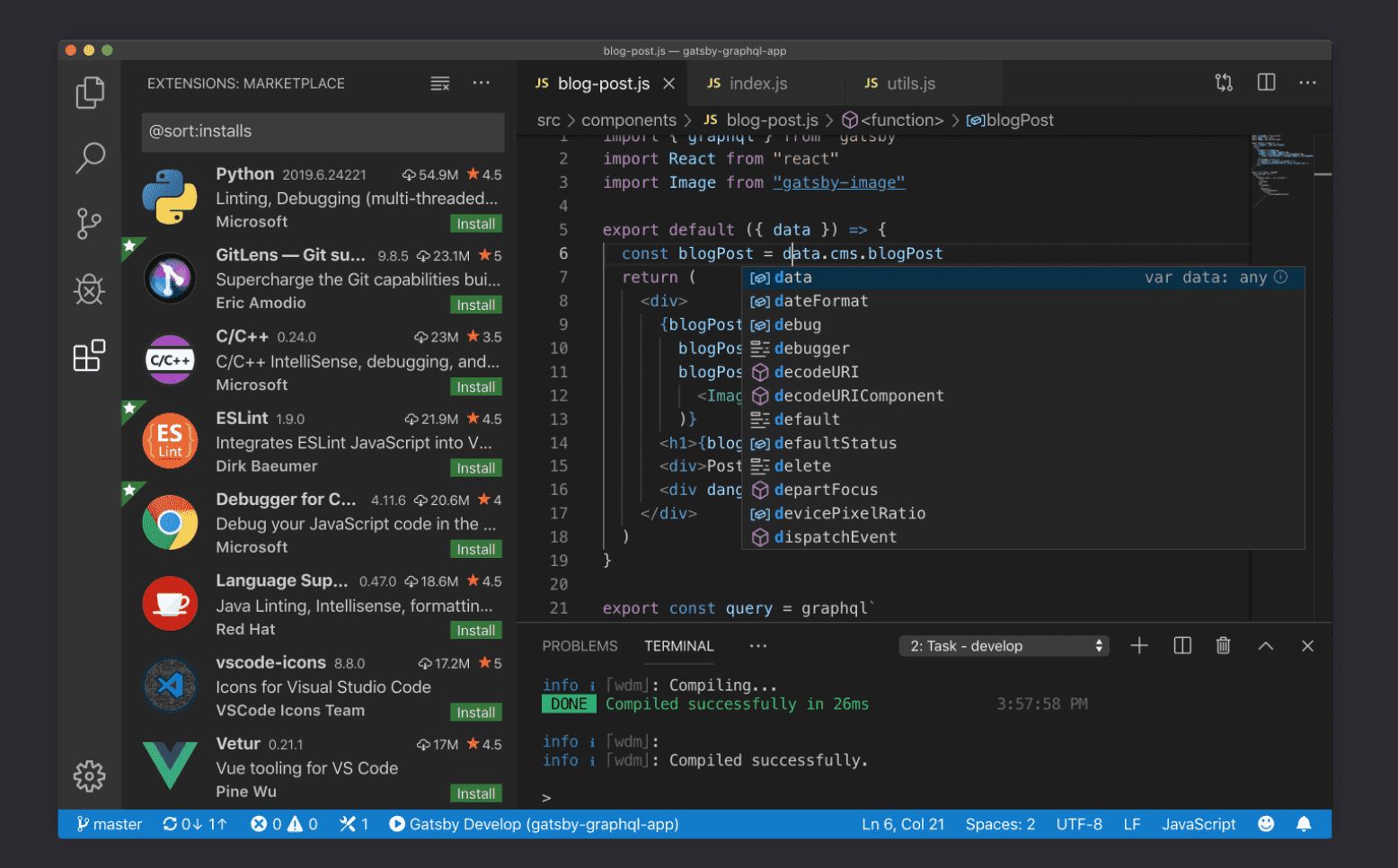
Vscode shortcut To Align Code In Vscode Navy Apple
Vscode RobinAge

Bq Extension Vscode

VsCode Sorting Lines Of Text NetSuite Experiences

Visual Studio Code is free and available on your favorite platform Linux macOS and Windows Download Visual Studio Code to experience a redefined code editor optimized for building and

Getting started with Visual Studio Code In this tutorial we walk you through setting up Visual Studio Code and give an overview of the basic features
Windows Subsystem for Linux With WSL you can install and run Linux distributions on Windows to develop and test your source code on Linux while still working locally on your Windows
Like in the desktop you can customize VS Code for the Web through a rich ecosystem of extensions that support just about every back end language and service vscode dev includes

This can also be used to reset all settings if you don t want to uninstall VS Code The folder locations vary depending on your platform Windows Delete APPDATA Code and
[desc-11] [desc-12]
[desc-13]