Vscode Default Line Height The Theme Of The XXX Viljandi Folk Music Festival Is Let It Resound Debug Console Line Height Too Small Issue 146652 Microsoft vscode Visual studio code show all characters Panham Pin Su Pipes Co Set Paragraph Spacing In Word 2007 Agroasrpos Line height This defines the line height in pixels of the font The default is 0 which means it will use the default line height of the font according to the font size it is at currently but it can be customized if you want the lines spaced out even further Recommended Font Families
Line Height Render white spaces Sidebar location The sidebar is located on the left side by default If you move it the right toggling the sidebar cmd B will be much more pleasant as your code doesn t jump around anymore workbench sideBar location right Explorer Tree Indentation Introduce a lineHeightMode setting somewhere that defines how they are interpreted editor lineHeight is fixed The Output panel still uses editor lineHeight where terminal integrated lineHeight would be better editor suggestLineHeight and debug console lineHeight still use pixels where em s are preferable when syncing settings between
Set Paragraph Spacing In Word 2007 Agroasrpos Vscode ssen touchbar Visual Studio Marketplace GitHub PrOttonicFusion vscode darker plus A Darker Version Of The Ingrid Laas Tallinn Default Line Spacing In LibreOffice Writer Tutorial Explanation Pollinator Highway Tallinn Seven New Projects To Help Boost Waste Recycling In Estonia East Tallinn Central Hospital To Introduce Hospital Work At Career First Child Born On Tallinn Day Delivered In East Tallinn Central
Vscode Default Line Height

https://www.viljandifolk.ee/photos/KÕLAGU VPMF 2023 teema kuulutus_large.jfif
Method 1 Using hotkeys For macOS users Press Cmd to increase the font size Press Cmd to decrease the font size For Windows users Press Ctrl to increase the font size Press Ctrl to decrease the font size Note This approach changes both the code and the UI font size
Templates are pre-designed documents or files that can be used for various functions. They can conserve time and effort by supplying a ready-made format and layout for producing various sort of material. Templates can be utilized for personal or professional tasks, such as resumes, invitations, flyers, newsletters, reports, discussions, and more.
Vscode Default Line Height

Vscode Settings How To Enable This Visual Studio Code Vertical Line
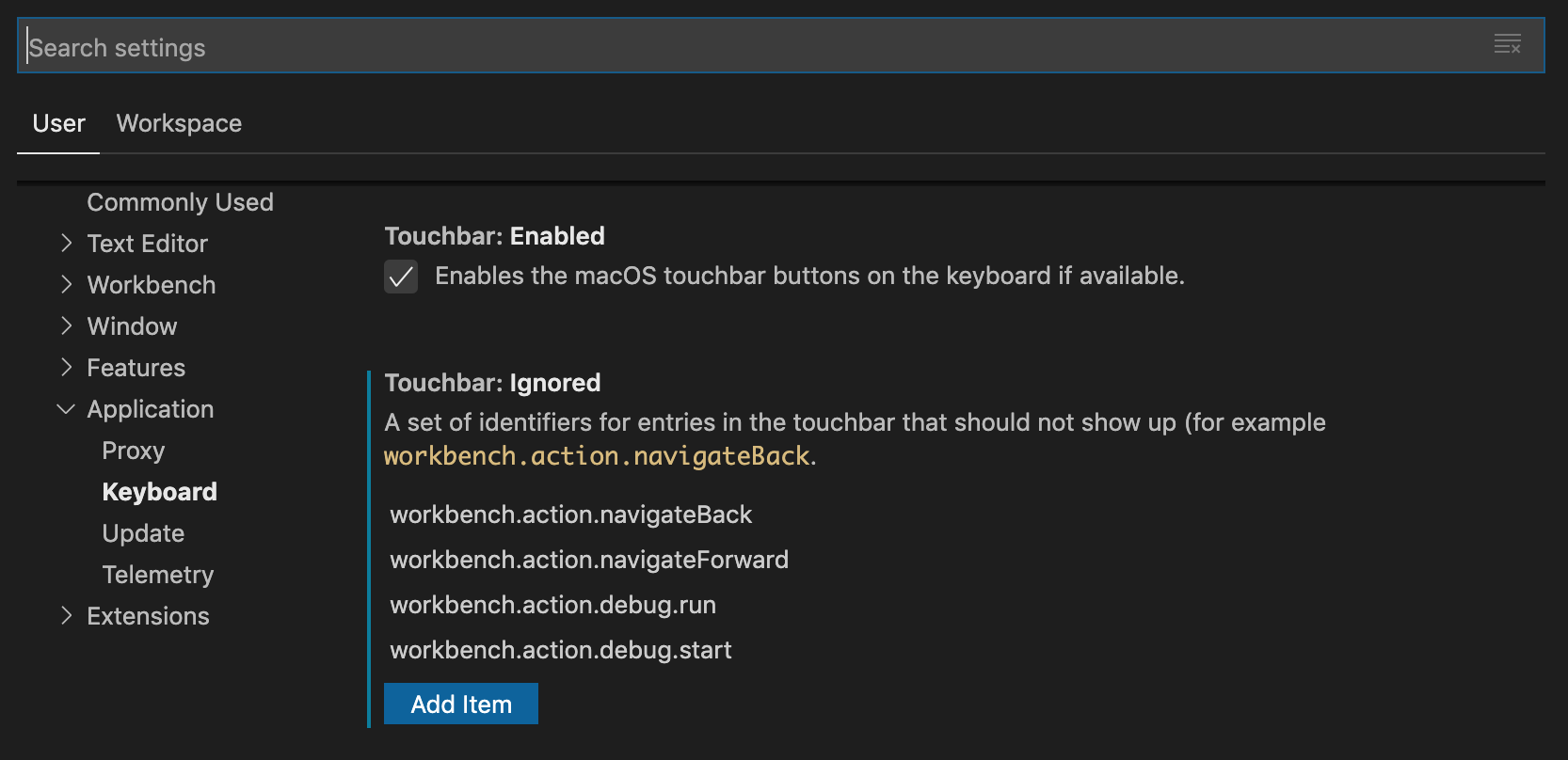
Vscode ssen touchbar Visual Studio Marketplace
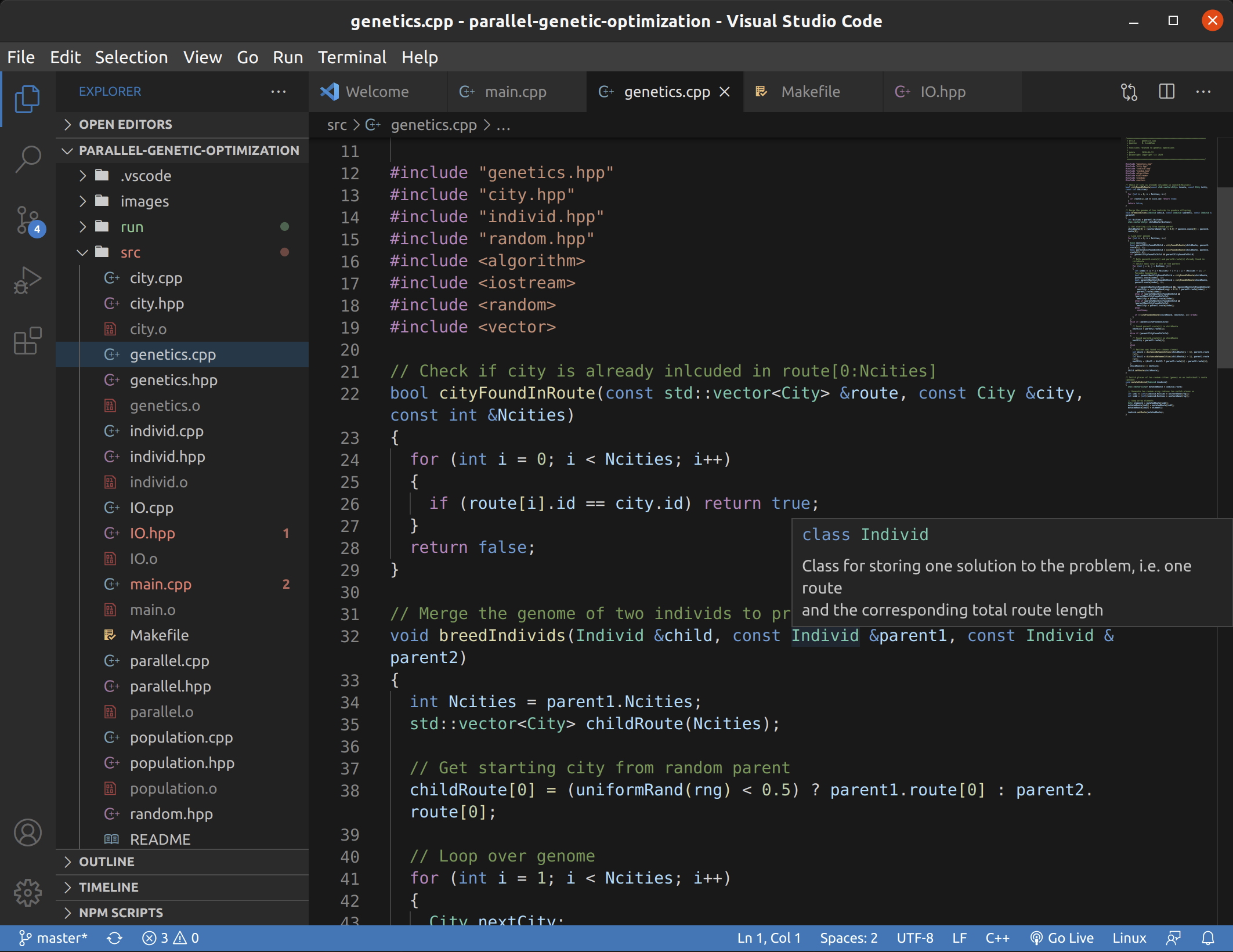
GitHub PrOttonicFusion vscode darker plus A Darker Version Of The

Ingrid Laas Tallinn

Pollinator Highway Tallinn
Seven New Projects To Help Boost Waste Recycling In Estonia

How to set default line endings in Visual Studio Code Asked Modified Viewed 28k times 31 I have an autosetting for Windows somewhere CRLF which is really annoying is there a way to change this to Unix visual studio code line endings Share Improve this question Follow asked Feb 23 2022 at 16 45 rACkle 543 1 5 10 1
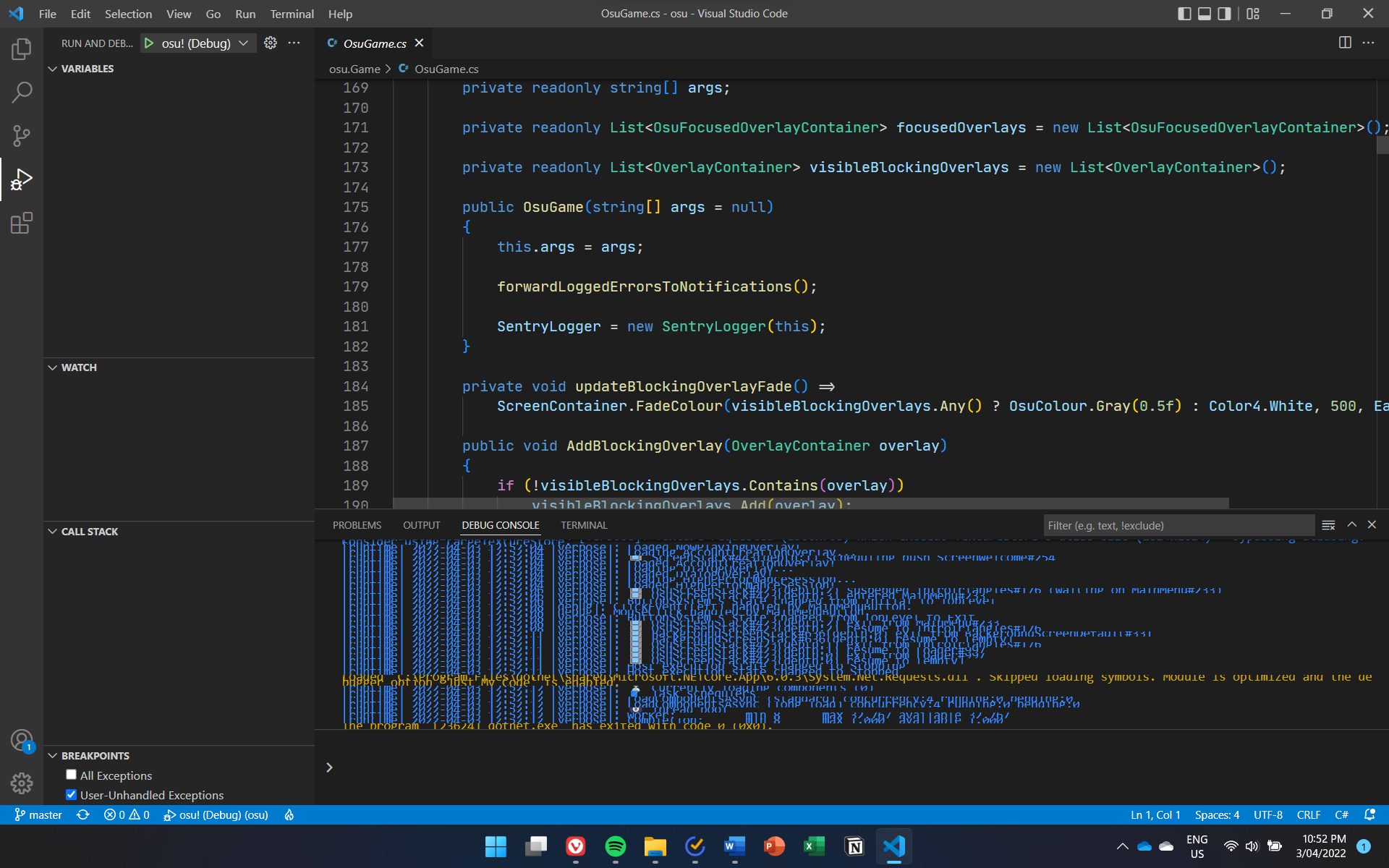
Set line height and cursor for better visibilityRemove every clutter from your vscode to make a minimal screenCheck full react course here https indepthre

The settings json file typically only shows setting values that have been changed from their default You can use the GUI setting s gear icon to Reset Setting to its default value and it will be removed from the settings json file If you want to quickly see what settings you ve changed from the default values look in the settings json file

Custom Layout Visual Studio Code comes with a simple user interface and convenient default layout At the same time VS Code provides options and settings to let you customize the UI layout to suit your preferences and work style In this topic we ll highlight various UI customizations so you can display views editors and panels in the way

Terminal tabs appear on the right of the terminal view when there are two or more terminals by default showing the active terminal in the view header when there is only one Visibility The default visibility is designed to save horizontal space but may not be desirable How tabs are presented can be configured with the following settings
In VS Code editor lineHeight is an absolute value so setting it to 1 2 does not work The line height is in in CSS pixels of the amount of space used for lines vertically There s currently an open issue to allow the user to set line spacing as a relative value but the feature is not implemented yet Line height and font size are too large by default 23806 Open darkred opened this issue on Apr 1 2017 7 comments VSCode Version 1 10 2 OS Version win10 x64 My monitor native resolution is 1920x1200 GitHub is where people build software More than 100 million people use GitHub to discover fork and contribute to over 420 million projects
How to adjust the line spacing in VS Code Out of the box VS Code is impressive but I d like to know if there is a way to tighten the line spacing in the editor so I can squeeze more code onscreen to save space How do I do this Archived post New comments cannot be posted and votes cannot be cast Sort by Lee Dailey 7 yr ago