Virtualbox Nat Not Working Ubuntu Switching To Ubuntu YouTube Now You Can Try Ubuntu In A Web Browser With Ubuntu Online 21 10 Ubuntu 20 04 Ubuntu 22 04 Vbox Virtualbox DNS NAT Network Mode NOT Working Rtt IT Resource How To Create And Use NAT Network In VirtualBox Techbeatly Jul 4 2012 nbsp 0183 32 Arm VMs Note that the saved state of Arm VMs from VirtualBox 7 1 is incompatible with VirtualBox 7 2 so please shut down such VMs in saved state before upgrading to 7 2
Oct 4 2024 nbsp 0183 32 I have a physical machine with Windows 10 22H2 that is running Virtual Box 7 1 4 Mar 6 2023 nbsp 0183 32 Uninstalling Virtualbox and reinstalling it in admin mode Changing the VM configuration and giving it 64MB to the screen disabling diskette and cd drives
How To Create And Use NAT Network In VirtualBox Techbeatly Linux Reparar GRUB Con Boot Repair Ubuntu 14 04 Codegeando Contact Ubuntu Counseling Wellness Linux Virtualbox Hexlet Guides Machine Learning Corner Configure VirtualBox NAT As Network Adapter Free Download Ubuntu Logo Black Wallpaper 892047 1920x1080 For Your How To Install Gdm3setup Ubuntu Vitalasopa How To Emulate A Network Using VirtualBox Open Source Routing And How To Install Java On Ubuntu 20 04 Cloudbooklet Riset
Virtualbox Nat Not Working Ubuntu
 Virtualbox Nat Not Working Ubuntu
https://i.ytimg.com/vi/UvSLMzkog1g/maxresdefault.jpg
Re Windows 11 Hyper V 24h2 Virtualbox 7 1 4 Extrension by Karlstens 187 12 Nov 2024 10 58 I too have recently updated from Windows 11 23H2 to Windows 11 24H2 where previously
Templates are pre-designed documents or files that can be used for numerous purposes. They can save effort and time by offering a ready-made format and design for creating various sort of content. Templates can be utilized for personal or expert tasks, such as resumes, invitations, flyers, newsletters, reports, presentations, and more.
Virtualbox Nat Not Working Ubuntu
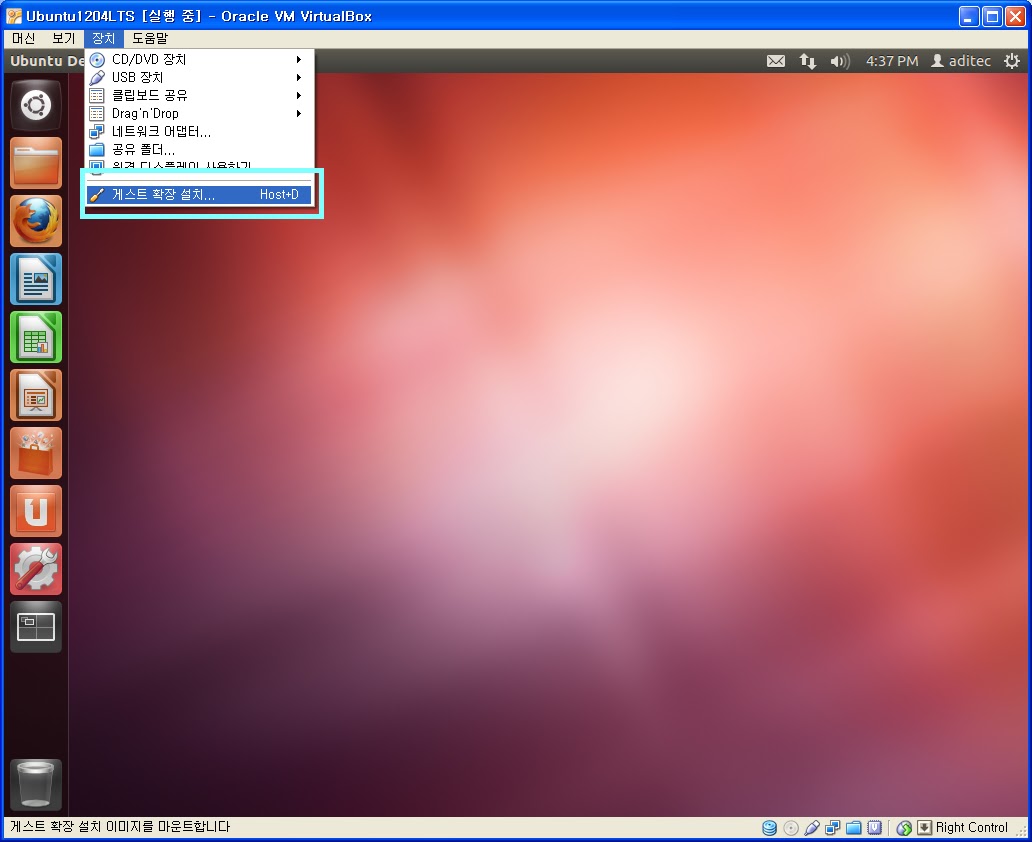
VirtualBox

Linux Reparar GRUB Con Boot Repair Ubuntu 14 04 Codegeando

Contact Ubuntu Counseling Wellness
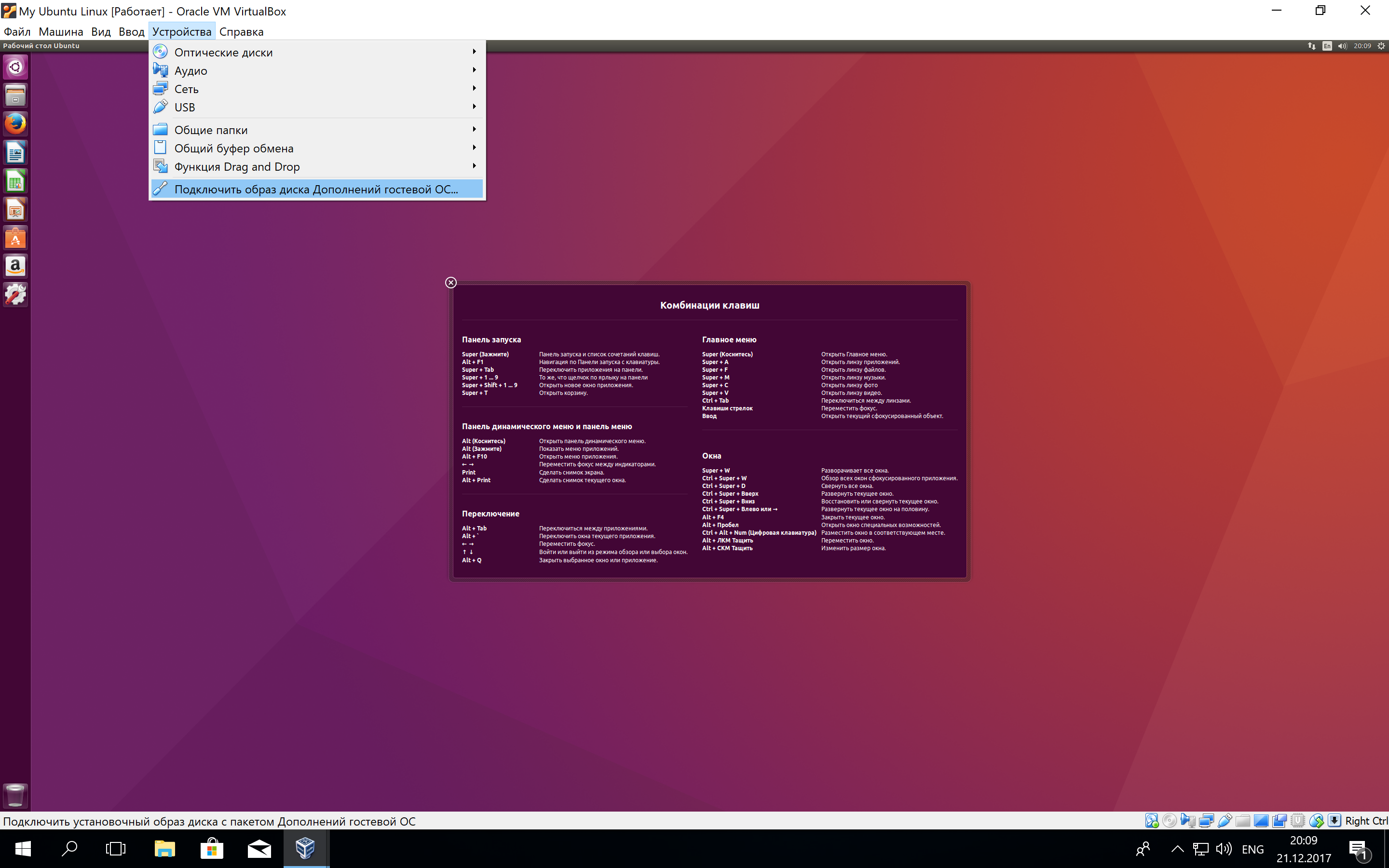
Linux Virtualbox Hexlet Guides

Free Download Ubuntu Logo Black Wallpaper 892047 1920x1080 For Your
How To Install Gdm3setup Ubuntu Vitalasopa

May 2 2018 nbsp 0183 32 1st time I installed VirtualBox VirtualBox 5 0 16 105871 Win and later on I came to know via one of the thread that it s no longer supported so decided to go with other version

Nov 1 2024 nbsp 0183 32 Realized that vboxsdrv has been renamed to vboxsup so ran cmd with admin sc start vboxsup That solved it

Jun 26 2025 nbsp 0183 32 Re VirtualBox 7 2 0 BETA2 released by Huub 187 8 Jul 2025 13 09 Installed Beta2 this morning Could start Vbox However soon it crashes Have attached the log from the

Feb 25 2015 nbsp 0183 32 Instruction at 0x00007FFB355C278E referenced memory at 0x10 The memory could not be read These events seem to come at random times although they may be

Feb 22 2021 nbsp 0183 32 I m a bit new to VirtualBox and testing a VM on Linux Mint I ve click on the VM and now I can get the mouse out of the VM session Is there a key combination or something
[desc-11] [desc-12]
[desc-13]