Virtualbox Internet Not Working C mo Instalar VirtualBox En Windows 10 Coldd Security VirtualBox Internet Access Via Guest OS Windows YouTube VirtualBox TROM Jaro Virtualbox Not Working Please Help Software Operating Systems VirtualBox Installation VirtualBox On Windows virtualbox YouTube Web Jan 22 2019 nbsp 0183 32 All my guest were working fine 1 or 2 weeks ago and have all stopped to access internet while I didn t change anything to their parameterization The only change between quot before quot internet access OK and quot after quot
Web Wi Fi Bridge visible in Windows Host only Bridge invisible managed by VirtualBox Virtual machine where the Host only network adapter isn t really connected to anything So first delete the bridge that s visible in this screenshot Web Jul 22 2023 nbsp 0183 32 If the host is not connected to the internet you will need to troubleshoot the host s network settings Reinstalling VirtualBox If the above solutions do not resolve the issue you can try reinstalling VirtualBox Uninstall VirtualBox from the Software Centre and install the copy from the VirtualBox website This has resolved
VirtualBox Installation VirtualBox On Windows virtualbox YouTube Linux Virtualbox Hexlet Guides Vbox Virtualbox DNS NAT Network Mode NOT Working Rtt IT Resource How To Use VirtualBox Tutorial For Beginners Install VirtualBox In Debian Stretch TechPiezo Fix No Internet Access On VirtualBox Windows XP YouTube The Oracle Virtualbox Logo Is Shown On Top Of A Small Cube With An Fix Virtualbox For Mac Audio Issue For Windows 10 Oddroom Internet Connection With VirtualBox And Windows 8 Build 7989 BetaArchive
Virtualbox Internet Not Working
 Virtualbox Internet Not Working
https://www.colddsecurity.com/wp-content/uploads/2022/07/Entorno-seguro-en-VirtualBox.png
Web F 252 r die Netzwerkkonfiguration bietet VirtualBox 4 die folgenden Netzwerk Modi quot Not attached quot mode nicht angeschlossen Network Address Translation NAT NAT Service ab VirtualBox 4 3 Bridged networking Netzwerkbr 252 cke Internal networking Internes Netzwerk Host only networking Host only Adapter Generic networking quot Not attached quot
Pre-crafted templates use a time-saving solution for producing a diverse variety of documents and files. These pre-designed formats and layouts can be used for numerous individual and expert tasks, including resumes, invitations, leaflets, newsletters, reports, discussions, and more, simplifying the content production procedure.
Virtualbox Internet Not Working

How To Connect To VirtualBox Via SSH Linux Networking
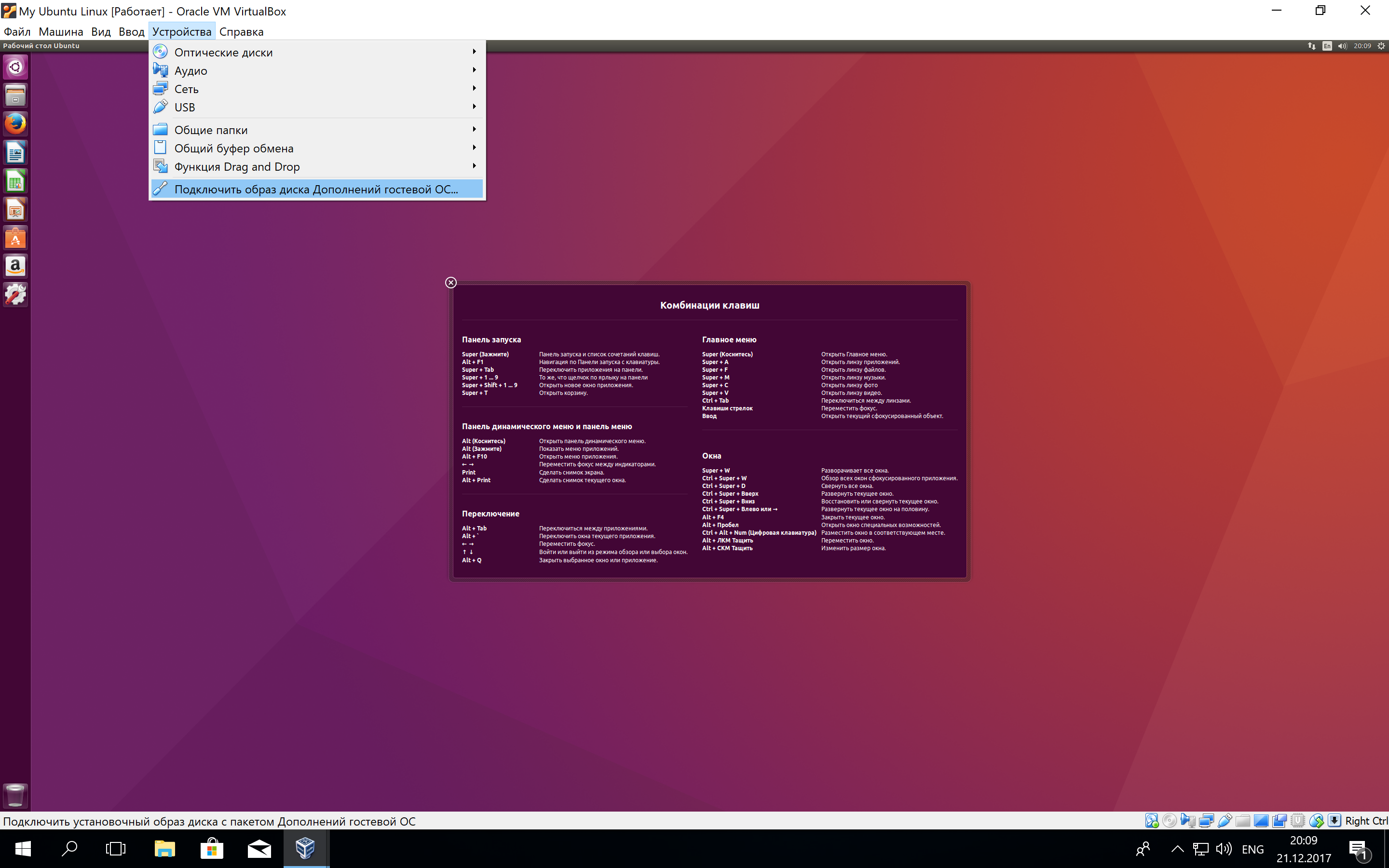
Linux Virtualbox Hexlet Guides
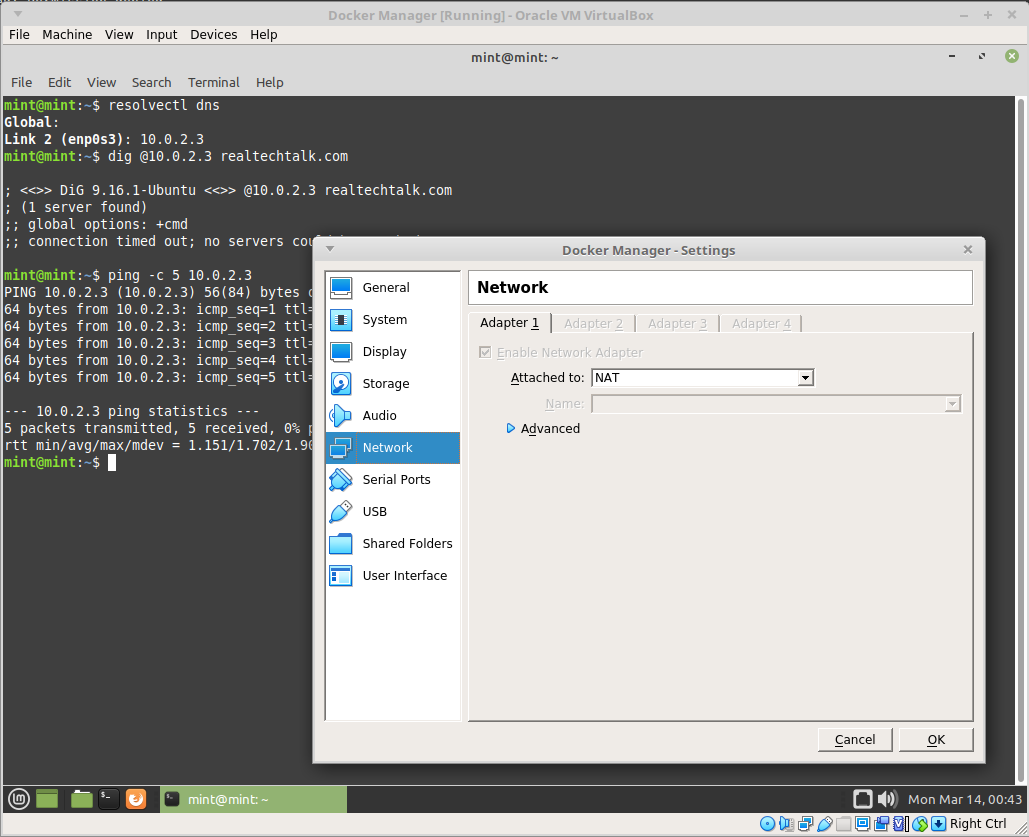
Vbox Virtualbox DNS NAT Network Mode NOT Working Rtt IT Resource

How To Use VirtualBox Tutorial For Beginners
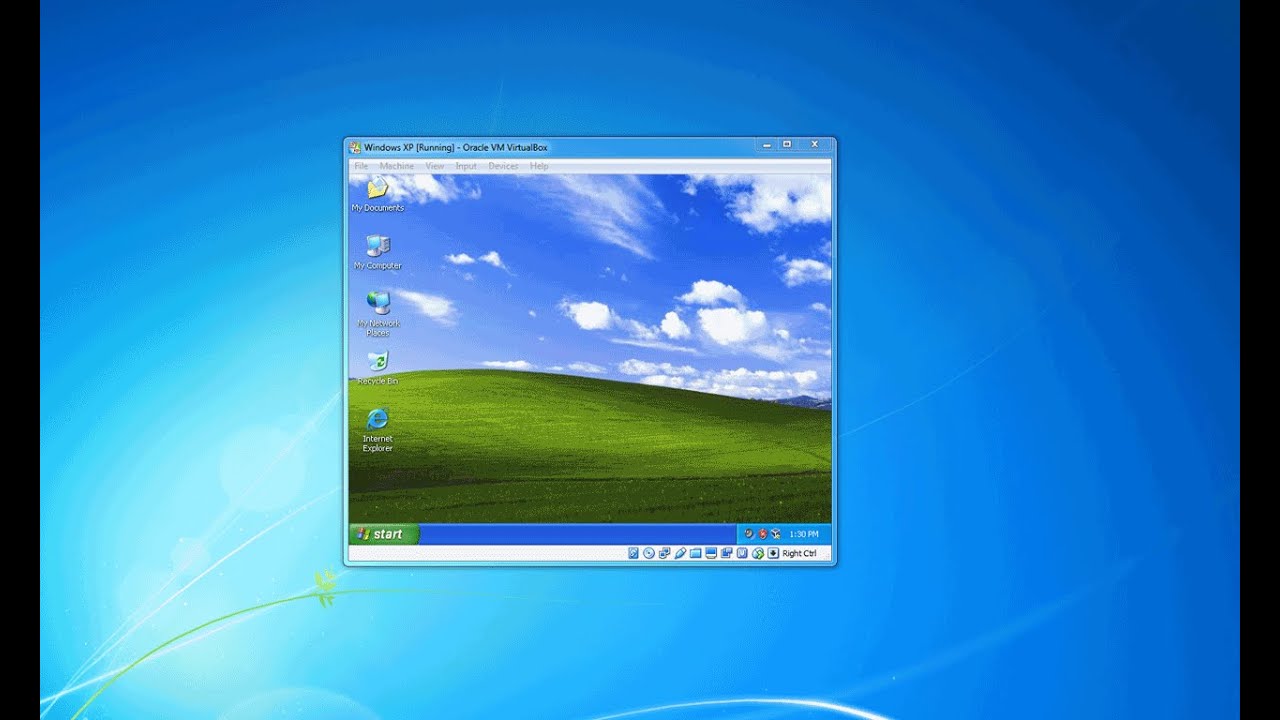
Fix No Internet Access On VirtualBox Windows XP YouTube

The Oracle Virtualbox Logo Is Shown On Top Of A Small Cube With An

Web Apr 18 2021 nbsp 0183 32 Wenn du unbedingt in der VM mit XP ins Internet willst wirst du dir einen alternativen Browser daf 252 r suchen m 252 ssen

Web Dec 10 2020 nbsp 0183 32 Have you done the normal networking checks If you are using bridged networking does the guest get a sensible IP and gateway address hint compare it to the host s config If that looks reasonable can you ping the gateway If you can ping the gateway can you ping an valid Internet address like 8 8 8 8 Bill mpack
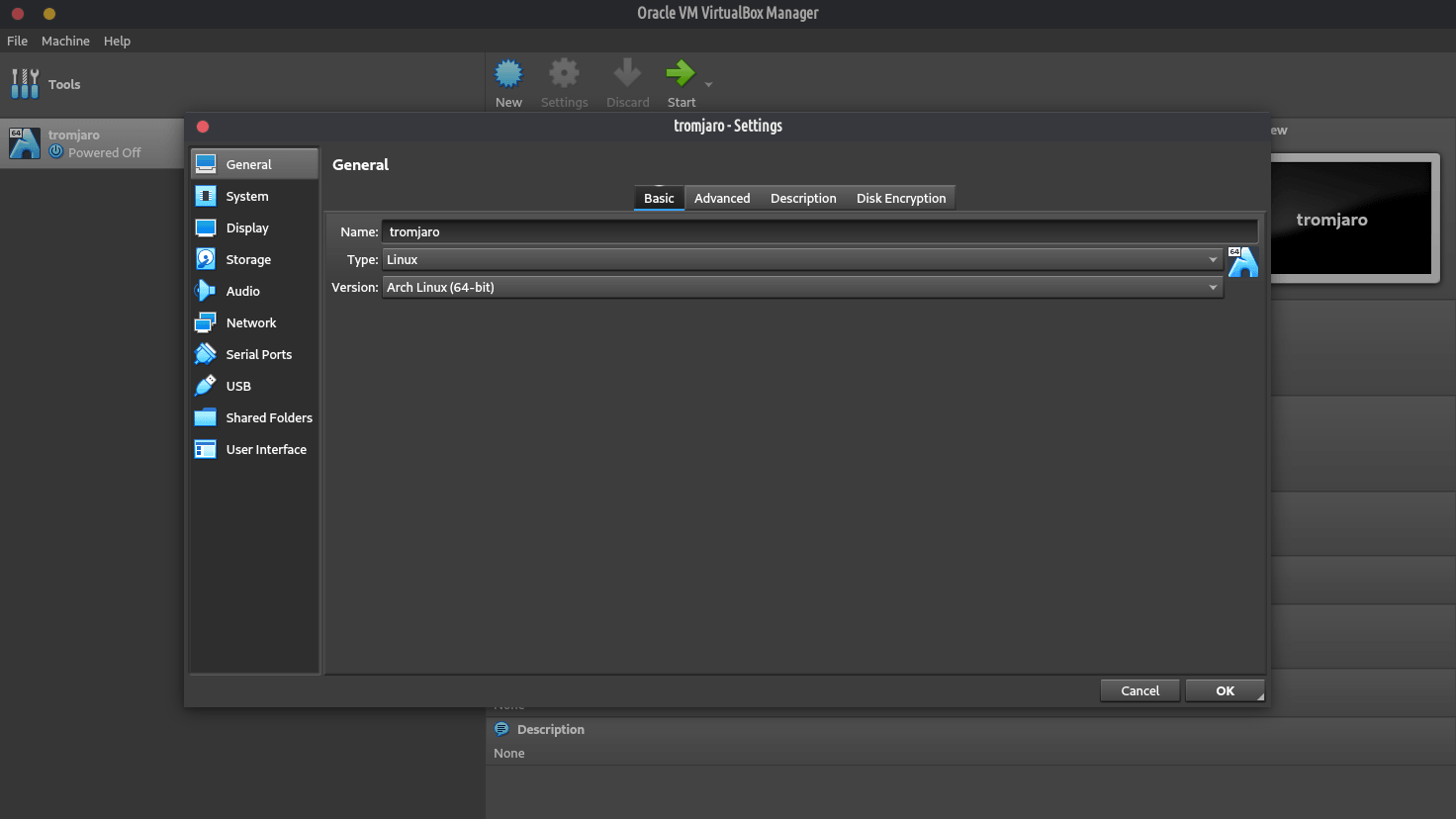
Web Oct 21 2013 nbsp 0183 32 Open Virtualbox Manager Select the machine you cannot get internet on in the left pane Click the Settings button in the top menu Click Network in the left pane in the settings window Switched to Bridged Adapter in the Attached to drop down menu Select the name of the network adapter you are currently using on your host machine

Web Nov 9 2021 nbsp 0183 32 Env Laptop LAB environment Hypervisor Virtual box 6 1 Base OS Windows 10 Issue is First ping to internet works good and then it just fails and I am not able to connect to internet I get Destination Host Unrechable Firewall is already off on OS

Web Oct 23 2017 nbsp 0183 32 Just to clarify In your update you say quot When you switched from a NAT Network Interface to a NAT interface you were able to access the internet from your VM without additional configuration quot Originally neither of these was working Adding the interface via the terminal as per your solution seems to be what did it This only seemed
[desc-11] [desc-12]
[desc-13]