Terminal Get Mac Version Pimp Out Your Terminal Takeradi 10 Mac Terminal Commands All Beginners Should Learn Siytek Mac Terminal Program Lalapatechnology Finding Terminal on a Mac Stevensirski Massive Mac Updates Incoming Catch All Our Mac Event Predictions On Oct 28 2023 nbsp 0183 32 How to show only hidden files in Terminal Ask Question Asked 11 years 2 months ago Modified 1 year 9 months ago
Feb 16 2012 nbsp 0183 32 Instead of going to sites like speedtest I want to check my current Internet speed from the terminal on Ubuntu How can I do it Nov 28 2015 nbsp 0183 32 I can navigate down in directory using cd in the terminal How do I navigate back up if I go too far
Massive Mac Updates Incoming Catch All Our Mac Event Predictions On Locations Contact MAC AV The Mac Version Has A Problem With The Address Bar In Full Screen Mode Nmap mac Nmap Mac How To Create File In Terminal Mac Os Joloportland Pin On Outlook Mac Backup The Terminal Compartment Ich M chte Verwandelt Sich In Bibliothekar Best Mac Terminal For Php Studio For Mac
Terminal Get Mac Version
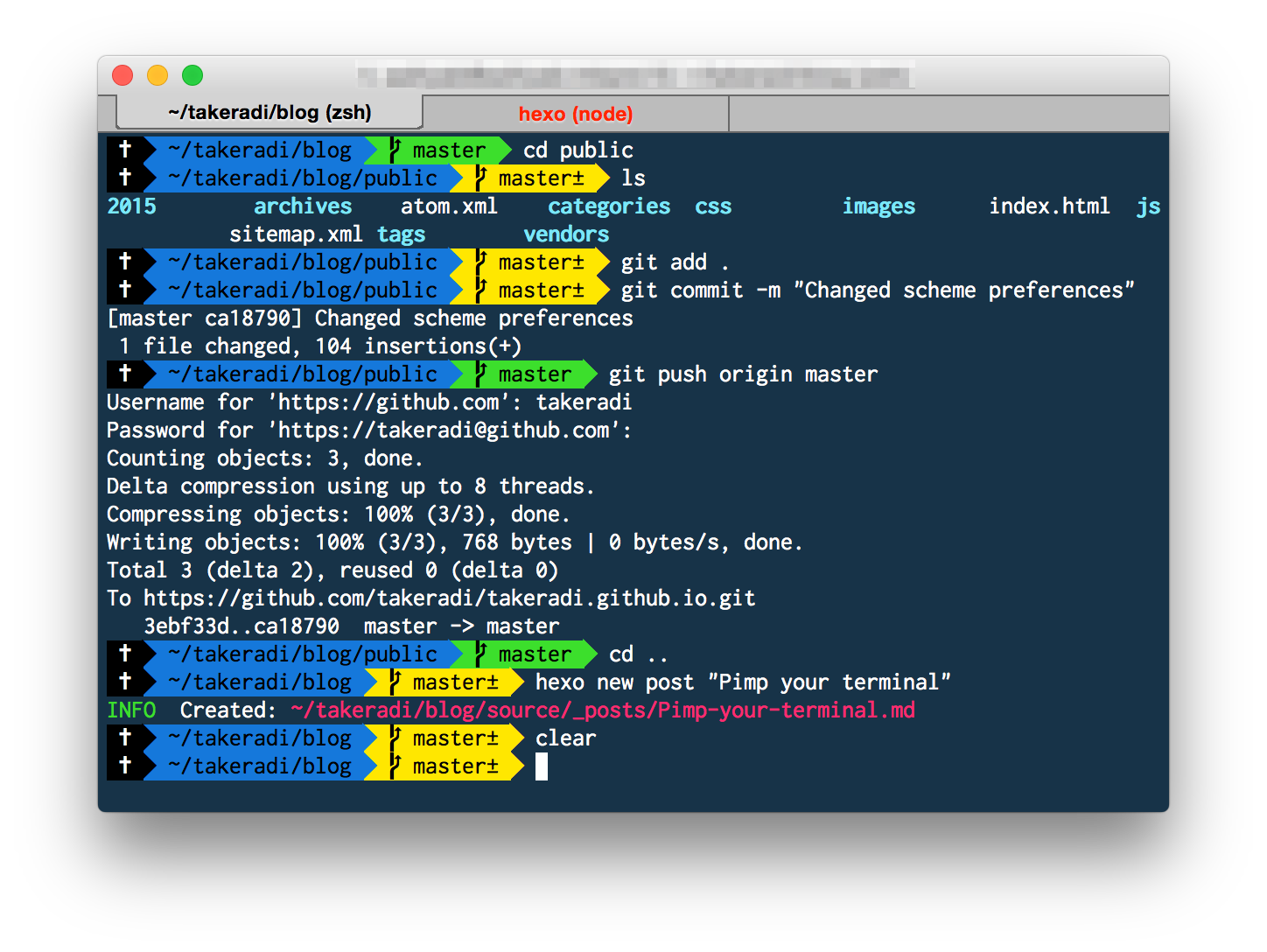 Terminal Get Mac Version
http://takeradi.github.io/images/12062015/Pimped_Out_Terminal.png
Oct 3 2020 nbsp 0183 32 Is there a way to save all my typed terminal commands and view it like history in a log book
Pre-crafted templates use a time-saving service for producing a varied range of files and files. These pre-designed formats and layouts can be utilized for different personal and professional tasks, including resumes, invites, leaflets, newsletters, reports, discussions, and more, streamlining the material development procedure.
Terminal Get Mac Version

Virtual Terminal Credit Card Processing PayPal US

Locations Contact MAC AV

The Mac Version Has A Problem With The Address Bar In Full Screen Mode

Nmap mac Nmap Mac

Pin On Outlook Mac Backup
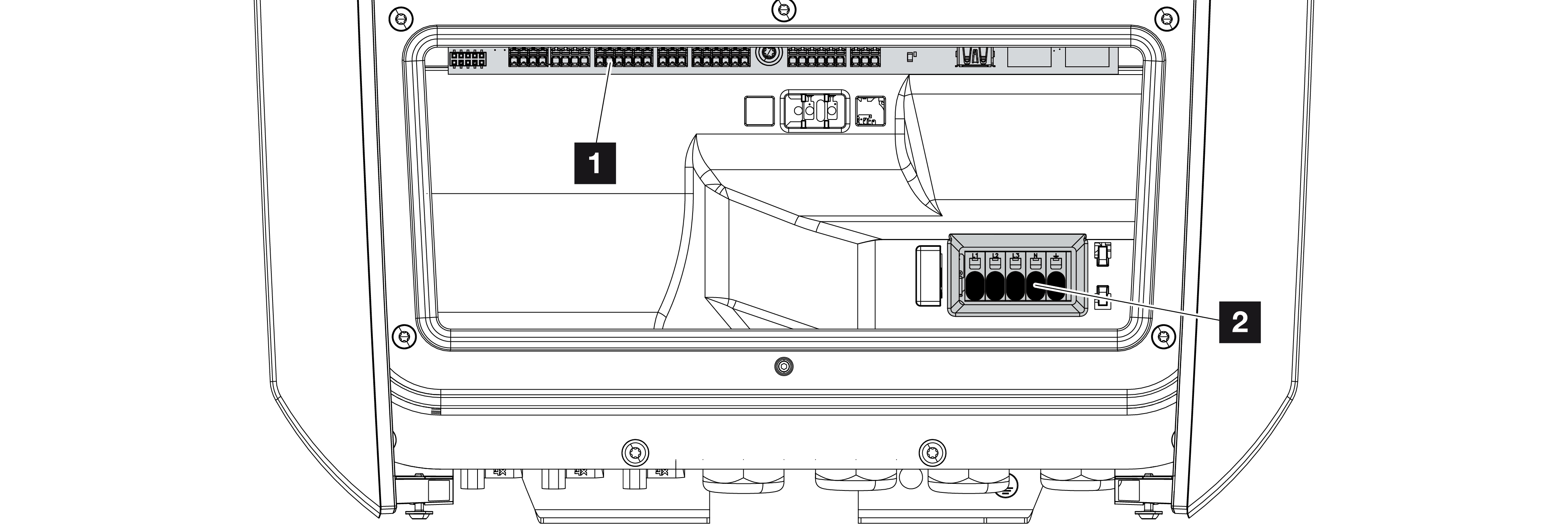
The Terminal Compartment
Terminal x11 crash mobaxterm ssh
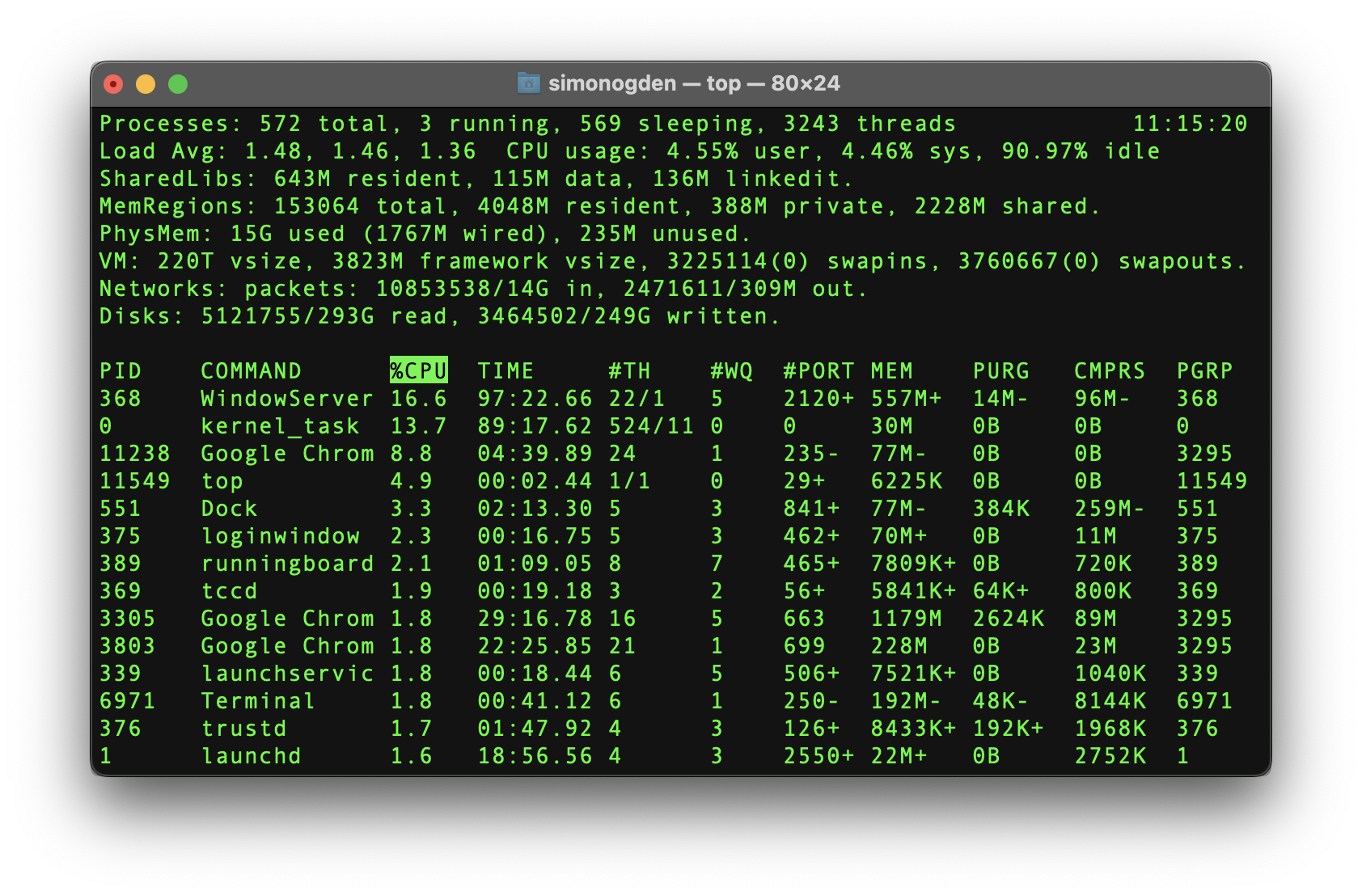
VScode
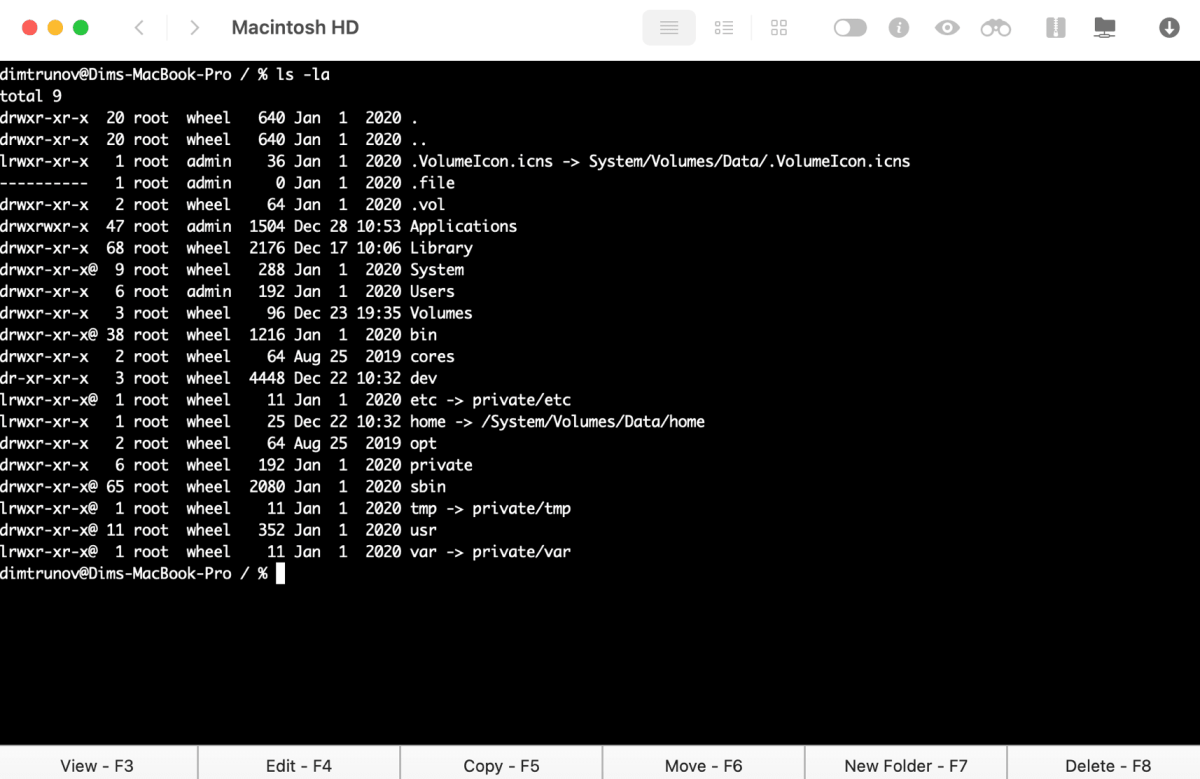
How to rename a file in Terminal duplicate Ask Question Asked 12 years 3 months ago Modified 3 years 1 month ago

Cursor OpenAI ChatGPT Claude Cursor AI

Aug 21 2018 nbsp 0183 32 When I make some changes to the shell bash behavior such as setting up an alias is there a quick command to reinitialize the terminal window instead of closing and
[desc-11] [desc-12]
[desc-13]