What Is Terminal Program On Mac Mac Terminal Program Lalapatechnology How To See Program Files On Mac In 2020 YouTube Best Mac Terminal Applications Ferdfw Computer Terminal Wikipedia Terminal Program For Mac Sohaeve How to use Terminal on Mac Macworld Terminal brings the command line back to your Mac Here s how to use it to customise and troubleshoot your Mac and the most commonly used
Terminal is the Mac command line program that functions as an interface to your underlying operating system While there are other apps that can be used similarly When Launchpad opens type Terminal and hit return Or you can click the Terminal icon The Terminal app will open How to Open Terminal from Your Applications Folder If you d prefer to go
Terminal Program For Mac Sohaeve How To Force Update Mac From Terminal Via Softwareupdate How To Create File In Terminal Mac Os Joloportland Mac Terminal Commands List Every User Should Know How To Open The Terminal On A Mac What Is A Serial Terminal Program Nanaxgiant Best Ways To Uninstall Software Programs On A Mac Computer What Is Terminal In Windows 10 Design Talk Zadarnici A Planta Copaci Exagera Mac List Processes Terminal Cornwall
What Is Terminal Program On Mac
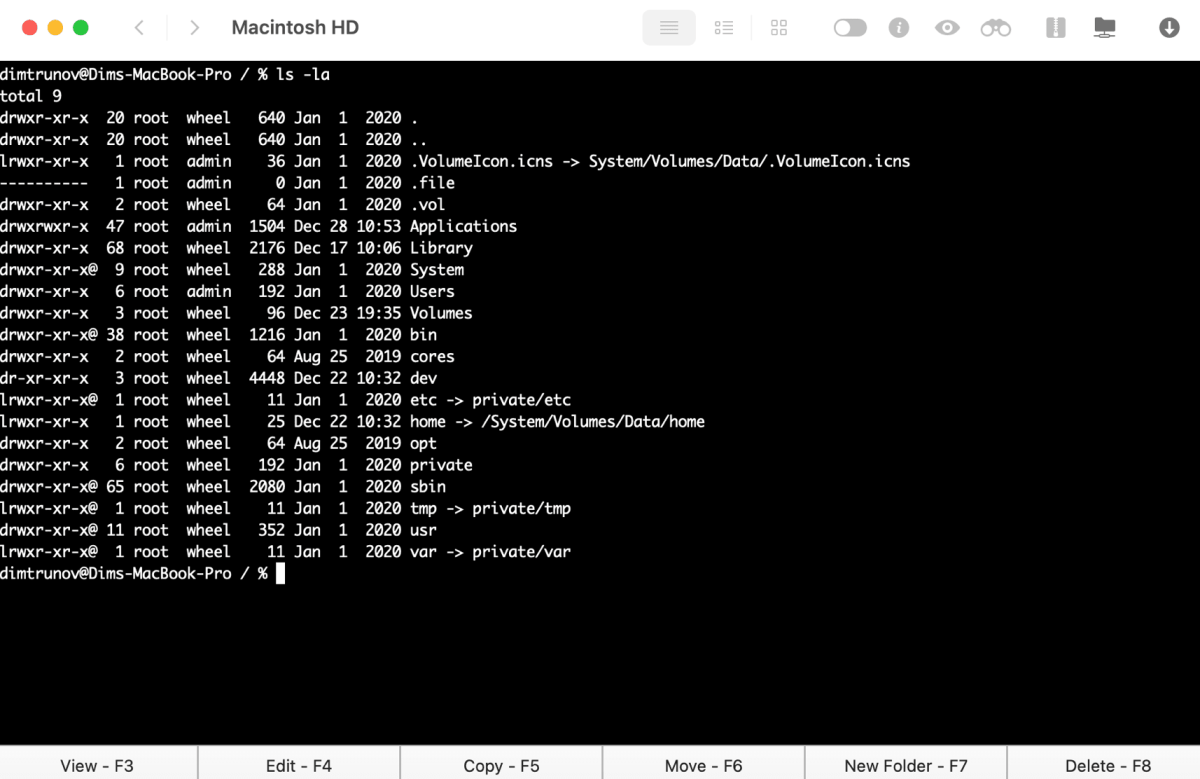 What Is Terminal Program On Mac
https://www.macgasm.net/wp-content/uploads/2021/10/terminal-advanced.png
In Terminal you can issue a large number of commands to navigate your file system run programs and more There s even a command that allows you to download files from the web using Terminal
Templates are pre-designed documents or files that can be utilized for numerous functions. They can save time and effort by providing a ready-made format and design for creating different type of content. Templates can be utilized for individual or expert jobs, such as resumes, invitations, flyers, newsletters, reports, presentations, and more.
What Is Terminal Program On Mac
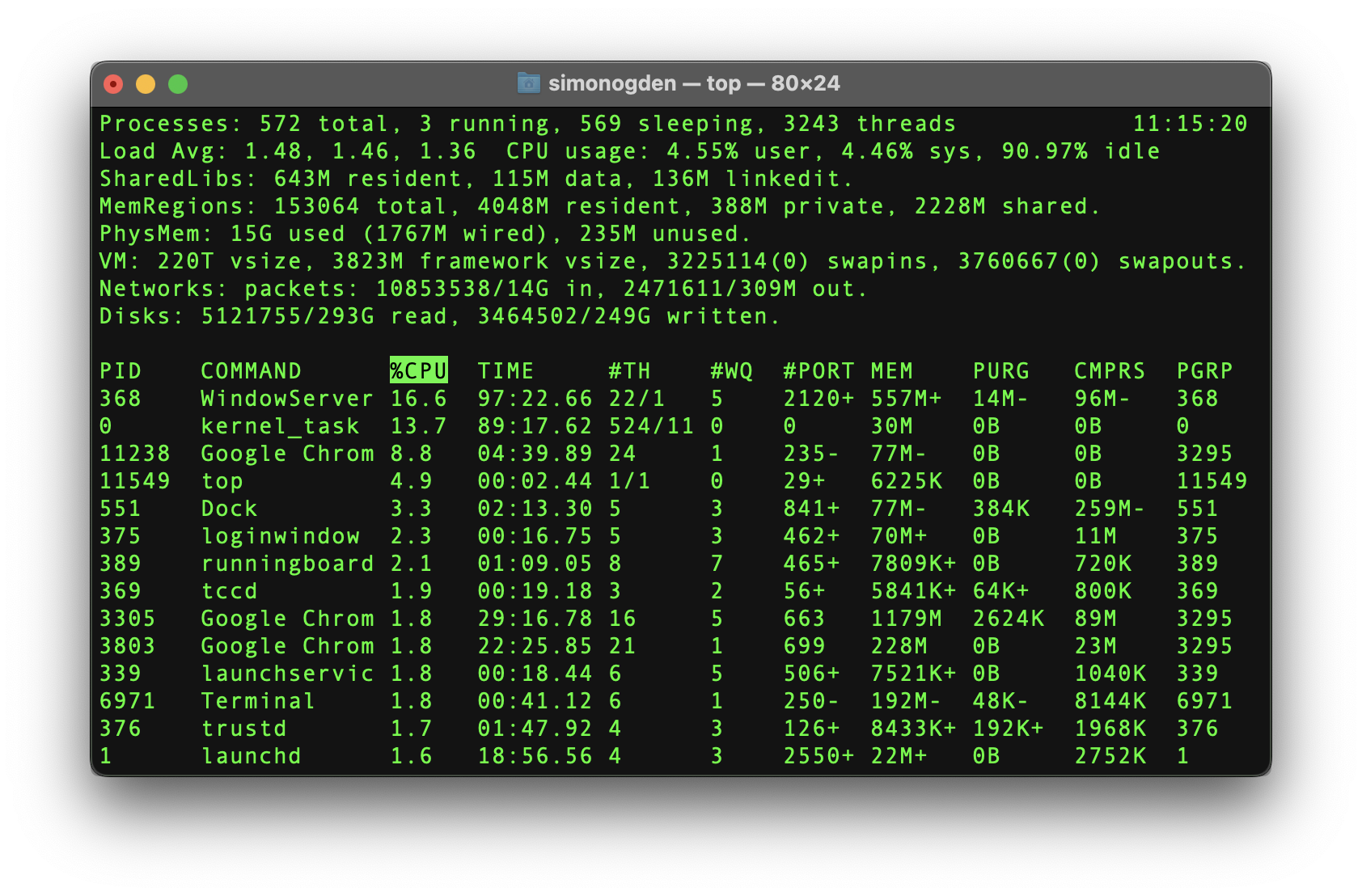
10 Mac Terminal Commands All Beginners Should Learn Siytek
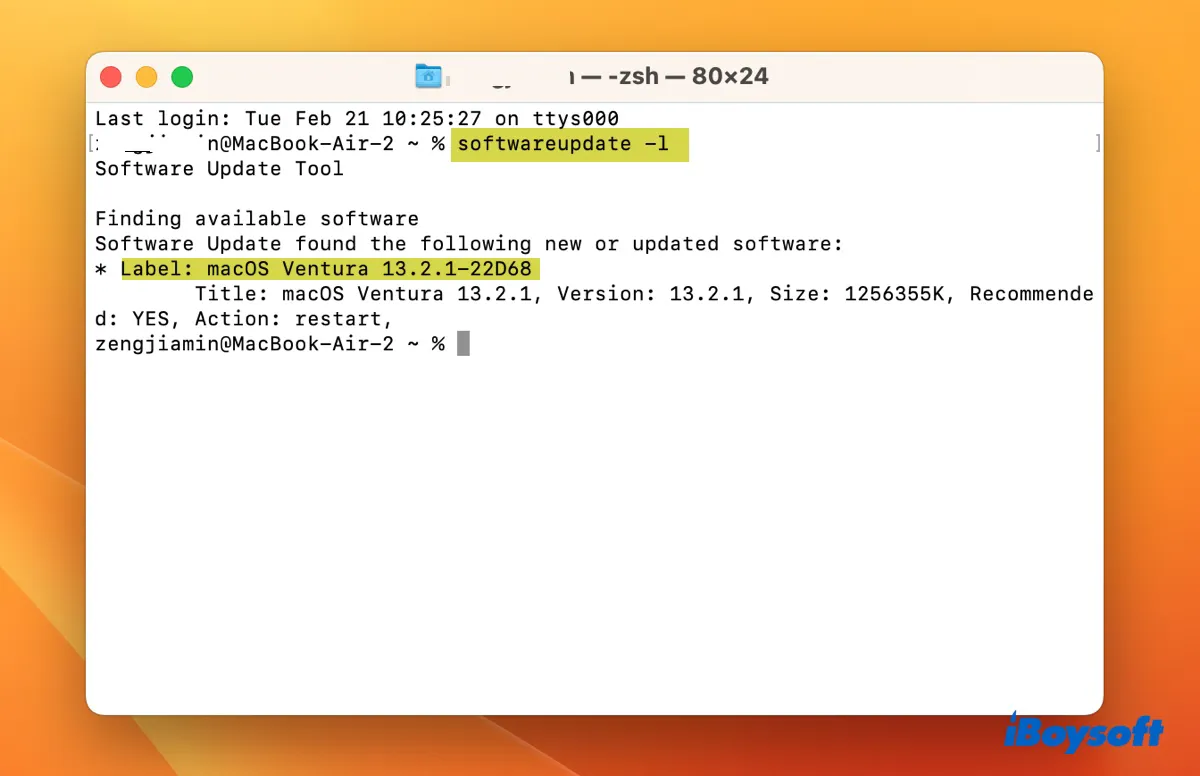
How To Force Update Mac From Terminal Via Softwareupdate

How To Create File In Terminal Mac Os Joloportland

Mac Terminal Commands List Every User Should Know

What Is A Serial Terminal Program Nanaxgiant
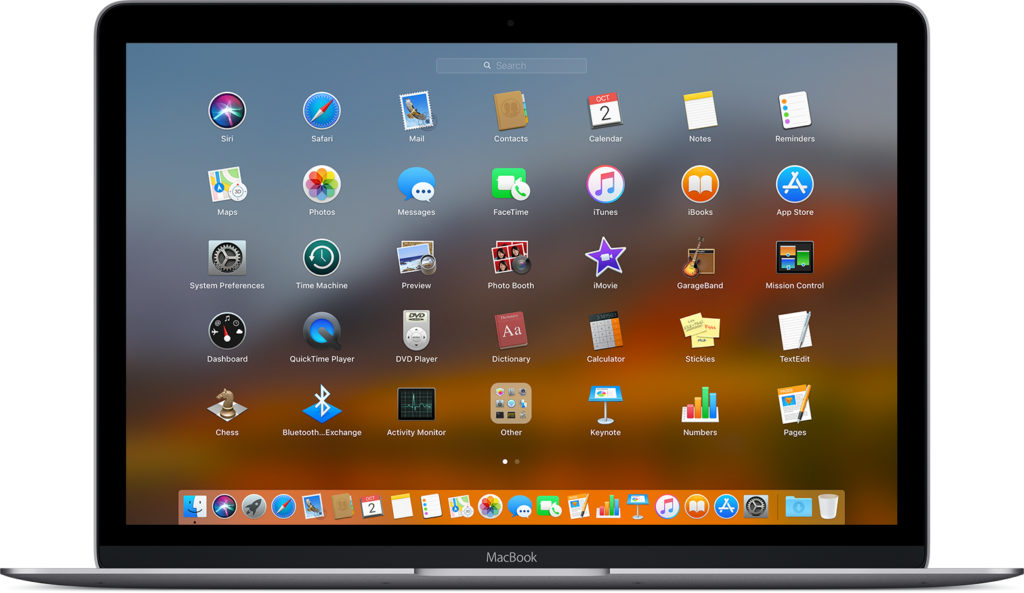
Best Ways To Uninstall Software Programs On A Mac Computer
Terminal User Guide for Mac Apple Support Terminal User Guide for macOS Sonoma Table of Contents Get started with Terminal Use your scripting experience and the features in Terminal to create organize
Table of Contents What is Terminal on Mac Terminal is an app for advanced users and developers that lets you communicate with the Mac operating system using a command
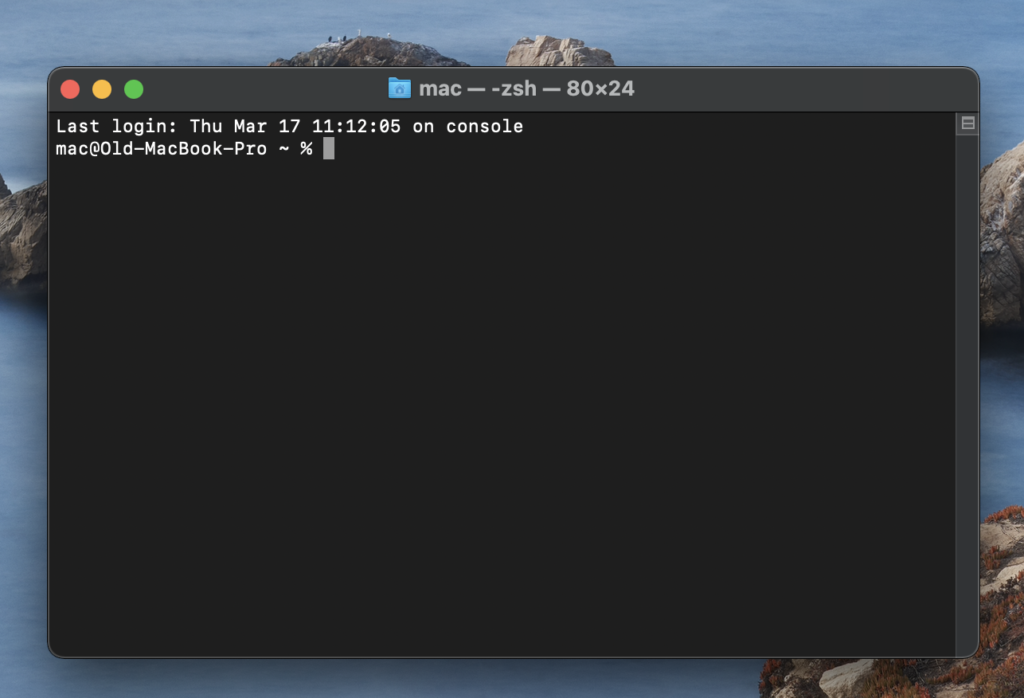
Terminal Terminal app is the terminal emulator included in the macOS operating system by Apple Terminal originated in NeXTSTEP and OPENSTEP the predecessor operating systems of macOS As a terminal emulator the application provides text based access to the operating system in contrast to the mostly graphical nature of the user experi

Terminate commands In the Terminal app on your Mac click the Terminal window that is running the command you want to terminate Press Control C This sends a signal that

Terminal provides a command line interface to macOS Each window in Terminal represents an instance of a shell process The window contains a prompt that indicates
How to Open Terminal Terminal typically resides on the Dock The icon resembles a command line input screen with a white greater than symbol set against The Mac Terminal is a command line system that can help you quickly take control of your operating system and make changes Getting to the Terminal app is easy you can
Terminal is a Mac command line interface There are several advantages to using Terminal to accomplish some tasks it s usually quicker for example In order to