Terminal Cancel Command Delete A Directory Using Mac Terminal Command Code2care Mysql How Do I Exit Or Cancel Inline Commands In The Terminal Stack Overflow Greg Murphy s Set For His First Bathurst 1000 In Eight Years Western Advocate Bathurst NSW Vs Code SpitFire Drake Weasyl May 17 2015 nbsp 0183 32 Is there a way to save all my typed terminal commands and view it like history in a log book
Mar 22 2022 nbsp 0183 32 Visual Studio Add terminal command Cursor AI Cursor AI cursor hobby pro 20 Business
SpitFire Drake Weasyl How To Cancel Print Command In HP Printers YouTube POINT VX680 GPRS USER MANUAL Pdf Download ManualsLib How To Stop A Program In Linux Terminal Bug Report Spread Attack Cancel Command Interaction Supreme Commander Forged Alliance CCS pga460 PGA460 Sensors Forum Sensors TI E2E Support Forums Ravelry TinasAllsorts Little Bunnies Posiflex XT 3815 POS Touch Terminal AUPOS Bash Shell For Windows Tutorial Vetstashok
Terminal Cancel Command
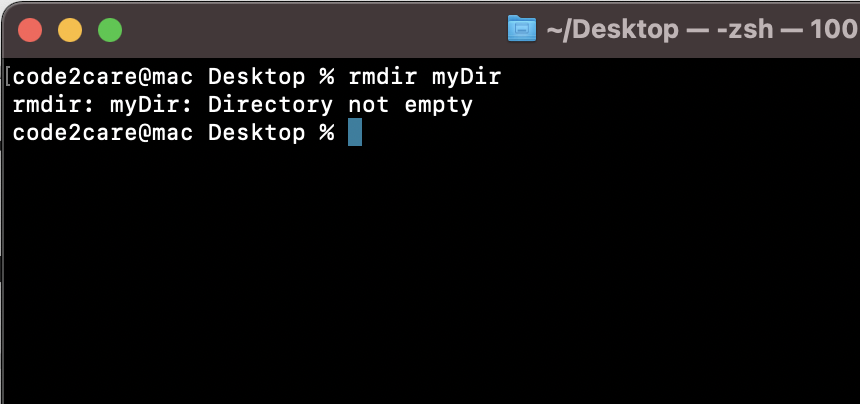 Terminal Cancel Command
https://code2care.org/macos/delete-directory-using-mac-terminal-rm-rmdir-command/images/Directory is not empty.png
Alacritty Gnome Terminal xterm Shell Bash Zsh Shell Alacritty Gnome Terminal xterm
Templates are pre-designed documents or files that can be utilized for different purposes. They can conserve effort and time by providing a ready-made format and layout for developing different sort of material. Templates can be used for individual or expert projects, such as resumes, invitations, leaflets, newsletters, reports, presentations, and more.
Terminal Cancel Command

Fuirrel Fox Weasyl

How To Cancel Print Command In HP Printers YouTube

POINT VX680 GPRS USER MANUAL Pdf Download ManualsLib
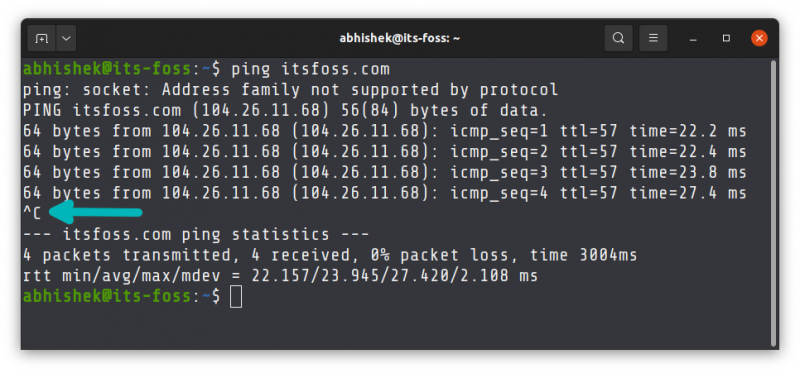
How To Stop A Program In Linux Terminal
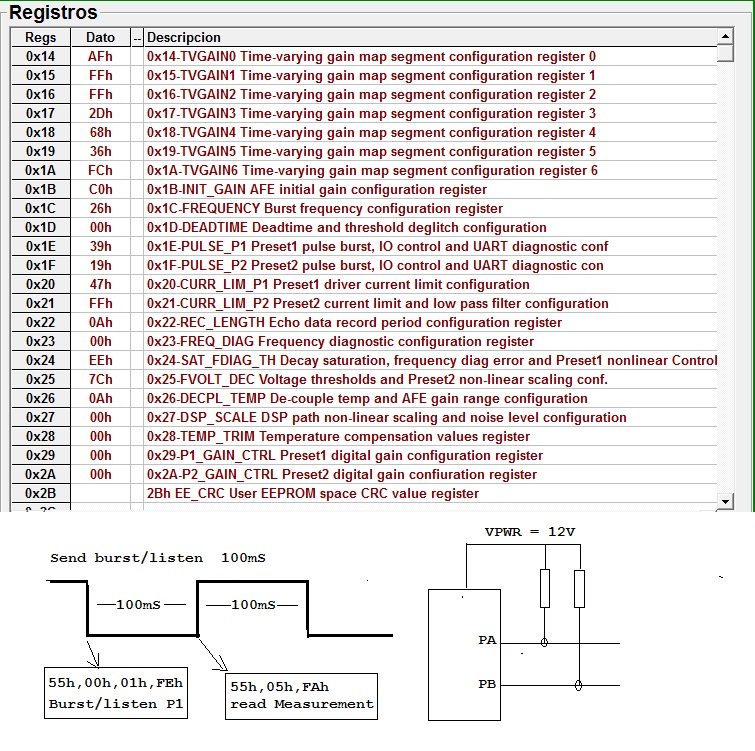
CCS pga460 PGA460 Sensors Forum Sensors TI E2E Support Forums
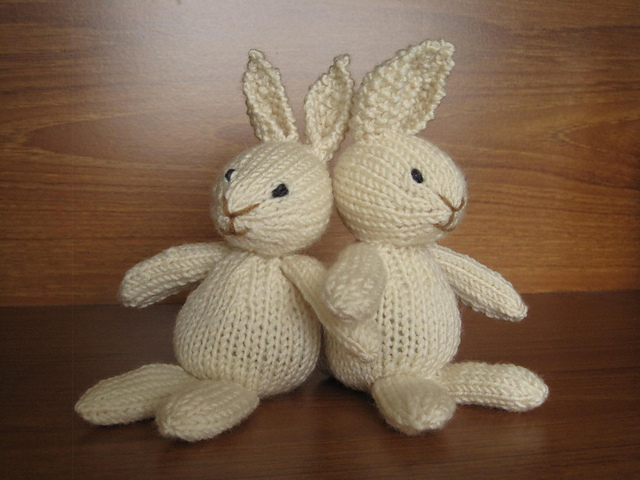
Ravelry TinasAllsorts Little Bunnies
Mar 5 2024 nbsp 0183 32 Windows Windows 10 Windows 11 Windows Windows 11 Windows

Terminal x11 crash mobaxterm ssh

VScode

How to rename a file in Terminal duplicate Ask Question Asked 12 years 4 months ago Modified 3 years 1 month ago

When I make some changes to the shell bash behavior such as setting up an alias is there a quick command to reinitialize the terminal window instead of closing and opening a new window
[desc-11] [desc-12]
[desc-13]