Terminal Undo Command D U S Army Installation Management Command Contact Linux Terminal Undo Rm somefile 5 Solutions YouTube Searching With Command K By Ruby On Dribbble Command Fig Nov 28 2015 nbsp 0183 32 I can navigate down in directory using cd in the terminal How do I navigate back up if I go too far
Terminal x11 crash mobaxterm ssh Oct 17 2022 nbsp 0183 32 I m using windows 10 and I installed Ubuntu 22 04 on Virtual box 7 0 0 When I click the terminal icon the upper left side of the screen where is the executing application
Command Fig Defensics Command Line Execution C RJ45 8X014PU10 0 MA 122703 Order No 122703 EUCHNER Undo Command Doesn t Work After Clear Command Issue 3 JasonC01 ped Disable undo Command For File Operations Issue 115457 Microsoft Home Front Command APK F r Android Download WordPress Undo Command A Launch json Setting For End to end Web Development LaptrinhX AKL314 03 Plug in Connection Terminal 3 pin Spacing 5 Mm Elecena
Terminal Undo Command D
 Terminal Undo Command D
https://mb.cision.com/Public/5321/logo/afe74caa9e18a921_org.png
Oct 13 2017 nbsp 0183 32 Just downloaded a zip file from the internet I want to use the terminal to unzip the file What is the correct way to do this
Templates are pre-designed files or files that can be utilized for numerous functions. They can save time and effort by supplying a ready-made format and design for producing various type of content. Templates can be used for personal or expert tasks, such as resumes, invites, leaflets, newsletters, reports, presentations, and more.
Terminal Undo Command D

Comparison Of Review Command Vs TabIt NewTab Startup Buffer
Defensics Command Line Execution
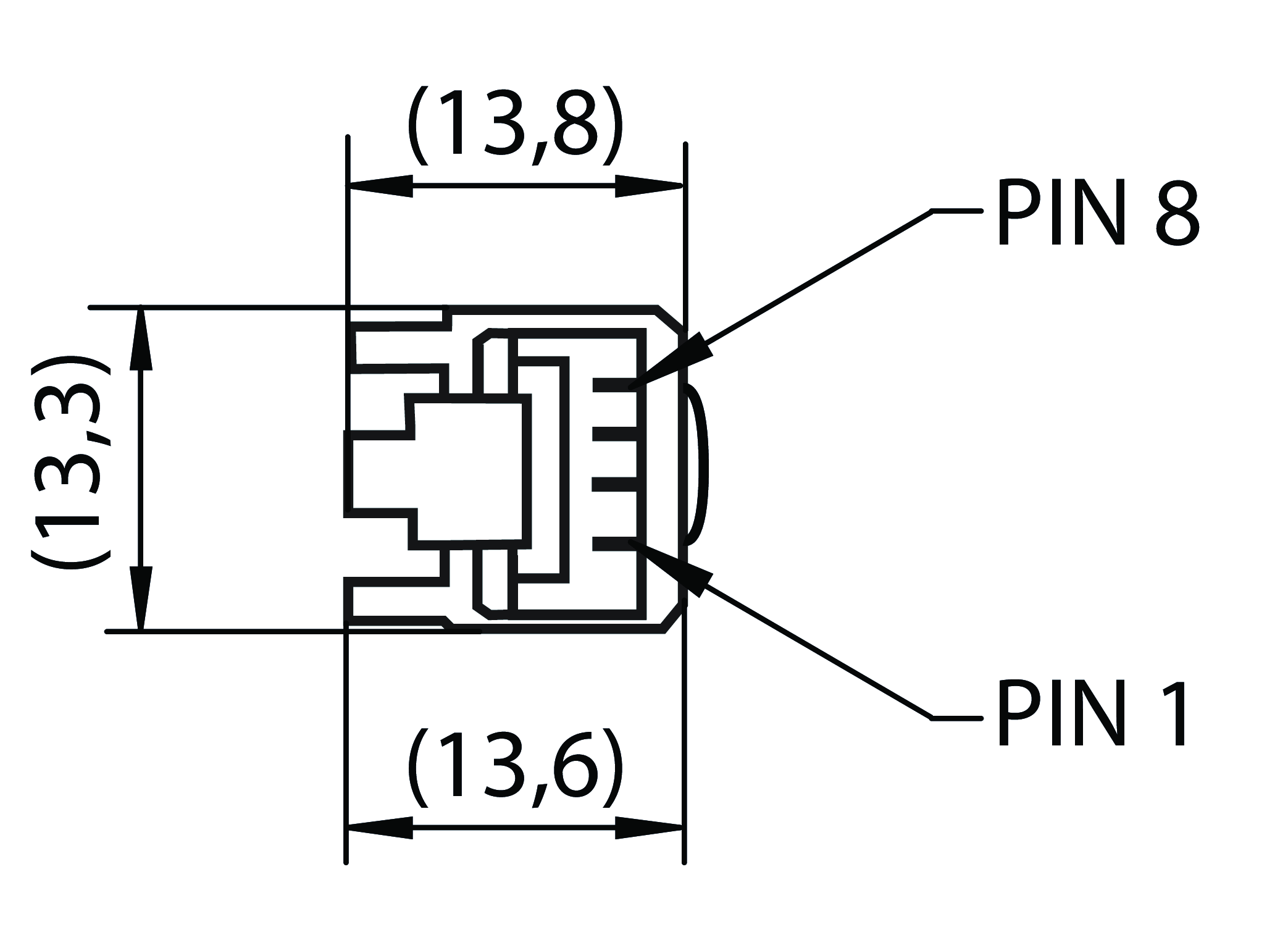
C RJ45 8X014PU10 0 MA 122703 Order No 122703 EUCHNER
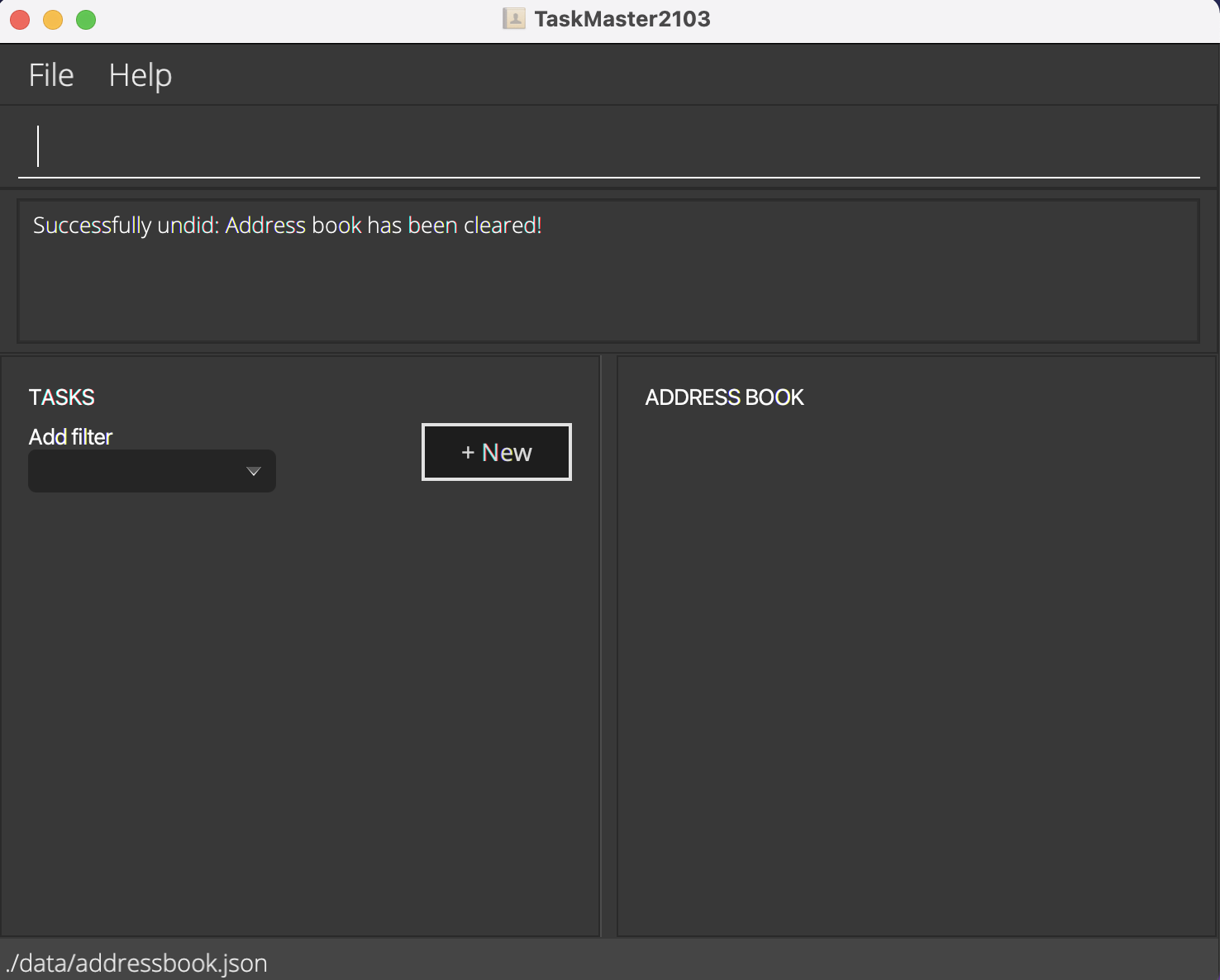
Undo Command Doesn t Work After Clear Command Issue 3 JasonC01 ped
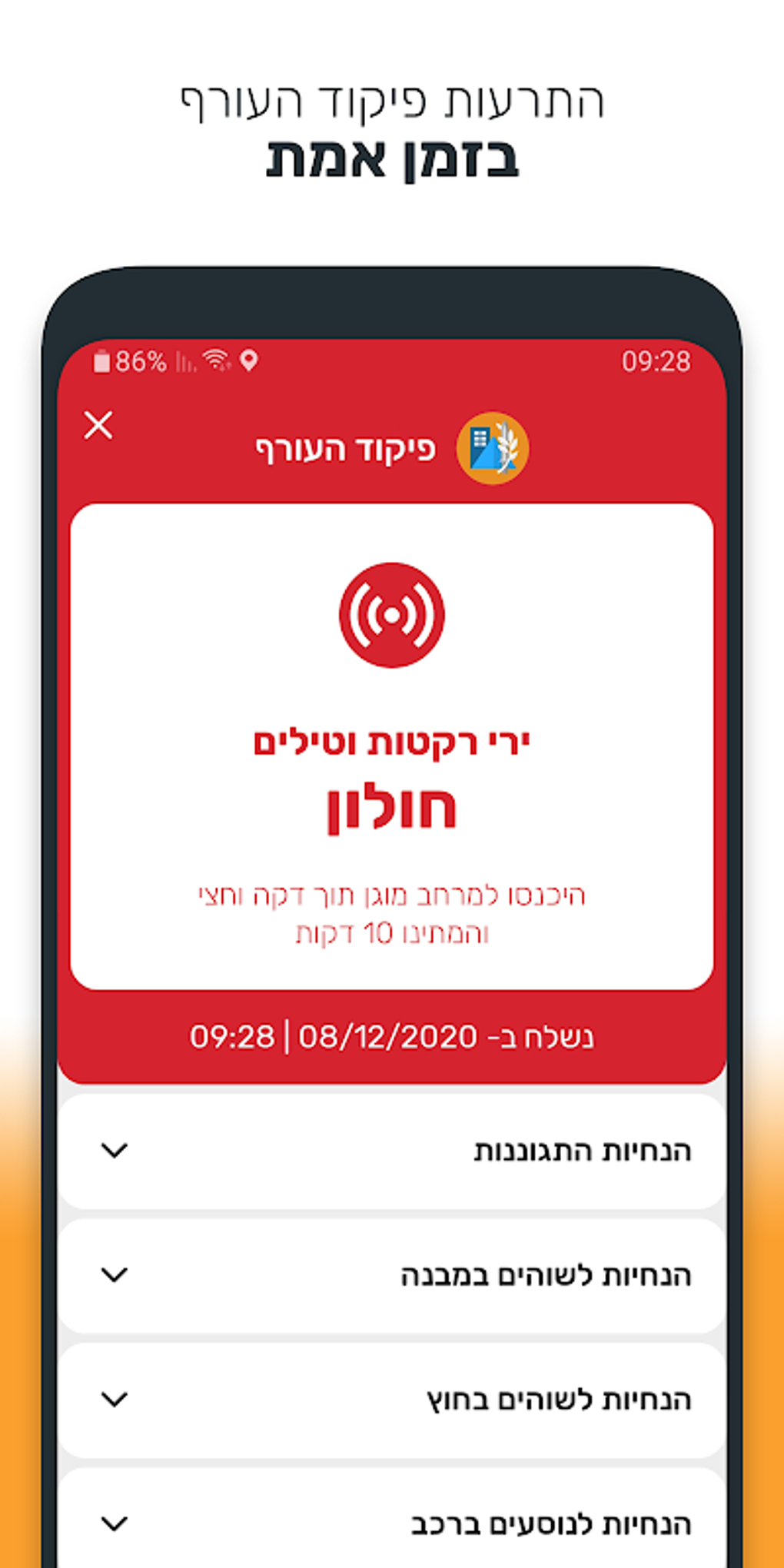
Home Front Command APK F r Android Download

WordPress Undo Command

Windows vs code terminal Windows terminal Windows terminal vs code
How to rename a file in Terminal duplicate Ask Question Asked 12 years 6 months ago Modified 3 years 4 months ago

Run sudo H gnome terminal from the original non root graphical terminal Enter your password as prompted by sudo The graphical terminal will start Still in the non root terminal press Ctrl
Aug 21 2018 nbsp 0183 32 When I make some changes to the shell bash behavior such as setting up an alias is there a quick command to reinitialize the terminal window instead of closing and

Oct 2 2017 nbsp 0183 32 Before you go marking this as a dupe I know about Ctrl Shift C and Ctrl Shift V I try to use them and it doesn t work On one particular Ubuntu computer normal copy paste
[desc-11] [desc-12]
[desc-13]