Systemctl Start Service After Reboot How To Use Systemctl In Ubuntu Linux Start How To Start A Service During A Server Restart On Linux Systran Box systemctl service Debian 11 Bullseye Starting Nginx via Systemctl Can t Open PID File var run nginx pid yet After Boot How To Start Specific Systemctl Service After Login Ask Ubuntu The S is important because as long as you can see an S script under the default runlevel directory for the service the init system will start the service when the server boots To verify that MySQL will auto start after reboot enter the following command to reboot the system 1 sudo reboot
1 Answer Sorted by 0 Figured it out forgot that I had to run enable in addition to start sudo systemctl enable my service a sudo systemctl enable my service b sudo systemctl enable my service c Share Improve this answer Follow answered Oct 22 2021 at 13 03 Joel In this second installment of the two part tutorial on configuring Linux services to start automatically after a reboot or system crash we will discuss the init system in detail You can refer to Part 1 of the series How to Configure a Linux Service to Auto Start After a Reboot or System Crash Practical Examples here The current tutorial will be heavy on theory
Boot How To Start Specific Systemctl Service After Login Ask Ubuntu systemctl Reboot reboot systemctl Poweroff poweroff Solved Systemctl Stops Tomcat Service Immediately After 9to5Answer Step by step Shinobi Debian Bullseye Installation Guide Installing Tutorialforlinux Centos7 Shell Systemctl Start stop Service 51CTO centos7 shell You Are N Emergency Mode After Logging In Type Journalctl Xb To Vieu System Logs Systemctl CentOS7 root localhost Systemctl Start Docker Job For Docker service Failed Because The Wpa supplicant Service Fails At Boot But Starts Fine After Boot with Systemctl Start Wpa How To Setup IIS 8 And PHP On Windows Server 2012 HubPages
Systemctl Start Service After Reboot
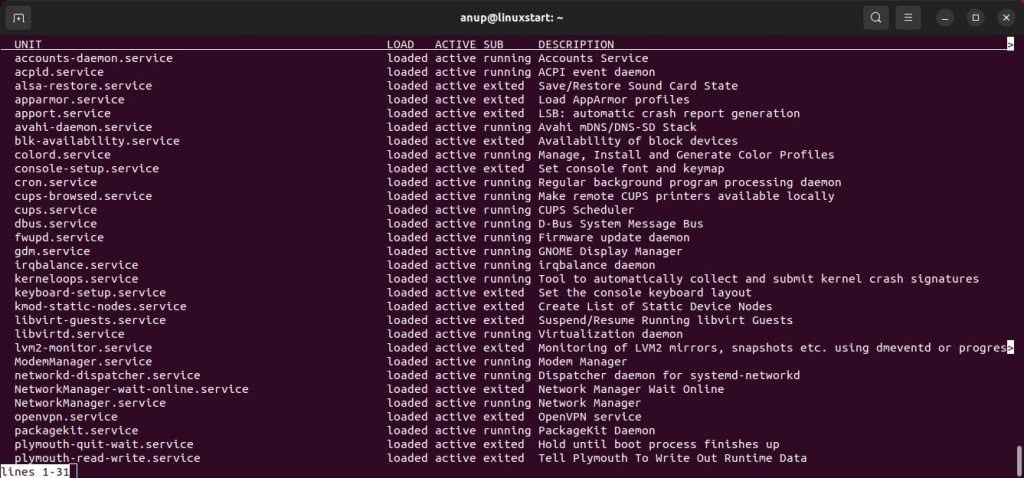 Systemctl Start Service After Reboot
https://www.linuxstart.com/wp-content/uploads/2023/04/ubuntu-active-services-1024x478.jpg
Although there are several ways to run a script or start a process when your Linode boots a custom systemd service makes it easy to start stop or restart your script as well as configure it to start automatically on boot systemd offers the advantage of using a standardized interface that is consistent across all Linux distributions that sup
Templates are pre-designed documents or files that can be used for numerous functions. They can save time and effort by supplying a ready-made format and layout for producing different type of content. Templates can be used for individual or expert projects, such as resumes, invites, flyers, newsletters, reports, discussions, and more.
Systemctl Start Service After Reboot

After Testing The X Window System With Startx Command Install A Desktop Environment For This

systemctl Reboot reboot systemctl Poweroff poweroff

Solved Systemctl Stops Tomcat Service Immediately After 9to5Answer

Step by step Shinobi Debian Bullseye Installation Guide Installing Tutorialforlinux

You Are N Emergency Mode After Logging In Type Journalctl Xb To Vieu System Logs Systemctl
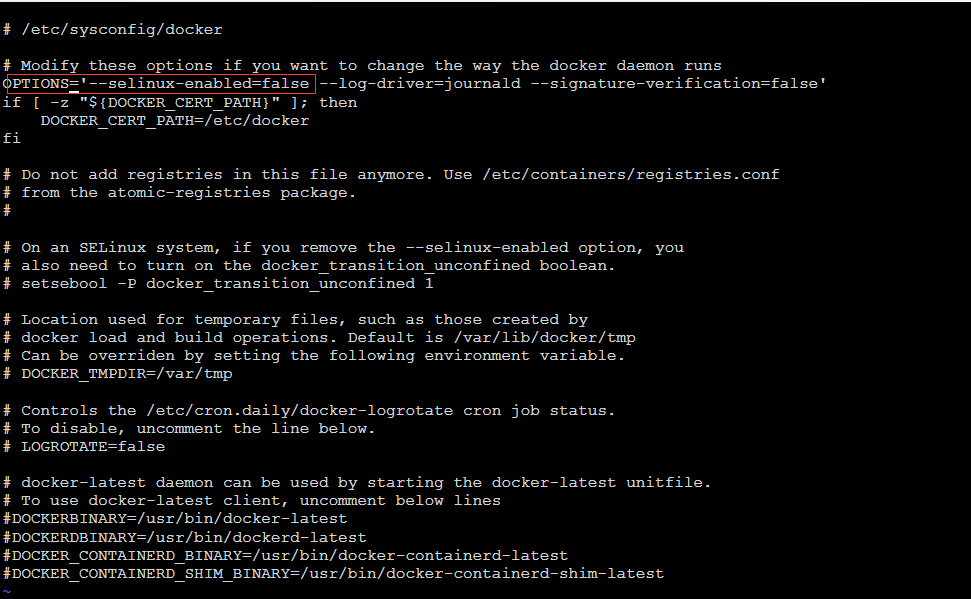
CentOS7 root localhost Systemctl Start Docker Job For Docker service Failed Because The
Both services correctly run with systemctl user start camera control But they never ever will run after the reboot Now I tried A LOT of things With every change I m doing systemctl user daemon reload and I m re enabling them I m making sure that they are always enabled I tried to add exec before the raspivid I tried to add this

1 I have this service which I want to be able to start as a service on system restart I am using Ubuntu 15 10 The service configuration file looks like this
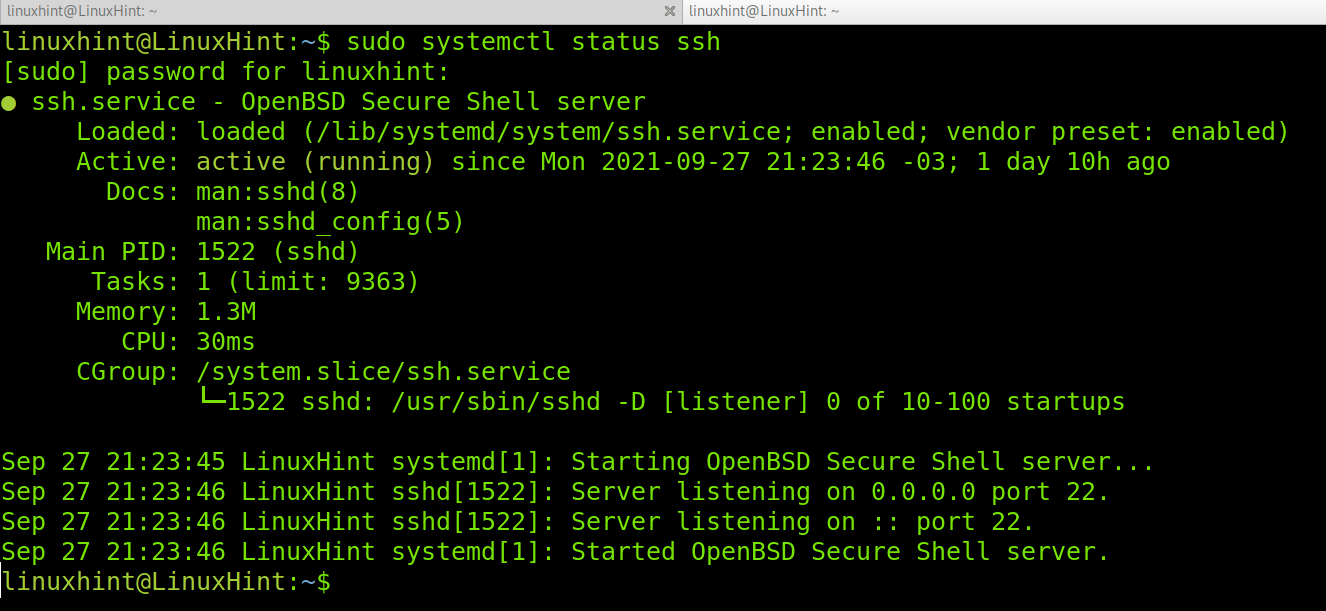
How do you make a systemd service as the last service on boot Many years ago we can write our startup script into After all system services loaded your script will run Now we use systemd we don t have anymore Systemd starts the service parallel

You can use the systemctl command to manage services and control when they start Restart a service After editing the etc ssh sshd config file use the systemctl restart command to make the service pick up the new settings sudo systemctl restart sshd You can verify the service is running by using the status subcommand

To start a systemd service in the current session issue the start command sudo systemctl start apache2 service Conversely to stop a systemd service issue the stop command sudo systemctl stop apache2 service In the above example we started and then stopped the Apache service
After dependency is only effective when service including After and service included by After are both scheduled to start as part of your boot up Ex a service Unit After b service This way if both a service and b service are enabled then systemd will order b service after a service If I am not misunderstanding what you are asking is Your service has no Type specified in the Service section so systemd assumes you meant Type simple That means systemd will expect the process that was started with ExecStart to keep running as long as the service is running But it looks like your start sh only runs one command and then exits That is the forever command forever start starts the target command as a daemon or in other
You can easily create an integrated service using systemd which can be controlled using systemctl systemd allows your program to write to the journal making it easier to track and monitor the service s activities Need to launch a Linux program at boot