Systemctl Start User Service On Boot On Systemctl Start Failed To Start Gitlab runner service Unit Is Not How To Start Service On Boot On Ubuntu 22 04 Linux Tutorials Learn Virtual machines systemctl Start Pve container 102 Systemctl Start A Service On Boot ServerOK systemctl service Debian 11 Bullseye I check service status with systemctl status service name By default I see few rows only so I add n50 to see more Sometimes I want to see full log from start It could have 1000s of
Aug 26 2020 nbsp 0183 32 I have a service in linux called appSevice When I start and stop with these commands it works sudo systemctl start appSevice service sudo systemctl stop May 8 2018 nbsp 0183 32 How do I figure out why my systemctl service didn t start on CentOS 7 Ask Question Asked 7 years 2 months ago Modified 7 years 2 months ago
systemctl service Debian 11 Bullseye Solved How To Debug A Failed Systemctl Service 9to5Answer systemctl service Debian 11 Bullseye Systemctl Start A Service On Boot ServerOK systemctl service Debian 11 Bullseye Install Ejabberd XMPP Server On Ubuntu 18 04 16 04 ComputingPost Sudo Systemctl Start Roast Linuxmasterrace Solved Start Systemctl Service On User Login 9to5Answer Linux Systemctl Command
Systemctl Start User Service On Boot
 Systemctl Start User Service On Boot
https://i.ytimg.com/vi/gS4vo6tkmTk/maxresdefault.jpg
Oct 7 2017 nbsp 0183 32 systemctl has an is active subcommand for this systemctl is active quiet service will exit with status zero if service is active non zero otherwise making it ideal for scripts
Pre-crafted templates offer a time-saving solution for developing a varied variety of documents and files. These pre-designed formats and layouts can be made use of for various personal and professional jobs, including resumes, invitations, leaflets, newsletters, reports, presentations, and more, streamlining the material development procedure.
Systemctl Start User Service On Boot

Systemctl Status Nginx Service

Solved How To Debug A Failed Systemctl Service 9to5Answer
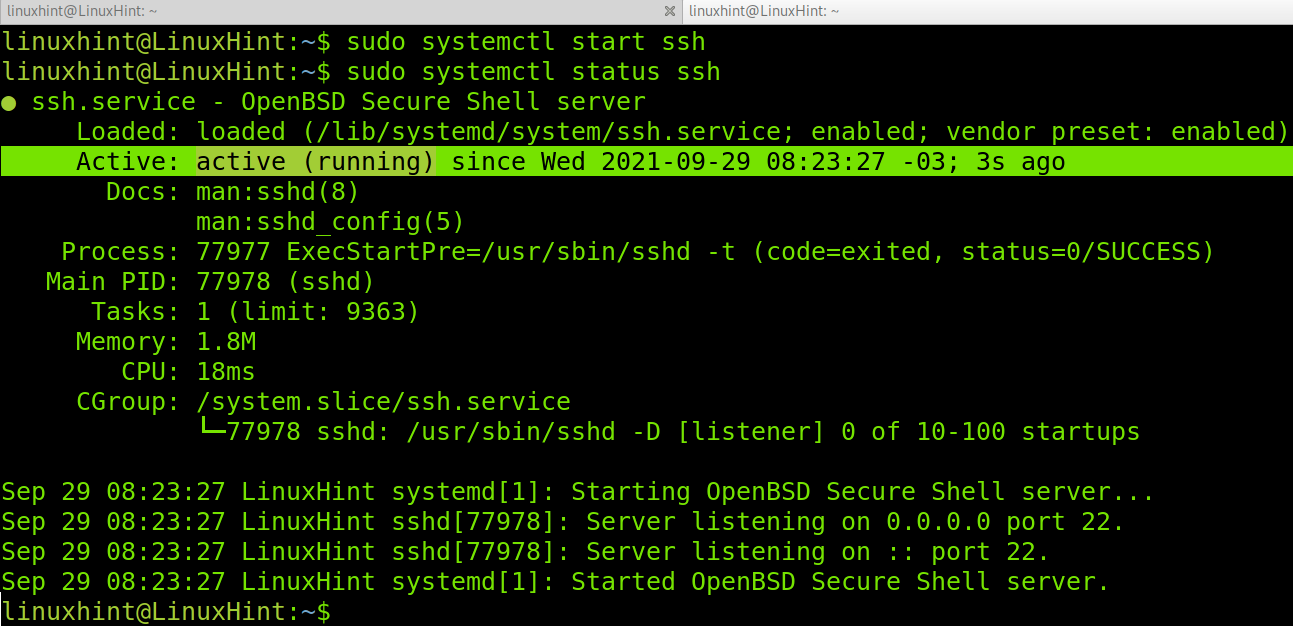
systemctl service Debian 11 Bullseye

Systemctl Start A Service On Boot ServerOK

Install Ejabberd XMPP Server On Ubuntu 18 04 16 04 ComputingPost

Sudo Systemctl Start Roast Linuxmasterrace

Feb 12 2019 nbsp 0183 32 Failed to restart grub btrfsd service Unit grub btrfsd service has a bad unit file setting See system logs and systemctl status grub btrfsd service for details

That means some of your services failed to start You can see them if you run systemctl without the status argument They should show something like loaded failed failed Or you can just list

Jul 26 2018 nbsp 0183 32 systemctl service exit codes and status information explanation Ask Question Asked 6 years 11 months ago Modified 2 years 11 months ago

Mar 1 2014 nbsp 0183 32 Funny thing I ran an upgrade and the systemctl user commands started working at some point during the upgrade and they stopped working after the upgrade had completed
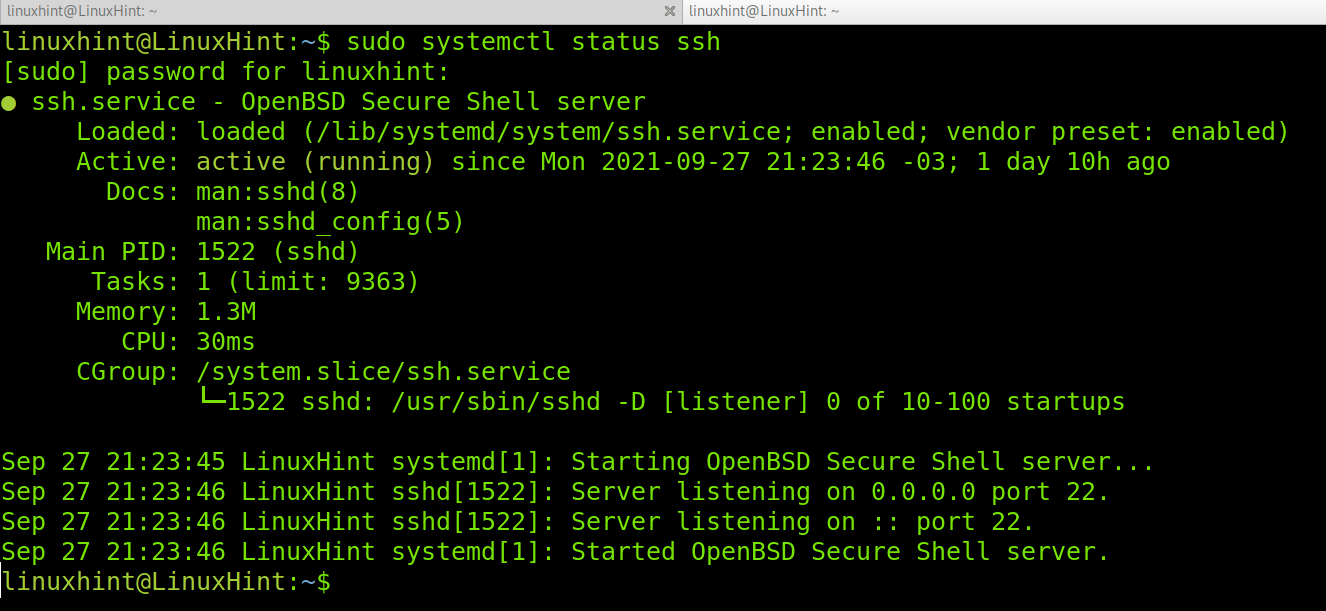
Nov 8 2021 nbsp 0183 32 systemctl kill is pretty similar to kill in that it simply sends a signal default SIGTERM The main difference between kill and systemctl kill is you can specify a
[desc-11] [desc-12]
[desc-13]