Synology Restart Command Line How To Restart Windows In To Safe Mode Using The Command Prompt 4iT Restart Program With Windows Command Line Data Cornering How To Soft Reset Synology DiskStation Network Setting And Admin Shutdown Restart Windows Via Cmd Daniel Gibbs How To Update Emby Server On Synology Remotely Using Command Line WEB Terminal Enabling options at Control Panel gt Terminal amp SNMP gt Terminal allows your Synology NAS to support Telnet and SSH command line interface services You can also change the security level of the SSH encryption algorithm Check the box next to the desired protocol SSH or Telnet
WEB Mar 25 2018 nbsp 0183 32 General Command Line commands for handling DSM Services synoservicecfg list synoservice status synoservicecfg stop lt service gt synoservicecfg hard stop lt service gt synoservicecfg start lt service gt synoservicecfg hard start lt service gt synoservice restart lt service gt synoservicectl restart lt service gt WEB Dec 4 2021 nbsp 0183 32 To restart a package stops a package then starts it try synopkg restart lt package name gt and hit Enter TIP To see a list of all supported commands try typing synopkg with no switches and hit Enter
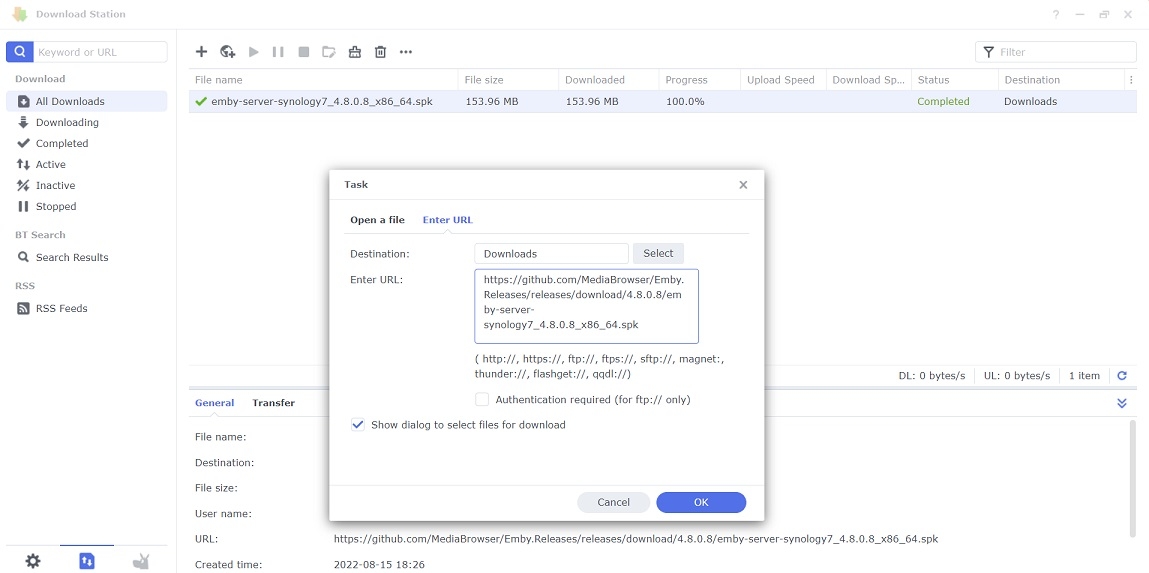
How To Update Emby Server On Synology Remotely Using Command Line Latent Geek Restart Computer From Command Prompt How To Shut Down Your Windows 10 PC Using Command Prompt How To Remotely Restart A Windows Machine Through Command Line How To Shut Down And Restart Your Synology NAS Manually And Automatically Starting Or Stopping Synology Package From The Command Line Synology Uninstall Package Command Line Synology Uninstall Package Command Line Starting Or Stopping Synology Package From The Command Line
Synology Restart Command Line
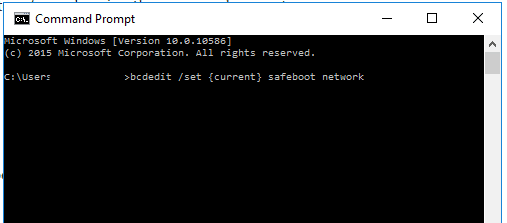 Synology Restart Command Line
https://4it.com.au/kb/wp-content/uploads/2016/06/Restart-Safe-Mode-Using-Command-Prompt.png
WEB Apr 13 2021 nbsp 0183 32 Is there a way to restart Web Station from the command line I have successfully connected using SSH to my Synology NAS I can t find any documentation on how to do this like is done in other Linux distributions for example etc init d apache2 restart Your help is greatly appreciated
Templates are pre-designed documents or files that can be utilized for numerous functions. They can save time and effort by providing a ready-made format and layout for creating different sort of content. Templates can be utilized for personal or expert projects, such as resumes, invites, flyers, newsletters, reports, discussions, and more.
Synology Restart Command Line

Starting Or Stopping Synology Package From The Command Line
Latent Geek Restart Computer From Command Prompt

How To Shut Down Your Windows 10 PC Using Command Prompt

How To Remotely Restart A Windows Machine Through Command Line
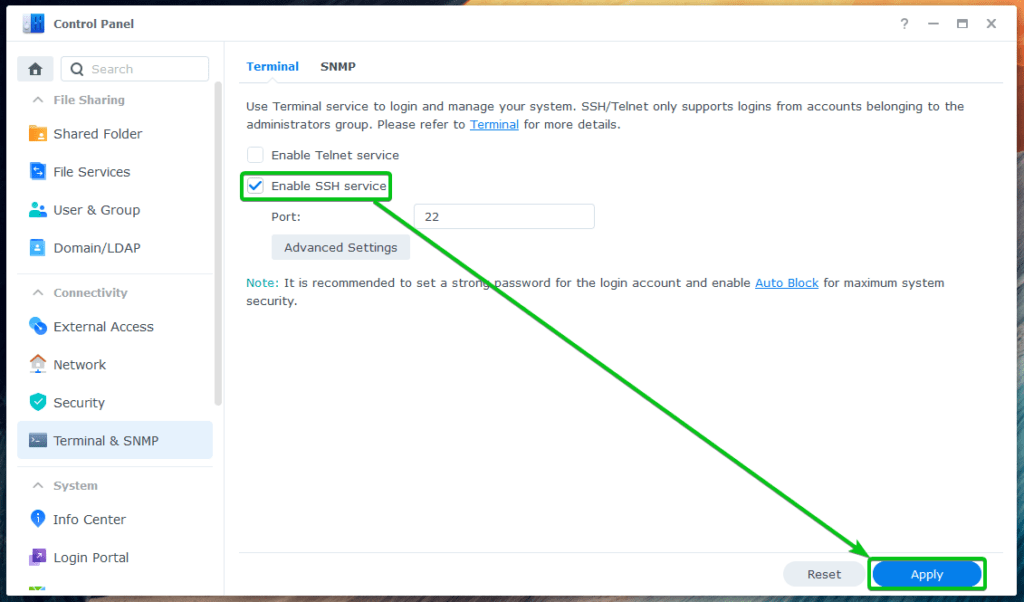
Starting Or Stopping Synology Package From The Command Line

Synology Uninstall Package Command Line
WEB Feb 3 2022 nbsp 0183 32 A Linux command line is a text interface to your Synology NAS Often referred to as the shell terminal console prompt or various other names it can give the appearance of being complex and confusing to use This little guide will teach you some basic command lines for your DSM 7 to become familiar with SSH

WEB Nov 9 2022 nbsp 0183 32 We want to manually using command to start stop restart services in Synology NAS DSM 7 via SSH terminal etc The Answer We can use systemctl command Basic usages

WEB Mar 19 2023 nbsp 0183 32 There s more than one way to shut down and restart your Synology NAS including physical interaction with the NAS the software scheduled events and remote restart with Wake On LAN Let s look at all four methods now

WEB 1 reboot 2 echo C gt dev ttyS1 3 echo 1 gt dev ttyS1 4 echo 0 gt dev ttyS1 The quot reboot quot command should gracefully reboot your Synology NAS but for me it doesn t works It just stop some NAS services get me disconnected from the
WEB Feb 29 2016 nbsp 0183 32 You can use your favourite telnet not recommended or ssh recommended application to connect to your Synology box and use it as a terminal Enable the command line interface CLI from the Network Services Define the protocol and the user and make sure the user has password set Access the CLI
WEB Apr 23 2016 nbsp 0183 32 If you run your docker container from command line you can set it to restart automatically See forum synology enu viewtopic php t 101241 Xiongbing Jin Apr 23 2016 at 15 01 2 Answers Sorted by 10 For existing containers you can find the quot Enable auto restart quot setting under Docker gt Container gt Edit gt General Setttings WEB Jul 3 2021 nbsp 0183 32 DSM ditched synoservice command and went to systemctl Try quot systemctl grep running quot it shows running services look for crond service name and restart it with quot synosystemctl restart xxxx quot
WEB Nov 30 2023 nbsp 0183 32 After adding additional NUT UPS Uninterruptible Power Supply users to etc ups upsd users to Synology NAS in order to get access from Linux servers connected to same ups you need to restart ups server