Stop Excel Changing To Date Format Solved Fraction Changing To Date In Excel 5 Quick Solutions Solved Fraction Changing To Date In Excel 5 Quick Solutions How To Find Greatest Date In Excel Haiper How To Change Custom Format In Excel Riset Solved Fraction Changing To Date In Excel 5 Quick Solutions Stop Auto Formatting Numbers as Dates In Excel if you type in numbers that can be interpreted as dates they re automatically converted to dates This makes it easier to deal with dates but can be annoying when you really want to enter numbers not dates For example if you enter a fraction of 3 4 it s displayed as 4 Mar 3 4 2021 or
Method 1 Using Number Formats The reason Excel automatically changes a number to a date is that the entered number is accepted into another Number format the Date format in this case If we fix the type of format in advance we can avoid the bother of the number changing into a date Method 1 Change the Cell Format The easiest way to stop Excel from converting numbers into dates is to change the format of the cell Follow these steps Right click on the cell containing the number you want to change Select Format Cells from the context menu Select the Number tab in the Format Cells dialog box
Solved Fraction Changing To Date In Excel 5 Quick Solutions Solved Fraction Changing To Date In Excel 5 Quick Solutions 4 Quick Easy Methods To Solve The Date Format Not Changing In Excel Solved Fraction Changing To Date In Excel 5 Quick Solutions Solved Fraction Changing To Date In Excel 5 Quick Solutions Solved Fraction Changing To Date In Excel 5 Quick Solutions Changing Scientific Notation To Standard Notation In Excel YouTube How To Stop Excel From Changing Numbers To Dates Automatically How Dates Work In Excel The Calendar System Explained Video Excel
Stop Excel Changing To Date Format
 Stop Excel Changing To Date Format
https://www.exceldemy.com/wp-content/uploads/2022/06/fraction-changing-to-date-in-excel-2-1536x1263.png
Changing the Number Format If you set a cell number format to Text Excel will stop guessing what the entered value might be and accept it as is To change the Number Format of a cell Select the cell or range Press Ctrl 1 Alternatively you can also click the Format Cells option in the right click menu
Pre-crafted templates provide a time-saving option for creating a diverse series of files and files. These pre-designed formats and designs can be utilized for various personal and professional tasks, consisting of resumes, invites, leaflets, newsletters, reports, discussions, and more, improving the content production procedure.
Stop Excel Changing To Date Format

Solved Fraction Changing To Date In Excel 5 Quick Solutions

Solved Fraction Changing To Date In Excel 5 Quick Solutions
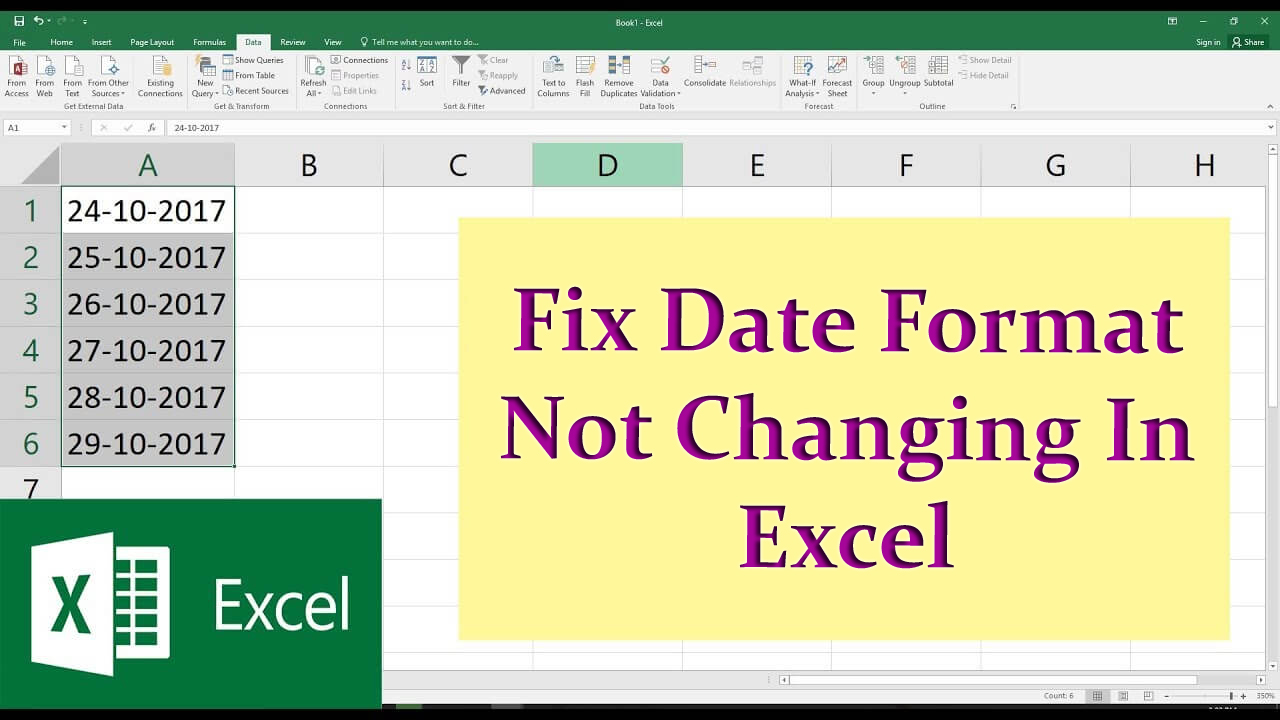
4 Quick Easy Methods To Solve The Date Format Not Changing In Excel

Solved Fraction Changing To Date In Excel 5 Quick Solutions

Solved Fraction Changing To Date In Excel 5 Quick Solutions
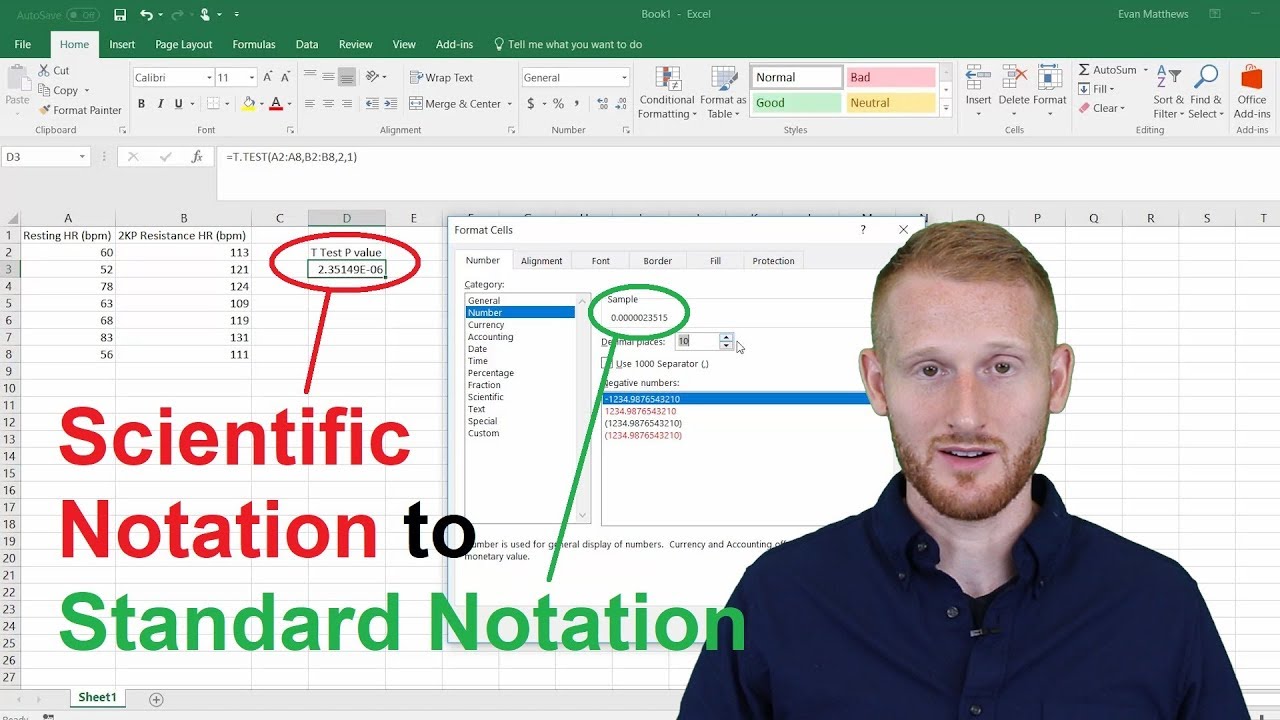
Changing Scientific Notation To Standard Notation In Excel YouTube

Below is how you can stop Excel from changing numbers to dates Select the cell or range of cells where you want to make the format as Text Click the Home tab In the Number group click on the dialog box launcher icon or you can use the keyboard shortcut Control 1 In the Format Cells dialog box in the category option click in Text

For Windows go to Control panel Region and language For MAC go to System Preferences Date and Time Open Language and Region Once you have done this close your Excel format and then reopen it to make sure that these changes will apply to your data set

This is one of the efficient ways to turn off Excel Date formatting as it treats data as text Here are the steps to follow 1 Add space by pressing the space bar 2 Type in the date and press enter 3 Repeat the same procedure on cells that you wish to include

STEPS Firstly select the cells where you want to enter the fraction numbers Secondly go to the Home tab from the ribbon Thirdly click on the tiny icon in the Number group to open the Format Cells dialog box Alternatively you can use the keyboard shortcut Ctrl 1 to display the Format Cells window
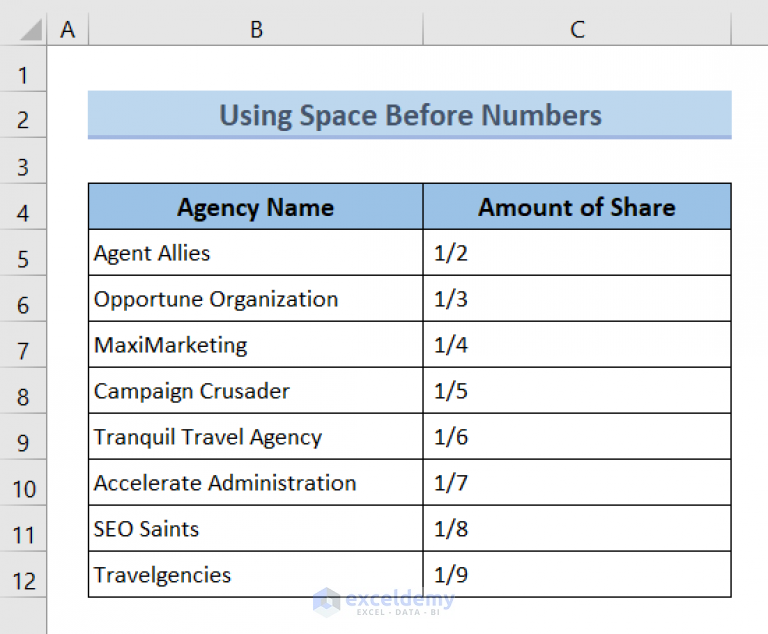
Set all automatic formatting options at once If you want to review and change automatic formatting options all at once you can do that in the AutoCorrect dialog box Click File Options In the Excel Options box click Proofing AutoCorrect Options On the AutoFormat As You Type tab check the boxes for the auto formatting you want to use
Select all the cells you want to prevent automatic format changes Press Ctrl 1 on your keyboard The Format Cells dialogue box will open Select Text and click OK Import or copy paste anything from any source You will find that the cell format will not change automatically The first thing you can do to prevent Excel from automatically changing a number to date is to change the format of problematic cells to text Here are the steps to do that First select all the
That s it You ve now imported a csv file into Excel without changing the data formats Option 3 Formatting the CSV file so that Excel doesn t convert the data format You can format the csv file in such a way that opening it normally in Excel not importing via the Data tab doesn t transform the data format from text to number or date