Start Menu List Start Menu List ZOOM Windows 10 Forums Windows 10 Start Menu Logo Start Menu App List Hide Or Show In Windows 10 Windows 10 Forums Start Menu All Programs Fully Expanded Windows 10 Forums Start Menu Most Used Apps Add Or Remove In Windows 10 Windows 10 Hot Web Nov 10 2022 nbsp 0183 32 To pin and arrange apps in the Start menu use these steps Open Start Click the All apps button in the top right corner
Web May 17 2022 nbsp 0183 32 How to show recently added apps in Start menu To see a list of recently added apps in the Windows 10 Start menu use these steps Open Settings Click on Personalization Click on Web Nov 30 2022 nbsp 0183 32 1 Manage Your Folder Shortcuts To the left of the app list are icons that grant access to Documents Pictures Settings and Power You can peek at the names of the icons without having to hover
Start Menu Most Used Apps Add Or Remove In Windows 10 Windows 10 Hot Start Menu List Settings Page 2 Windows 10 Forums Penting Cara Melihat Spesifikasi Laptop OS Windows Santri Google Do You Want The Windows 10 Start Menu Back On Windows 11 Windows Central Windows 11 Start Menu How To Make It Look Like Windows 10 PC World How To Make Windows 11 Look Like Windows 10 Ghacks Tech News Vrogue Microsoft Presenta El Nuevo Dise o Del Men De Inicio De Windows 10 Menu Menu
Start Menu List
 Start Menu List
https://www.tenforums.com/attachments/customization/317864d1612652210t-start-menu-list-zoom-image.png
Web Jul 6 2021 nbsp 0183 32 Computing Guides How to master the start menu in Windows 10 By Kevin Parrish July 6 2021 The Start Menu in Windows 10 combines the best of both Windows worlds The menu based list that
Pre-crafted templates provide a time-saving solution for creating a diverse variety of files and files. These pre-designed formats and designs can be used for different individual and professional jobs, consisting of resumes, invites, flyers, newsletters, reports, discussions, and more, simplifying the material creation procedure.
Start Menu List

Here s The New Windows 10 Start Menu That Microsoft Is Exploring Clip

Start Menu List Settings Page 2 Windows 10 Forums

Penting Cara Melihat Spesifikasi Laptop OS Windows Santri Google

Do You Want The Windows 10 Start Menu Back On Windows 11 Windows Central

How To Make Windows 11 Look Like Windows 10 Ghacks Tech News Vrogue
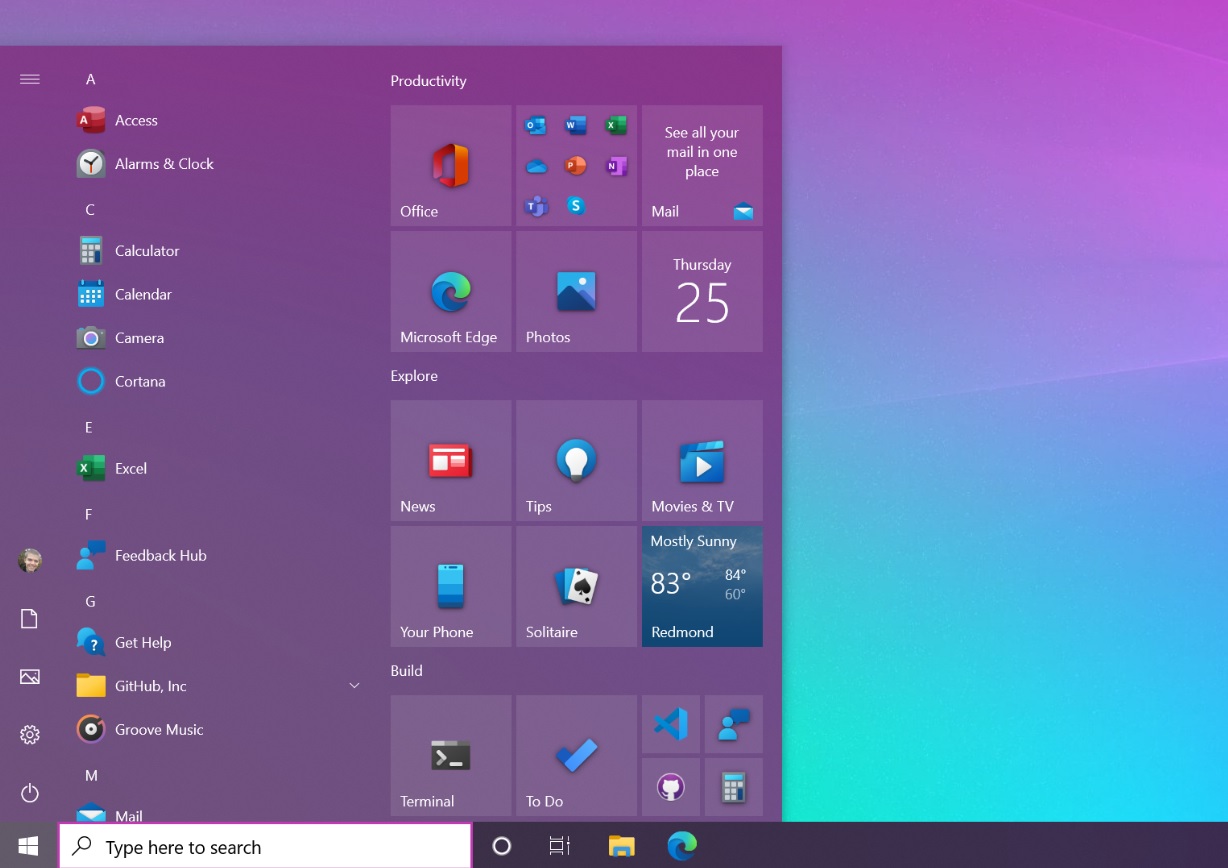
Microsoft Presenta El Nuevo Dise o Del Men De Inicio De Windows 10

Web Sep 28 2022 nbsp 0183 32 Contents Option One Add or Remove All Apps List in Start Menu in Local Group Policy Editor Option Two Add or Remove All Apps List in Start Menu for All Users using a REG file EXAMPLE quot Show app list in Start
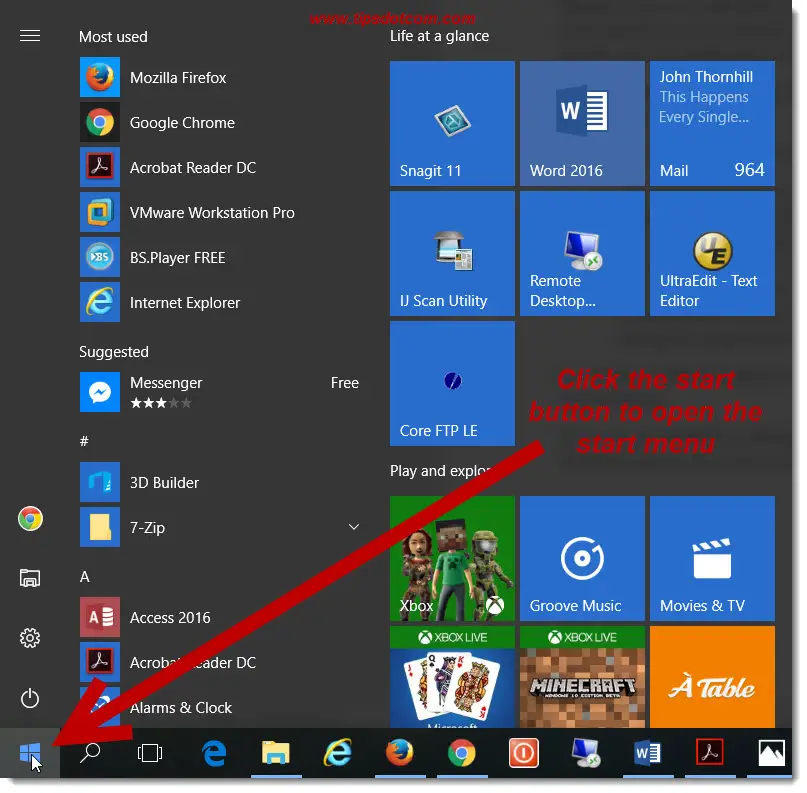
Web Windows 11 Windows 10 Apps settings files they can all be found on the Start menu Just select Start on the taskbar Next make it yours by pinning apps and programs Note Students using Windows 11 SE may see a different selection of apps in their Start menu Apps are managed by their IT Admin Learn more Get started

Web Auf dem Startmen 252 finden Sie alles von Apps 252 ber Einstellungen bis hin zu Dateien W 228 hlen Sie einfach auf der Taskleiste quot Start quot aus Erste Schritte Machen Sie das Startmen 252 zu Ihrem indem Sie Apps und Programme anheften oder Kacheln verschieben und neu gruppieren Wenn Sie mehr Platz ben 246 tigen 228 ndern Sie die Gr 246 223 e des Startmen 252 s

Web Nov 30 2022 nbsp 0183 32 For easy access to your favorite apps and most used settings here s how to customize the Start Menu in Windows 10 and Windows 11 By Lance Whitney Updated November 30 2022 Microsoft seems

Web To open the Start menu which contains all your apps settings and files you can do any of the following On the center or left end of the taskbar select the Start icon Note Your taskbar settings determine where the taskbar is located Press
Web published 4 October 2021 Take a tour through the new Start Menu on Windows 11 Comments 0 Image credit Microsoft Of all the changes found in Windows 11 which is rolling out now the Web W 228 hlen Sie im mittleren oder linken Ende der Taskleiste das Symbol quot Start quot aus Hinweis Ihre Taskleisteneinstellungen bestimmen wo sich die Taskleiste befindet Dr 252 cken Sie die Windows Logo Taste auf der Tastatur Wischen Sie von der unteren Mitte oder links vom Bildschirm nach oben
Web Aug 2 2022 nbsp 0183 32 Here s how you can achieve the same 1 Open the Start Menu by pressing the Windows key Next click the All Apps button to access the entire list of installed applications 2 Next right click on an installed app and press the Pin to Start option to make the app available under the Start Menu Pinned section 3