Start Gnome From Command Line Centos 7 How To Start GNOME Desktop From Command Line In Debian How To Install GUI On CentOS 8 RHEL 8 Minimal Linux Server Unix Linux The Admins Tutorials Start Gnome From Terminal YouTube Firewall Open Port 80 443 On Linux CentOS RHEL 8 7 Launch Files Directories Using Gnome From Command Line 4 Solutions YouTube Install Gnome GUI Now yum command will download all required packages from the internets or RHN if you are using Red Hat Enterprise Linux
Learn how to start the graphical user interface GUI in CentOS Linux with this quick guide How to install and enable GUI GNOME Desktop on centos 7 Login to your server using SSH then run the following command By default after installing the GNOME
Launch Files Directories Using Gnome From Command Line 4 Solutions YouTube MANAGING FILES FROM THE COMMAND LINE CENTOS 8 HINDI STEP BY STEP TUTORIAL FOR BEGINNERS How To Check What Ports Are In Use On Linux Alibaba Cloud Community Cannot Start Gnome session After Enabling Systemd On Latest WSL2 Ask Ubuntu Ubuntu Ubuntu Doesn t Start With A Message Started GNOME Display Manager Dispatcher Service How To Uninstall Or Remove Packages From CentOS Unix Administrator Blog How To Disable Screensaver In GNOME Solaris White Christmas 3d Screensaver Download Free Desktop autostart Issue After Install To Disk General Discussion Clear Linux OS Forum
Start Gnome From Command Line Centos 7
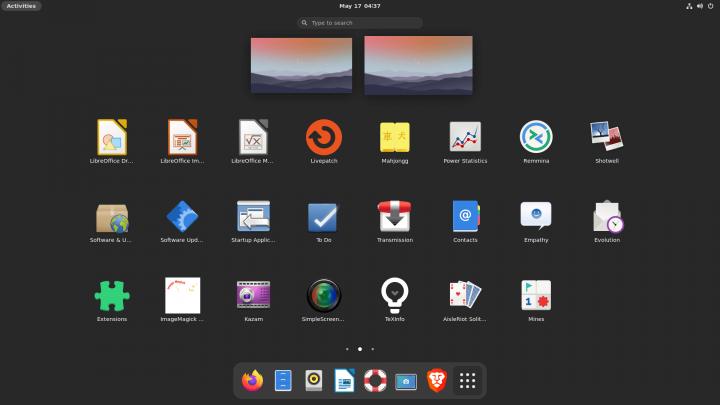 Start Gnome From Command Line Centos 7
https://www.linuxcompatible.org/data/publish/206/2fd1de1b349ae5b3cb447cd97283fe33be4508/0aa6bf31ff42faebac0d8d42848ca4c00eb31a4c.jpg
In this article we will explain how to install the GNOME GUI on the base version of the CentOS 7 operating system using the command set for
Templates are pre-designed documents or files that can be utilized for numerous functions. They can save time and effort by offering a ready-made format and design for creating various sort of content. Templates can be utilized for individual or expert tasks, such as resumes, invitations, leaflets, newsletters, reports, discussions, and more.
Start Gnome From Command Line Centos 7

How Do I Know If My Linux Has GUI Rankiing Wiki Facts Films S ries Animes Streaming

MANAGING FILES FROM THE COMMAND LINE CENTOS 8 HINDI STEP BY STEP TUTORIAL FOR BEGINNERS
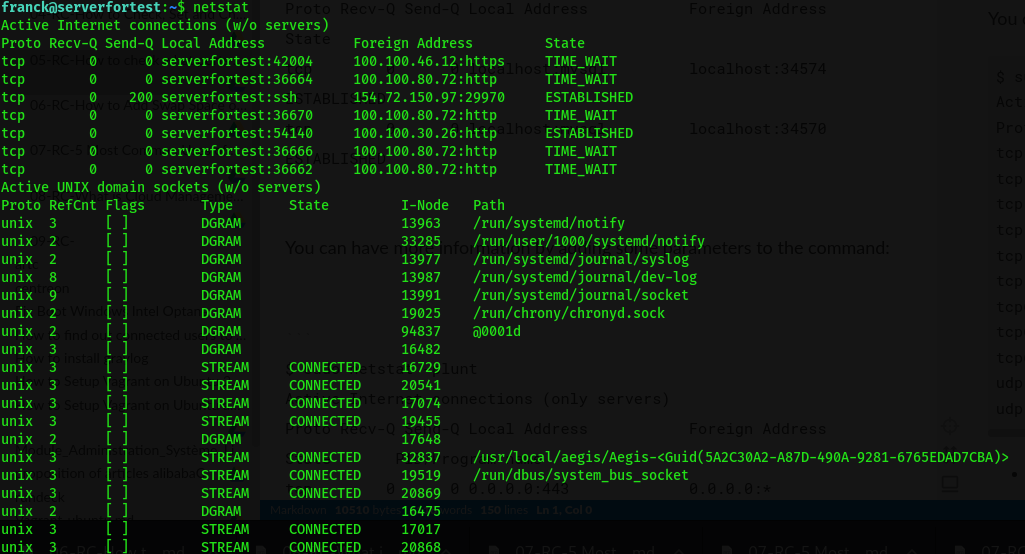
How To Check What Ports Are In Use On Linux Alibaba Cloud Community

Cannot Start Gnome session After Enabling Systemd On Latest WSL2 Ask Ubuntu
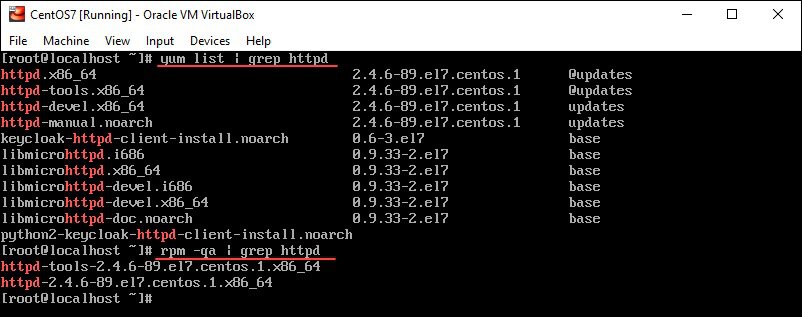
How To Uninstall Or Remove Packages From CentOS
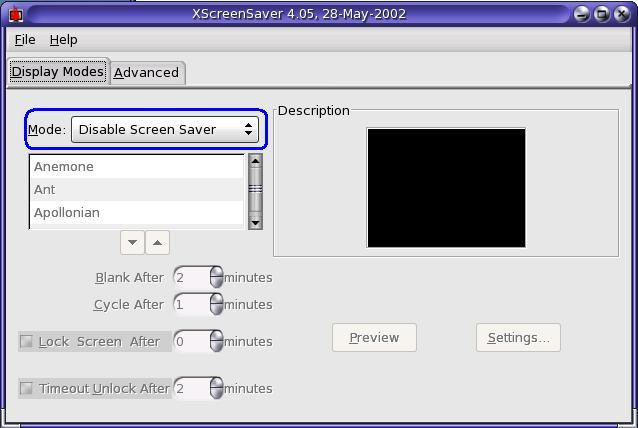
Unix Administrator Blog How To Disable Screensaver In GNOME Solaris
First of all check if you GDM service is running service gdm status an output is empty Gnome desktop gone until started again by service gdm start

1 Install GNOME Desktop Login to CentOS with the root user in the command line Run below yum command to install the GNOME desktop this may

Step 1 Prerequisites Step 2 Update Your Server Step 3 Check Package Groups Step 4 Install GNOME Desktop GUI Step 5 Enable GUI Step 6

Step 1 Install Gnome GUI packages using the YUM command CentOS 7 yum groupinstall GNOME Desktop Graphical Administration Tools

Type the command startx to start the X windows system and your preferred desktop environment Advertisement Advertisement
yum grouplist yum groupinstall Server with GUI yum groupinstall GNOME Desktop Graphical Administration Tools ln sf lib Installation Step 1 Upgrade your system Step 2 Install GNOME packages Step 3 Configure the X Window System Step 4
Check with this command rpm qa grep gnome terminal You need to switch text mode and run yum install gnome terminal supriady Jul 22