How Do I Start Gnome From Command Line Search Install And Update GNOME Shell Extensions From The Command Line How To Start GNOME Desktop From Command Line In Debian Unix Linux Enable Remote Desktop For Gnome From Command Line 4 Harvest Gnome Diy Dollar Tree Christmas Gnomes Web Jul 8 2020 nbsp 0183 32 This article explains how to restart GNOME Shell from the command line without closing any applications X11 only You ll find the command line equivalent to pressing Alt F2 and typing r as well as an alternative
Web As of GNOME Shell 3 30 1 on Ubuntu 18 10 this solution no longer works and will kick the user to the login screen losing all their work The correct solution is now commandline quot killall 3 gnome shell quot or ALT f2 and r if possible Web gnome screensaver command 1 controls GNOME screensaver openbox gnome session 1 The gnome session program starts up the GNOME desktop environment This command is typically executed by your login manager either gdm
Diy Dollar Tree Christmas Gnomes DIY Gnome Painting Kit Make Your Own Wood Gnomes Craft Etsy Emacsclient How Do I Start In A Specific Command YouTube Launch Files Directories Using Gnome From Command Line 4 Solutions How To Start GNOME Wayland From The Command Line In Fedora Christmas Gnomes Ornaments Easy DIY Craft Gnome Pattern Gnome Harry Potter Wiki Fandom Powered By Wikia Love jpg In 2020 Gnomes Gnome Patterns Gnomes Crafts Christmas Gnome Pattern DIY Sock Gnome Pattern DIY Gnome Etsy Diy
How Do I Start Gnome From Command Line
 How Do I Start Gnome From Command Line
https://blogger.googleusercontent.com/img/b/R29vZ2xl/AVvXsEjFMaQlT5Bq0CwiHX0q1TDw33gzRurEUDCqHEKuFsv90Oo4Vj_DTNb4TVLxe9JKfeeE_X23H_rPfPjQ1obsNLEJPRe7cABZhBG4MOTNUyrXID0eeTc7aSSG8ASFffqi3PAAkQbIFItb-t7_Ru1gsMW-pytX8pK8Ouq1zmFm2naiVJ7-AbyLQA4teo_H/w1200-h630-p-k-no-nu/gnome-extensions-cli.png
Web How do I start GNOME The proper way to start GNOME with all its features is to put the line exec gnome session at the end of your X startup script This script can be called xinitrc xsession or Xclients depending on your platform and configuration
Pre-crafted templates offer a time-saving solution for developing a diverse range of documents and files. These pre-designed formats and layouts can be used for numerous personal and professional projects, consisting of resumes, invitations, leaflets, newsletters, reports, discussions, and more, improving the content creation process.
How Do I Start Gnome From Command Line
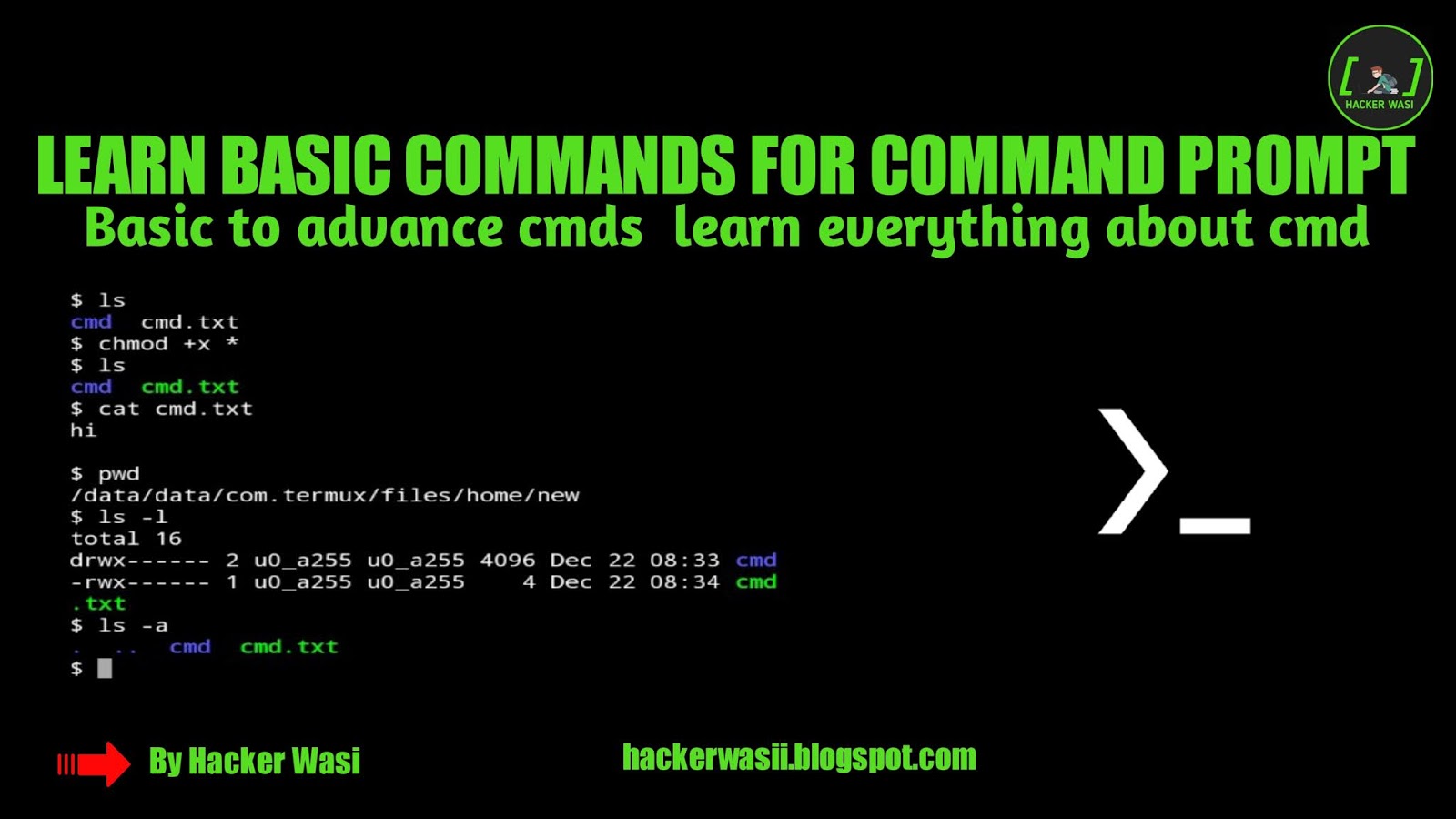
Basic Commands For Command Prompt

DIY Gnome Painting Kit Make Your Own Wood Gnomes Craft Etsy
Emacsclient How Do I Start In A Specific Command YouTube

Launch Files Directories Using Gnome From Command Line 4 Solutions

Christmas Gnomes Ornaments Easy DIY Craft Gnome Pattern

Gnome Harry Potter Wiki Fandom Powered By Wikia

Web Apr 24 2021 nbsp 0183 32 Switch to a second terminal for example tty2 Ctrl Alt F2 login and start a new X session on an available display xinit 1 Now ssh to the other machine enabling X forwarding or trusted X forwarding with Y ssh X user machine Once logged in start a new gnome session gnome session
Web Feb 8 2008 nbsp 0183 32 Starting and Stopping GNOME from the Command Line February 08 2008 If you re having a problem with GNOME it s easy to restart it from a terminal A common issue you can fix is playing a 3D game that crashes and locks the mouse and keyboard In Ubuntu and many other distributions you can use this command to restart the GNOME
Web Jul 14 2022 nbsp 0183 32 How to start GNOME desktop from command line in Debian By Emmanuel July 14 2022 GNOME an acronym for the GNU Network Object Model Environment is a graphical user interface and set of computer desktop apps for Linux OS users It is aimed at making Linux OS an easy to use OS for non programmers

Web Dec 4 2022 nbsp 0183 32 Quick Answer To start GNOME from the terminal in Ubuntu you can use the startx command However if GNOME doesn t start automatically you may need to troubleshoot the issue by checking the xsession errors file or installing and configuring GDM the GNOME Display Manager

Web Oct 13 2023 nbsp 0183 32 Let s start gnome terminal and run a sequence of bash commands inside using the separator The double hyphen denotes the end of options to gnome terminal Everything after this mark is regarded as bash commands So let s run sleep inside a newly created terminal
Web Feb 17 2021 nbsp 0183 32 I m assuming that you want the new gnome terminal to stay open indefinitely If so you can try something like gnome terminal bash c ls exec bash The exec bash after the ls command ensures that the new terminal stays open otherwise you can use the sleep command instead to have it close after a certain ammount of time gnome terminal Web Nov 11 2008 nbsp 0183 32 Sometimes I turn on my computer and get nothing on the tty7 and only the command line on tty6 So all I have access to is the command line Normally I restart and everything s okay again but is there any way that I can start gnome on a different tty from the command line
Web Mar 9 2010 nbsp 0183 32 Viewed 6k times 4 Is there a way to launch a gnome terminal from the command line i e using the usr bin gnome terminal command and have the new terminal inherit the environment variables and other set variables of terminal from which the command was run The scenario is thus Open a terminal Set some variables