Setting Password In Pdf How To Put Password In PDF File How To Set Password In PDF Document How To Remove A Password From A PDF File Unlock PDF Remove PDF How To Do Set Password In Pdf File Bright Password Log Printable Page Letter Size PDF Home Etsy PDF Password Remover 7 5 0 Free Download With Crack Filecron Jan 3 2024 nbsp 0183 32 Click the lower left Start button on the desktop to expand Start Menu and then select Settings in it Way 2 Enter Settings with keyboard shortcut Press Windows I on the
Jun 27 2024 nbsp 0183 32 Find my device This is another new setting available in Windows 10 V1703 Settings app You can find your lost device and track a lost laptop and much more Also you The Settings app is a hub for almost all of Windows 10 s settings and you ll probably find yourself accessing it pretty frequently Luckily there s more than one way to open the Settings
PDF Password Remover 7 5 0 Free Download With Crack Filecron REMOVE PASSWORD FROM A PDF FILE YouTube How To Set Password Laptop How To Create Hp Laptop Password YouTube C mo Creo Una Contrase a Startupassembly co How To Set Password In Windows 10 Tech Anky How To Put Password In Pdf File Australian Guidelines User Guide How To Set Password In Windows 10 Tech Anky 2021 Reset Windows 10 Password Without Software Using Only Command Line How To Password Protect A Pdf File In Microsoft Edge Naneedigital
Setting Password In Pdf
 Setting Password In Pdf
https://i.ytimg.com/vi/BaO_SY-JIYs/maxresdefault.jpg
May 15 2022 nbsp 0183 32 There are many ways with which you can open the Setting app The fastest methods require clicking an icon or pressing some keys But even the slowest methods take no
Templates are pre-designed files or files that can be used for numerous functions. They can conserve effort and time by supplying a ready-made format and layout for producing different sort of material. Templates can be utilized for individual or expert projects, such as resumes, invitations, flyers, newsletters, reports, presentations, and more.
Setting Password In Pdf
.png "How To Set Password In PDF Laravel")
How To Set Password In PDF Laravel
REMOVE PASSWORD FROM A PDF FILE YouTube

How To Set Password Laptop How To Create Hp Laptop Password YouTube

C mo Creo Una Contrase a Startupassembly co

How To Put Password In Pdf File Australian Guidelines User Guide

How To Set Password In Windows 10 Tech Anky

If your phone or tablet uses Google Play Services you can manage your Google apps and services in Google Settin gs
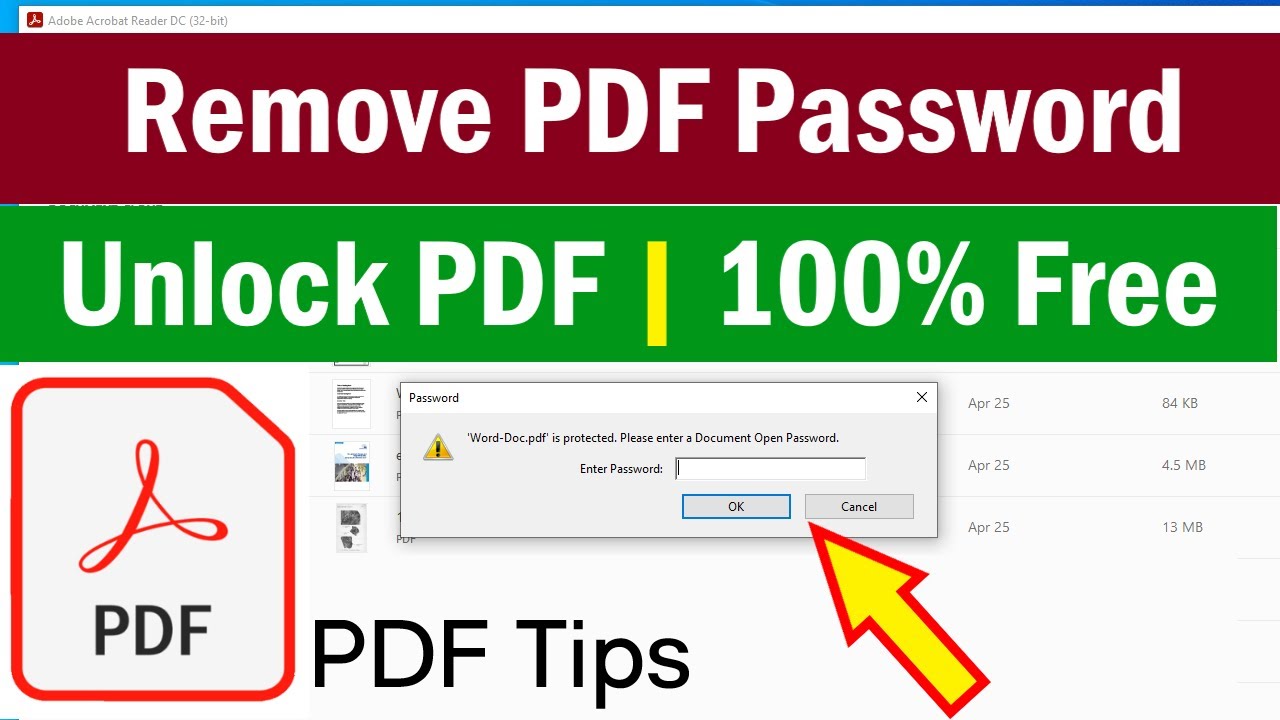
Apr 17 2021 nbsp 0183 32 How to Open Settings in Windows 10 Information Starting in the Windows 10 Preview 9901 build PC settings and zPC settings have been merg

Mar 1 2024 nbsp 0183 32 1 How to open Settings with the keyboard On your Windows 10 laptop or desktop PC you can easily open the Settings app with a simple keyboard shortcut and without using

Jun 1 2015 nbsp 0183 32 Want to open the Settings app in Windows 10 Here are the 8 easy ways to open the Settings app in Windows 10

Jun 18 2025 nbsp 0183 32 Type the setting you re looking for into the search bar If you want to bypass the Settings app and head right to the setting you want to view or modify just type the name of the
[desc-11] [desc-12]
[desc-13]