Change Password In Pdf Change Password In Another Domain How To Set Password In PDF File Windows Android PDF File REMOVE PASSWORD FROM A PDF FILE YouTube How To Put Password In PDF File How To Set Password In PDF Document PDF Password Remover 7 5 0 Free Download With Crack Filecron Web First head over to our Protect PDF tool Choose your file or drag and drop it into the field Input your top secret password and click Encrypt PDF Download your new password protected file Encrypt any PDF file with password PROTECT MY FILE
Web How to add passwords and permissions to PDF files Open a file in Acrobat and choose Tools gt Protect Select whether you want to restrict editing with a password or encrypt the file with a certificate or password Set password or security method as desired Click OK and then click Save Get more out of Adobe Acrobat with these tips Web Dec 18 2023 nbsp 0183 32 Select the file or drag it onto the screen create a password and then click the Protect PDF files button You can then save the protected file ideally with a different name than the original
PDF Password Remover 7 5 0 Free Download With Crack Filecron Using Terminal Change Password In Ubuntu 22 04 Example How To Remove Password From PDF Computer And Internet How To Put Password In Pdf File Australian Guidelines User Guide How To Do Set Password In Pdf File How To Remove A Password From PDF File YouTube Bright Password Log Printable Page Letter Size PDF Home Etsy How To Remove Password From PDF On Google Chrome Android IPhone How To Remove Password From PDF File Updated For 2019
Change Password In Pdf
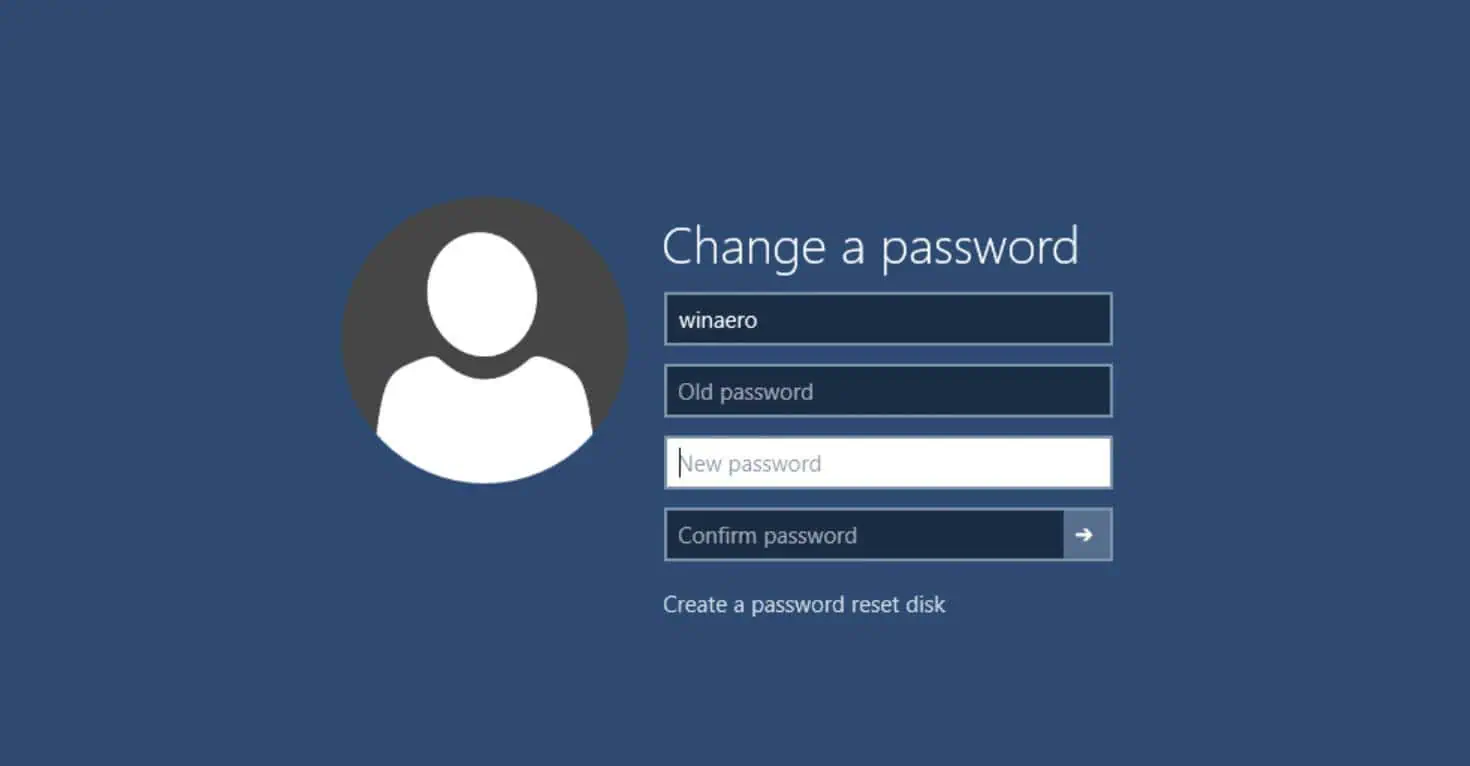 Change Password In Pdf
https://knowtechie.com/wp-content/uploads/2018/01/Screen-Shot-2018-01-23-at-9.47.46-AM.png
Web Dec 20 2023 nbsp 0183 32 1 Open SmallPDF s protection page Go to https smallpdf protect pdf in your web browser SmallPDF will allow you to apply a password to your PDF making it impossible to open without knowing the password If you want to lock the option of editing the PDF with a password try using PDF2Go instead 2 Click Choose file
Templates are pre-designed files or files that can be utilized for numerous purposes. They can save time and effort by providing a ready-made format and design for creating various kinds of material. Templates can be used for personal or expert projects, such as resumes, invites, flyers, newsletters, reports, presentations, and more.
Change Password In Pdf
How To Remove Password From A Pdf File YouTube

Using Terminal Change Password In Ubuntu 22 04 Example
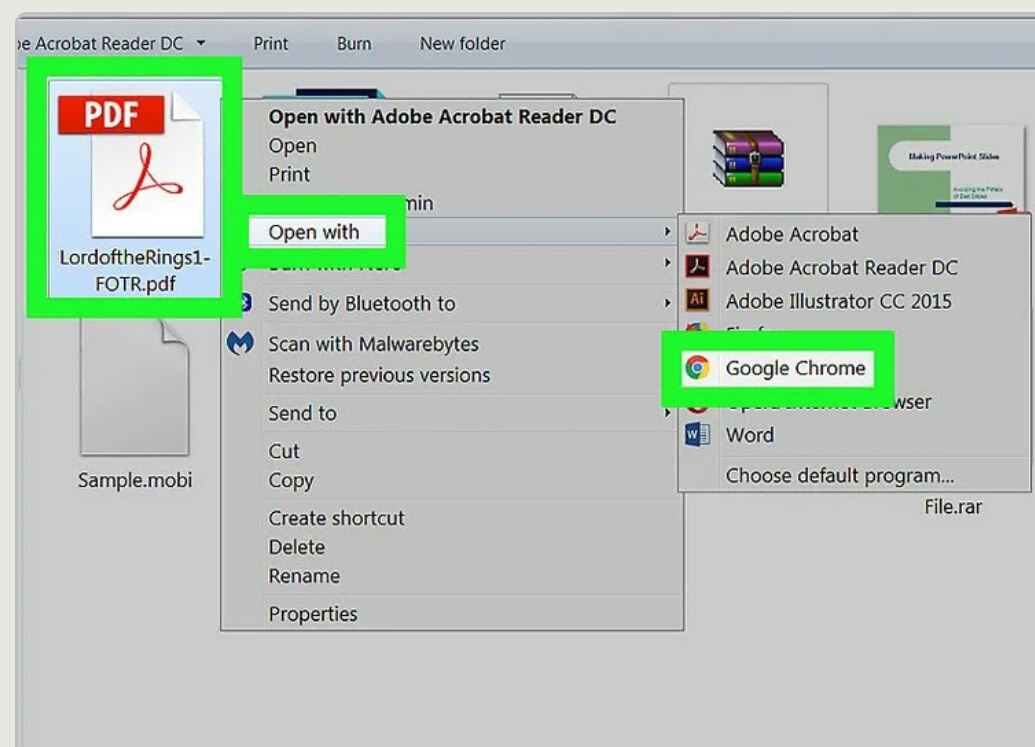
How To Remove Password From PDF Computer And Internet

How To Put Password In Pdf File Australian Guidelines User Guide

How To Remove A Password From PDF File YouTube

Bright Password Log Printable Page Letter Size PDF Home Etsy

Web Adobe Acrobat Password protect a PDF Drag and drop a PDF then add a password to protect your file Select a PDF file then add a password to protect your file Select a

Web Encrypt your PDF with a password to keep sensitive data confidential Select PDF file or drop PDF here Encrypt and protect PDF with a password to safeguard sensitive information Secure your PDF files online with ease and without registration

Web Mar 6 2024 nbsp 0183 32 Go to All tools gt Protect a PDF and then select Protect with password from the Protect a PDF toolset in the left pane Select File gt Protect Using Password macOS If you receive a prompt select Yes to change the security Choose Editing and then type and retype your password Your password must be at least six characters long

Web A quick and easy way to set a password in a PDF I don t need an extra program anymore Besides the password I can also set the permissions in a PDF and forbid printing the PDF in this way Questions and Answers

Web Click Select PDF file to upload the file you wish to protect Set a password in the menu bar on the right Repeat the same password for accuracy verification Click Protect PDF button at the bottom of the right corner How to create a strong password
Web May 4 2010 nbsp 0183 32 Digging around there s also no way to change the password on an existing PDF document that s been encrypted secured so apparently the best answer to your question of how to change the password on a PDF document is to use save as to specify a new password than delete the old one Web May 15 2023 nbsp 0183 32 Click Unlock PDF and download your file Forgot your PDF password Unlock it online Unlock My PDF As soon as our unlock tool is done your file won t be password protected anymore You ll be able to view and edit your PDF instantly unless the file was also secured against editing
Web 01 Types of Passwords in Adobe 02 How to Change a PDF Password 03 Change a PDF Password Online 04 Why Password Protect a PDF Types of Passwords in Adobe PDF is highly versatile It s used for everything from business documents to eBooks so it s only natural to offer various security settings