Secure Boot Problem Windows 10 Enable Or Disable Secure Boot On Windows 10 Pc Tutorials Images And Enable Secure Boot Chillblast Can t Enable Secure Boot In Windows 11 SolveForum Disable Secure Boot Windows 10 Hp Pavilion Lasopashort Secure Boot Violation Fix Secure Boot Violation Windows 10 Crpodt Mar 27 2017 nbsp 0183 32 windows bios startup csm Enable
May 13 2023 nbsp 0183 32 This help content amp information General Help Center experience Search Clear search Visit the Google Play Developer Policy Center for guidance on protecting user privacy and providing a safe and secure environment for users Learn more about Google policy on
Secure Boot Violation Fix Secure Boot Violation Windows 10 Crpodt FIX Secure Boot Unsupported Or Unavailable Solved Wintips What Is Secure Boot How To Enable And Disable It In Windows MiniTool How To Fix Windows 10 Startup And Boot Problems YouTube How To Disable Or Enable Secure Boot On Windows 10 And 11 Learn How To Enable Secure Boot For Windows 11 How To Enable Vrogue How To Repair Windows Home Edition Skirtdiamond27 Windows 10 Could Not Locate Efi Boot Bootx64 efi Error Microsoft Community
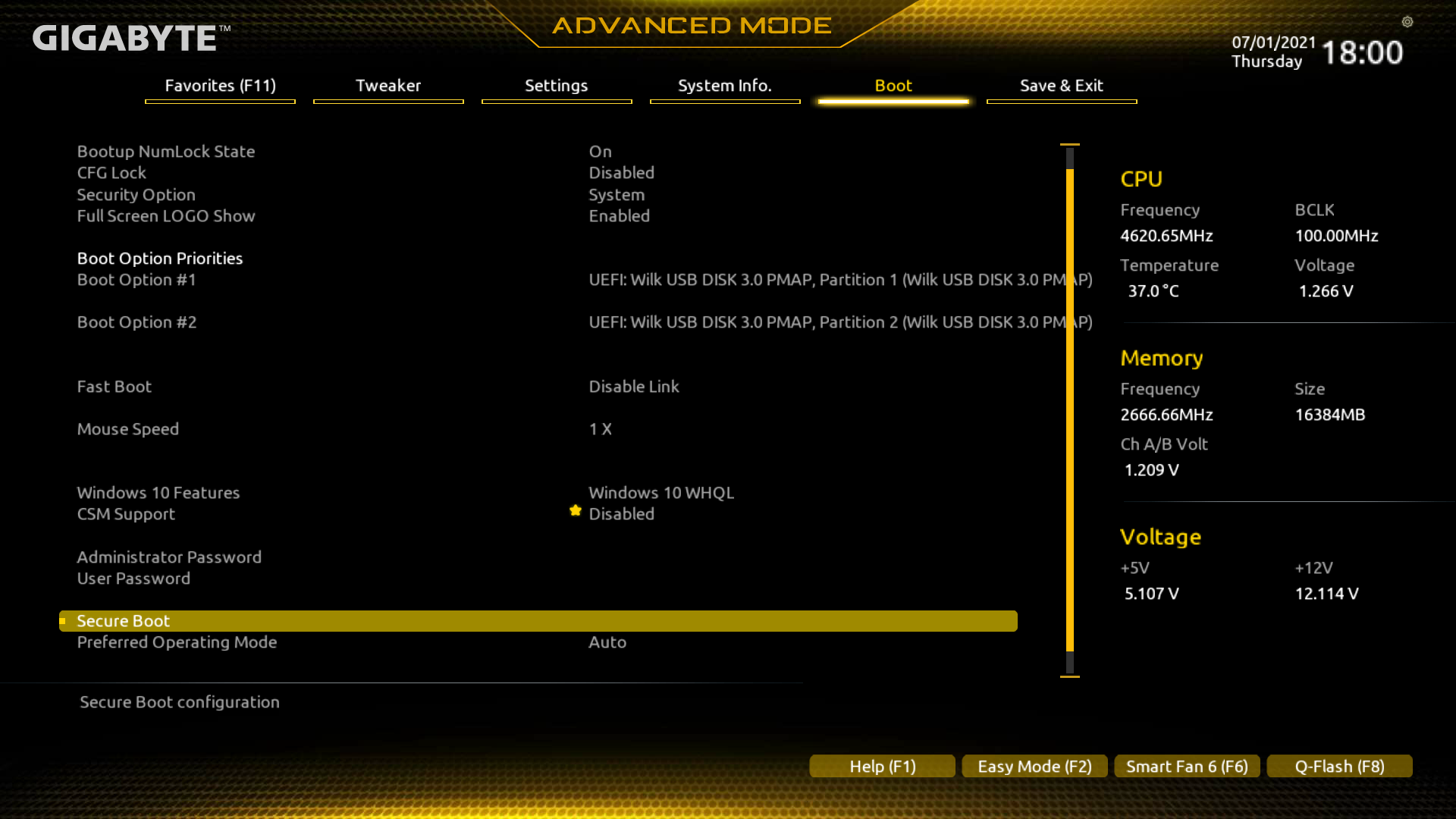
Secure Boot Problem Windows 10
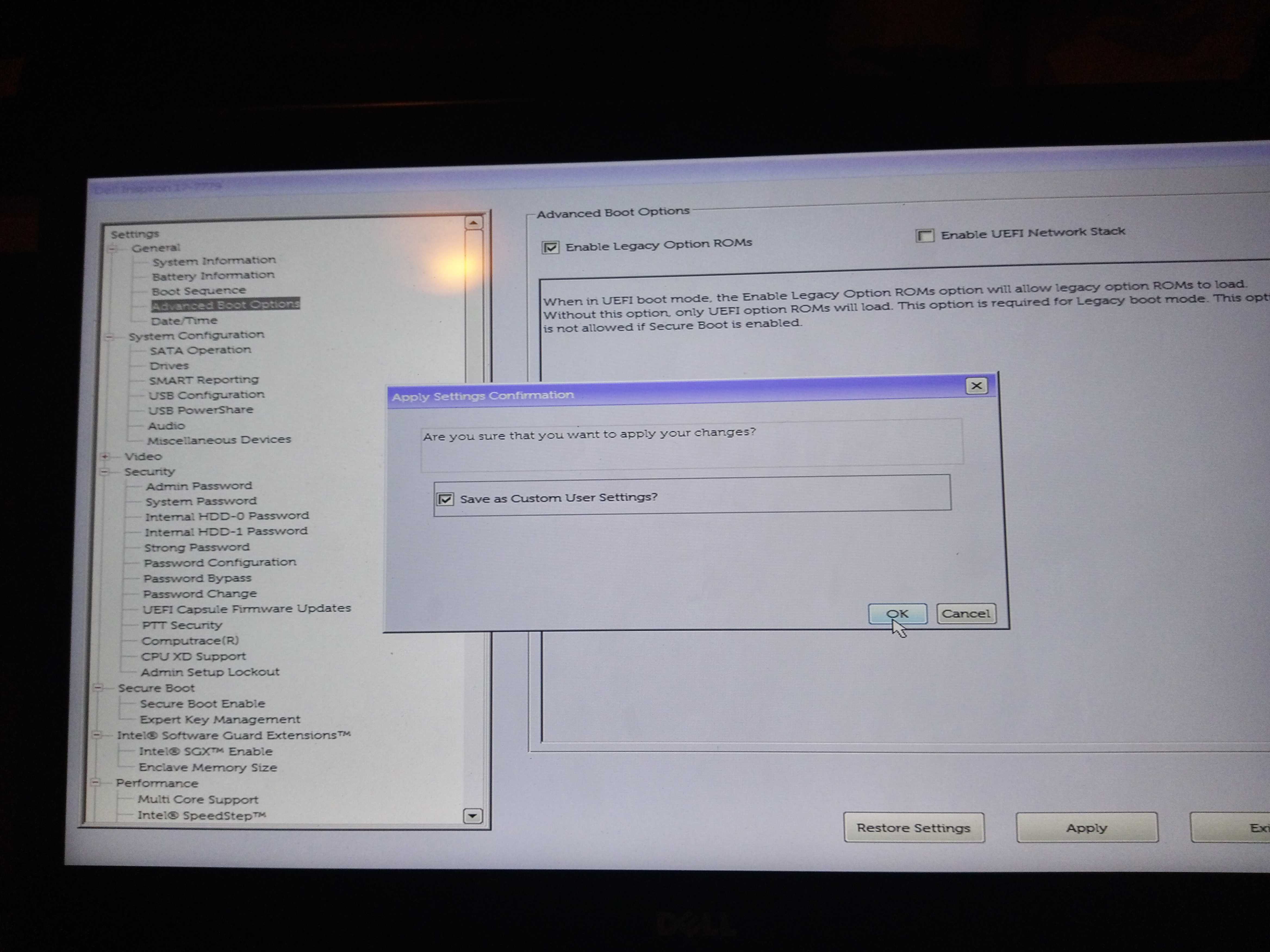 Secure Boot Problem Windows 10
https://www.tenforums.com/attachments/tutorials/189092d1526572934-enable-disable-secure-boot-windows-10-pc-01.04-general-advanced-boot-options-enable-legacy-confirmation-smaller-.jpg
bios
Pre-crafted templates use a time-saving option for developing a diverse series of files and files. These pre-designed formats and layouts can be utilized for various individual and expert projects, including resumes, invites, leaflets, newsletters, reports, presentations, and more, streamlining the material production procedure.
Secure Boot Problem Windows 10
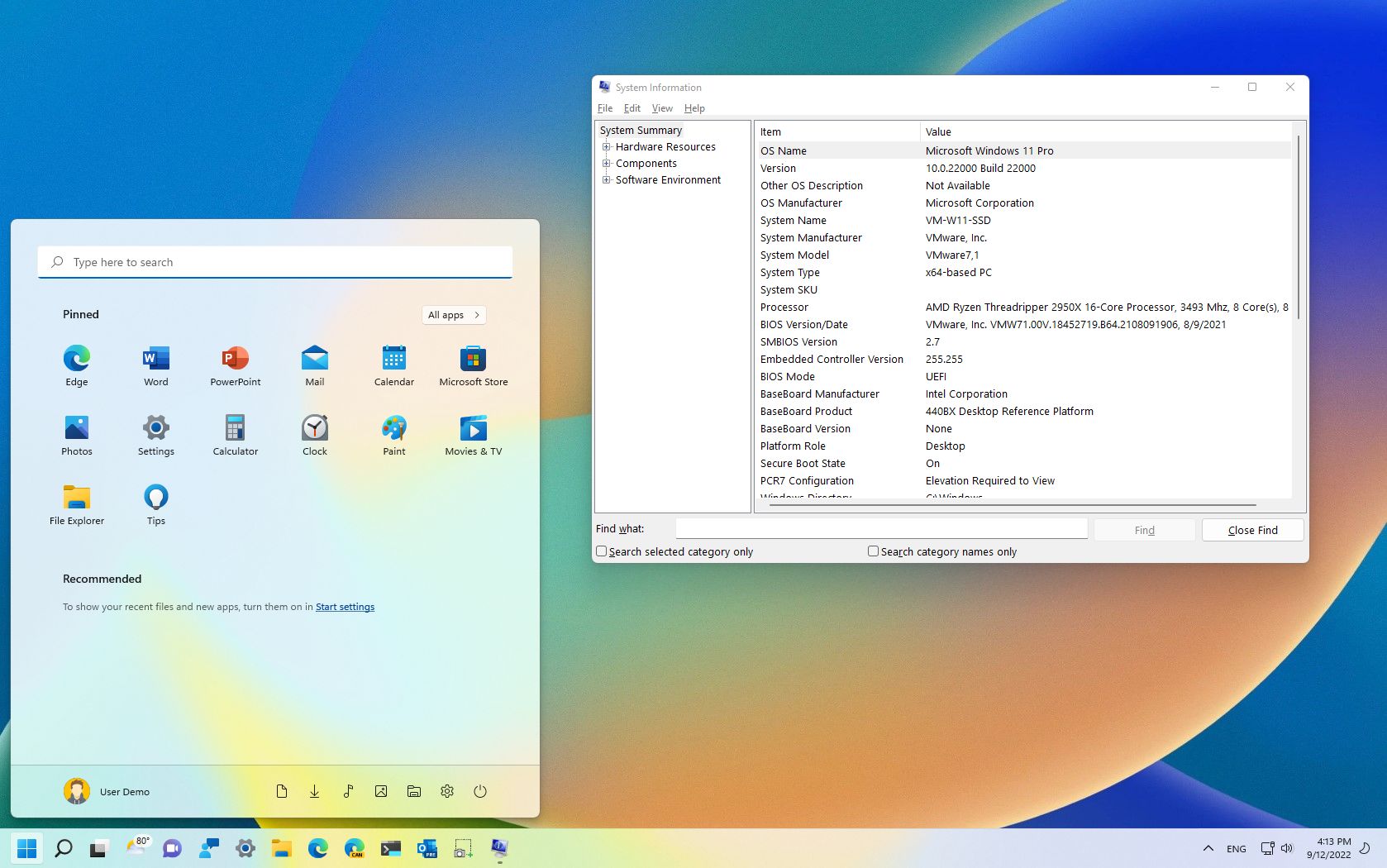
Fahrenheit Nacionalismo Aliviar Asus Motherboard Secure Boot Windows 11
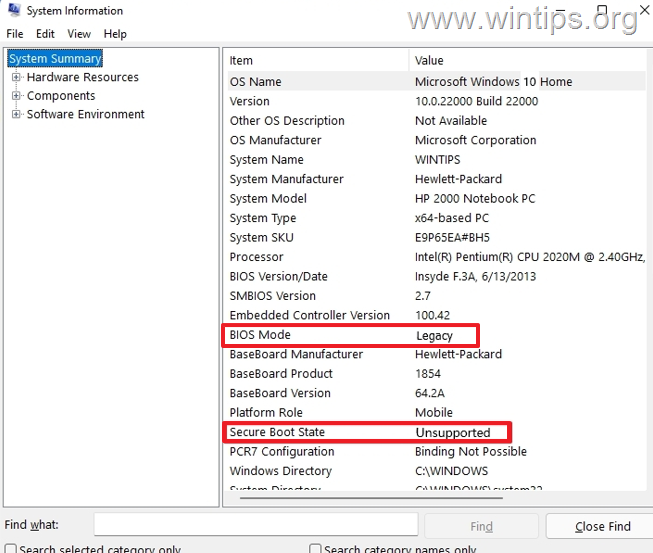
FIX Secure Boot Unsupported Or Unavailable Solved Wintips
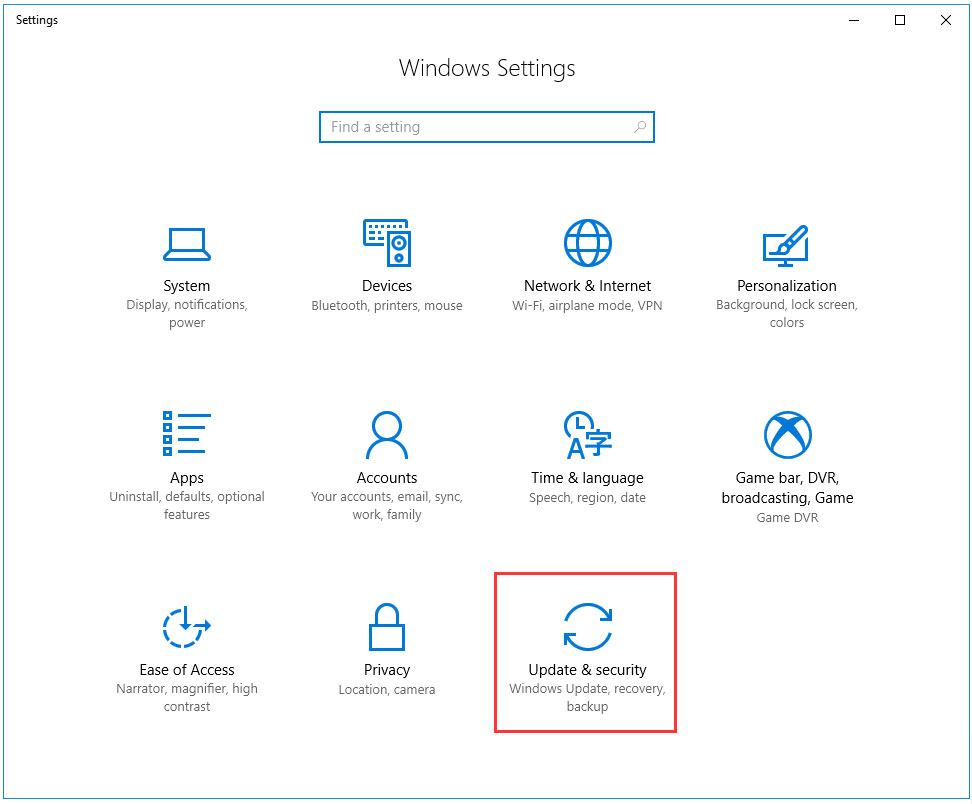
What Is Secure Boot How To Enable And Disable It In Windows MiniTool

How To Fix Windows 10 Startup And Boot Problems YouTube
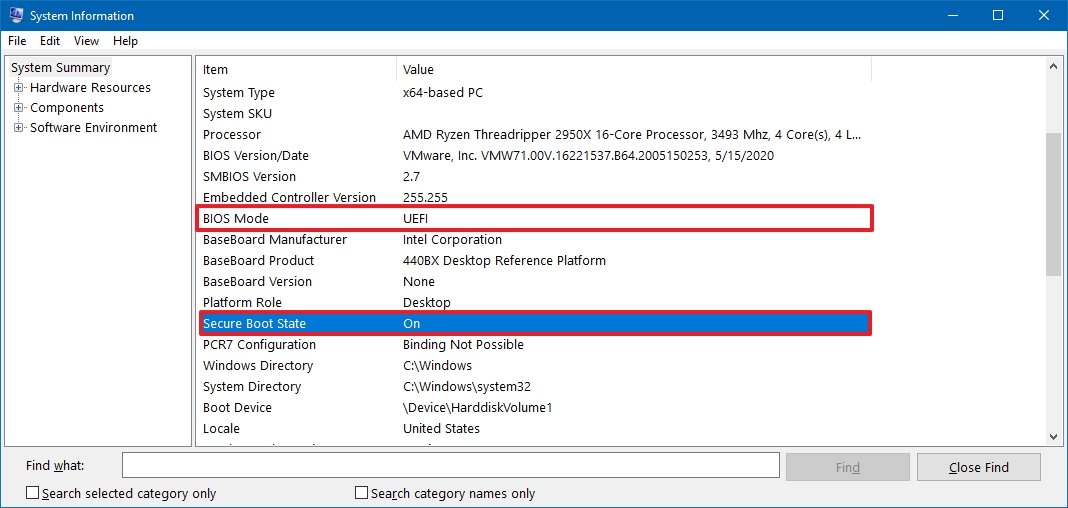
How To Enable Secure Boot For Windows 11 How To Enable Vrogue
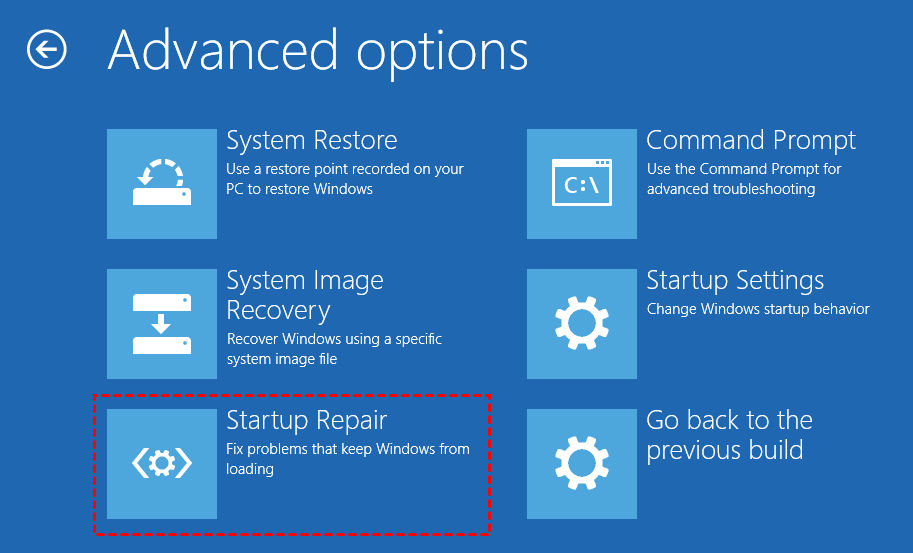
How To Repair Windows Home Edition Skirtdiamond27

To use Chrome on Mac you need macOS Big Sur 11 and up On your computer download the installation file Open the file named quot googlechrome dmg quot
If you notice unfamiliar activity on your Google Account Gmail or other Google products someone else might be using it without your permission If you think your Google Account or

For a lost iPhone learn about ways to locate and secure your device with iCloud Your mobile carrier might be able to help in a few ways such as Redirecting your calls to a different
Send messages amp attachments confidentially On your computer go to Gmail Click Compose In the bottom right of the window click Toggle confidential mode

If you have trouble connecting your Chromebook to the internet try the steps below Test your Chromebook after each step to check if the problem is fixed
[desc-11] [desc-12]
[desc-13]