Revert Commit By Id Git Reverting To Previous Commit How To Revert To Last Commit Commit Suicide ReverbNation How To Revert The Last Commit Locally And Remote In Git Become A How Do I Revert A Git Repo To A Previous Commit O Reilly Git Revert File Reverting A File To A Previous Commit How is git revert used This might sound like a duplicate question but when people ask it the response is often use git reset as per Revert to a commit by a SHA hash in Git Then when someone as
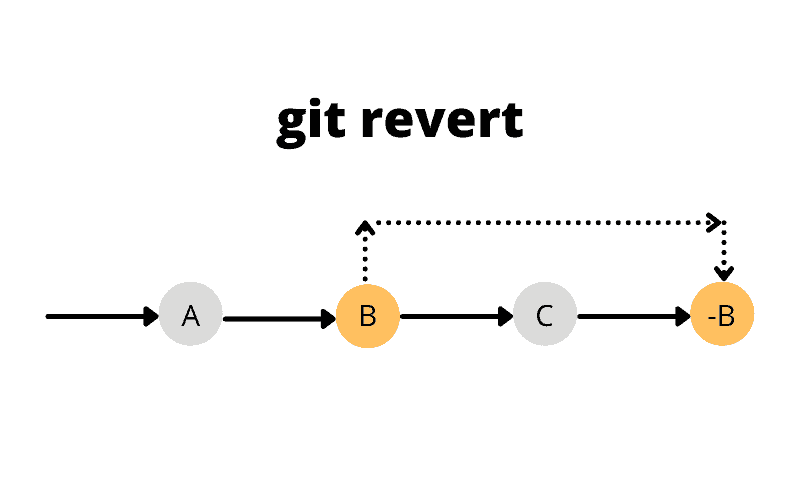
Aug 3 2014 nbsp 0183 32 Actually it is for pull requests only since June 24th 2014 Introducing the Revert Button you can easily revert a pull request on GitHub by clicking Revert You ll be prompted to create a new pull request with the reverted changes git revert is a bit more complex to manage through the web as it can accept a range of commits Git revert lt sha gt git cherry pick no commit lt sha gt git restore What does this do This reverts the commit normally The cherry pick of the same commit adds and stages all the changes again without a commit The following restore unstages all changes so I can stage everything I need myself Not as straight forward as I hoped but did the
Git Revert File Reverting A File To A Previous Commit How To Revert Or Undo Last Commit In Git SidTechTalks How To Undo Pushed Commits With Git Sciencx How To Delete A GitHub Repository Rewind How To Revert To Last Commit In Git YouTube Git Checkout To Previous Commit ID Didn t Revert The Changes Any COMMIT Registreren Commit YouTube How To Revert A Git Commit The Git Revert Command YouTube
Revert Commit By Id
 Revert Commit By Id
https://www.freecodecamp.org/news/content/images/2022/10/roman-synkevych-wX2L8L-fGeA-unsplash.jpg
In fact when a migration has already been applied this command will throw an error The migration name has already been applied to the database Revert it and try again If the migration has been applied to other databases consider reverting its changes using a new migration instead
Pre-crafted templates use a time-saving solution for creating a diverse series of documents and files. These pre-designed formats and layouts can be used for different personal and professional tasks, consisting of resumes, invites, flyers, newsletters, reports, presentations, and more, simplifying the content production procedure.
Revert Commit By Id
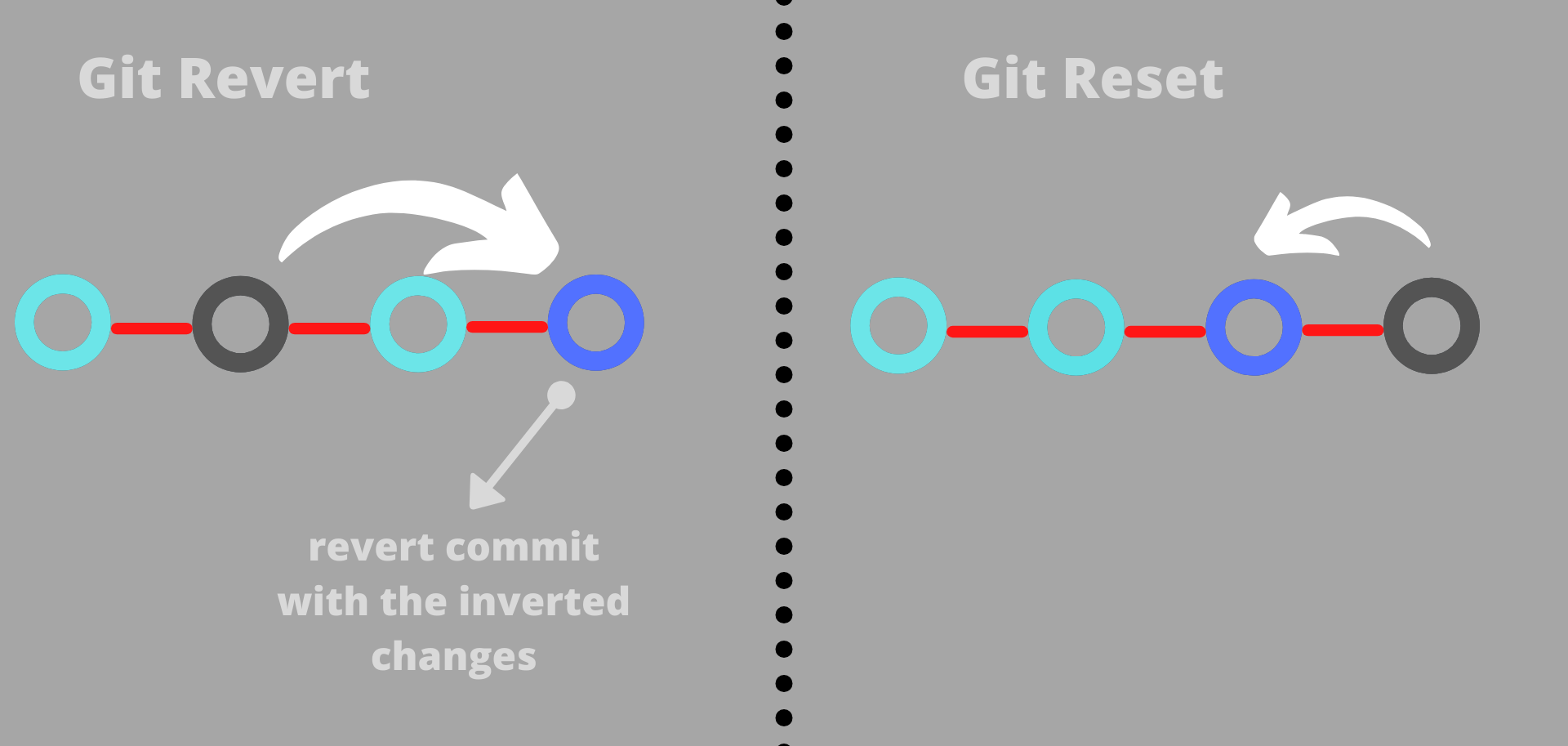
Git Revert Studytonight
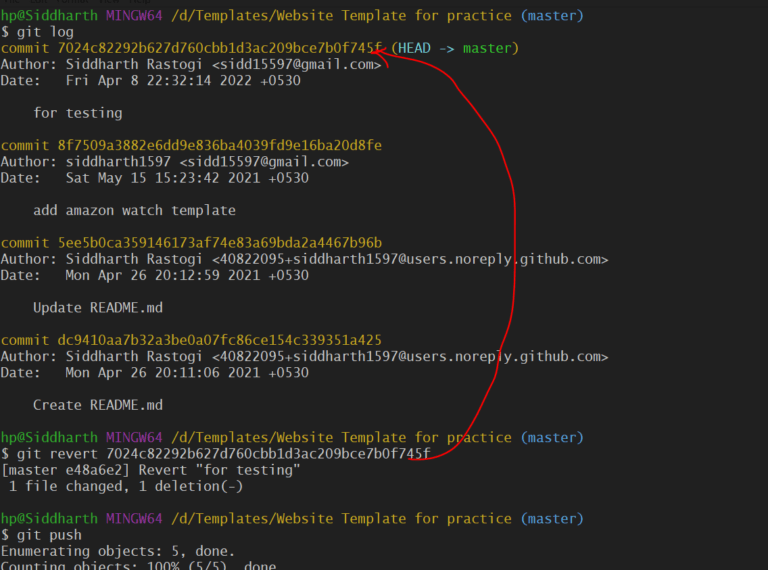
How To Revert Or Undo Last Commit In Git SidTechTalks
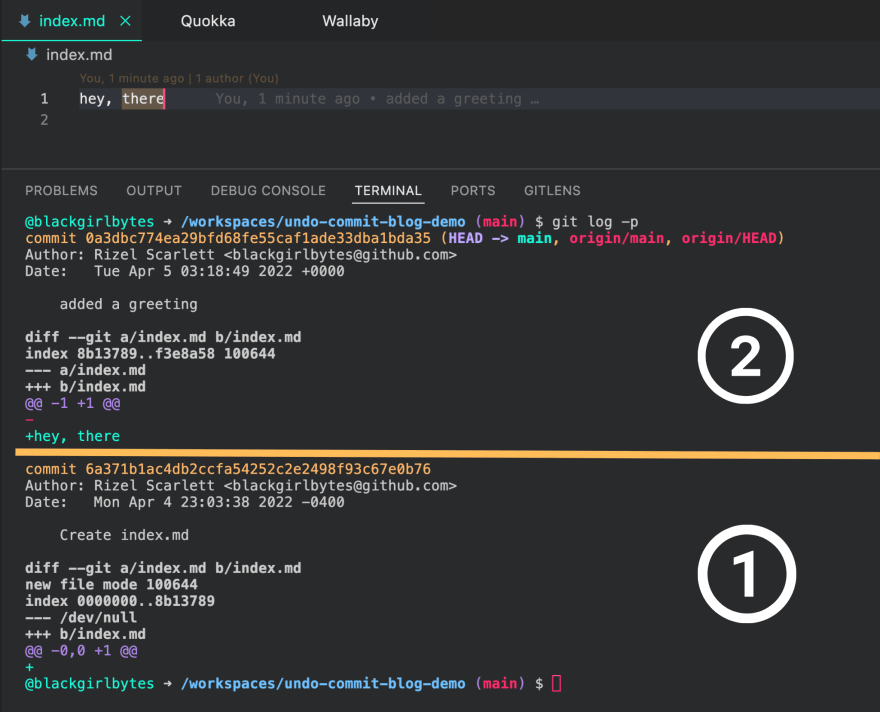
How To Undo Pushed Commits With Git Sciencx
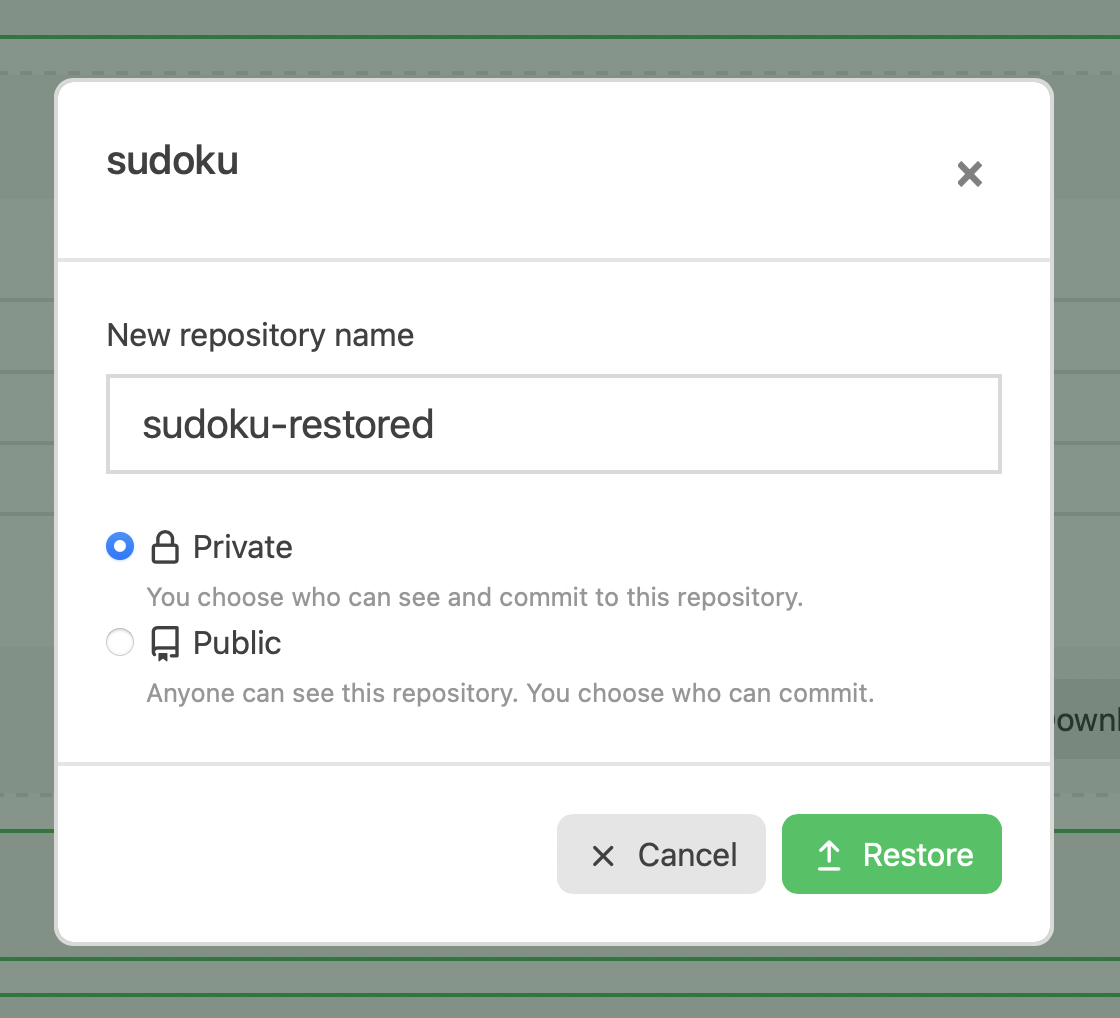
How To Delete A GitHub Repository Rewind

Git Checkout To Previous Commit ID Didn t Revert The Changes Any

COMMIT Registreren

In this case git revert is preferred over git checkout Note that unlike this answer that says to use git checkout git revert will actually remove any files that were added in any of the commits that you re reverting which makes this the correct way to revert a range of revisions Documentation git revert 1 Manual Page Commit Ranges

Sep 28 2014 nbsp 0183 32 I will revert to you revert
Jan 14 2011 nbsp 0183 32 In SQL Server Management Studio I did the query below Unfortunately I forgot to uncomment the WHERE clause 1647 rows were updated instead of 4 How can I undo the last statement Unfortunatel

You don t want to do a revert revert just takes a commit and undoes it If you want to go back to a previous commit there are two options If you want to permanently go back do a git hard reset which rolls back the code to a specified commit You can do this via git reset hard commit number If you want to temporarily go back you can create a branch from that commit which

As it turns out Git is smart enough not to drop a stash if it doesn t apply cleanly I was able to get to the desired state with the following steps To unstage the merge conflicts git reset HEAD note the trailing dot To save the conflicted merge just in case git stash To return to master git checkout master To pull latest changes git fetch upstream git merge upstream master To
[desc-11] [desc-12]
[desc-13]