Chrome Browser Android Access Websites Verizon How to View Mobile Websites on Your Computer in Chrome Google Chrome Is About to Get Better On Your Android Tablet Scam Alert: Verizon "Technical Support" Number Tricking Users Into Verizon54 Scam Site How to Fix “This Site Can't Be Reached” ERR_ADDRESS_UNREACHABLE in Chrome Verizon might be collecting your browsing history and here's how to stop it - The Verge Correct Answer Just got a Samsung Galaxy S5 Tried out the Chrome browser and then when I went back to it later it displayed the last website I was
Verizon has been tested in the latest versions of both Internet Explorer and Mozilla Firefox but will also work with other major browsers Here s how to edit a saved bookmark via the Chrome browser on your Android smartphone tablet
Verizon might be collecting your browsing history and here's how to stop it - The Verge Google Chrome 101 security warning for 3.2 billion users--update now Correct Answer: i want to see history on another phone - Verizon Community The 'delete Google Chrome browser' scare abuses security warnings - PhoneArena Verizon offers no-tracking search engine, promises to protect your privacy | Ars Technica Samsung Internet 19.0 browser brings even more security features, here's what's new - PhoneArena How to Make Google Chrome the Default Browser on Android How to Make Google Chrome the Default Browser on Android How to Get Discovery Plus on Fios (For Free!) - TechNadu
Chrome Browser Android Access Websites Verizon
 Chrome Browser Android Access Websites Verizon
https://www.howtogeek.com/wp-content/uploads/2021/06/chrome-logo.png?height=200p&trim=2,2,2,2&crop=16:9
Learn to use Google Chrome on your Samsung Galaxy S7 from Verizon Open and close tabs
Templates are pre-designed files or files that can be utilized for various purposes. They can conserve time and effort by offering a ready-made format and layout for producing various type of material. Templates can be used for personal or expert tasks, such as resumes, invitations, flyers, newsletters, reports, discussions, and more.
Chrome Browser Android Access Websites Verizon
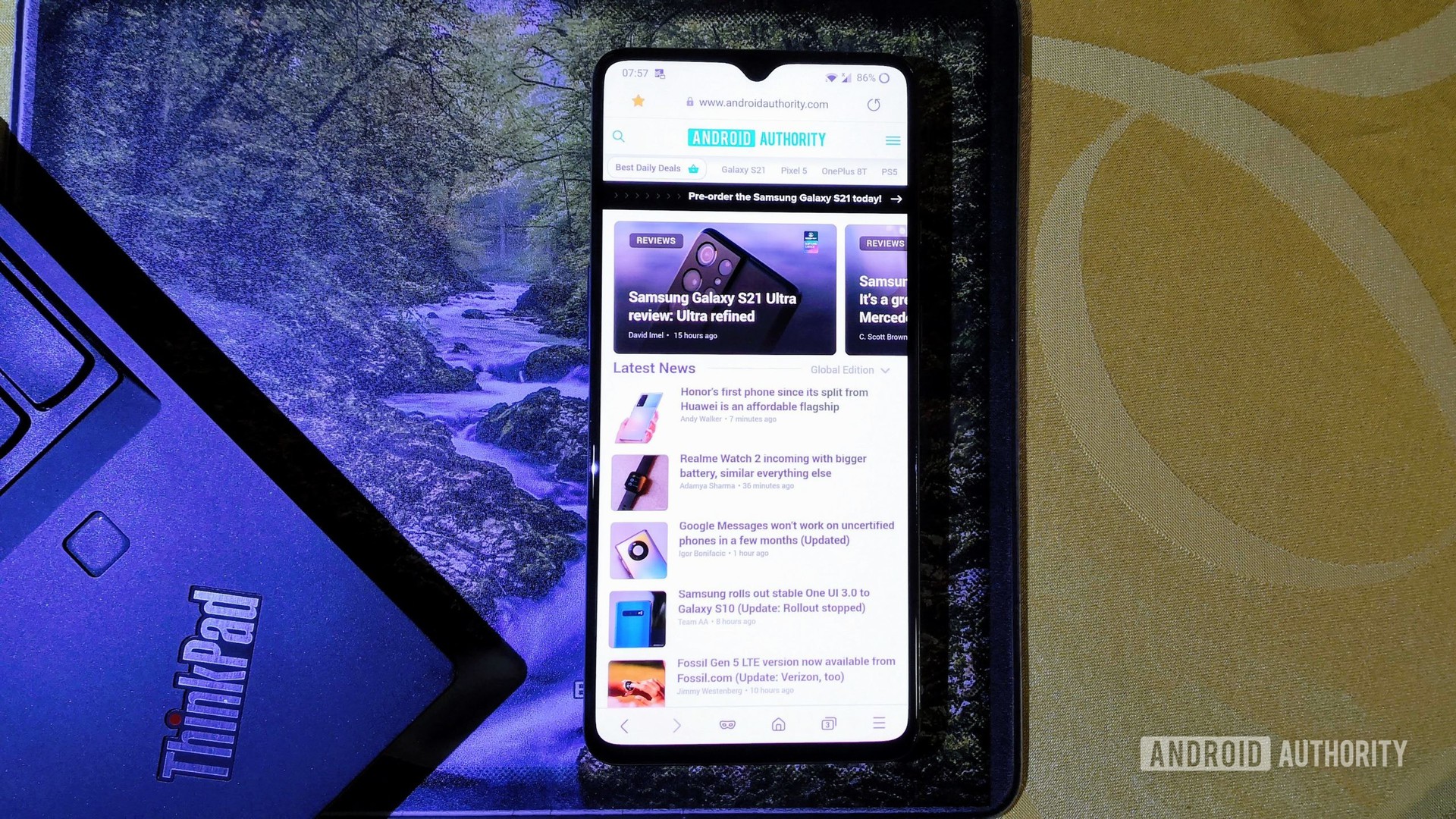
Samsung Internet vs Google Chrome: Why I'm never going back
Google Chrome 101 security warning for 3.2 billion users--update now

Correct Answer: i want to see history on another phone - Verizon Community

The 'delete Google Chrome browser' scare abuses security warnings - PhoneArena
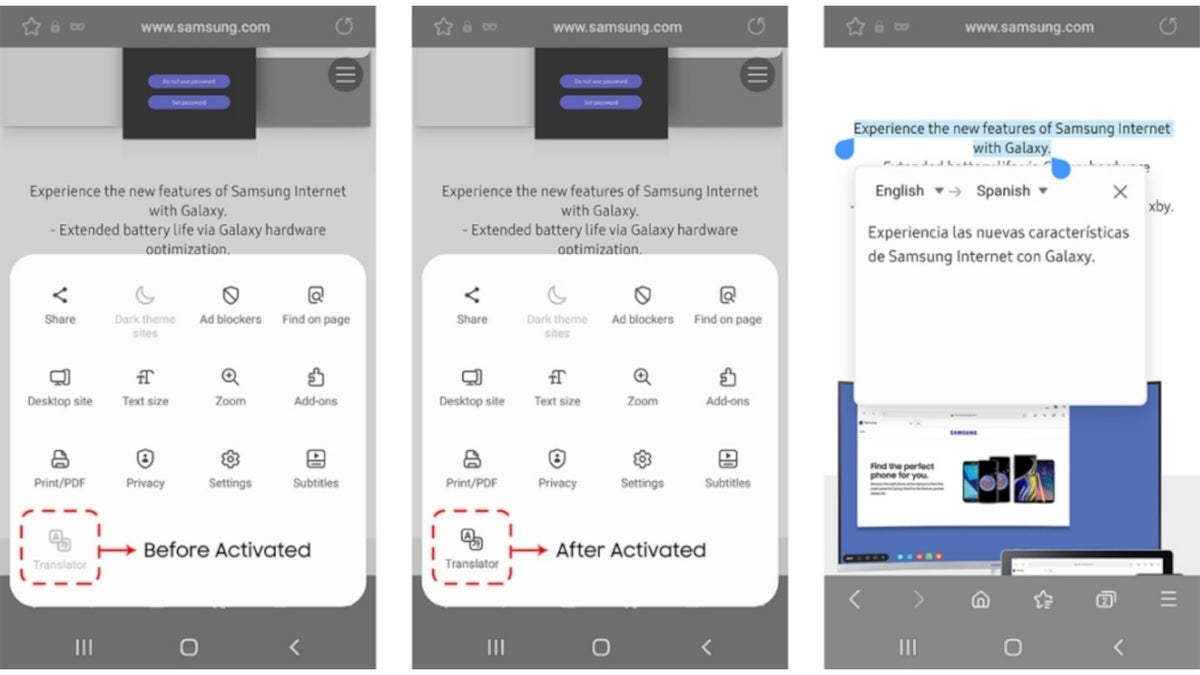
Samsung Internet 19.0 browser brings even more security features, here's what's new - PhoneArena
How to Make Google Chrome the Default Browser on Android

Chrome Browser Android Allow Block Browser Cookies From a Home screen navigate Apps icon Google Chrome Tap the Menu icon Menu button icon upper

Chrome Browser Android Turn JavaScript On Off Tap the Menu icon Menu icon upper right Tap Settings From the Advanced section tap Site
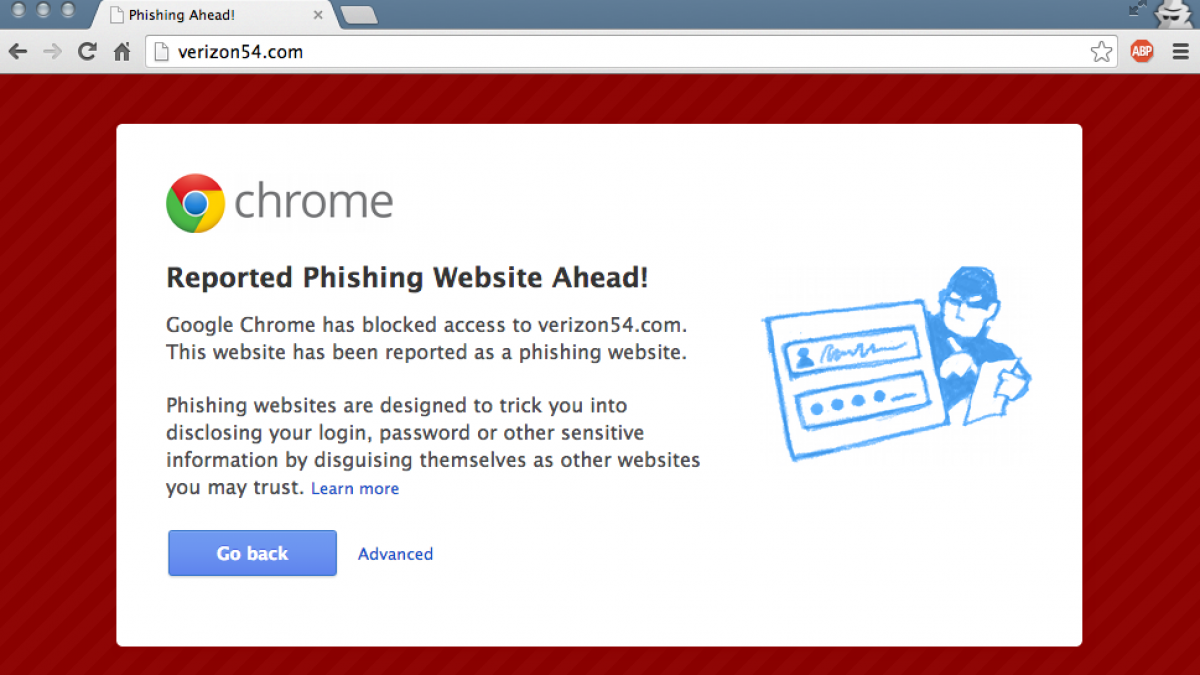
Here s how to view the browser history on your Android smartphone Internet Browser From a home screen tap Apps Tap either Chrome or Internet

I have a data plan but can t seem to access Google Chrome thru Verizon plan Calling texting works Emails don t download in wifi only

Ensure your apps are up to date as the following steps apply to the most recent version If unable to access the app temporary internet files can also be
That computer is not on the Verizon network but it runs linux and exactly the same software as my home computer When I try accessing the website from a Search for Google Chrome Select Update Repeat these steps to to update the Android System WebView app and then restart your device
From the main screen select Menu Select Media Center or Get It Now Select Mobile Web Enter the website address then select GO