Resizing An Image In Illustrator How To Resize An Image Correctly The TechSmith Blog How To Vectorize An Image In Illustrator Appsfecol Resizing An Image In Adobe Illustrator Illustrator Tutorials Design How To Resize An Image In Photoshop Osevietnam Resizing Pics Hot Sex Picture To resize the image select it using the selection tool shortcut V Go to Window Transform to bring up the Transform menu Enter the length and width values for example 1000 pixels x 1000 pixels Your image is resized If you have an image that has effects or strokes just click on the 3 dots to bring up a menu to resize them too
The following images from Vecteezy were used in this tutorial tropical fruit set 1 tropical fruit set 2 and tropical fruit set 3 Tools for Resizing Images in Illustrator Selection Tool This tool is mainly used for moving objects around the artboard You ll find Selection Tool in the left toolbar This is the most convenient approach into resize artwork in Adobe Graphic Simply select the images and drag the bounding frame go resize Sees detailed step below Direct selection tool not change selected artwork Step 1 Choose that Selection Tool from the toolbar Single 2 Hold the Shift key and choose the images that you want to resize
Resizing Pics Hot Sex Picture How To Resize An Image In CorelDRAW Resizing And Cropping Photo Review Resize Images Without Losing Quality With Photoshop Smart Objects Vector Resizing Object Distorts It Illustrator CC 2018 Graphic Image Resizing Vs Resampling In Photoshop Explained Improved Image Resizing Adobe Photoshop CC Tutorials Dynamic Image Resizing How To Embed An Image In Illustrator New YouTube
Resizing An Image In Illustrator
 Resizing An Image In Illustrator
https://www.techsmith.com/blog/wp-content/uploads/2017/01/How-to-resize-an-image-correctly.png
4 Double click the Scale tool to resize the selected image using specific value percentages Enter the values in the applicable fields For instance type 50 in the Scale field of the Uniform
Templates are pre-designed documents or files that can be utilized for numerous purposes. They can save effort and time by offering a ready-made format and layout for developing different sort of content. Templates can be used for individual or expert jobs, such as resumes, invitations, flyers, newsletters, reports, discussions, and more.
Resizing An Image In Illustrator

Solved Resizing An Image In Python 9to5Answer
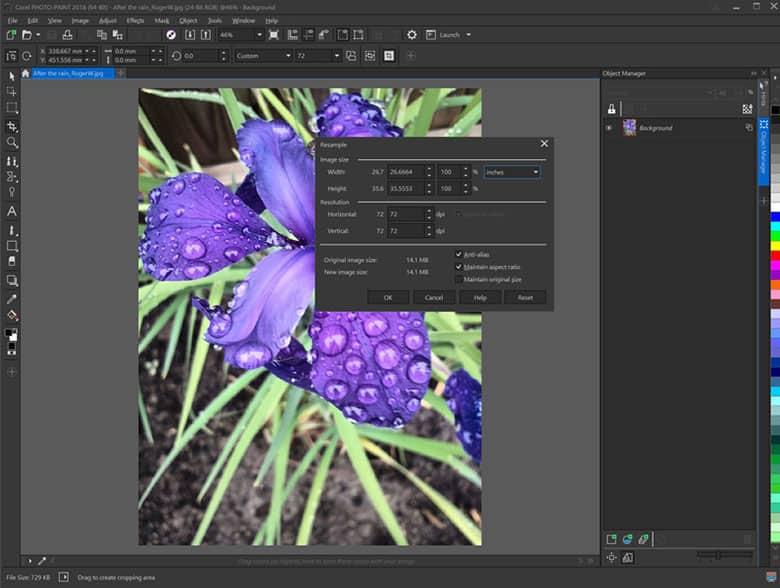
How To Resize An Image In CorelDRAW

Resizing And Cropping Photo Review
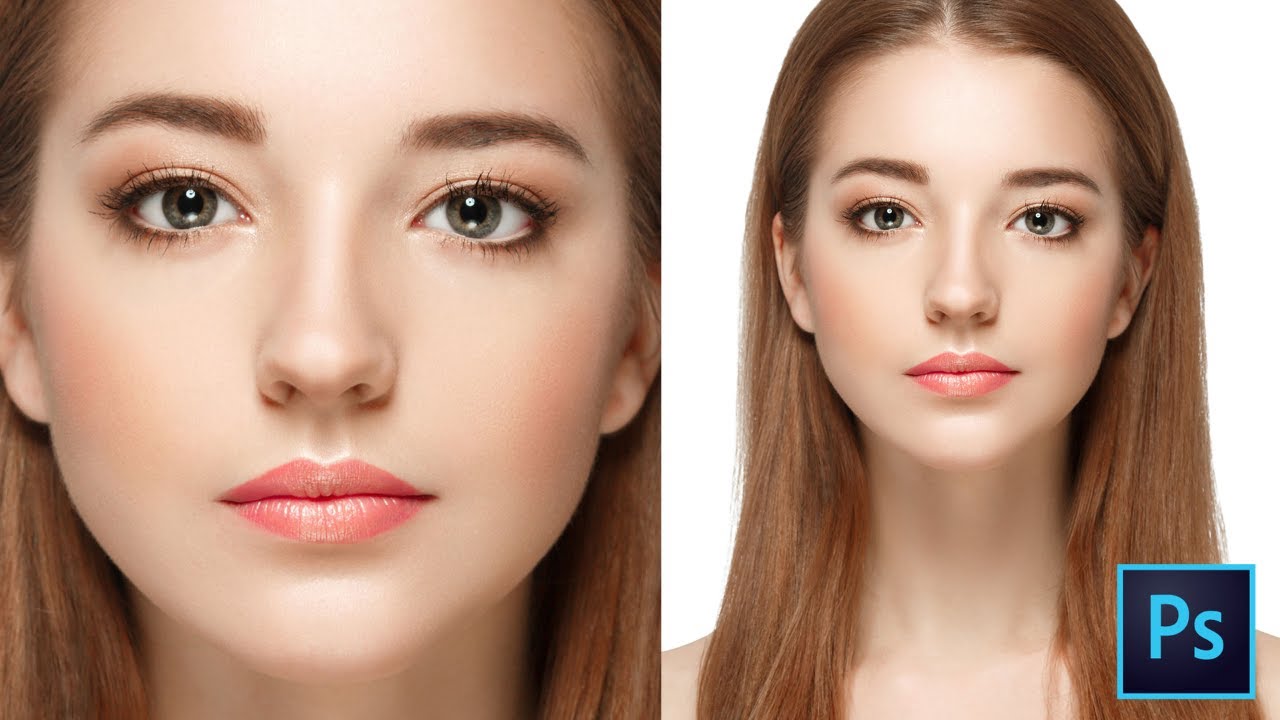
Resize Images Without Losing Quality With Photoshop Smart Objects
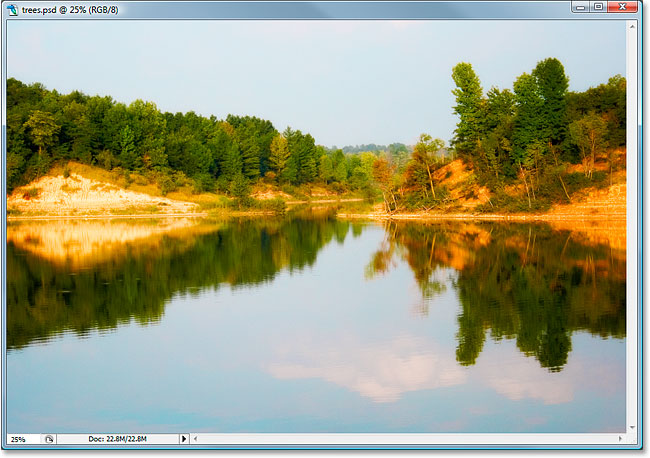
Image Resizing Vs Resampling In Photoshop Explained
Improved Image Resizing Adobe Photoshop CC Tutorials
In this Illustrator tutorial learn how to resize images in Adobe Illustrator Resizing images is very easy using the Selection Tools and holding shift to ke

The most accessible way for you to resize images in Illustrator is via the bounding box Use the Selection Tool V to select your image and you ll get a bounding box around your selection Go to View Show Bounding Box Shift Control B if you can t see it Hover your cursor over the corner of your selection and once it turns into a double

Resizing an image in Adobe Illustrator doesn t have to be difficult Learn how to resize an image in Adobe Illustrator without losing quality using image tra
Step 1 Open Adobe Illustrator Step 2 Open your image Step 3 When you resize some images you will find that they become pixelated Step 4 A way to stop this from happening you can do the following Select the image in the top toolbar select image trace drop down box Select high fidelity photo Step 5 Next select Expand in the top

Get Adobe Illustrator here https prf hn l q5doPje Get 10 Free Adobe Stock images https prf hn l vyAjEXR The links above are affiliate links that he
The automatic method for resizing images in Illustrator is faster and easier than the manual method but it does not always produce the best results To resize an image automatically follow these steps 1 Open the image in Illustrator 2 Select the image 3 STEP 3 To scale to a certain size we can use the transform tool Go to your top tool bar navigate to Window Transform This will open the transform tool STEP 4 With your artwork you want to scale selected navigate to the transform pop up toolbar you just opened
Greetings Using this tutorial You ll be able to resize an image of your Products Catalogs without stretching it using Adobe Illustrator