Resize Image In Illustrator Without Stretching How To Resize An Image In Photoshop Without Stretching It Quora HOW TO RESIZE IMAGE In ANY SIZE USING ADOBE ILLUSTRATOR STEP BY STEP 20 Tools To Crop Resize Images Online Without Using Photoshop Or How To Resize Image In Illustrator Without Distortion Shedjas Adobe Resize Image Worldholden Get Adobe Illustrator here https prf hn l q5doPje Get 10 Free Adobe Stock images https prf hn l vyAjEXR The links above are affiliate links that he
Step 1 Open Adobe Illustrator Step 2 Open your image Step 3 When you resize some images you will find that they become pixelated Step 4 A way to stop this from happening you can do the following Select the image in the top toolbar select image trace drop down box Select high fidelity photo Step 5 Next select Expand in the top Adobe Illustrator is a vector based design software Meaning you can infinitely scale vector artwork without any loss in quality or resolution This differs from raster based artwork like images as these are pixel based Pixel based objects degrade in quality as they are enlarged because you are stretching each pixel
Adobe Resize Image Worldholden How To Resize Artwork In Illustrator Oregon Screen Impressions How Do I Resize An Image Without Distorting In Illustrator Why Can t I Resize My Image In Illustrator WebsiteBuilderInsider How To Resize Image In Illustrator Without Distortion Pmgai How To Resize Images In Illustrator Techwalla How To Resize An Image In Illustrator Without Losing Quality EZGyd How To Resize Image In Illustrator Without Distortion Gaiupload How To Resize A Text Box Without Stretching It In Illustrator Quora
Resize Image In Illustrator Without Stretching
Resize Image In Illustrator Without Stretching
https://qph.cf2.quoracdn.net/main-qimg-d09be973be72b6c6ae2c948ab4a674ce-pjlq
After you scale an object Illustrator does not retain the original size of the object in memory Therefore you cannot resume the original size of the object However you can see the resolution of the object in the Document Info panel and decide on the scale at which you want to resize the object while retaining the object s resolution
Templates are pre-designed files or files that can be used for numerous functions. They can save time and effort by providing a ready-made format and design for developing different kinds of content. Templates can be utilized for individual or professional tasks, such as resumes, invitations, flyers, newsletters, reports, presentations, and more.
Resize Image In Illustrator Without Stretching

How To Resize Logo In Illustrator YaretzikruwHines
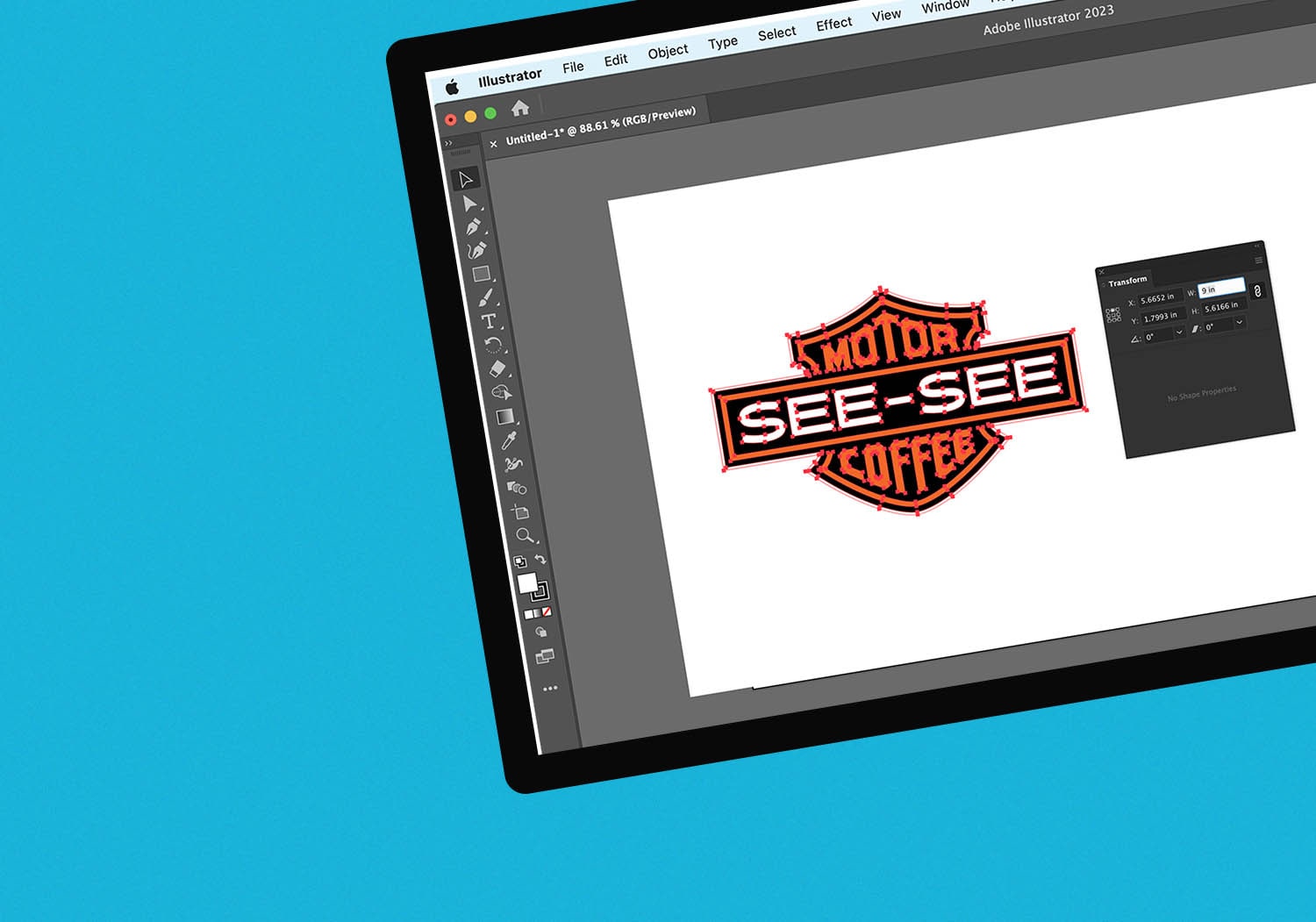
How To Resize Artwork In Illustrator Oregon Screen Impressions
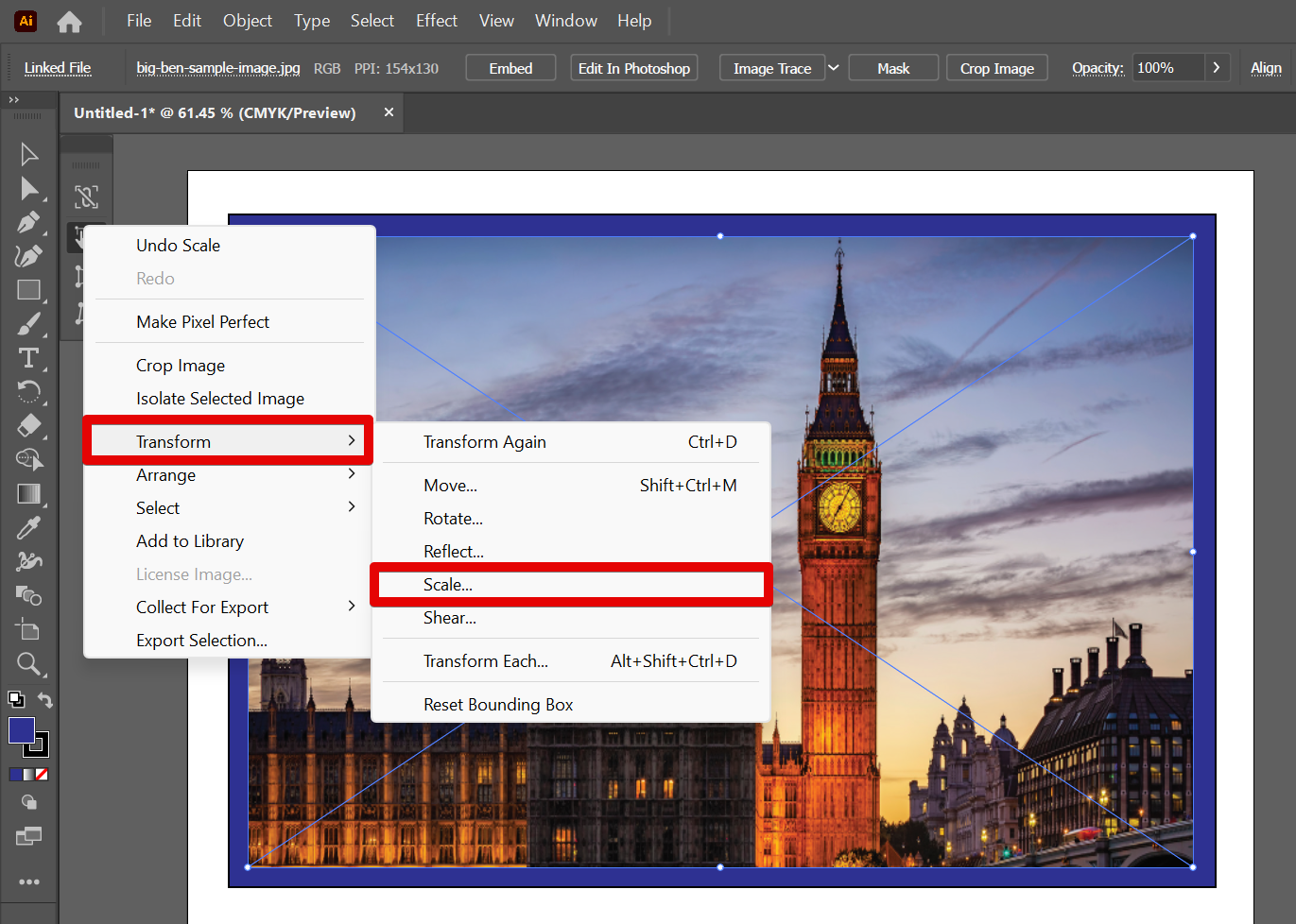
How Do I Resize An Image Without Distorting In Illustrator
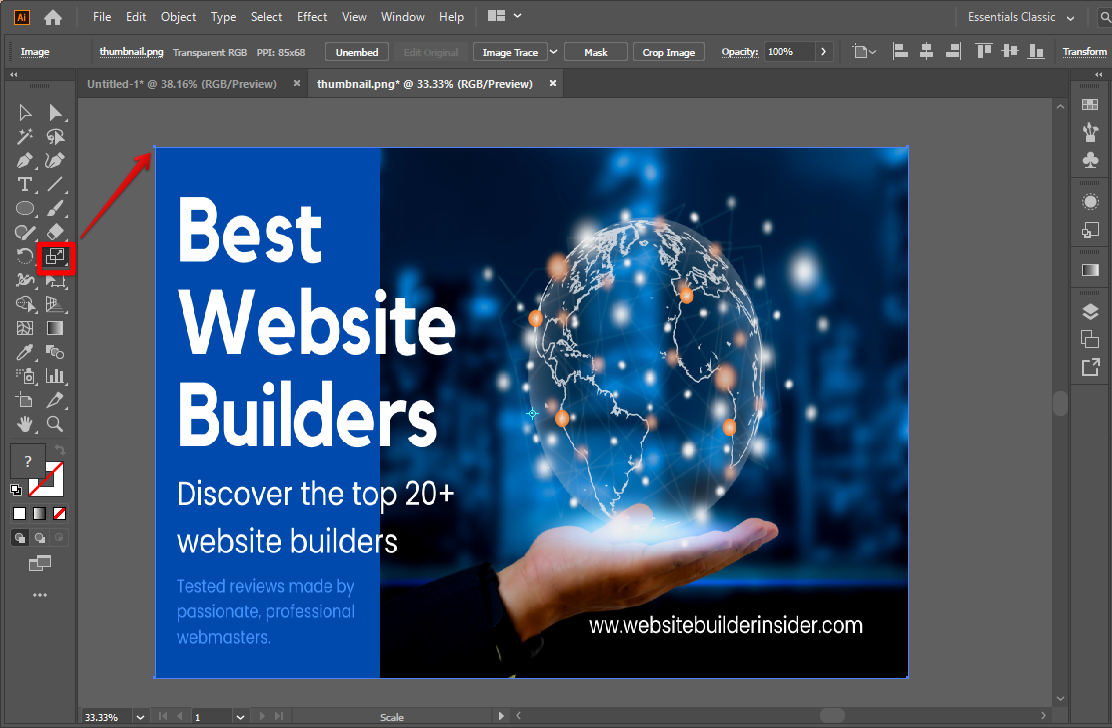
Why Can t I Resize My Image In Illustrator WebsiteBuilderInsider
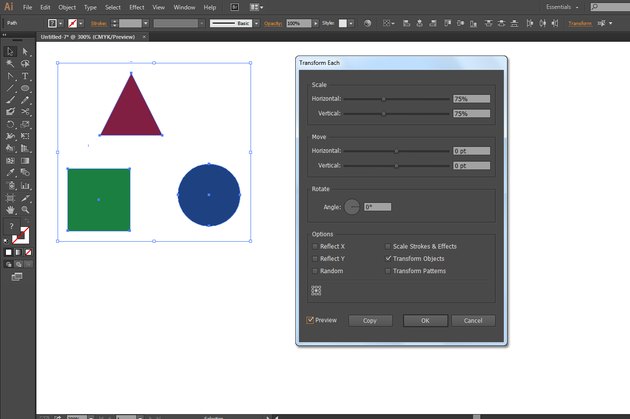
How To Resize Images In Illustrator Techwalla

How To Resize An Image In Illustrator Without Losing Quality EZGyd
Here are a few tips to help you resize an image without distortion 1 Use the Free Transform tool Ctrl Cmd T to resize the image uniformly To do this select the Free Transform Tool from the left toolbar NOTE If you can t find the Free Transform Tool in your toolbar simply search for it using the search icon at the upper

Step 1 The Initial Resize to get the correct height without distorting your ends Step 2 Option A Adjust Width Using Direct Selection move some anchors Step 2 Option B Adjust Width Using Compount Shapes good for aligning with other objects Share Improve this answer
Resizing an image in Adobe Illustrator doesn t have to be difficult Learn how to resize an image in Adobe Illustrator without losing quality using image tra

Table of Contents Step 1 Open your image in Illustrator Step 2 Use the Selection Tool to resize your image Resize the image using a freehand transformation Resize the image using numerical values Step 3 Export the resized image
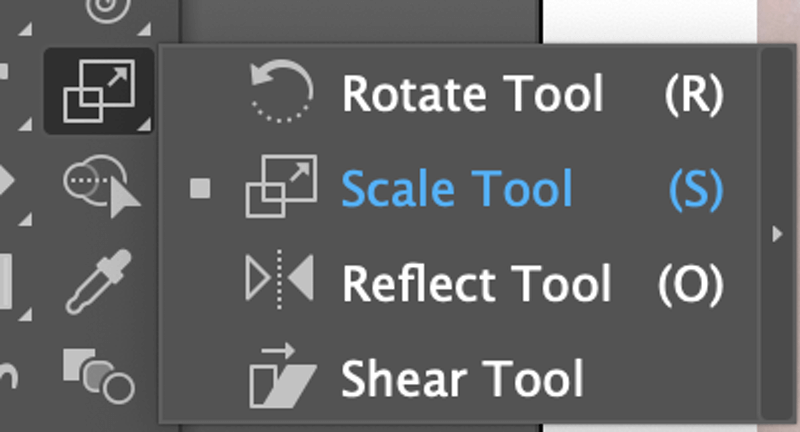
In this Illustrator tutorial learn how to resize images in Adobe Illustrator Resizing images is very easy using the Selection Tools and holding shift to ke
Greetings Using this tutorial You ll be able to resize an image of your Products Catalogs without stretching it using Adobe Illustrator Yes unless you re importing paths from Photoshop to Illustrator Photoshop is a raster program so files up scaled into Illustrator will become pixelated There is no way to perfectly upscale images without losing quality as Photoshop or whatever program will be creating pixels to make the image larger
In this illustratortutorial video How to Resize an Image in illustrator Without Losing QualityRead here https ezgyd how to crop image in illustrat