Reset Network Card Settings Windows 10 How To Manually Reset Your Wireless Adapter In Windows 6 Steps How Install Sound Card Windows 10 Sound Card Settings PCIe Boat How To Reset Graphics Driver TechStory 0 0 0 0 K0 Change sound card settings w R How To Reset Network Settings In A Samsung Device Android 10 Web Jun 10 2023 nbsp 0183 32 1 Make sure Wi Fi is enabled first If you re resetting your wireless adapter because you can t access your wireless network first make sure you haven t accidentally disabled Wi Fi To check open your Windows Settings click Network and Internet and toggle on the Wi Fi switch
Web Nov 21 2021 nbsp 0183 32 Select Start menu gt Settings gt Network amp Internet gt Status gt Network reset gt Reset now gt Yes Before resetting save network adapter details from Network amp Internet gt Status gt Change adapter options gt right click adapter gt Configure If you use a VPN back up usernames passwords and other setup information before a network reset Web Select Start gt Settings gt Network amp internet gt Advanced network settings gt Network reset Open Network amp Internet Status settings On the Network reset screen select Reset now gt Yes to confirm
How To Reset Network Settings In A Samsung Device Android 10 How To Cleanup And Reset Network Adapters Using Command Prompt Restore Network Settings Windows 10 Linksys Wireless Network Card Settings On PC Bright Hub Reset Network Settings Windows 10 Comment Modifier La Carte Graphique Par D faut Partir Des Windows 10 Change Power Settings For Network Card Prevent NIC From How To Reset Network Settings In Windows 11 Sweeten Characteristic Speak To Lao Compress Ferry
Reset Network Card Settings Windows 10
 Reset Network Card Settings Windows 10
http://www.wikihow.com/images/d/d1/Manually-Reset-Your-Wireless-Adapter-in-Windows-Step-6.jpg
Web Nov 9 2022 nbsp 0183 32 In Windows 10 1607 Windows 11 and Windows Server 2019 2022 you can reset network adapters from the Settings panel Go to Settings gt Network or use a quick access command to open ms settings ms settings network Click Network reset gt Reset now Confirm the reset
Pre-crafted templates offer a time-saving service for developing a varied variety of files and files. These pre-designed formats and layouts can be used for numerous personal and expert projects, including resumes, invites, leaflets, newsletters, reports, discussions, and more, improving the material production procedure.
Reset Network Card Settings Windows 10

Comment Modifier La Carte Graphique Par D faut Partir Des
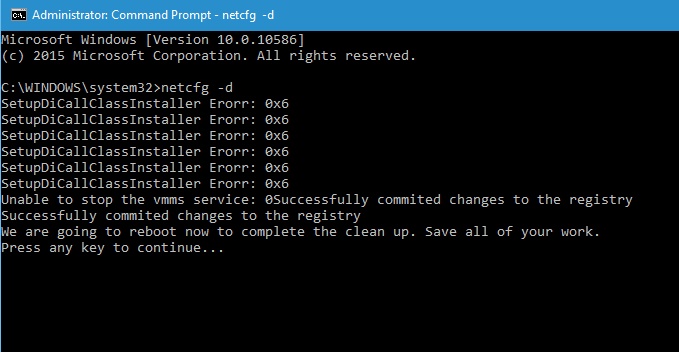
How To Cleanup And Reset Network Adapters Using Command Prompt
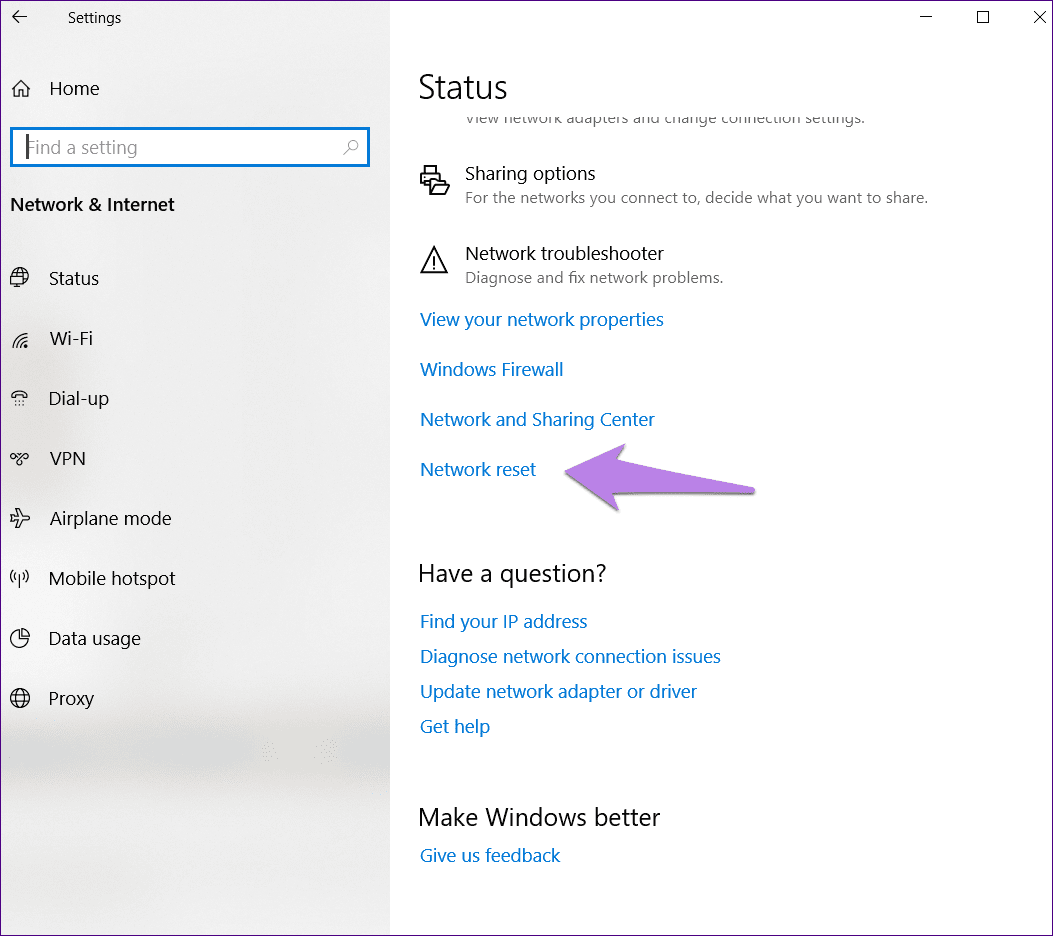
Restore Network Settings Windows 10

Linksys Wireless Network Card Settings On PC Bright Hub

Comment Modifier La Carte Graphique Par D faut Partir Des

Windows 10 Change Power Settings For Network Card Prevent NIC From

Web Jan 4 2020 nbsp 0183 32 To Cleanup and Reset Network Adapters in Settings 1 Open Settings and click tap on the Network amp Internet icon 2 Click tap on Status on the left side and click tap on the Network reset link on the right side see screenshot below 3 Click tap on the Reset now button see screenshot below

Web Jul 11 2023 nbsp 0183 32 To reset network settings go to Start menu gt Settings gt Network and Internet gt Status gt Network Reset If you have a VPN or a proxy server it may need to be reconfigured following the reset Resetting network settings removes and reinstalls every network adapter installed on your system

Web Apr 7 2022 nbsp 0183 32 If you re using Windows 10 you can reset all network adapters and their settings by opening the Settings app Windows I Then click or tap Network amp Internet You should see the Status section selected on the left and your network status on the right like in the screenshot below
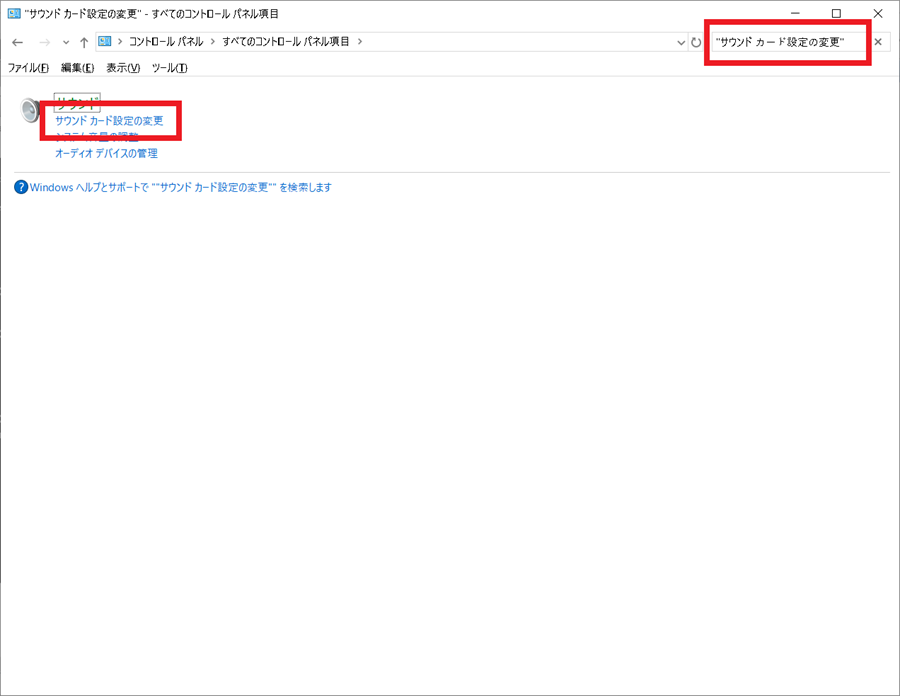
Web Nov 25 2020 nbsp 0183 32 Step 1 Select the Start button then select Settings gt Network amp Internet gt Status gt Network reset Step 2 On the Network reset screen select Reset now gt Yes to confirm Then Windows will give you 5 minutes to close all documents and programs before it automatically restart
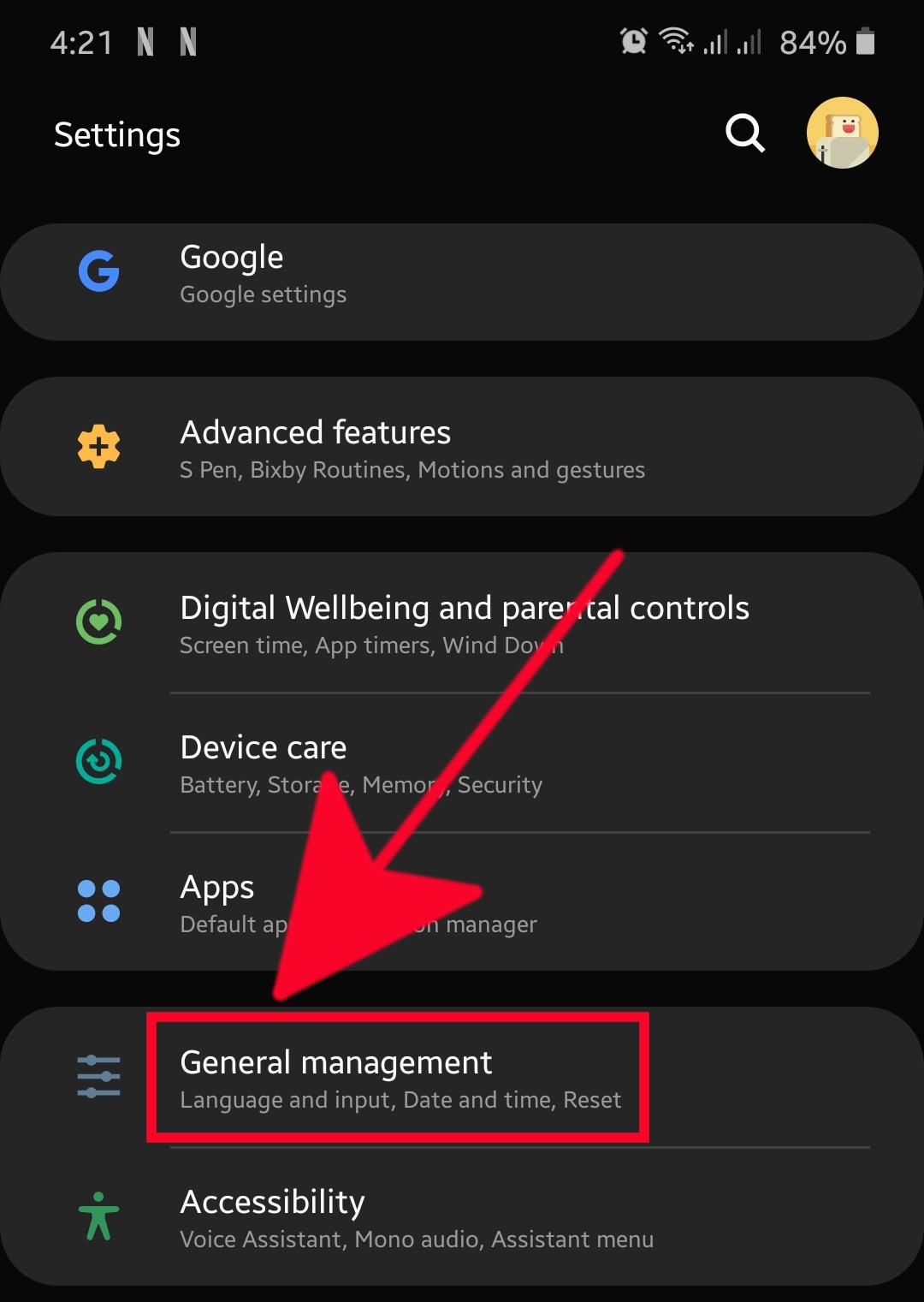
Web Sep 14 2020 nbsp 0183 32 To do this right click the Windows Start menu and press the Settings option In the Windows Settings menu press Update amp Security gt Troubleshoot This will bring you to the Windows Troubleshooter Several troubleshooting tools are available for your network connections
Web Apr 27 2020 nbsp 0183 32 Restart your PC Reset network settings on Windows 10 In order to reset network settings you need to follow the steps below Open Command prompt with admin rights Run the command below and restart your PC netsh winsock reset Open Command Prompt and run each of the commands below one by one Web Aug 10 2016 nbsp 0183 32 On the quot Network amp Internet quot page select the quot Status quot tab on the left and then on the right scroll down and click the quot Network reset quot link The quot Network reset quot screen warns you about what will happen when your network is reset and also lets you know that a restart will be necessary
Web Jun 16 2015 nbsp 0183 32 Follow these steps to reset the Windows Firewall TCP IP stack and Winsock manually You will have to restart your system to complete the reset The following is a list of the Netsh commands with descriptions that you can use to reset your network adapter in Windows 10 netsh advfirewall reset