Reset Login Password Mac Top 4 Ways To Reset Forgot Lost Mac Book iMac Login Password Reset Login Password MacOS YouTube How To Reset Apple M1 Login Password NEW Password Mac Tin T c Change Or Reset The Password Of A MacOS User Account Apple Support Reset Login Password Web Oct 17 2022 nbsp 0183 32 There are several ways to reset your Mac password Some versions of macOS enable you to reset your password using your Apple ID it s the easiest way so worth giving it a try To test
Web Jun 18 2020 nbsp 0183 32 Open System Preferences and click Users amp Groups Click the lock icon in the bottom left if it s locked and enter the account password once again Click the account you d like to access in the sidebar Click Reset Password Fill in the New Password Verify and Password Hint fields the latter is optional but highly recommended by us Web We explain what to do if you ve forgotten your Mac password or don t know the password for the Mac you are using and can t log on install apps or make changes in System
Reset Login Password How To Reset Forgotten Login Password In Mac YouTube If You Forgot Mac Password How To Reset Disable Login Password From M1 Mac Mini MacOS Big Sur YouTube Mac Cosmetics Russia Besteup How To Add A Password Hint To The Login Screen On Mac AppleToolBox Reset Your Mac Login Password Apple Support How To Reset Login Password Microsoft Teams Part 3 YouTube Self Service Password Reset Logon Agent Mac OS X
Reset Login Password Mac
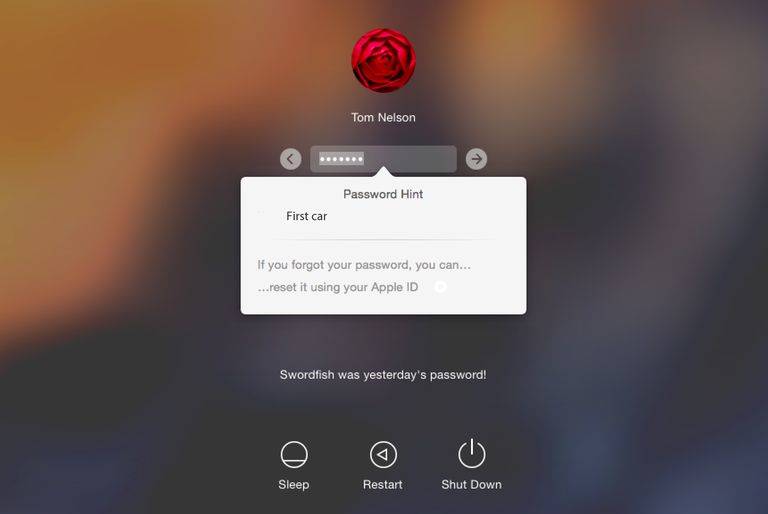 Reset Login Password Mac
https://www.recoverlostpassword.com/images/article/windows-tips/forgot-mac-password.jpg
Web Aug 3 2022 nbsp 0183 32 Step 1 After several wrong attempts at signing in your Mac might offer the option to reset the password with your Apple ID If not it will allow you to restart the Mac and show options
Templates are pre-designed documents or files that can be used for various purposes. They can conserve time and effort by supplying a ready-made format and design for creating different sort of content. Templates can be utilized for personal or expert tasks, such as resumes, invites, flyers, newsletters, reports, discussions, and more.
Reset Login Password Mac
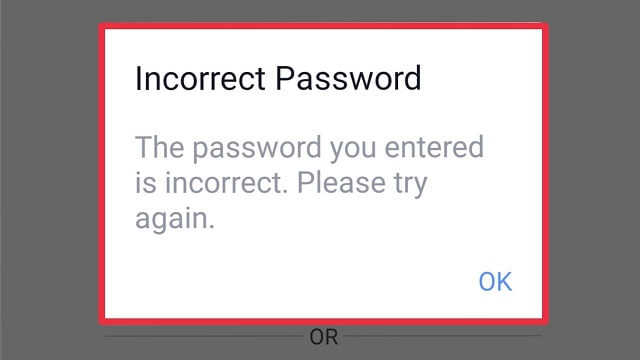
Fixed Mac Stuck On Login Screen Monterey Big Sur Catalina

How To Reset Forgotten Login Password In Mac YouTube
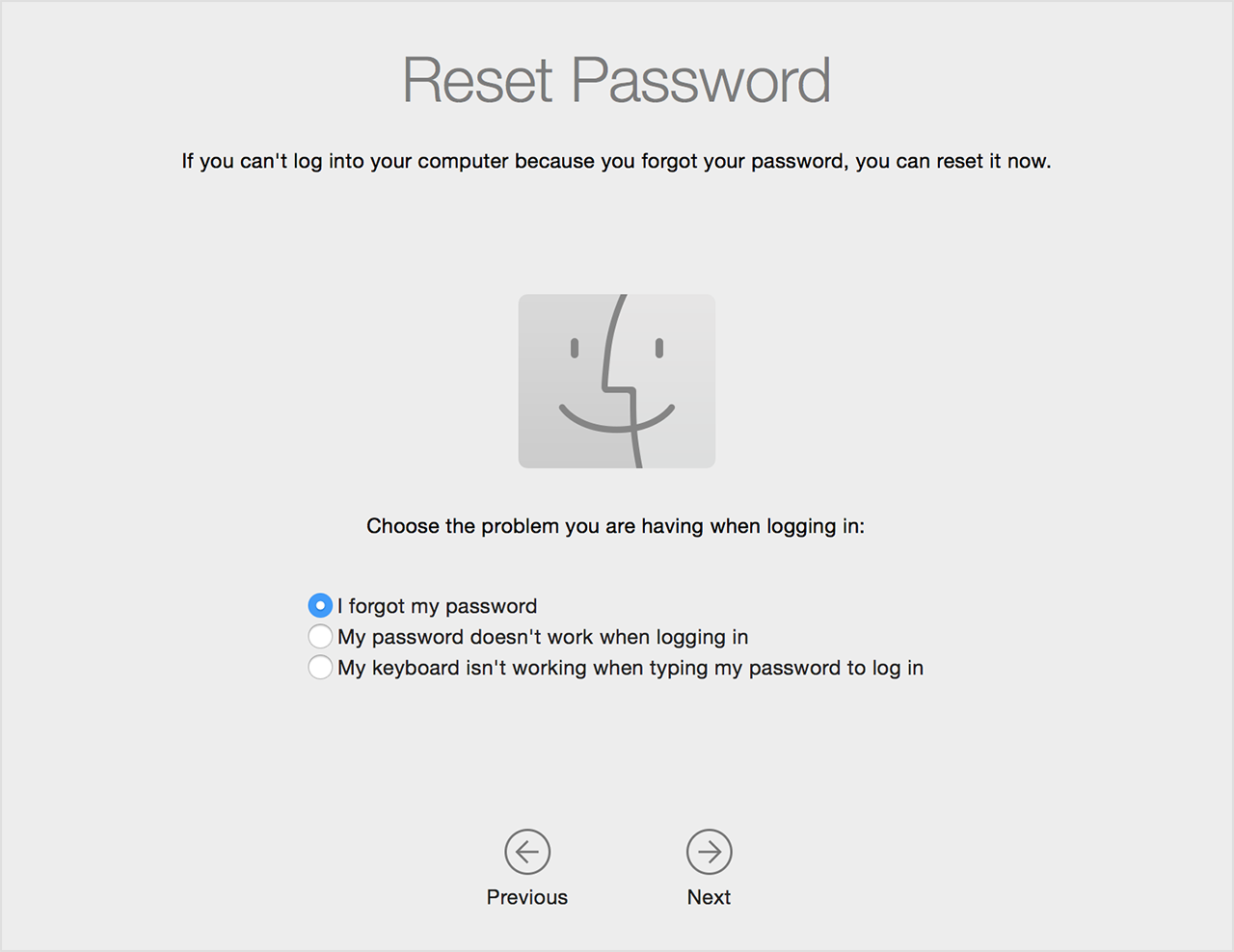
If You Forgot Mac Password How To Reset

Disable Login Password From M1 Mac Mini MacOS Big Sur YouTube

How To Add A Password Hint To The Login Screen On Mac AppleToolBox

Reset Your Mac Login Password Apple Support
Web Dec 14 2023 nbsp 0183 32 When prompted to reset your password click Reset Password Select a user to reset the password for After successfully authenticating click Exit Choose Apple menu gt Restart Password reset is now complete You don t need to take additional steps Use the Reset Password assistant

Web If you ve forgotten your login password and can t log in to your Mac see the Apple Support article If you forgot your Mac login password Click the Info button next to your user name on the right Click Change Enter your

Web Support Where to Buy If you forgot your Mac login password If you forgot the password to log in to your Mac user account or the password isn t accepted choose a reset option from the login window These steps are for macOS Catalina or later The steps for macOS Mojave or earlier are different

Web Once it reboots you ll then be asked to sign in with your Apple ID select the user account you want to reset the password for and then enter a new user account password

Web If you re asked to select a user that you want to reset the password for Select the user then enter your new password information and click Next When authentication has succeeded click Exit Choose Apple menu gt Restart Password reset is now complete You don t need to take additional steps
Web 1 Log into your Mac 2 Open the Apple menu the Apple logo at the top left of your screen and choose quot System Preferences quot You may also have it pinned to your menu bar it s a gray gear 3 Web Nov 10 2023 nbsp 0183 32 1 On the log in window select another administrator account 2 On the menu bar click on the Apple logo 3 Go to System Settings and select Users amp Groups 4 Click the i icon next to
Web May 3 2022 nbsp 0183 32 Go to System Preferences gt Users amp Groups gt Lock icon Use the password for the account to unlock Select your account and click Reset password Fill in all the fields type in a new password gt verify gt create a hint gt save Log out of the current account Go back to the login screen and type your new credentials