Reset User Password Mac Terminal How To Enter Password Into Terminal On A Mac YouTube How To Change User Password On Mac OS YouTube Reset Admin Password Mac Terminal Archives TechBland Reset Password Mac Terminal TechnoWikis Reset User Password Cloudsnap When a password is required in the Terminal window you see a password prompt and the cursor changes to a key Open Terminal for me In the Terminal app on your Mac
Reboot Resetting In Single User Mode If you re not able to start your computer and load OS X s interface or SSH into your system then you ll need to start Did you forget or lose the password for your Mac s user account Thankfully macOS Big Sur Catalina and Mojave make it easy to reset this password and you can do it in a matter of seconds
Reset User Password Cloudsnap Reset Macbook Password Terminal Hokyoji jp How To Hack Wifi Password Mac Terminal Zentale Zip With Password Mac Terminal Peatix Reset Mac Password Recovery Mode Lasopahard How To Reset Or Change The Root Password In Linux PhoenixNAP Why Keep Asking For Internet Password Mac Lasopani Reset Mac Password Home Screen Opmnames How To Hack Wifi Password Mac Terminal Diamondnew
Reset User Password Mac Terminal
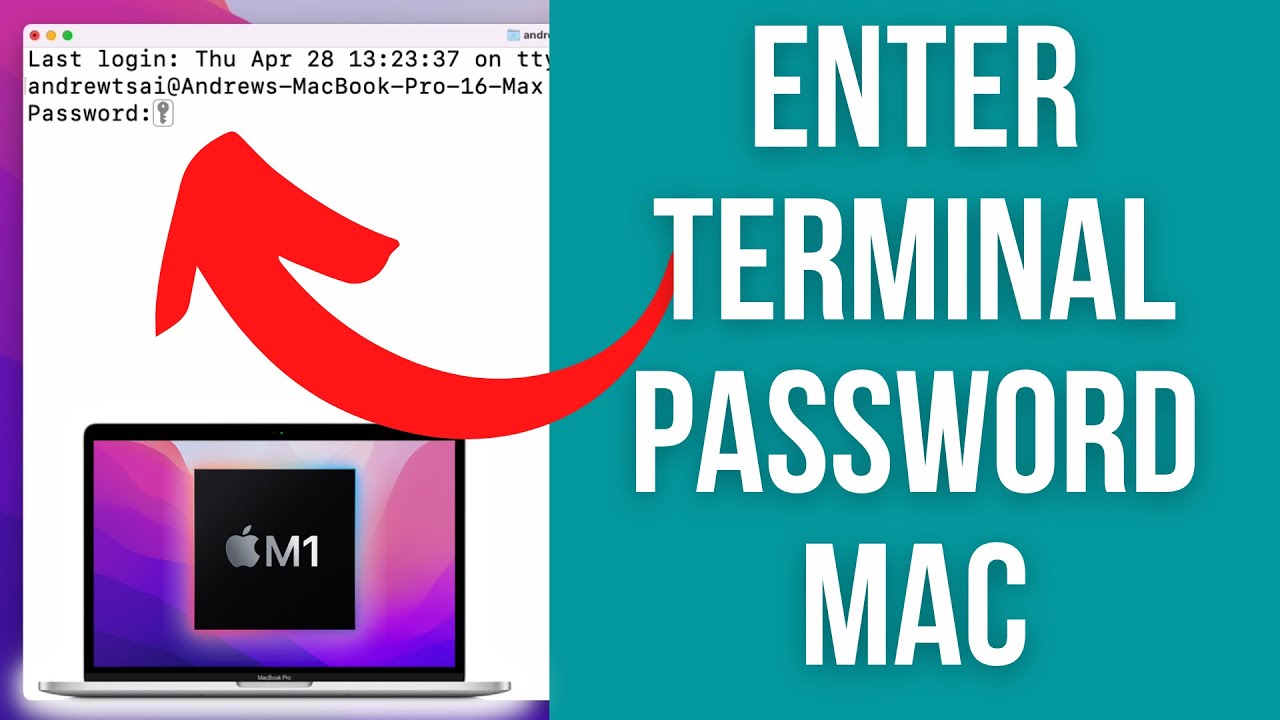 Reset User Password Mac Terminal
https://i.ytimg.com/vi/3xfUqJJIyB8/maxresdefault.jpg
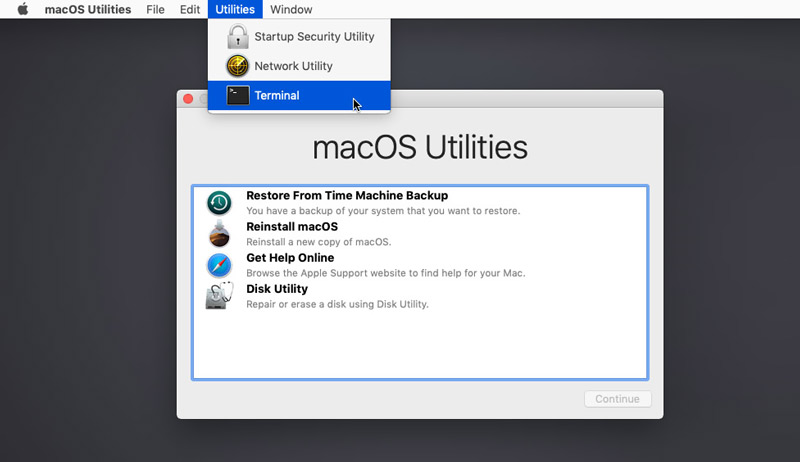
To reset your password using Terminal first restart your Mac in Recovery Mode then open the Terminal program Type reset password without quotation marks into Terminal and hit return The Recovery Assistant
Pre-crafted templates provide a time-saving solution for producing a varied series of documents and files. These pre-designed formats and designs can be used for numerous personal and professional jobs, consisting of resumes, invitations, leaflets, newsletters, reports, discussions, and more, improving the material development procedure.
Reset User Password Mac Terminal
Mac Reset Password How To Reset Password On Your MacBook
Reset Macbook Password Terminal Hokyoji jp
How To Hack Wifi Password Mac Terminal Zentale
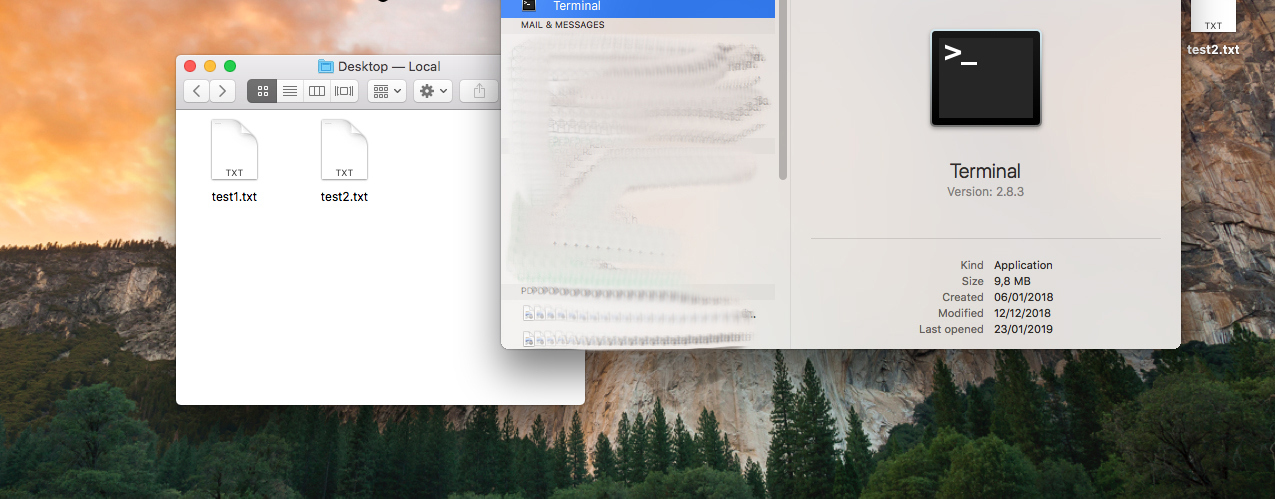
Zip With Password Mac Terminal Peatix
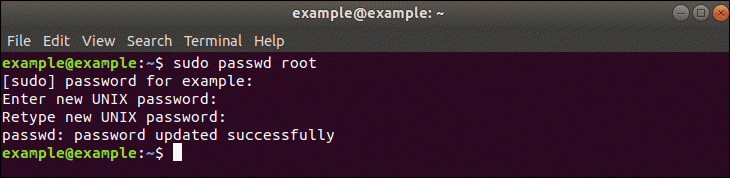
How To Reset Or Change The Root Password In Linux PhoenixNAP
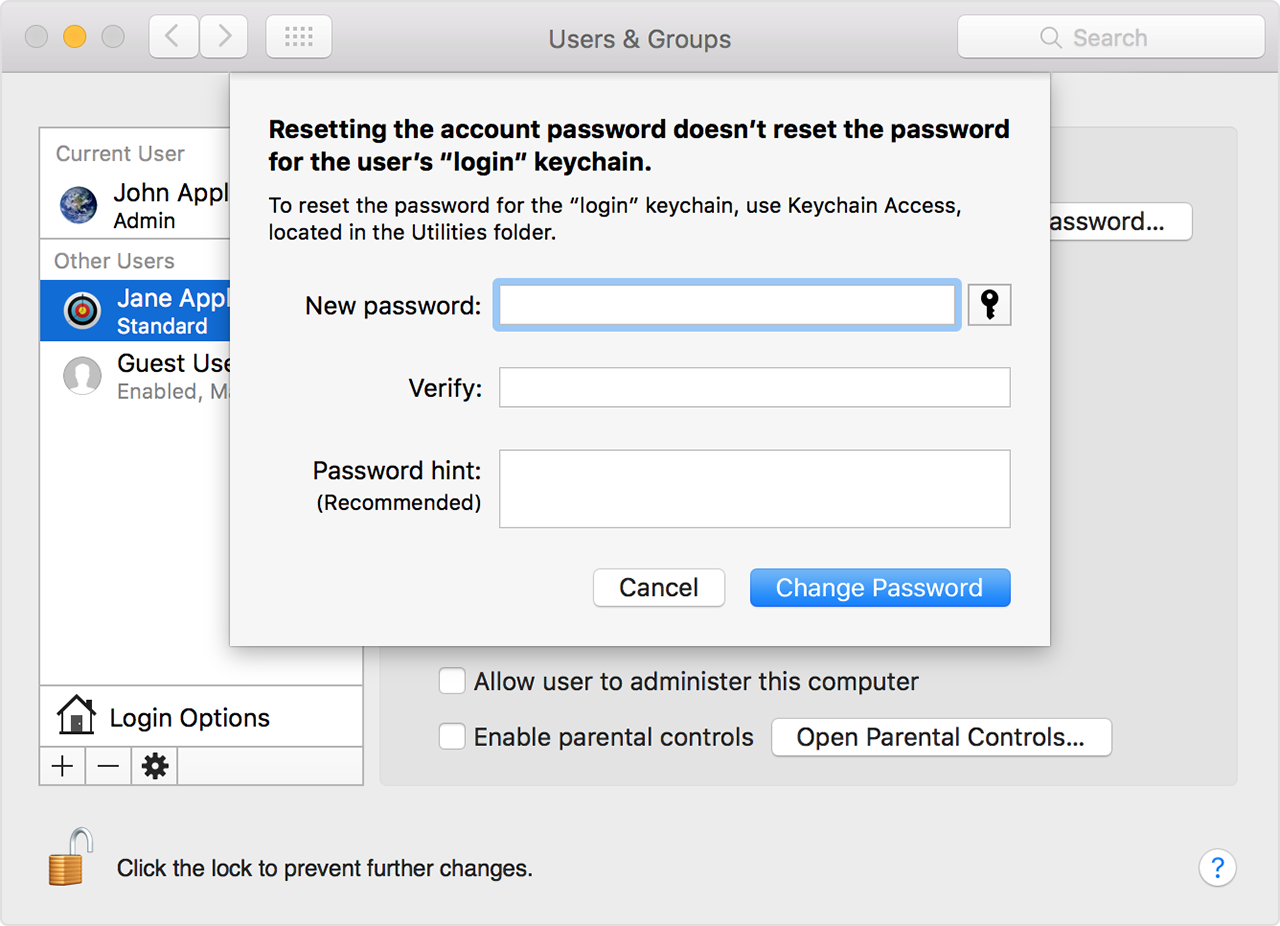
Why Keep Asking For Internet Password Mac Lasopani
1 Check whether you have an ARM M1 Mac or an Intel Mac What if I can t access About This Mac 2 Restart your Mac in

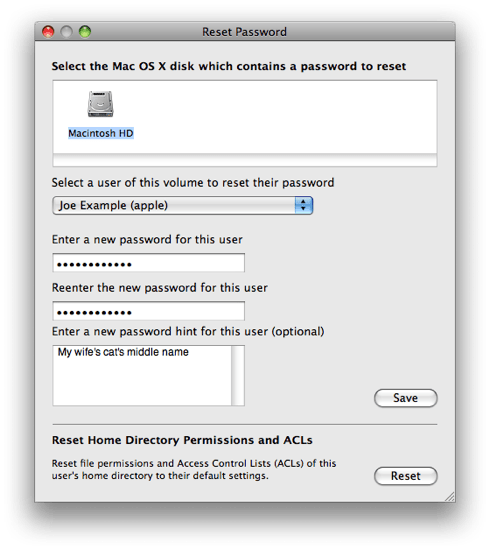
You ll have to reboot the Mac in recovery mode open a terminal the issue the command resetpassword You will have to reset the password for every account
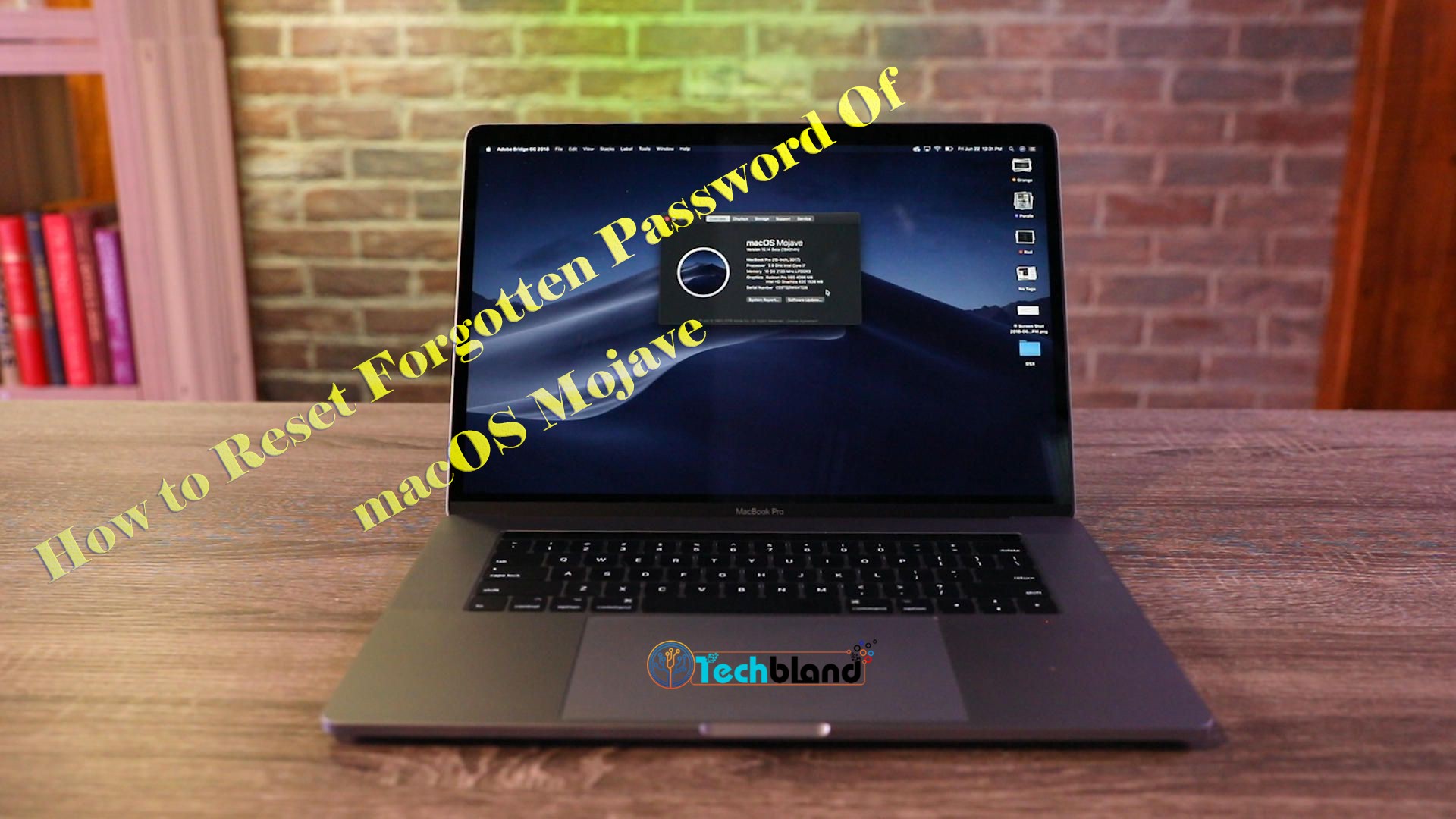
Sudo security set keychain password o oldpassword p newpassword Users username Library Keychains login keychain
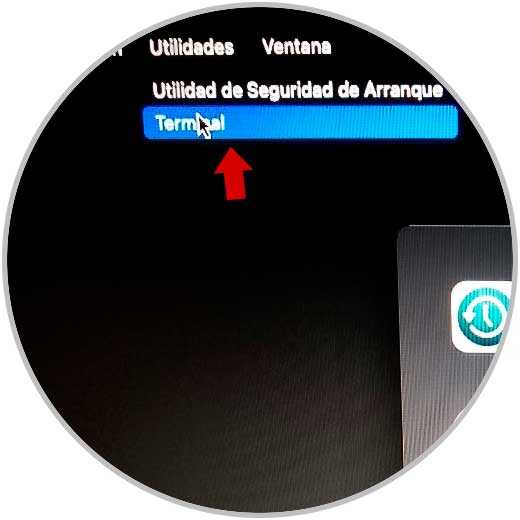
1 Restart your Mac When your Mac begins its startup process hold down the Command and R keys 2 Open Terminal Click Utilities in the menu bar

Steps to Change Current User Password Using Mac Terminal Open Terminal App Now type the command security set keychain password Enter the old
Select Utilities Terminal Run resetpassword which opens the Reset Password application Select the volume and account and reset the password Using There are several methods to reset your Mac password one is resetting your password through the Terminal To reset your password through the terminal
The steps are very easy Step 1 dscl Command Open the Terminal app on your Mac and type the below command dscl passwd Users userName new