Remove Line Spacing Line And Paragraph Spacing In Word Tutorial Article Internetfriends web fc2 How To Use Letter Spacing And Line Spacing In Coreldraw YouTube How To Remove Extra Space Between Lines In Microsoft Word YouTube Solved HTML How To remove Line Spacing From PRE Tag 9to5Answer Increase the spacing for text in a cell If your cell has white space and you want to increase the line space to fill it evenly change the vertical spacing to Justify Right click in the cell you want and click Format cells On the Alignment tab change Vertical to Justify Click OK
If you want to choose another spacing or revert to the original spacing click the Line and Paragraph Spacing option again and select a different multiple The paragraph spacing only lets you add or remove a preset spacing before the paragraph or after the paragraph Go to Home Line and Paragraph Spacing and then choose Line Spacing Options Under Spacing choose an option in the Line spacing box Adjust the Before and After settings if you want to change spacing between paragraphs Select Set as Default Choose All documents based on the Normal template Select OK
Solved HTML How To remove Line Spacing From PRE Tag 9to5Answer Quickly Remove Or Delete Extra Spaces Between Words In Microsoft Word How To remove Line Spacing In Ms Word YouTube How To Remove Line Spaces In Word 2016 Jbpor How To Adjust Line Spacing In Adobe InDesign How I Can Remove Spacing Between Lines In Word Billdpok How To Remove Line Space In Ms Word Howtoremovg Come Rimuovere Gli Spazi Iniziali E Finali Sulle Linee In Microsoft Word How To Change Default Line Spacing Cedarville University
Remove Line Spacing
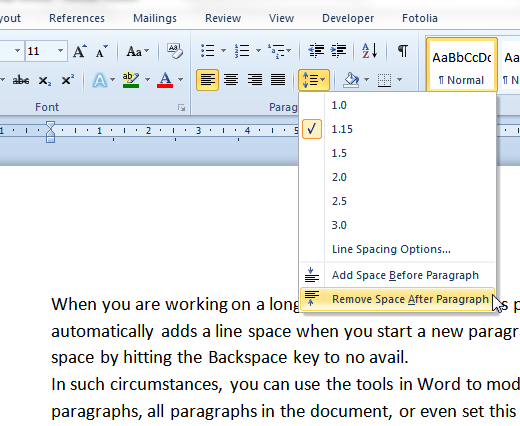 Remove Line Spacing
http://theapptimes.com/wp-content/uploads/2010/12/remove-space-after-paragraph.png?c49e29&635230
To change spacing between just two paragraphs choose the paragraph below the space you want to remove and press Ctrl 0 If the first combination adds a bit more space press Ctrl 0 a second
Pre-crafted templates use a time-saving service for developing a varied range of files and files. These pre-designed formats and designs can be utilized for different personal and professional projects, including resumes, invites, flyers, newsletters, reports, presentations, and more, enhancing the content creation process.
Remove Line Spacing
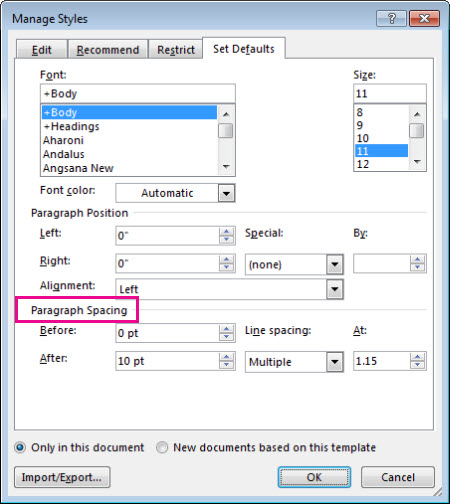
Remove Paragraph Spacing Between Lines In Word Languagelasopa
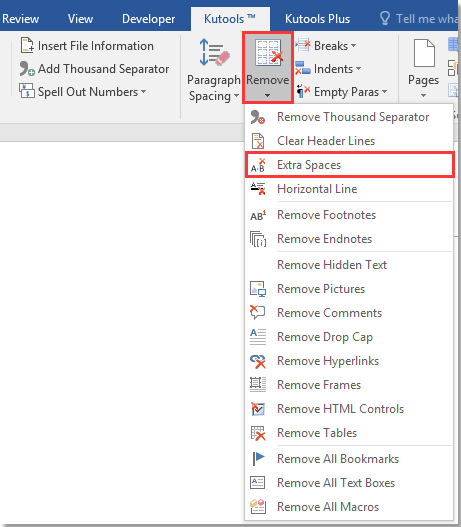
Quickly Remove Or Delete Extra Spaces Between Words In Microsoft Word
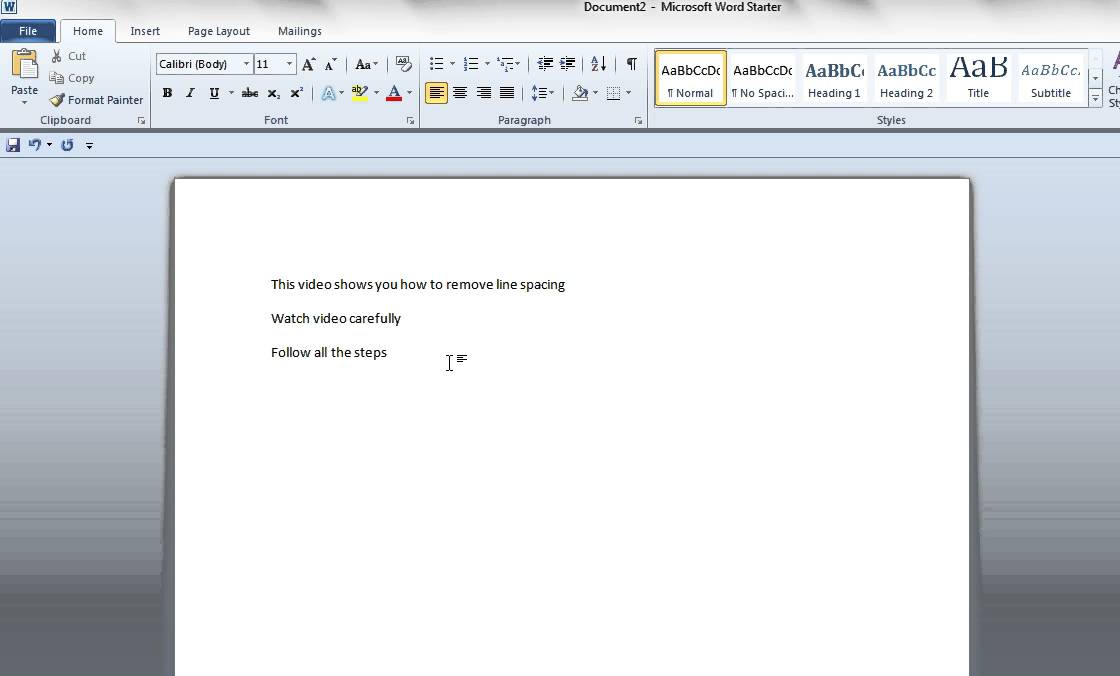
How To remove Line Spacing In Ms Word YouTube
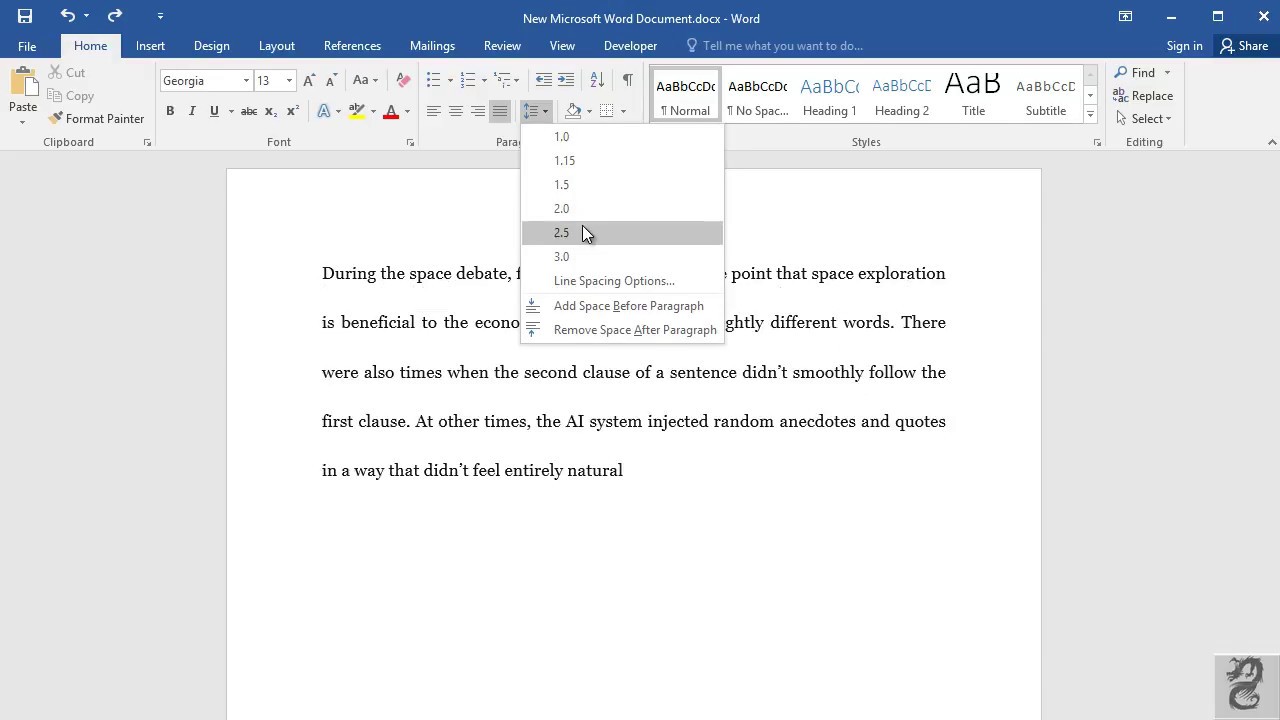
How To Remove Line Spaces In Word 2016 Jbpor

How I Can Remove Spacing Between Lines In Word Billdpok
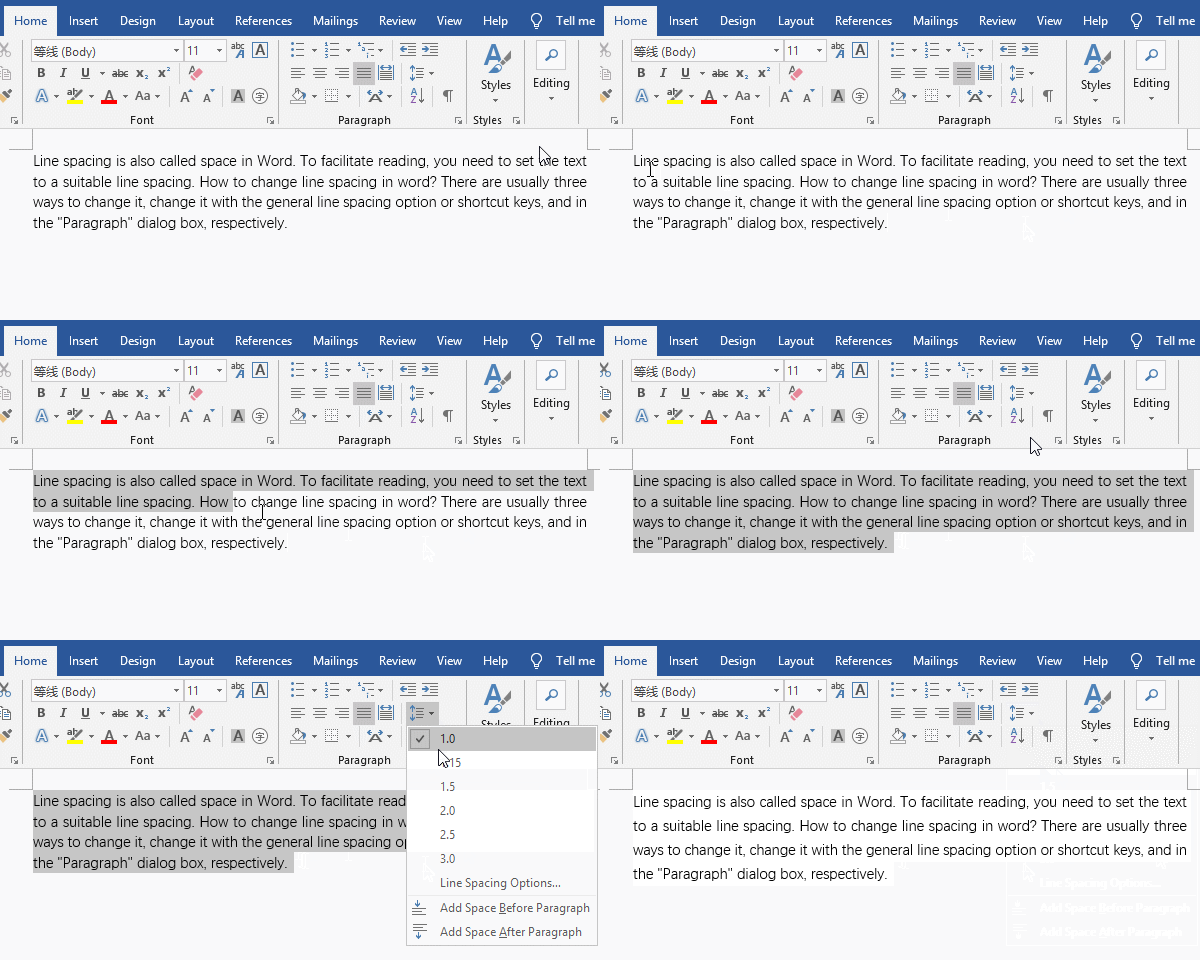
How To Remove Line Space In Ms Word Howtoremovg
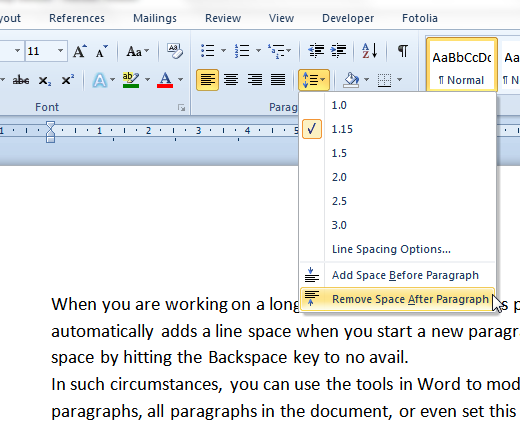
A On the Home tab click the dialog launcher icon circled in the screen shot below in the Paragraph group B Choose the desired settings for Spacing Before After and Line Spacing C Click Set as Default D When prompted choose All documents based on the template

Remove Empty Lines Remove Leading Trailing Spaces Remove Line Breaks Remove Line Numbers Remove Lines Containing Remove Spaces Reverse Lines Reverse Text Small Text Generator Featured String Repeat Text Repeat

Change the line spacing in an entire document Go to Design Paragraph Spacing Choose an option To single space your document select No Paragraph Space To return to the original settings later go to Design Paragraph Spacing and choose the option under Style Set

If you ve ever received text that was formatted in a skinny column with broken line breaks at the end of each line like text from an email or copy and pasted text from a PDF column with spacing word wrap or line break problems then this tool is pretty darn handy

Change the amount of space between lines of text or paragraphs for all or part of a document
In Microsoft Office 365 you can instantly increase the line space with predefined options Click on the Design tab Locate Paragraph Spacing under Document formatting and click on it When you Steps to remove line spacing from a Word page Step 1 Open Microsoft Word Go to File and choose the Open option Select the Word document you want to edit and open it Step 2 Carefully position the mouse pointer at the top right of the document area This will allow you to select the entire area
Volunteer Moderator Replied on April 21 2021 Report abuse In reply to t87699 s post on April 21 2021 What has changed in recent versions of Word is that the default Line Spacing as well as the default Spacing Before After is different larger compared to older versions of Word