Remove Line Spacing Outlook How To Remove Double Line Spacing In Outlook How To Adjust Line Spacing In Ms Outlook For Mac Symusli Adjust Line Spacing In Outlook Change Within A Minute Line Spacing In Outlook For Mac Crownhorse How To Fix Unintended Line Spacing In Your Microsoft Outlook Emails Step 1 In the message window select the text that you will adjust line spacing for Step 2 Click the Line and Paragraph Spacing button in the Paragraph group on the Format Text tab and select a certain option from the drop down list such as 1 15 2 0 etc
You can permanently remove double spacing between lines or paragraphs by changing your default message template settings 1 Open a message window in Outlook if you haven t already done so Step 2 Click Format Text and then click the Line and Paragraph Spacing icon This icon consists of four horizontal lines stacked vertically with up and down arrows next to it After you click the icon you ll see a menu containing numbers such as 1 0 1 5 and 2 0 These numbers represent different line spacing values
How To Fix Unintended Line Spacing In Your Microsoft Outlook Emails Line Spacing In Outlook Email How To Remove Double Line Spacing In Outlook Change Line Spacing In Outlook For Mac 2016 Ludadenver How To Change Line Spacing In Outlook For Mac 2016 Coub How To Remove Double Line Spacing In Outlook How To Remove Double Line Spacing In Outlook Adjust Line Spacing In Outlook Change Within A Minute Line Spacing In Outlook Email
Remove Line Spacing Outlook
 Remove Line Spacing Outlook
https://www.extendoffice.com/images/stories/doc-outlook/remove-double-line-spacing/doc-remove-double-line-spacing-01.png
How to Adjust Line Spacing in Outlook Email Messages If you re looking for an easy way to adjust the line spacing in Outlook email messages then this video
Pre-crafted templates use a time-saving solution for developing a diverse series of documents and files. These pre-designed formats and layouts can be used for various individual and expert jobs, including resumes, invitations, flyers, newsletters, reports, discussions, and more, enhancing the material production process.
Remove Line Spacing Outlook
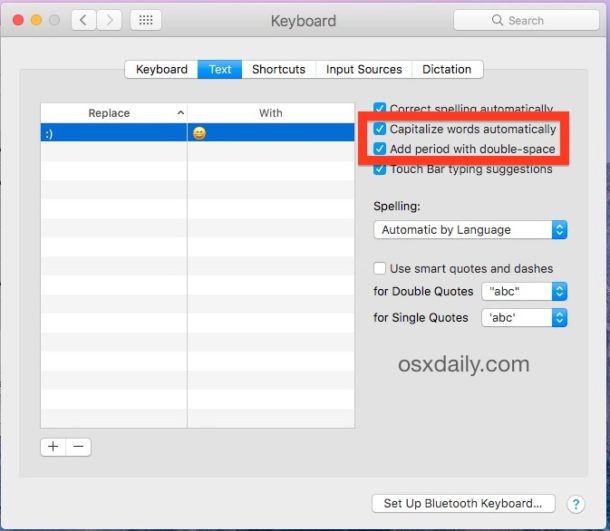
How To Change Line Spacing In Outlook For Mac 2011 Odebzy

Line Spacing In Outlook Email

How To Remove Double Line Spacing In Outlook
Change Line Spacing In Outlook For Mac 2016 Ludadenver

How To Remove Double Line Spacing In Outlook

How To Remove Double Line Spacing In Outlook

Figure A Notice that the email formatting looks fine in Gmail Respond to the email Check the reply in Outlook Notice that there are now spaces between the single lines and double spaces

1 Select the text with double line spacing in the composing message window 2 Go to the Format Text tab and click No Spacing in the Styles group You can see now that the double line spacing no longer exists Remove the double line spacing permanently 1 In the composing message window 2

Select the paragraph you want to change or press Ctrl A to select all text Go to Home Line and Paragraph Spacing Select the line spacing you want The default spacing is 1 15 lines which gives you a bit more room between lines and 10 points of spacing after each paragraph for better readability

Microsoft security Accessibility center Use Paragraph settings to change indentation line spacing and alignment

To increase or decrease the amount of vertical space between lines of text within a paragraph the best method is to modify the style the paragraph uses Find the style you re using in the Styles gallery on the Home tab Right click the style you want to change and select Modify
Choose the line spacing from the Line spacing drop down box in the Spacing section To input a value choose Exactly and then type the value into the At field Click Set As Default if you Step 1 Open a message window in Outlook if you haven t already done so Step 2 Click inside the part of the window where you compose your messages If you ve already started a message highlight the double spaced message text Step 3 Click the Format Text tab
Click the line connector or shape that you want to delete and then press Delete Tip If you want to delete multiple lines or connectors select the first line press and hold Ctrl while you select the other lines and then press Delete If you can t select a line to delete it might actually be a horizontal line which is a type of border