Reboot Rhel 7 Command Line How To Start A Service During A Server Restart On Linux Systran Box Windows How To Check If CentOS RHEL Needs A Full Reboot NixCraft Rhel 7 Basic Command Tutorial YouTube RHCSA Certification Full Course RHEL 8 Command Line Interface Class Sep 12 2024 nbsp 0183 32 reboot and select proper boot device 1
windows11 AMD FAQ Dec 10 2019 nbsp 0183 32 360 2025 360 3 6 Reboot and select proper boot device or Insert Boot Media in selected Boot device
RHCSA Certification Full Course RHEL 8 Command Line Interface Class Windows Updates How To Reboot Ubuntu Via Command Line Or Terminal Step By Step Tutorial How To Reset Break Root User Password In RHEL 7 IT IMS CYBER Installing VMWare Tools From Command Line The Easy Way RHEL 6 Cent Dual Booting RHEL 8 With Windows Techotopia How To Install Telnet Command In RHEL 8 CentOS 8 LinuxConfig C mo Actualizar De RHEL 6 A RHEL 8 Reboot Windows System Using Command Line CMD
Reboot Rhel 7 Command Line
 Reboot Rhel 7 Command Line
https://syscdn.systranbox.com/what_is_linux_reboot_command.jpg
Jun 7 2020 nbsp 0183 32 Reboot and Select proper Boot device CMOS
Templates are pre-designed documents or files that can be utilized for various functions. They can save time and effort by providing a ready-made format and layout for creating different type of material. Templates can be utilized for individual or professional projects, such as resumes, invites, leaflets, newsletters, reports, discussions, and more.
Reboot Rhel 7 Command Line

Reboot Windows System Using Command Line CMD
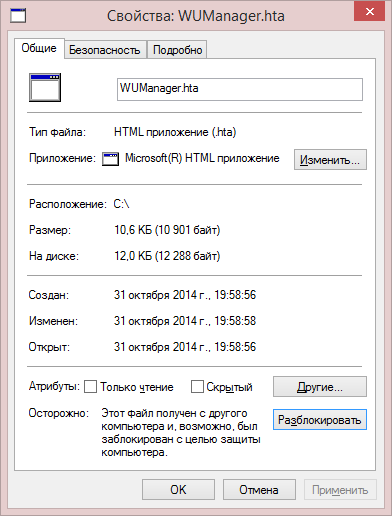
Windows Updates
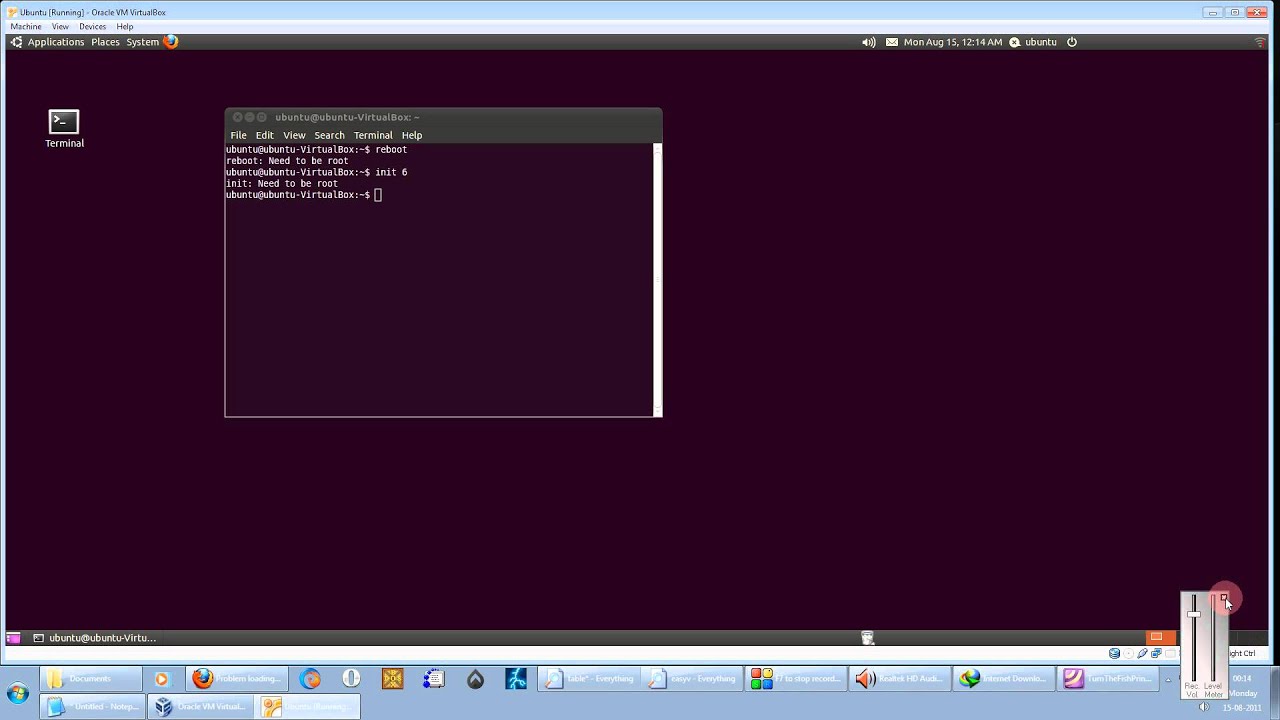
How To Reboot Ubuntu Via Command Line Or Terminal Step By Step Tutorial
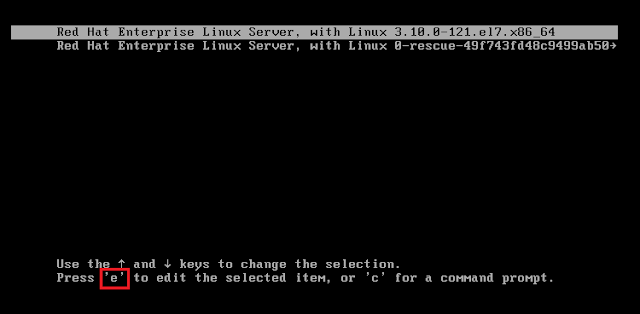
How To Reset Break Root User Password In RHEL 7 IT IMS CYBER

Dual Booting RHEL 8 With Windows Techotopia

How To Install Telnet Command In RHEL 8 CentOS 8 LinuxConfig

reboot and select proper boot device or Insert boot media in select boot CMOS
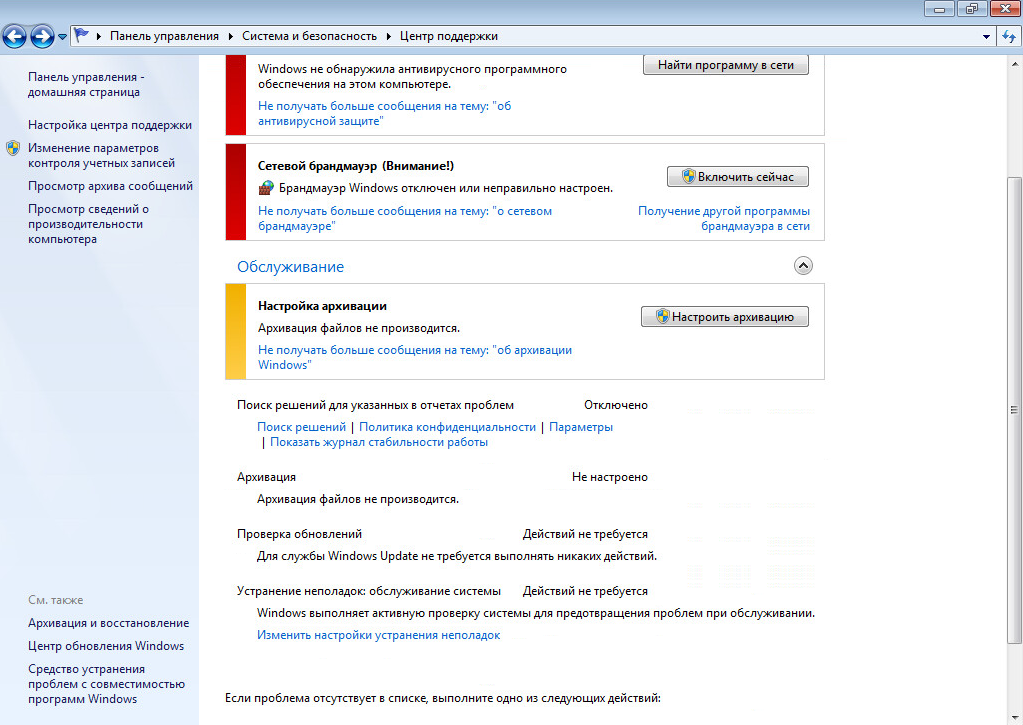
recovery reboot system now recovery 1 apply update from sdcard update zip 2 wipe data factory

reboot and select proper boot device 10 460 2019 01 13 119

Sep 11 2024 nbsp 0183 32 quot reboot and select proper boot device quot

Oct 18 2024 nbsp 0183 32 Reboot and Select proper Boot device
[desc-11] [desc-12]
[desc-13]