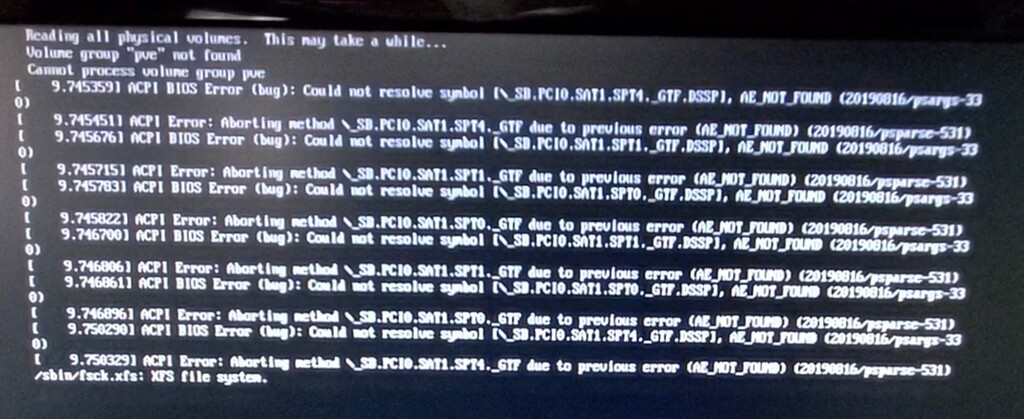
Reboot Proxmox From Command Line ProxMox Broken Linux Level1Techs Forums Proxmox VE Full Course Class 12 The Command Line Interface YouTube Adding A USB Ethernet Port To Your Proxmox Server Using The Command How To Change The Hostname Of A LXC Using Command Line Proxmox 7 Exercise Set Up 10 New VLANs On The PfSense LAN Interface OpenTechTips Reboot Node to Apply Another way to apply a new network configuration is to reboot the node In that case the systemd service pvenetcommit will activate the staging interfaces new file before the networking service will apply that configuration Naming Conventions We currently use the following naming conventions for device names
How do I make a VM boot on startup using just the qm command line tool I don t want to log in to the GUI just to be able to set autoboot using SSH How to get OS version of proxmox server over command line cli 2 Proxmox VE add a LVM storage on top of iSCSI how to find base value for pvesm Hot Network Questions This page presents a list of commonly used commands for proxmox Categories cheatsheet proxmox Access this page by simply typing in cs proxmox in your browser address bar if you have bunnylol configured Commands VM Management Basics list VMs qm list Create or restore a virtual machine qm create vmid
Exercise Set Up 10 New VLANs On The PfSense LAN Interface OpenTechTips How Can I Skip Reboot Check And Remove Command Line Appearing During How To Unlock A Proxmox VM How To Start A Service During A Server Restart On Linux Systran Box Proxmox VE TASK ERROR Command apt get Update Failed Exit Code 100 Proxmox pci switcher Switch Among Guest VMs Organized By Resource Pool Virtual Home Lab Part 2 Security Dojo PfSense 2 6 Will Not Reboot In Proxmox Netgate Forum Reboot After OS Update On Proxmox Hangs Home Assistant OS Home
Reboot Proxmox From Command Line
 Reboot Proxmox From Command Line
https://forum.level1techs.com/uploads/default/optimized/4X/2/d/b/2dbe73f1ad38fe2fd3a52a0e18a429a743e36f37_2_1024x419.jpeg
Here are the commands to restart proxmox services for troubleshooting purposes killall 9 corosync systemctl restart pve cluster systemctl restart pvedaemon systemctl restart pveproxy systemctl restart pvestatd Did you liked this don t forget to share it Print Facebook Email Twitter Pocket LinkedIn Pinterest Tumblr Reddit
Pre-crafted templates use a time-saving option for developing a diverse range of files and files. These pre-designed formats and designs can be used for numerous personal and professional jobs, including resumes, invites, leaflets, newsletters, reports, discussions, and more, streamlining the material development procedure.
Reboot Proxmox From Command Line
Proxmox Backup Server 2 3 Brings Essential Enhancements

How Can I Skip Reboot Check And Remove Command Line Appearing During

How To Unlock A Proxmox VM

How To Start A Service During A Server Restart On Linux Systran Box

Proxmox pci switcher Switch Among Guest VMs Organized By Resource Pool
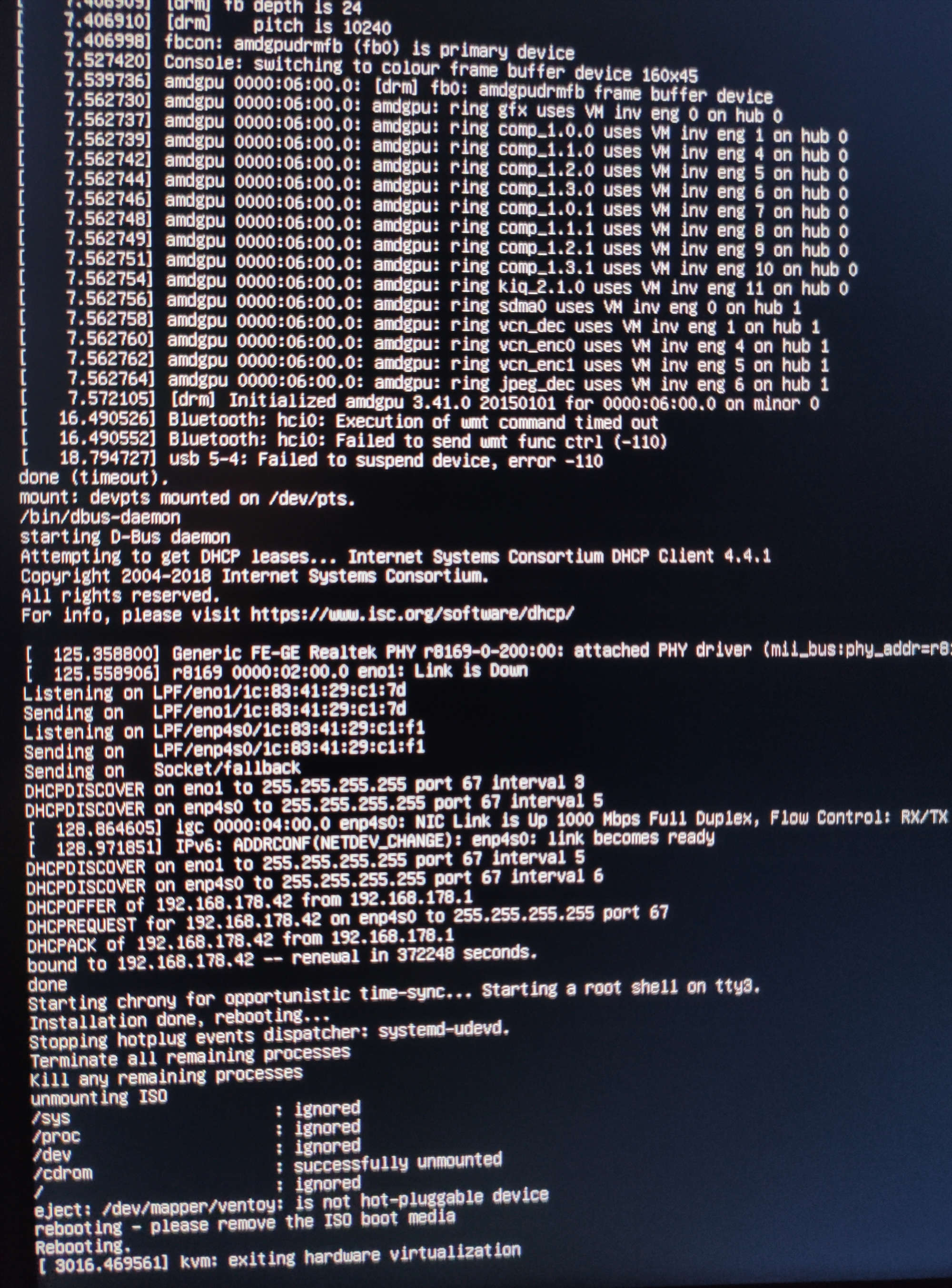
Virtual Home Lab Part 2 Security Dojo
Command Line Tools Redirected from Command line tools Contents 1 Introduction 2 Virtual Machines QEMU KVM specific 2 1 qm 3 Container LXC 4 Backup 4 1 vzdump 4 2 Restore 4 3 VM Restore 4 4 Container Restore 5 Cluster Management 6 Software version check 7 Storage 7 1 LVM 8 Debian Appliance Builder 8 1 dab 9 Other useful tools 9 1 pveperf

1 I m attempting to access the web interface of my ProxMox server via https xxx xxx xxx xxx 8006 and chrome just sits and spins not bringing anything up I have verified I have proper network connection I can access the server via SSH
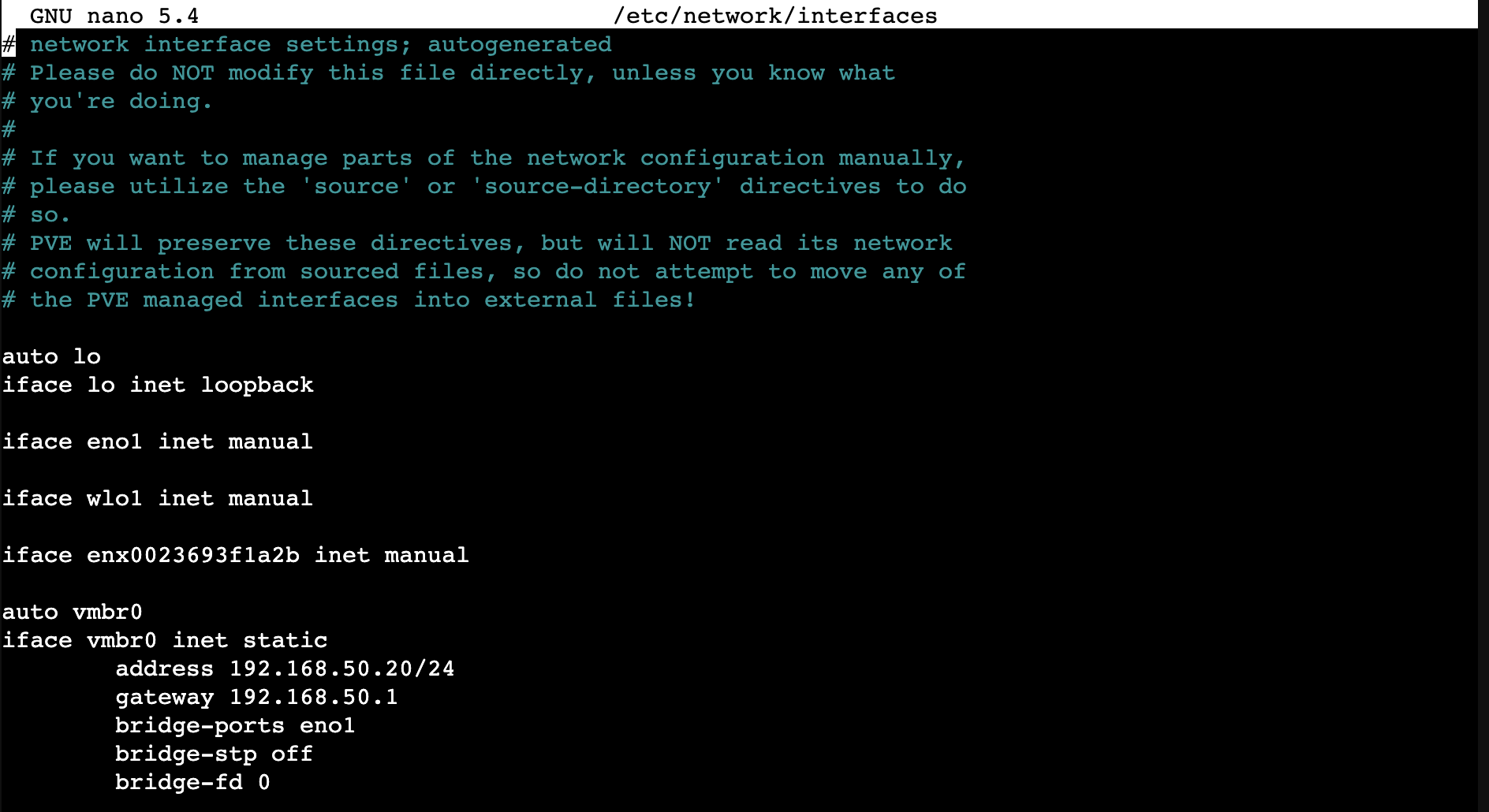
1 I tried the button shutdown in admin web ui and ssh shell command shutdown t 0 and reboot all do not work they just shutdown all vm and lxc but not shut down proxmox server how to shutdown proxmox T tomjamescn Member Jun 19 2018 5 0 6 38 Jun 24 2018 2 it took so much time to shutdown just wait a long time is OK B Bartjuuh
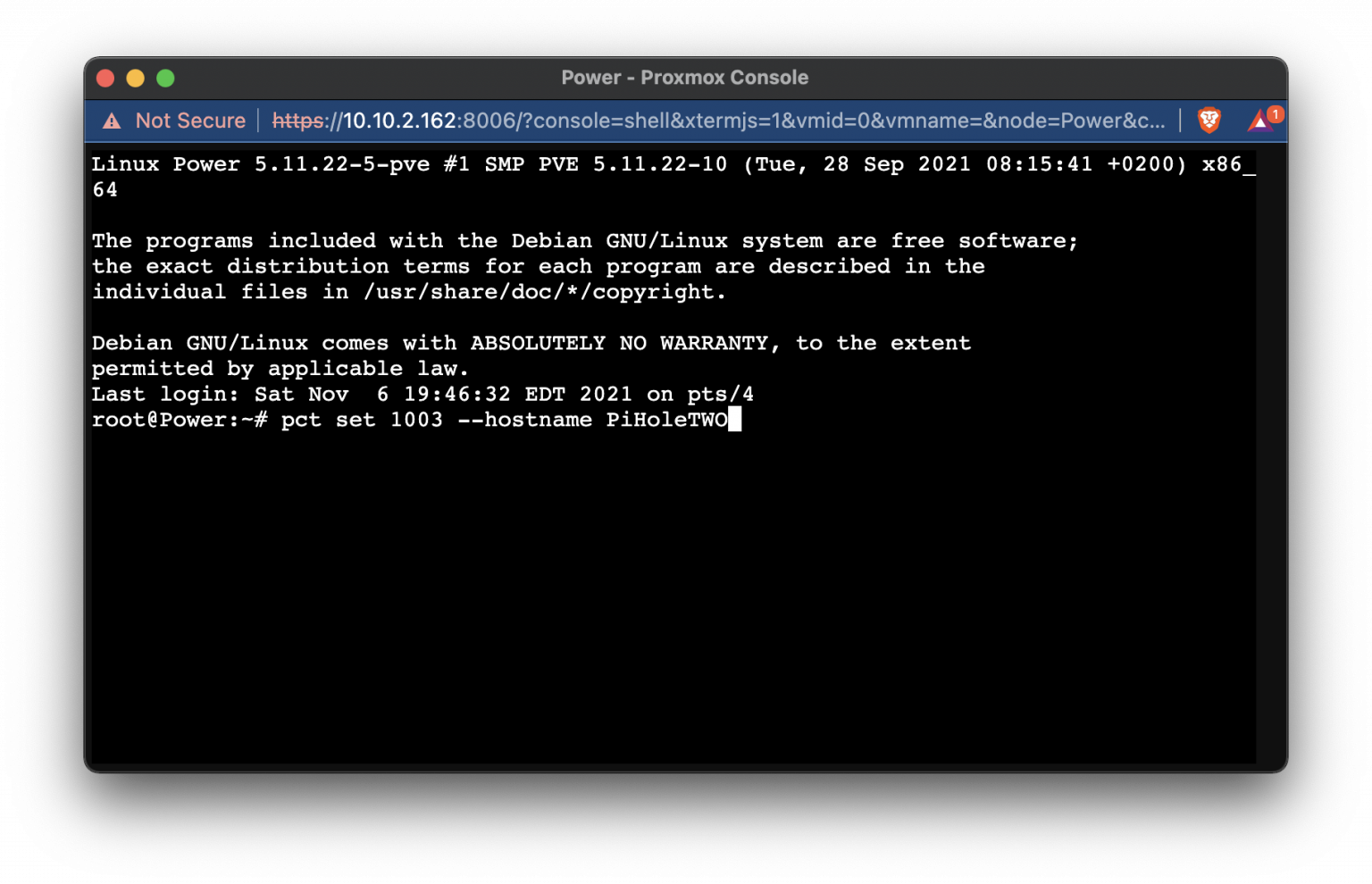
Command Line For advanced users who are used to the comfort of the Unix shell or Windows Powershell Proxmox VE provides a command line interface to manage all the components of your virtual environment This command line interface has intelligent tab completion and full documentation in the form of UNIX man pages REST API
Proxmox boot tool is a utility used to keep the contents of the EFI System Partitions properly configured and synchronized It copies certain kernel versions to all ESPs and configures the respective bootloader to boot from the vfat formatted ESPs
Remove container pct destroy 101 Restore a container to a new CT 600 pct restore 600 mnt backup vzdump lxc 777 tar OpenVZ Command utility to control an OpenVZ container see man vzctl vzctl wrapper to manage OpenVZ containers see man pvectl display top CPU processes vztop Administrators comfortable with the command line can follow the procedure Bypassing backup and restore when upgrading if all VMs CTs are on a single shared storage In place upgrade If your system was installed on ZFS using legacy BIOS boot before the Proxmox VE 6 4 ISO incompatibilities between the ZFS implementation in grub and newer
This allows the system administrator to fine tune via the mode option between consistency of the backups and downtime of the guest system Proxmox VE backups are always full backups containing the VM CT configuration and all data Backups can be started via the GUI or via the vzdump command line tool