Raspberry Pi 4 Wifi Setup Raspberry Pi 4 Wifi Setup Raspberry Pi 4 Wifi Connection Raspberry Problemas De WiFi Con La Raspberry Pi 4 Causa Y Soluci n Buy A Compute Module 4 Antenna Kit Raspberry Pi Raspberry Pi 4 Wifi Setup Using Command Line Only Bash Hackfi Enable The External Antenna Connector On The Raspberry Pi Compute Web Oct 27 2022 nbsp 0183 32 In this guide I will show you how to set up the Raspberry Pi Wi Fi via the command line and also how to do it via the GUI within Raspbian I go into several topics in this guide that will help anyone grasp an understanding of
Web Raspberry Pi 4 3B 3 and Raspberry Pi Zero W and Zero 2 W come with Wi Fi 174 and Bluetooth connectivity If you re using one of these models you ll be able to connect your Raspberry Pi to your local wireless network during initial setup Web Nov 5 2016 nbsp 0183 32 To tell the Raspberry Pi to automatically connect to your WiFi network you need to edit a file called wpa supplicant conf Scroll to the end of the file and add the following to the file to configure your network network ssid quot Test Wifi Network quot psk quot SecretPassWord quot Remember to replace this with your own network name and
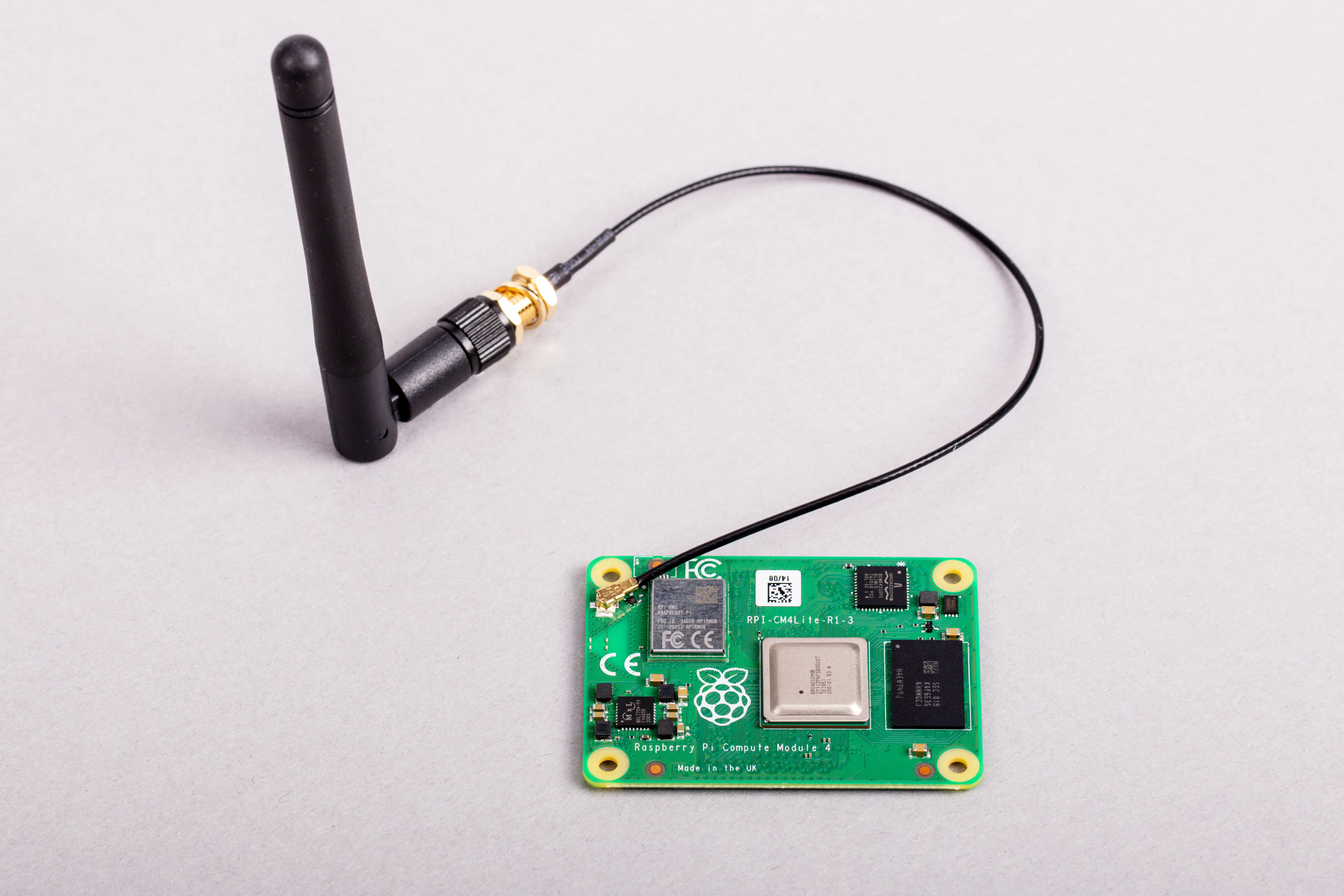
Enable The External Antenna Connector On The Raspberry Pi Compute Raspberry Pi 4 Force Video Mode At Boot How To Setup Raspberry Pi 3 Without Ethernet Cable Using WiFi Kraj The Raspberry Pi Compute Module 4 Review Jeff Geerling Rock Pi 4 Model C Demo Board AliExpress Popul cia Moll Kom r Externa Wifi Antena Pre Raspberry Pi 3 Surov Mike Walters On Twitter There s An Interesting Story Doing The Rounds Raspberry Pi Lcd 2 8inch Hdmi Display 480 640 High Resolution 2 8 Inch RPI CM4 UFL Raspberry Pi Compute Modul 4 Antenne 2 4GHz 5 8GHz
Raspberry Pi 4 Wifi Setup
 Raspberry Pi 4 Wifi Setup
https://i.ytimg.com/vi/CNJ6YKctGVo/maxresdefault.jpg
Web Sep 13 2019 nbsp 0183 32 1 In the Desktop environment locate the network icon in the top right hand side and click on the icon to see the list of available Wi Fi networks to connect to Figure 1 2 Select your Wi Fi SSID in the drop down list Figure 2 3 You will be prompted to enter your Wi Fi password into the text box so go ahead and do so Figure 3 4
Templates are pre-designed documents or files that can be utilized for numerous purposes. They can conserve time and effort by offering a ready-made format and layout for creating various kinds of material. Templates can be used for individual or professional jobs, such as resumes, invites, flyers, newsletters, reports, discussions, and more.
Raspberry Pi 4 Wifi Setup
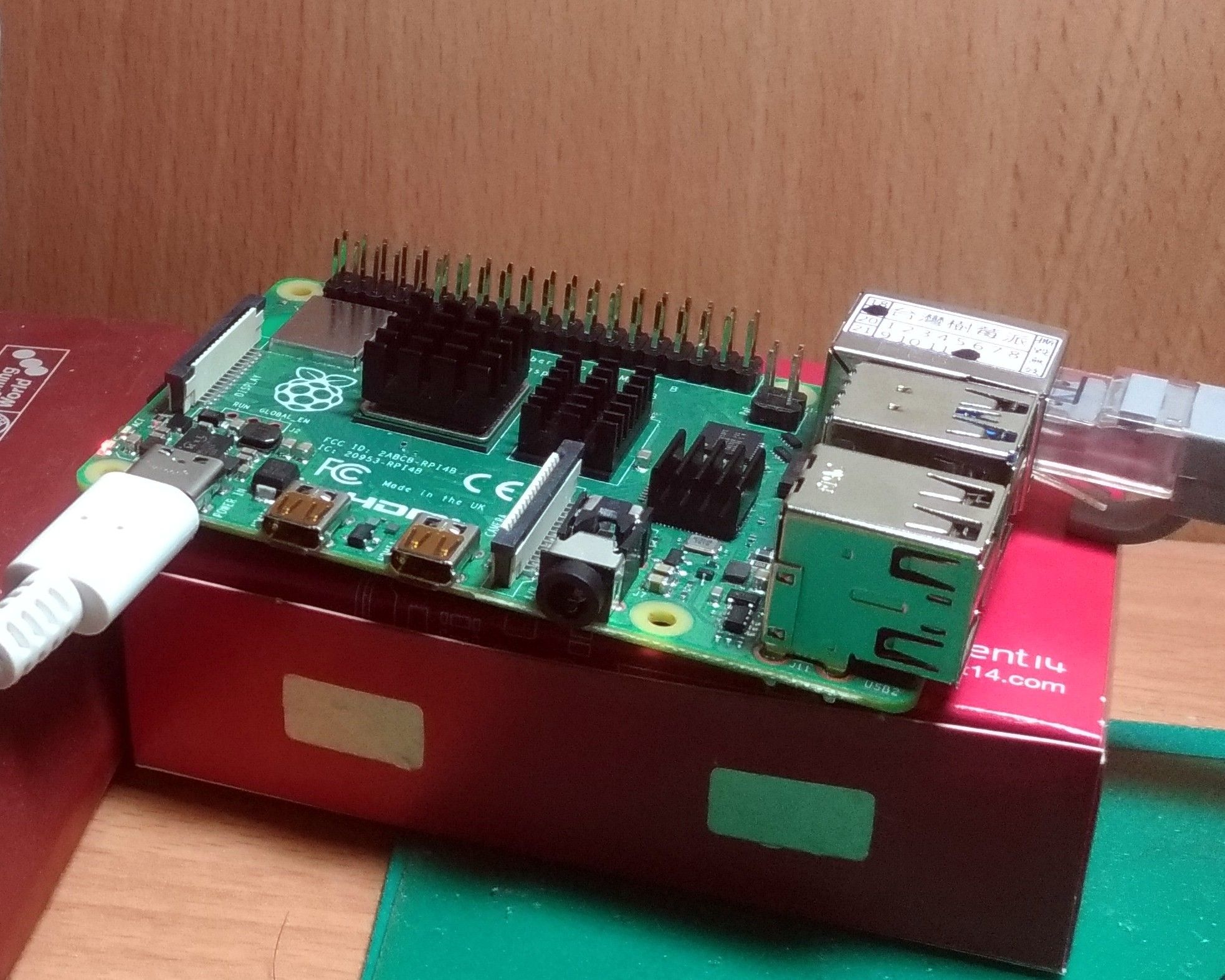
Raspberry Pi 4 5G Wifi

Raspberry Pi 4 Force Video Mode At Boot
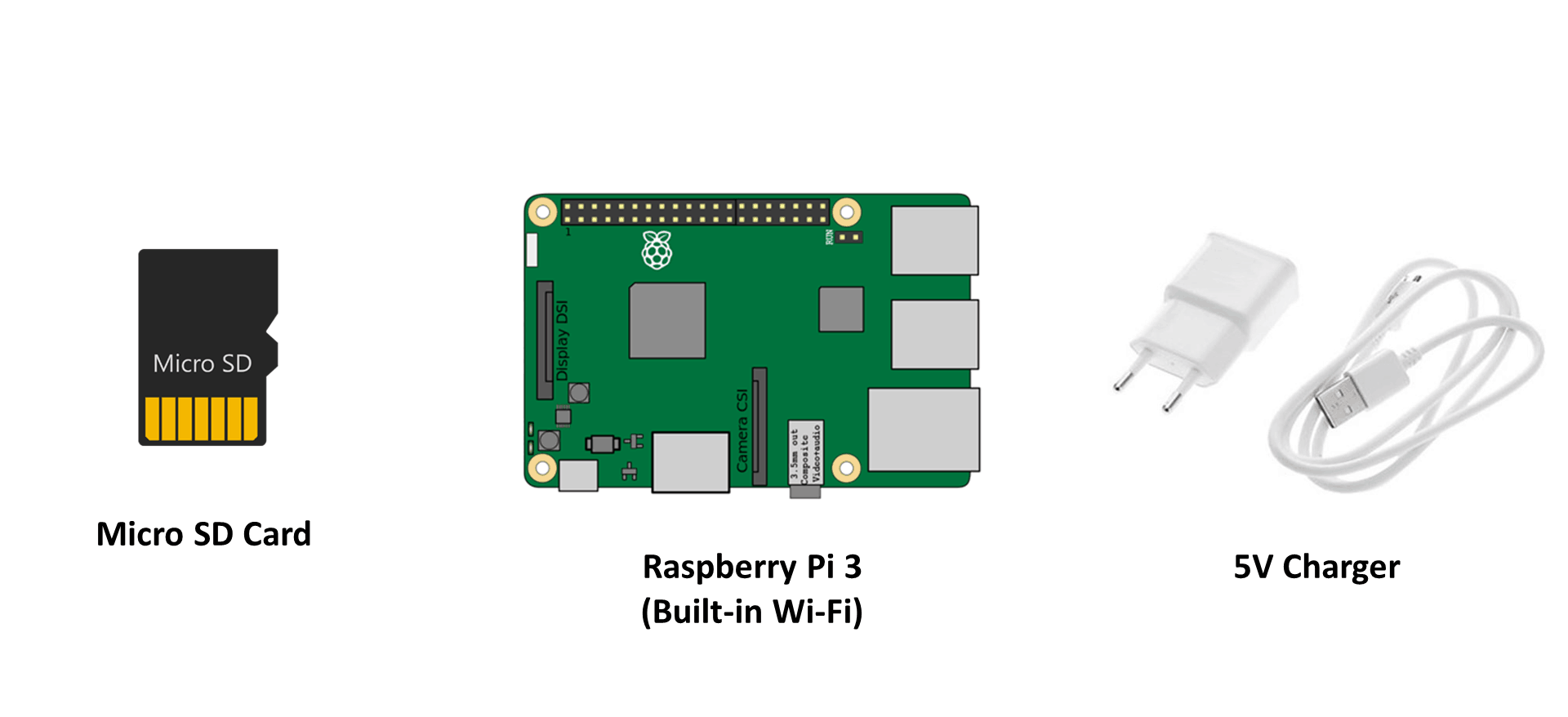
How To Setup Raspberry Pi 3 Without Ethernet Cable Using WiFi Kraj

The Raspberry Pi Compute Module 4 Review Jeff Geerling
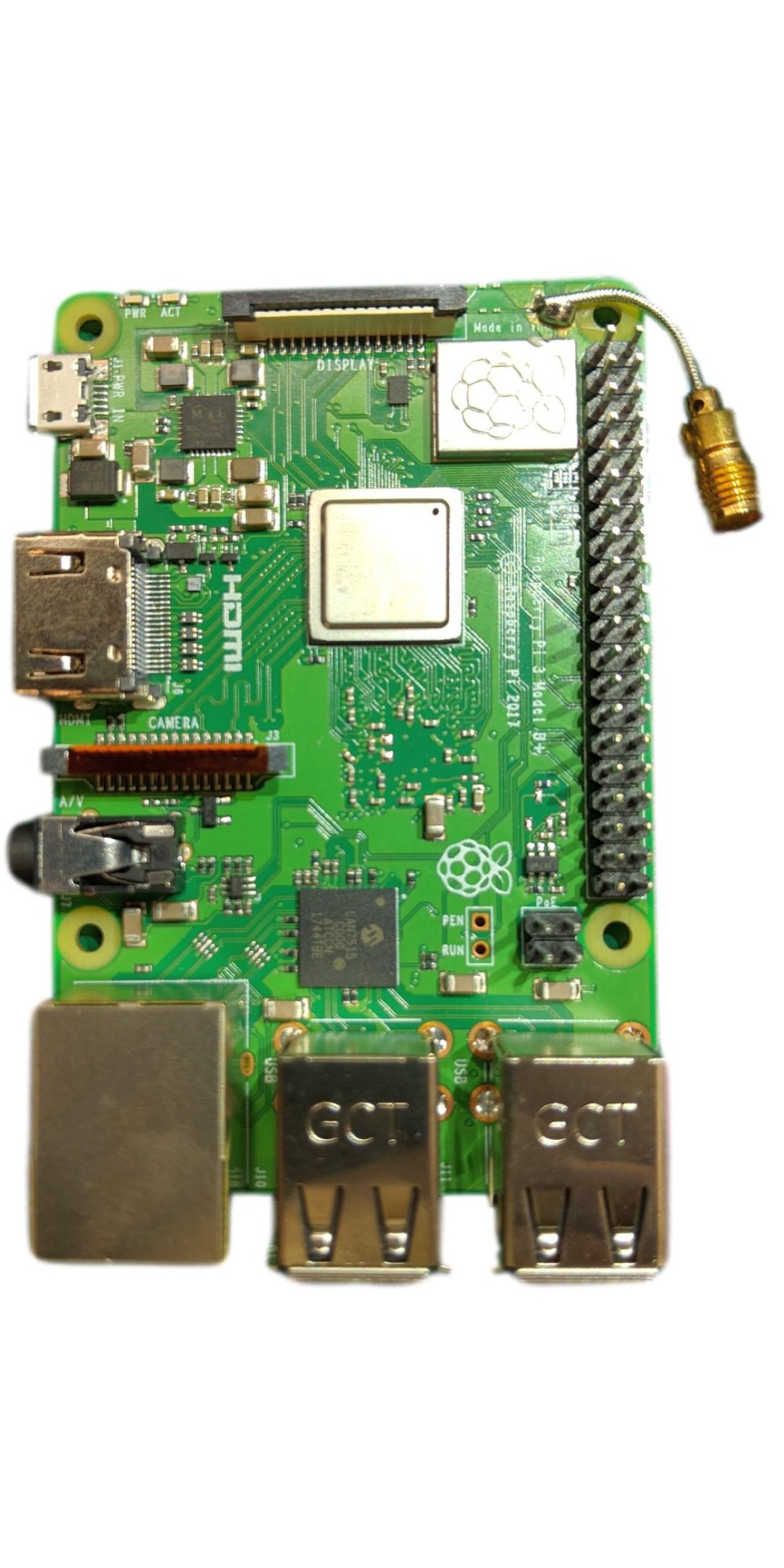
Popul cia Moll Kom r Externa Wifi Antena Pre Raspberry Pi 3 Surov
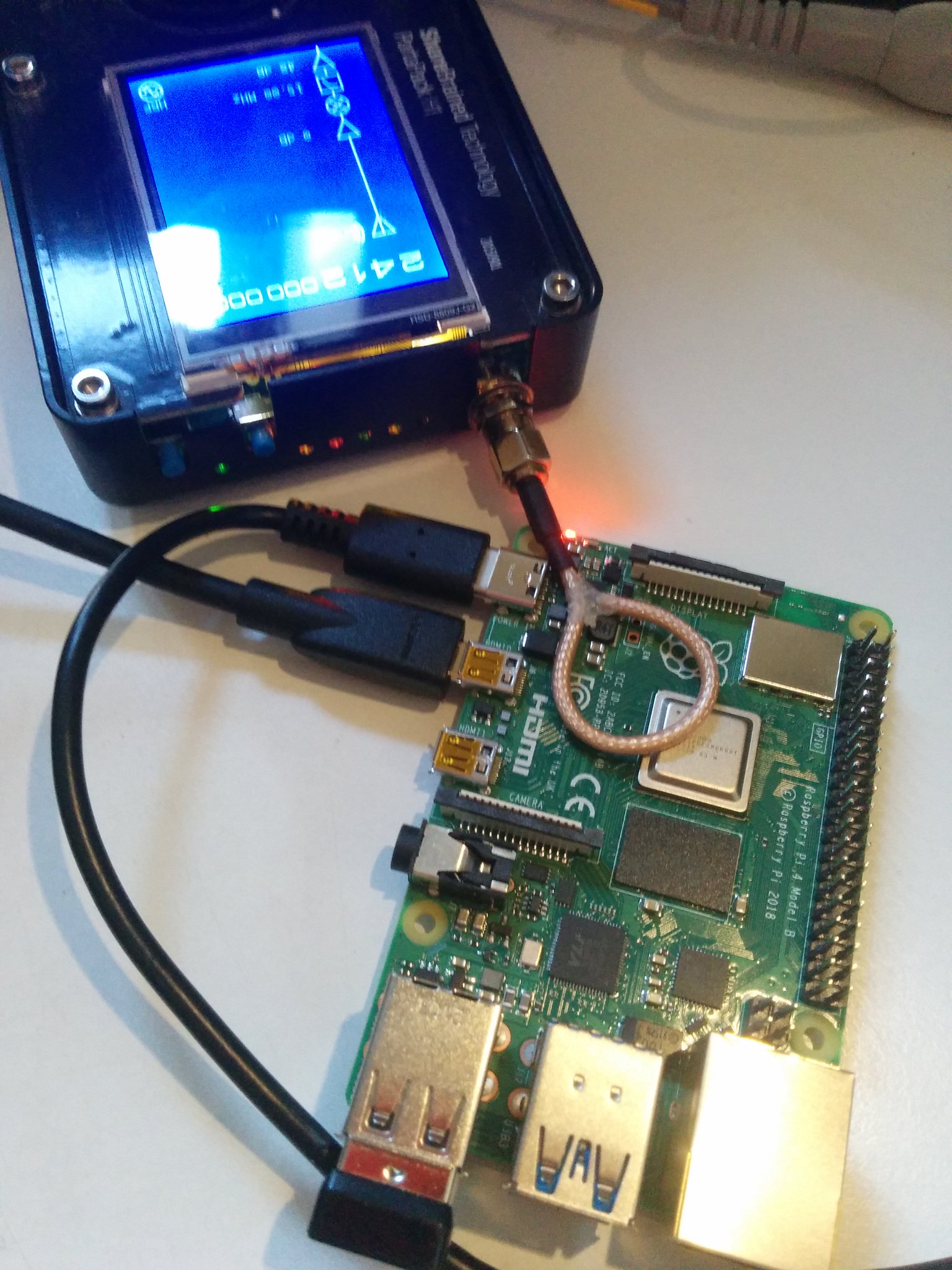
Mike Walters On Twitter There s An Interesting Story Doing The Rounds

Web A routed wireless access point can be created using the inbuilt wireless features of the Raspberry Pi 4 Raspberry Pi 3 or Raspberry Pi Zero W or by using a suitable USB wireless dongle that supports access point mode

Web Jan 25 2021 nbsp 0183 32 One of the first things you ll want to do with your Raspberry Pi is definitely to configure the WiFi Today we ll show you three ways to configure WiFi on your Raspberry Pi with both Raspberry Pi OS desktop and server We ll also cover how to do it on a headless Raspberry Pi Photo by Harrison Broadbent on Unsplash
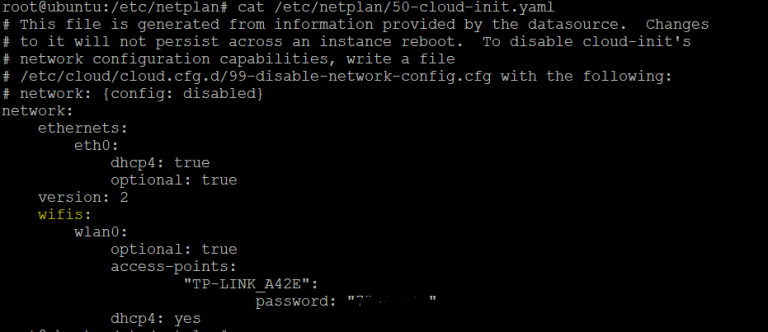
Web Setting up Raspberry Pi 4 Wi Fi and Bluetooth The Raspberry Pi 4 Model B has an integrated Wi Fi and Bluetooth adapter You can set up the Raspberry Pi 4 Wi Fi on the desktop as well as on the console With the same price as the predecessor models you can save the money for a USB adapter with a Raspberry Pi 4 and ideally have two more
Web Getting started Setting up your Raspberry Pi Connecting a Display SD Cards for Raspberry Pi Optional items Troubleshooting Installing the Operating System Using Raspberry Pi Imager Downloading an Image Installing over the Network Using Network Installation Configuration on First Boot Raspberry Pi OS Introduction

Web Apr 23 2021 nbsp 0183 32 When you re setting up your new Raspberry Pi 4 one of the very first things you ll want to do is get it online ready And given that it s the 21st century that probably means getting your
[desc-11] [desc-12]
[desc-13]