Raspberry Pi 4 Wifi Setup Headless Super Simple Headless Raspberry Pi Setup Hackster io Headless Raspberry Pi Setup SparkFun Learn Install Raspberry PI 3 Headless without Keyboard And Monitor Super Simple Raspberry Pi Headless Setup How To Setup RPI Headlessly WiFi 6 Gets 1 34 Gbps On The Raspberry Pi CM4 Jeff Geerling You can set up your Raspberry Pi as an interactive computer with a desktop or as a headless computer accessible only over the network To set your Raspberry Pi up headless you don t need any additional peripherals you can preconfigure a hostname Wi Fi This page helps you connect to a WiFi network Choose your preferred network from
In March 2021 this has become even easer by the release of a new version of the Raspberry Pi Imager software which adds a hidden menu that makes it possible to set the hostname enable SSH configure the Wifi and set locale settings directly all when installing the Operating System his is by far the best and easy solution now follow the This tutorial shows you how to setup your Raspberry PI 4 as a headless server This is a server without a monitor keyboard and mouse connected to it With this approach all you need is a network connection to control and administer your Raspberry PI 4 Why would you want to do this
WiFi 6 Gets 1 34 Gbps On The Raspberry Pi CM4 Jeff Geerling Raspberry Pi Zero W Headless Install Setup WiFi On A Pi Manually Using Wpa supplicant conf Raspberry Pi Spy How To Setup Raspberry Pi 3 Without Ethernet Cable Using WiFi Kraj How To Connect A Raspberry Pi To A Laptop Display Headless Setup IoT Raspberry Pi WiFi Headless Setup Hackster io Pin On Raspberrypi Raspberry Pi Analog Output 4 20mA Current Loop Transmitter Ncd io UneDose Konfigurowanie Raspberry Pi Do Bezg owego Korzystania Z SSH
Raspberry Pi 4 Wifi Setup Headless

https://hackster.imgix.net/uploads/attachments/1140221/_FvWxAur3My.blob?auto=compress&w=1600&h=1200&fit=min&fm=jpg
How to set up a headless Raspberry Pi Luckily there is no longer any need to edit configuration files on the SD card directly Raspberry Pi Imager now takes care of everything so the procedure to pre configure a Raspberry Pi is pretty straightforward Download Your Essential Linux Commands Guide
Pre-crafted templates use a time-saving solution for producing a varied variety of files and files. These pre-designed formats and designs can be used for different individual and expert jobs, including resumes, invitations, leaflets, newsletters, reports, discussions, and more, enhancing the content development process.
Raspberry Pi 4 Wifi Setup Headless

Raspberry Pi Headless Setup MaxEmbedded
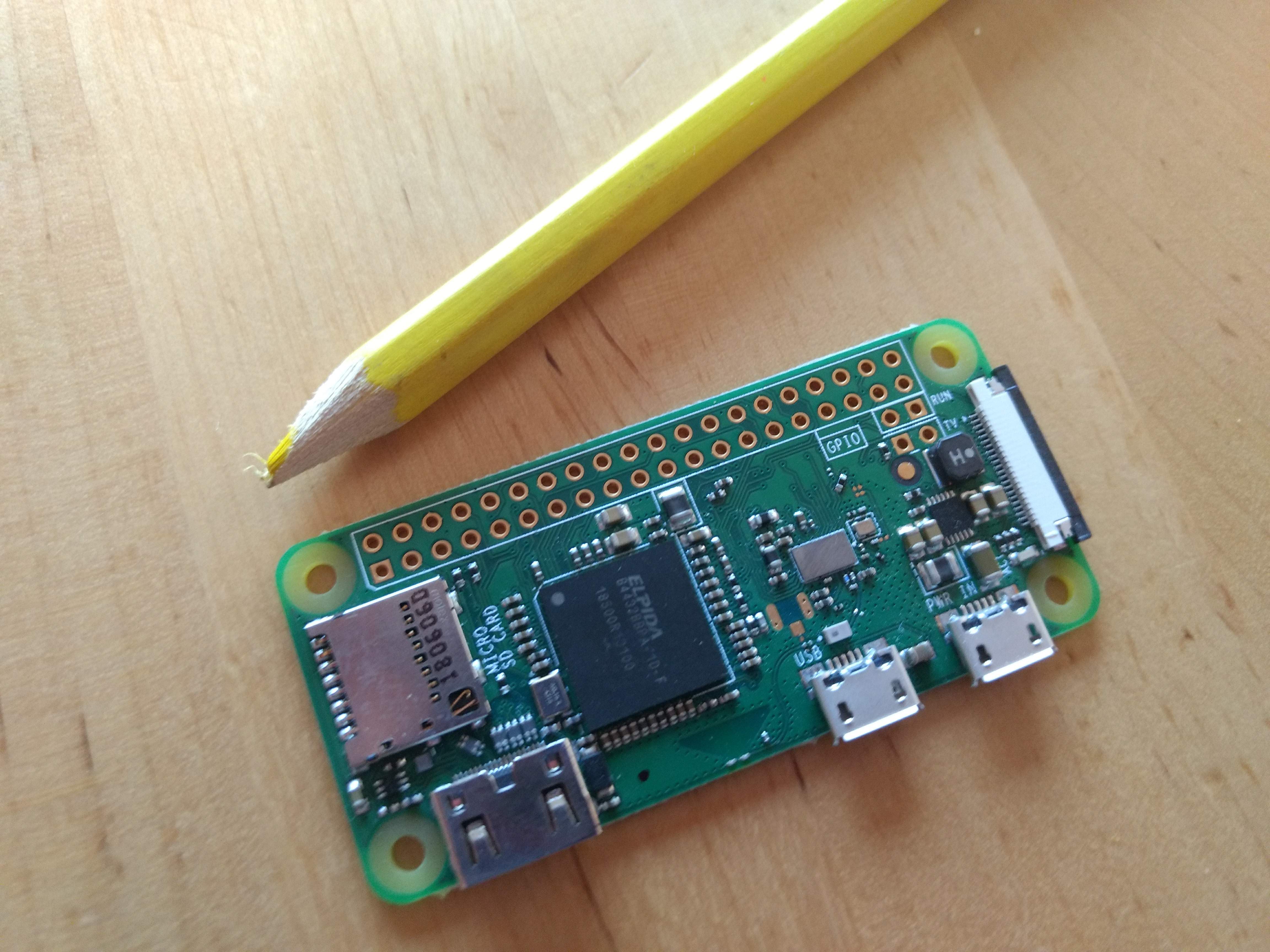
Raspberry Pi Zero W Headless Install
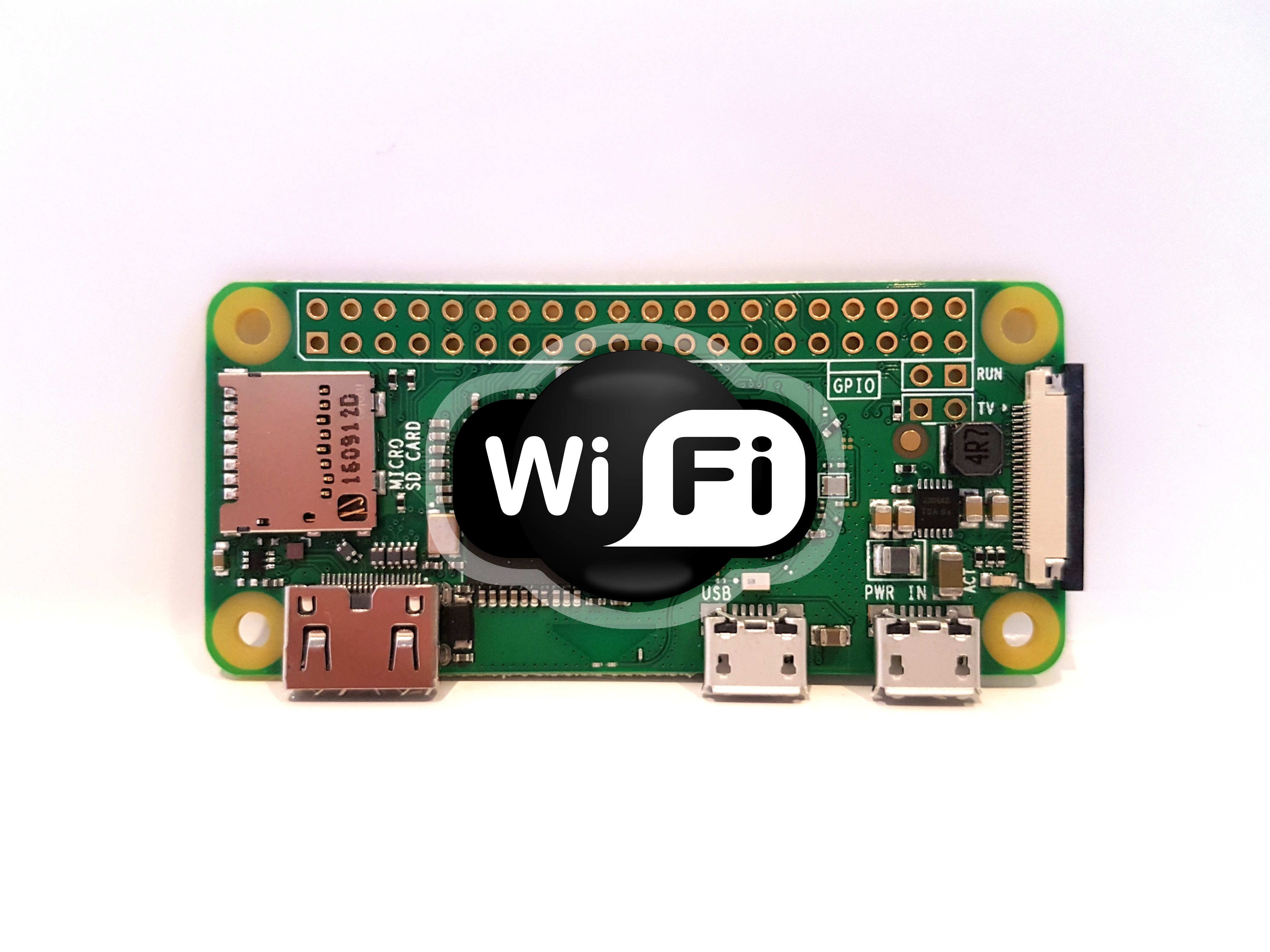
Setup WiFi On A Pi Manually Using Wpa supplicant conf Raspberry Pi Spy
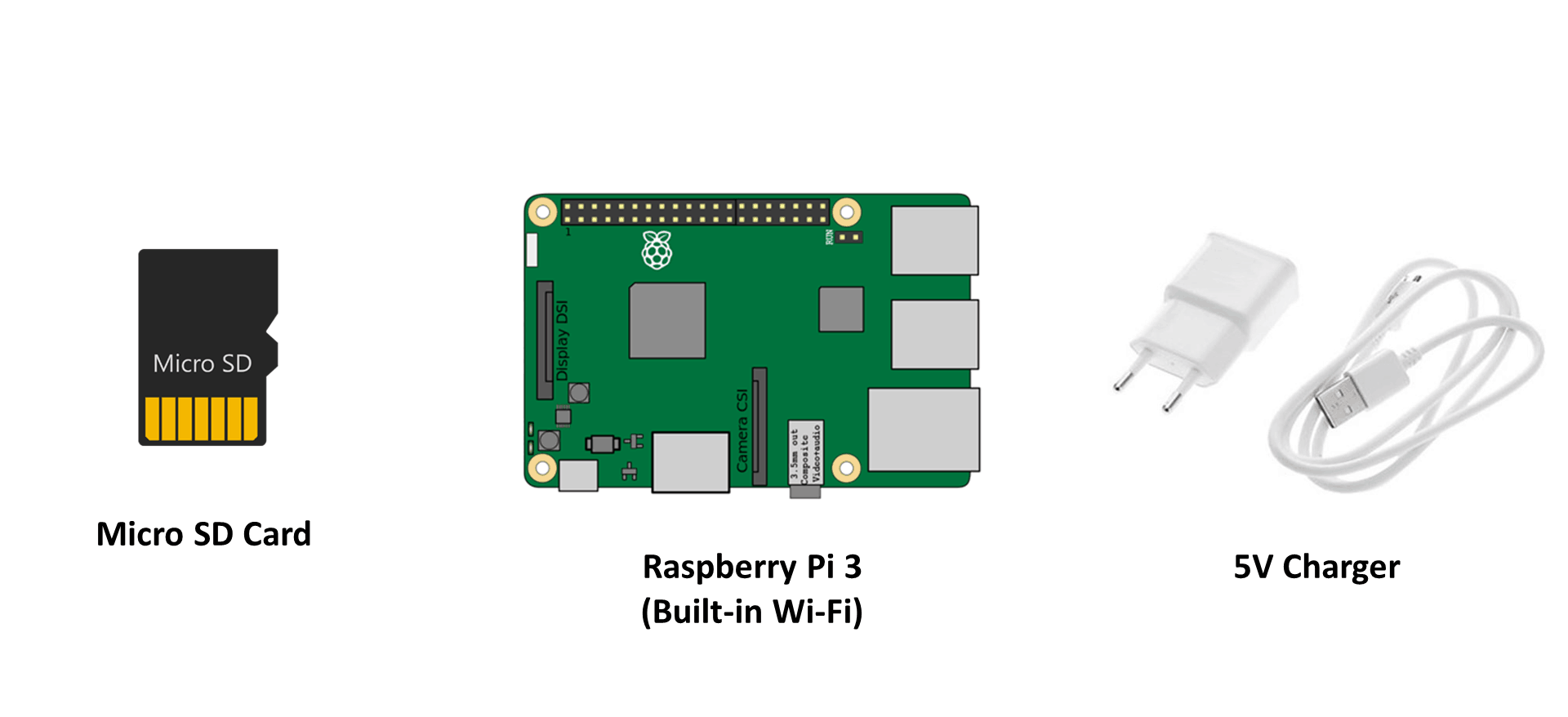
How To Setup Raspberry Pi 3 Without Ethernet Cable Using WiFi Kraj
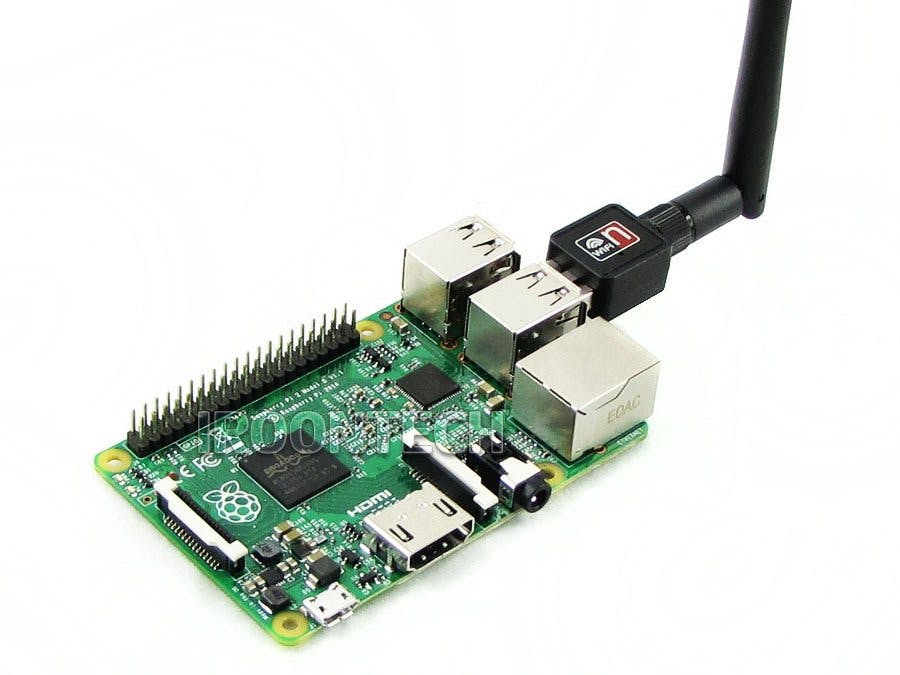
IoT Raspberry Pi WiFi Headless Setup Hackster io

Pin On Raspberrypi

This article covers setting up a Raspberry Pi 4 Model B for headless SSH access over WiFi using a Mac or Windows 10 These instructions have also been tested on a Pi Zero W 1 3 These instructions are for the 32 bit operating system
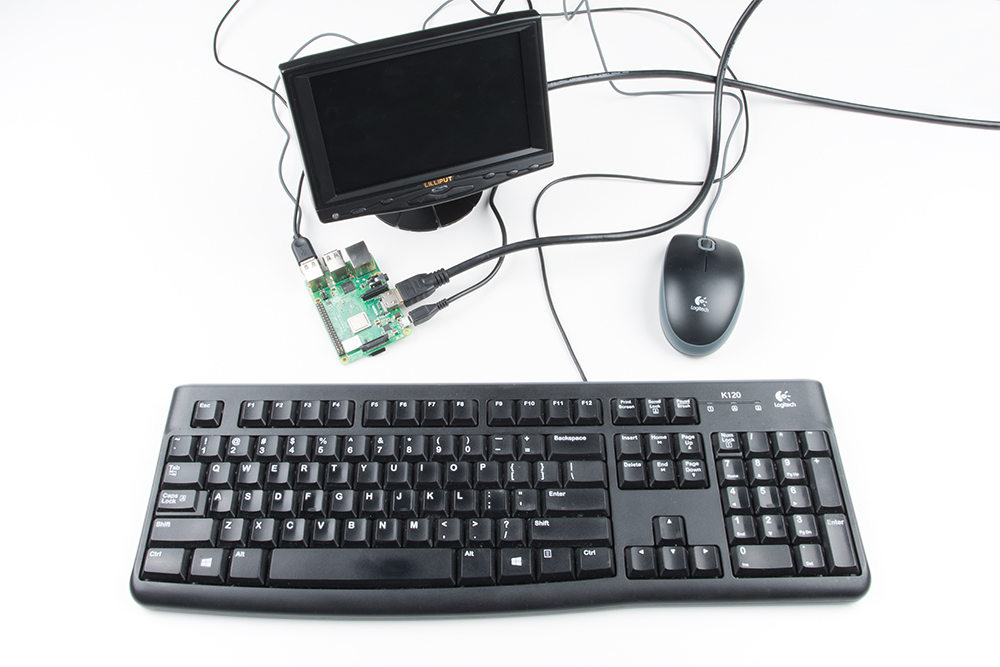
How to setup without an extra Monitor or Keyboard So for today s tutorial I will teach you how to set up a headless mode for raspberry pi 4 There are several models of Raspberry Pi that include the latest one which is Raspberry Pi 400 But for today we re going to you use the Raspberry Pi 4 Model B with 4GB RAM Starter Kit Pack
For Raspberry Pi 5 earlycon output only appears on the 3 pin debug connector with the following configuration earlycon pl011 0x107d001000 115200n8 For Raspberry Pi 4 400 and Compute Module 4 earlycon uart8250 mmio32 0xfe215040 earlycon pl011 mmio32 0xfe201000 For Raspberry Pi 2 Pi 3 and Compute Module 3 earlycon uart8250 mmio32

The simplest way to accomplish this on a headless setup is to utilize the Raspberry Pi imager s built in WiFi configuration options menu to enter the SSID and password of the primary wireless network This configuration option also lets users enter the WiFi country code This article explains all the necessary steps in more detail

How to Set up WiFi on Your Raspberry Pi Without a Monitor Headless No monitor keyboard or mouse No problem August 8 2023 9 minutes You ll Need 1 What you ll need Interests Series Raspberry Pi x 1 Howchoo is reader supported As an Amazon Associate we may earn a small affiliate commission at no cost to you when you buy through our links
Raspberry Pi 4 Configuration for IoT Projects Quick and Easy Headless Setup Over Wifi by Jono Matusky Plynth Medium Raspberry Pi 4 Configuration for IoT Projects Quick and Easy Steps for Headless Raspberry Pi setup using WiFi Step 1 Flash the Raspbian Image file using Win32 Disk Imager Step 2 After flashing open SD Card and Create wpa supplicant conf file and empty ssh file Step 3 Now open wpa supplicant conf file using any text editor and paste the following code
What we will be using Laptop Raspberry Pi 4 MicroSD card whatever size you want bigger is better Power supply Ethernet cable optional but recommended Step 1 Getting an OS in the microSD card Install an imaging utility that will get an OS into our microSD card